The core value lies in its deep sound customization capabilities. Understanding how different frequencies affect the listening experience empowers users to sculpt audio to their precise preferences.
EQ Settings
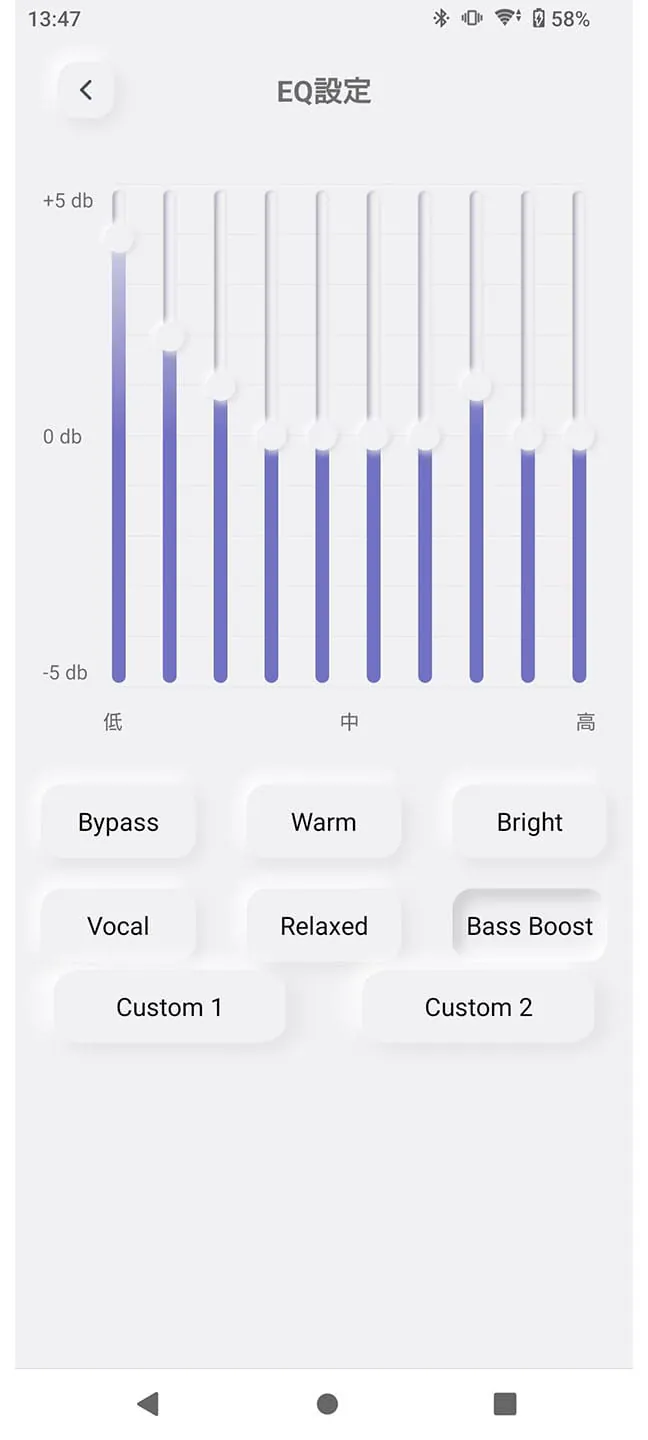
Offers a wide range of equalizer presets and the ability to create custom EQ profiles, allowing users to fine-tune the audio output.
Bluetooth Connectivity Wisdom
Stable and efficient Bluetooth connectivity is crucial for a seamless audio experience. The application should intelligently manage connections and minimize dropouts.
Fast pairing
Reliable connection
Occasional disconnects (based on user reviews)
Insight into Firmware Updates
Timely firmware updates are essential for bug fixes, performance improvements, and the addition of new features. The app should provide a clear and straightforward update process.
Update Frequency
Assessing the frequency of updates helps determine the developer's commitment to improving the application and addressing user feedback. Strive for routine maintenance!
User Interface Learning
An intuitive and user-friendly interface enhances the overall experience. Clear navigation and easy access to key features are paramount.
Navigation
Easy to navigate, although some users may find certain settings buried within menus.
Accessibility
The app's accessibility features should be reviewed to ensure usability for all users.
Understanding Codec Support
Support for various audio codecs (e.g., AAC, aptX, LDAC) impacts the audio quality. The app should clearly indicate which codecs are supported by the connected device.
Codec
Description
Impact on Quality
AAC
Advanced Audio Coding
Good
aptX
Qualcomm aptX
Better
LDAC
Sony LDAC
Best
Advertisement
Description
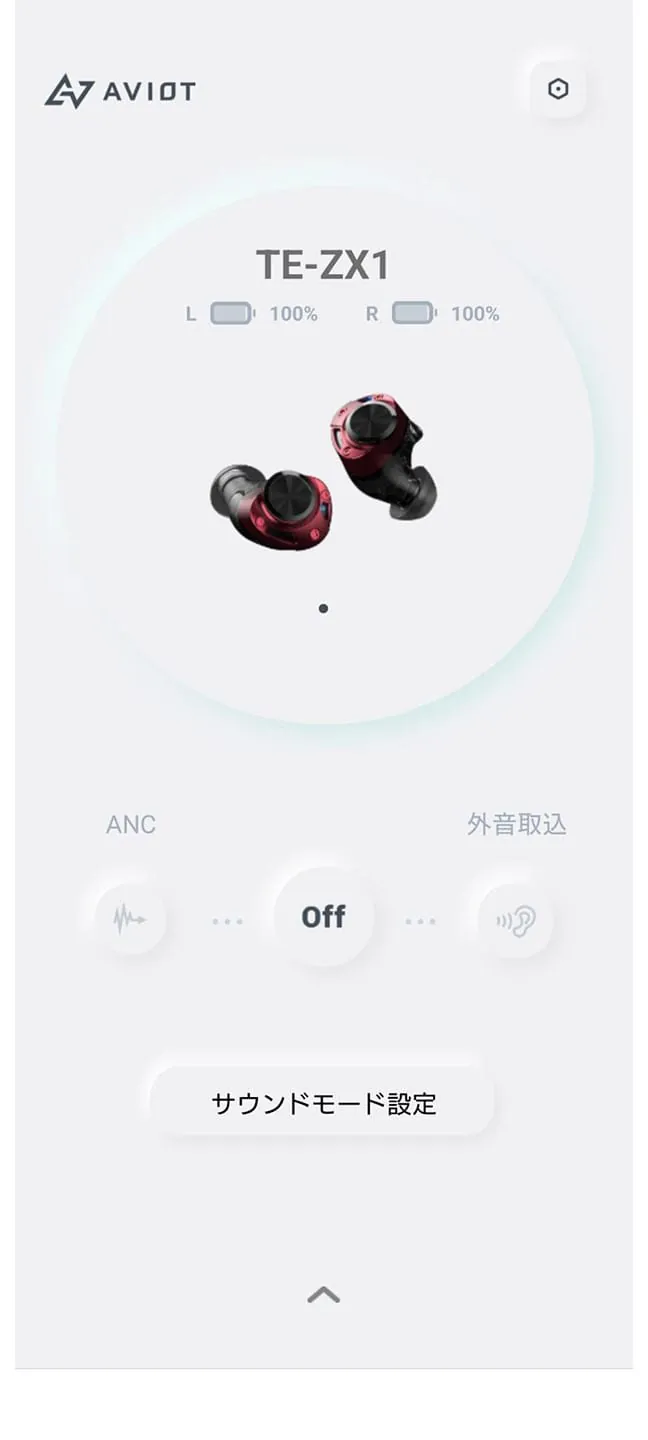
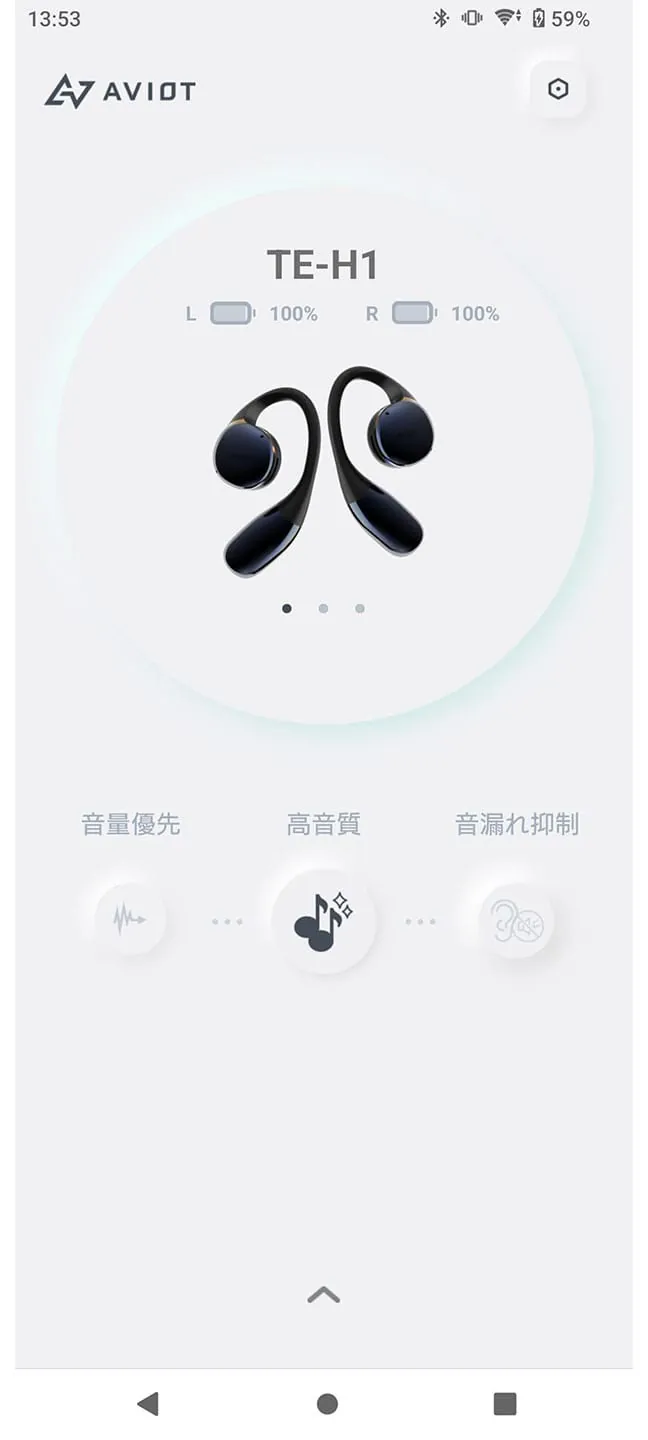
This is the dedicated app for AVIOT earphones. It offers various customization options to tailor the sound quality to your preferences. The app features a 10-band graphic equalizer for precise audio adjustments, as well as earphone detection, noise cancellation, ambient sound mode, and gaming mode with reduced audio latency. Additionally, there is a wind noise reduction mode to suppress wind interference when using noise cancellation. The app allows you to personalize your AVIOT earphones to suit your individual taste.
Please note that there may be occasional issues with the EQ function, such as audio cutting out or disconnection. If this happens, try closing the app, returning the earphones to the case, and reconnecting them. Some functions may vary depending on the model of your earphones, so please refer to the product web page for more details. Also, be aware that unexpected app incompatibility may occur due to changes in the operating system or device compatibility. The app is not guaranteed to work on all Android devices and is not compatible with devices other than smartphones.
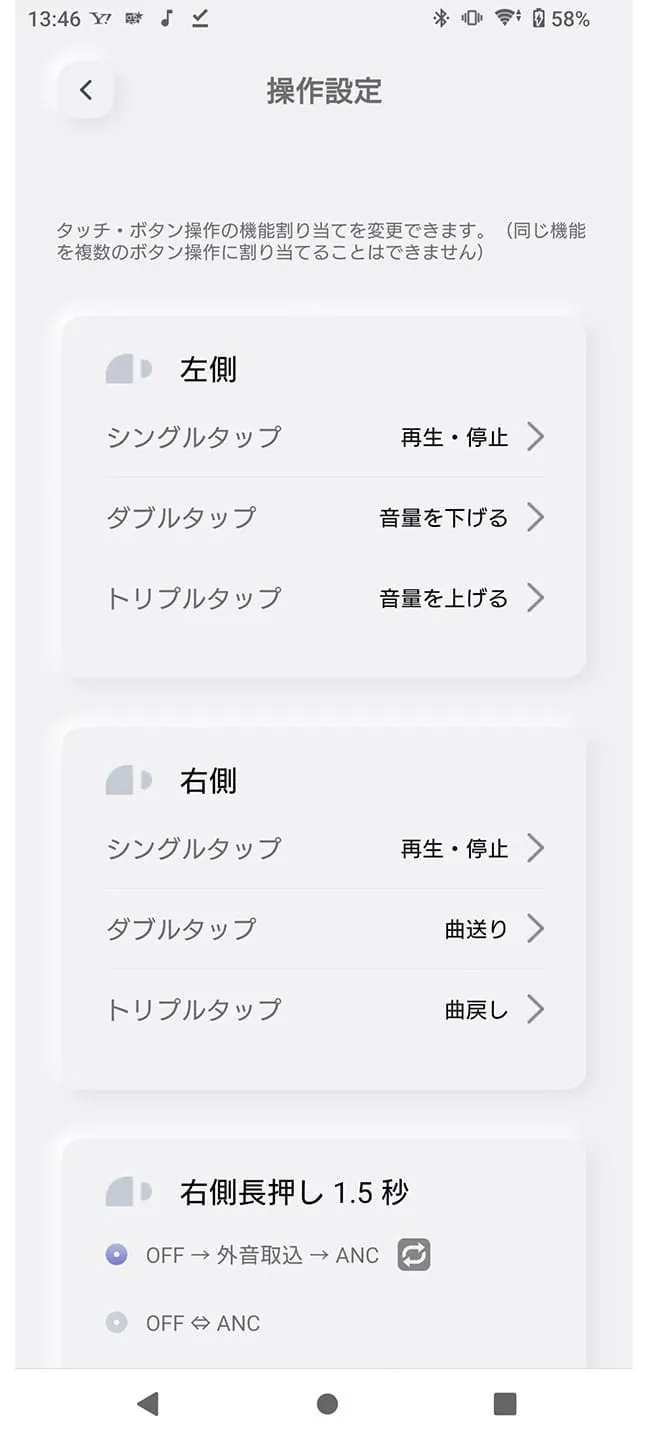
The main features of the app include settings for noise cancellation and ambient sound mode. You can adjust the levels and turn on/off the different modes to create a unique listening experience that suits your environment. The wind noise reduction mode is available on select models. The new "Sound Collect Mode" amplifies and enhances surrounding voices, assisting in conversations in environments where voices may be difficult to hear or when there is distance between individuals. The 10-band graphic equalizer allows you to customize the sound by adjusting the bass, treble, and other frequencies. You can save up to two custom settings and change them as often as you like. The app also offers key assignment settings, allowing you to change the functions of tap, double tap, and triple tap gestures to suit your preferences. The gaming mode reduces audio latency, improving synchronization between video and audio for a more enjoyable experience when watching videos or playing games. Lastly, the app includes an earphone detection feature that displays the last known location of the earphones on a map when the Bluetooth connection is lost.
The AVIOT app is compatible with various models, including TE-ZX1, TE-I3, TE-Q3, TE-Z1PNK, TE-J1, TE-M1, TE-S1, TE-D01v, TE-D01q, TE-D01t, WB-P1, and WB-E1/WB-E1M. Please note that this information is accurate as of January 31, 2024.
Download
Advertisement
Advertisement
2.10
13 + Reviews
1
53%
2
18%
3
12%
4
6%
5
12%
Summary Of User Reviews
sharon kwong
★★★★★
July 8, 2025
The lowest volume setting is too loud. The app does not let me lower the volume of the earbuds even more. I already have all the other music apps/sound settings on the lowest volume setting. The lowest volume setting on other headphones/earbuds from other brands is lower than the lowest setting for these earbuds. Volume also keeps going up and down on it's own when I am not touching the earbuds. Sometimes the earbuds will skip songs etc when I try to take them off/put them on/readjust them
PickleTitz
★★★★★
January 6, 2026
Great headphones, but the control app is absolutely terrible. Aviot: if you want to position yourself in the market as a credible audio business, you need to fix this. It barely works, detection is hit and miss, you want me to grant you location access? Why the hell would you need to know my location in order for me to run an app that lets me set up my headphones? This is a massive privacy breach for no good reason whatsoever.
Jonathan Chan
★★★★★
January 8, 2026
edit: They made a new app called AVIOT Connect. Go use that instead The app 'works'. I can do my setup and voice changer but you have to *really* fight the app to make sure it doesn't crash with every action