HomeLauncher OS
Launcher OS

Launcher OS

Everyone
Rating
V2.9
Version
10M+
Installs
4.70
3.2k + Reviews
1
2%
2
1%
3
3%
4
11%
5
83%

Review By AppsWm

Launcher OSLauncher OSLauncher OSLauncher OS

Moments of Insight

The potential for personalization apps to bring a sense of calm and control to our digital lives is immense. By allowing users to curate their phone's interface, these apps can reduce visual clutter and promote a more focused experience.

Balanced Perspectives

Strengths
  • Offers a highly customizable interface
  • Can improve ease of access to frequently used apps
  • Provides a visually distinct alternative to default launchers

Areas for Growth
  • May introduce a learning curve for new users
  • Could potentially increase battery consumption
  • Requires careful consideration of permissions to ensure privacy

Mindful Observations

When evaluating a personalization app, it’s crucial to observe how seamlessly it integrates with existing system functions. The ability to customize widgets, use live wallpapers, and access quick settings significantly enhances user experience.

Thoughtful Reflections

Thoughtful design in a launcher app includes intuitive navigation, clear visual cues, and minimal performance impact. The goal should be to simplify tasks and reduce cognitive load, thereby promoting digital well-being.

Harmonious Integrations

Customization Options

The ability to tailor the look and feel of the device, from themes and color schemes to icon packs and widget designs, allows for a truly personal and harmonious user experience. This level of control fosters a sense of ownership and reduces digital friction.

Performance Impact

It's vital to consider how the app affects system resources, battery usage, and memory management. A well-optimized launcher should enhance, not hinder, device performance.

Promoting Digital Wellness

Ultimately, a good personalization app should contribute to digital wellness by creating a more calming and focused environment. By reducing distractions and improving ease of use, it empowers users to engage with technology on their own terms.

Feature Description
Theme Selection Allows users to choose from a variety of pre-designed themes or create their own.
Icon Packs Enables the use of custom icon sets to personalize app appearance.
Widget Design Provides tools to customize and place widgets on the home screen.

Description

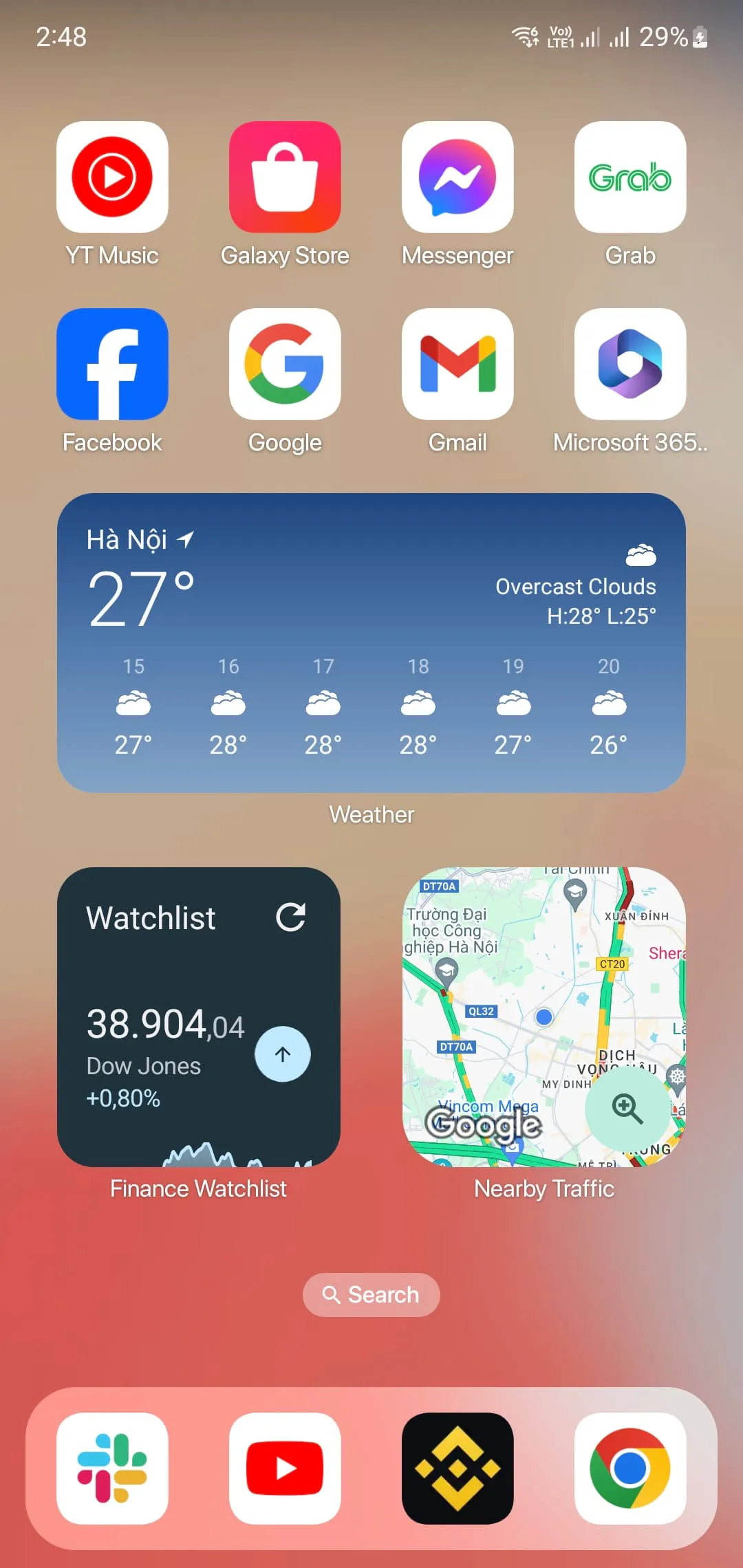
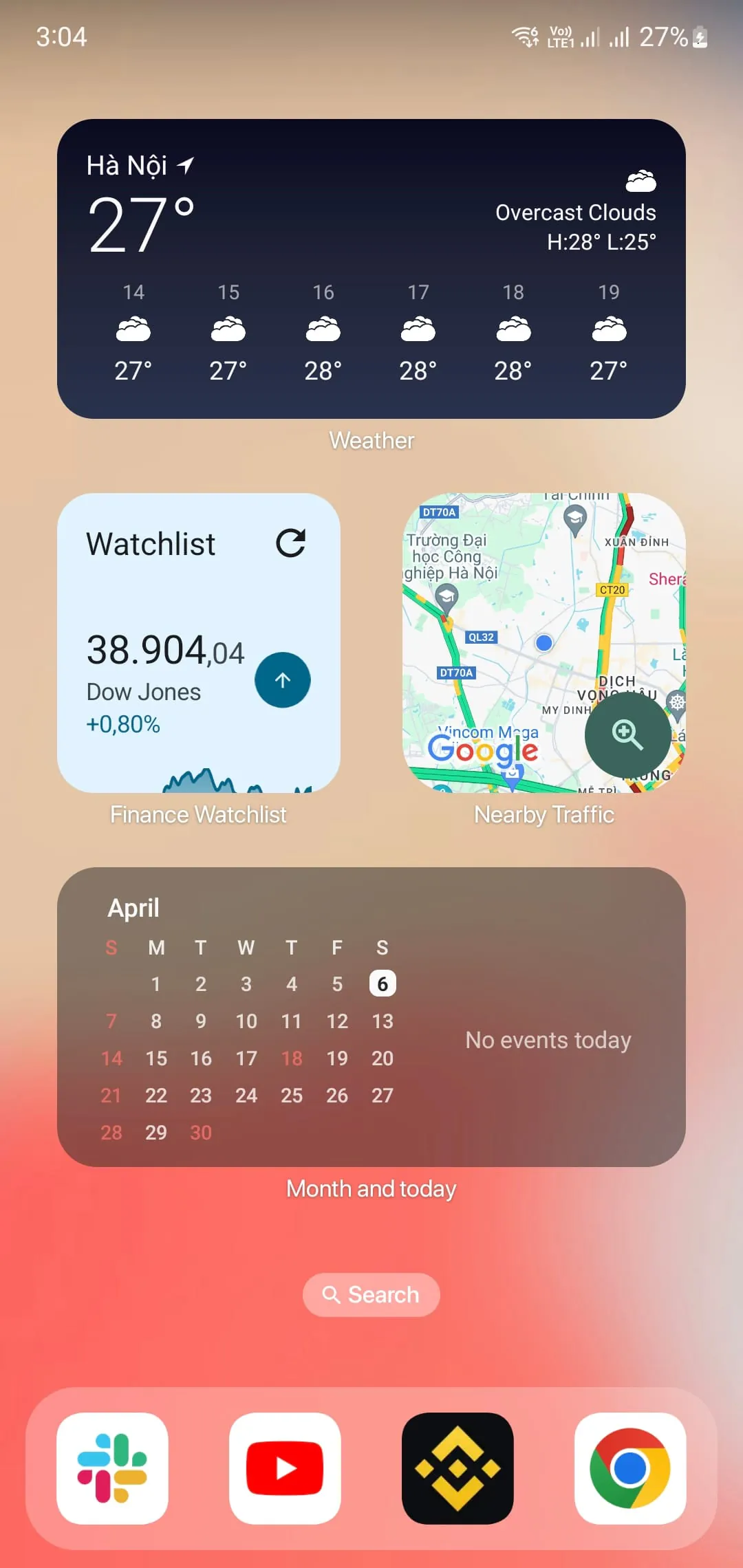
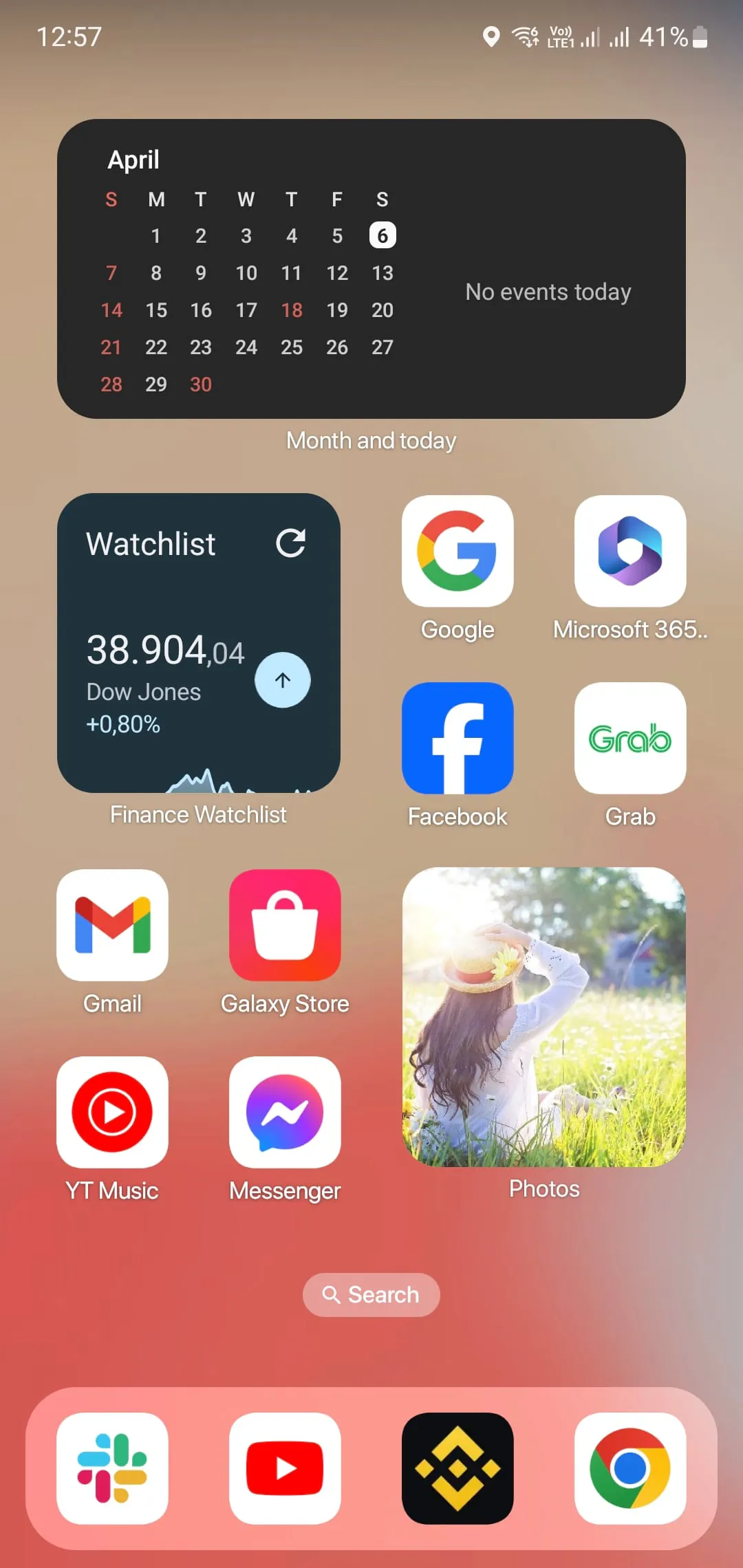
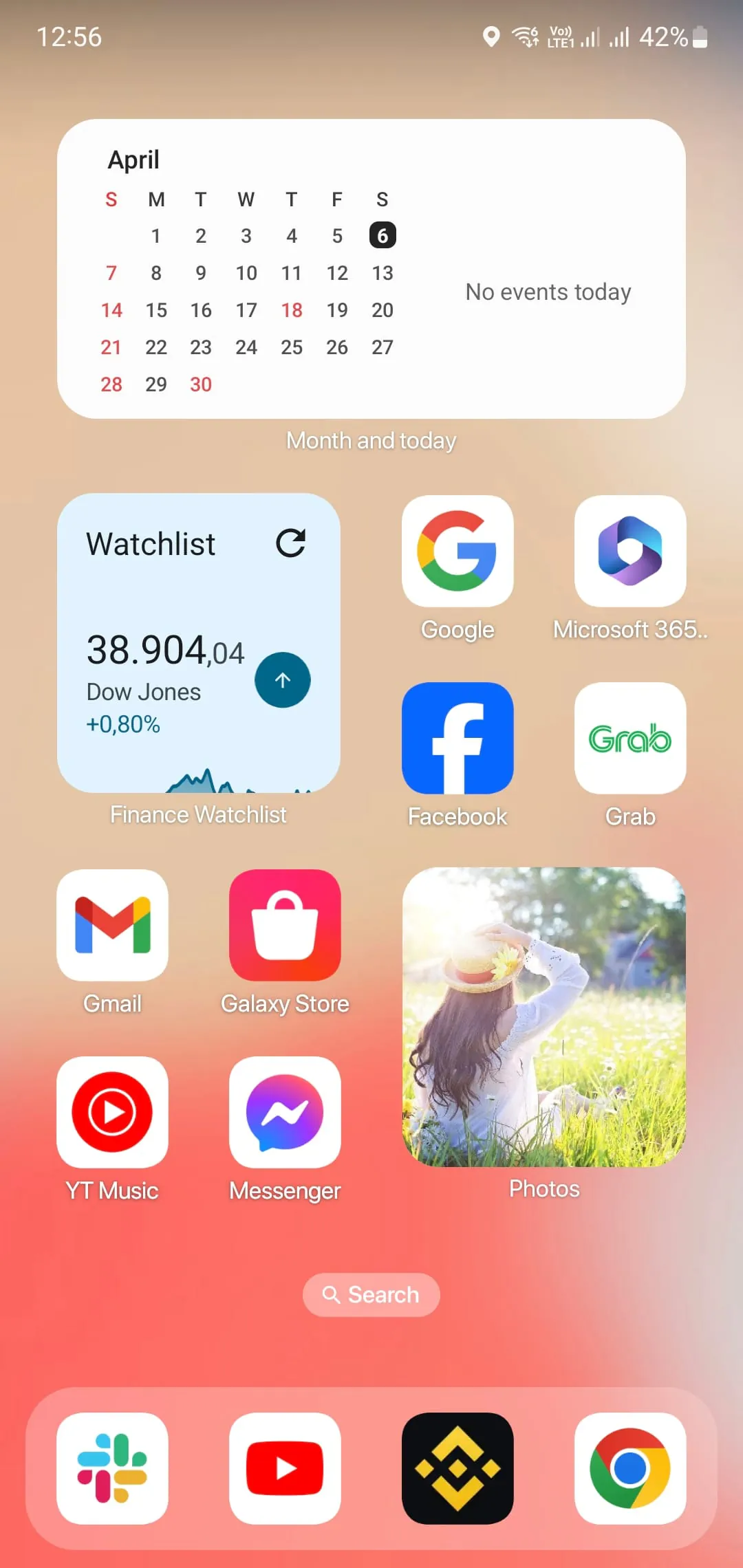
Launcher iOS 16 is an Android mobile operating system that sets a new standard for Android phones. It offers a range of features that make your phone more beautiful, luxurious, and powerful. One of the main features of Launcher iOS 16 is the App Library, which is a new way to organize your apps, similar to real iOS devices. This feature allows you to easily find and access your apps, making your phone more efficient. Another feature of Launcher iOS 16 is the support for dark mode and light mode. This feature allows you to customize the look and feel of your phone, making it more personalized. Additionally, Launcher iOS 16 offers a Style Folder, which is designed to look like iOS. You can drag and drop an app to another to create a folder, making it easier to organize your apps. Launcher iOS 16 also provides a Weather and Suggestion widget, which allows you to get the weather forecast in recent days. This feature is useful for those who need to plan their day ahead. Furthermore, the customizable icon feature allows you to modify the icon and name of the application. You can choose an image and use it as an app icon, making your phone more personalized. Lastly, Launcher iOS 16 has added a new function to notify unread messages. By turning on the App Notified in the settings and granting permission, you can make your apps selected to show New Information tips. This feature ensures that you do not miss important information and can stay on top of your messages. Overall, Launcher iOS 16 is a powerful Android mobile operating system that offers a range of features to make your phone more efficient, personalized, and luxurious. Launcher iOS 16 is an Android mobile operating system that offers a range of features to make your phone more efficient, personalized, and luxurious. One of the main features of Launcher iOS 16 is the App Library, which is a new way to organize your apps, similar to real iOS devices. This feature allows you to easily find and access your apps, making your phone more efficient. Another feature of Launcher iOS 16 is the support for dark mode and light mode. This feature allows you to customize the look and feel of your phone, making it more personalized. Additionally, Launcher iOS 16 offers a Style Folder, which is designed to look like iOS. You can drag and drop an app to another to create a folder, making it easier to organize your apps. Launcher iOS 16 also provides a Weather and Suggestion widget, which allows you to get the weather forecast in recent days. This feature is useful for those who need to plan their day ahead. Furthermore, the customizable icon feature allows you to modify the icon and name of the application. You can choose an image and use it as an app icon, making your phone more personalized. Lastly, Launcher iOS 16 has added a new function to notify unread messages. By turning on the App Notified in the settings and granting permission, you can make your apps selected to show New Information tips. This feature ensures that you do not miss important information and can stay on top of your messages. Overall, Launcher iOS 16 is a powerful Android mobile operating system that offers a range of features to make your phone more efficient, personalized, and luxurious. Launcher iOS 16 is an Android mobile operating system that offers a range of features to make your phone more efficient, personalized, and luxurious. One of the main features of Launcher iOS 16 is the App Library, which is a new way to organize your apps, similar to real iOS devices. This feature allows you to easily find and access your apps, making your phone more efficient. Another feature of Launcher iOS 16 is the support for dark mode and light mode. This feature allows you to customize the look and feel of your phone, making it more personalized. Additionally, Launcher iOS 16 offers a Style Folder, which is designed to look like iOS. You can drag and drop an app to another to create a folder, making it easier to organize your apps. Launcher iOS 16 also provides a Weather and Suggestion widget, which allows you to get the weather forecast in recent days. This feature is useful for those who need to plan their day ahead. Furthermore, the customizable icon feature allows you to modify the icon and name of the application. You can choose an image and use it as an app icon, making your phone more personalized. Lastly, Launcher iOS 16 has added a new function to notify unread messages. By turning on the App Notified in the settings and granting permission, you can make your apps selected to show New Information tips. This feature ensures that you do not miss important information and can stay on top of your messages. Overall, Launcher iOS 16 is a powerful Android mobile operating system that offers a range of features to make your phone more efficient, personalized, and luxurious.

All Versions

V2.9

Updated: 2023-7-31

11.9 MB

V2.8.5

Updated: 2023-1-10

11.31 MB

V2.49

Updated: 2021-8-13

11.0 MB

Summary Of User Reviews

Erika Gunnerson
Erika Gunnerson
January 27, 2023
It works perfectly. Personally, I have had no issues with it so far. My only complaint is that when sorting apps in your app library, the apps are not in alphabetical order in each folder, and you can't rearrange them. I know it's something small, but I'm autistic and small things like this are irritating to me. I'm fine with it for now, though. But otherwise, the launcher runs pretty smoothly. Probably the best launcher app I've tried.
Afua Awuku-Asabre
Afua Awuku-Asabre
December 29, 2025
Honestly, I've used another ios launcher app before, and compared to that one, this is very bad. I'm not able to edit the app icons, the icons are huge and everything just feels weird compared to the other one. but I've only been using it for a day so I'm not really sure...
ᏒᎯᏦᎬᏕᎻ
ᏒᎯᏦᎬᏕᎻ
December 18, 2025
This app was soo soo good app and working very fast and fine without any lag I was using it from.the past two and half years it works very well and loved it. •THIS NOT A COMPLAINT Requirement Can you please add the option of having glass tube theme as to get turn on if required and off not interested please