Artistic elements
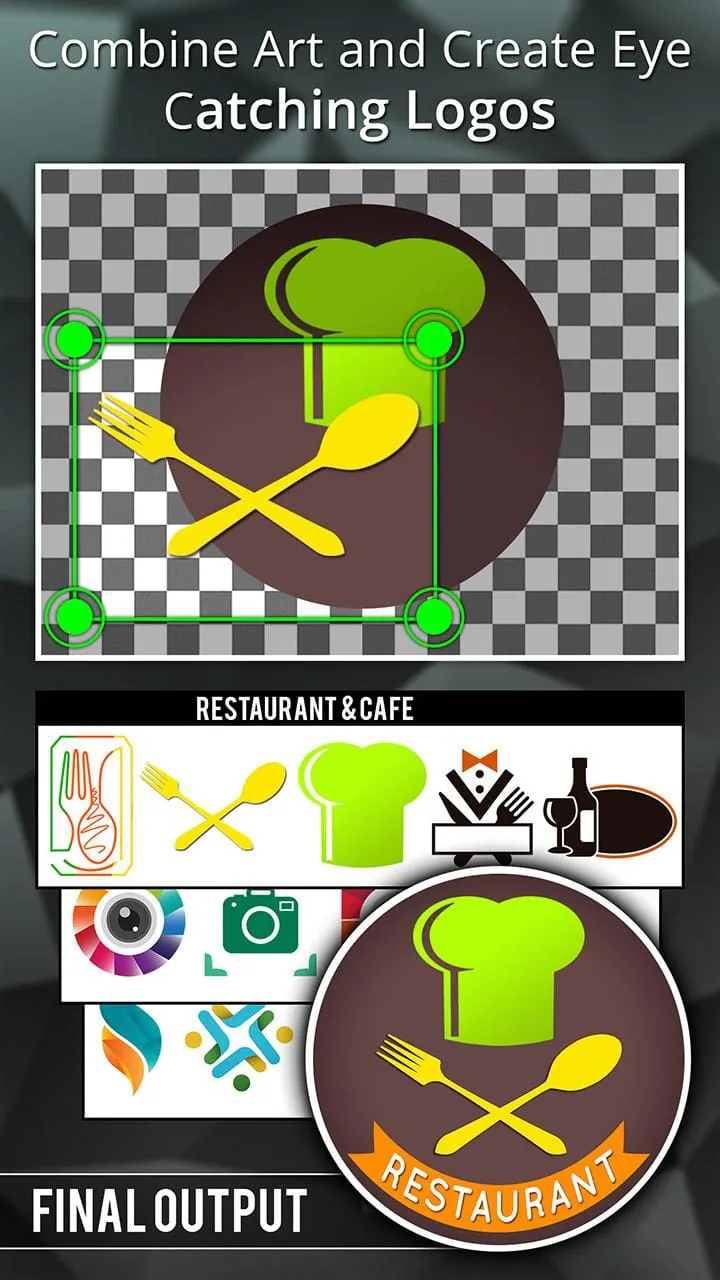
The application offers a variety of artistic elements that allow users to create visually appealing logos. These range from basic shapes to more intricate designs, fostering creativity and enabling the production of unique and memorable branding.
Template System
A broad selection of templates provides a starting point for logo creation, appealing to both novice and experienced designers. Templates showcase diverse design styles and can be customized extensively.
Overall artistic value
The variety of design elements and customization options contribute to the overall artistic value, providing tools to create distinctive logos.
Beauty points
The interface is designed with a focus on ease of use, enhancing the overall beauty of the user experience. The layout is intuitive, making logo creation accessible to all skill levels.
-
Clean and intuitive design
-
Visually appealing color palettes
-
Smooth transitions and animations
Grace features
The editing capabilities offered provide graceful control over the logo design process. Basic adjustments like resizing and color changes are simple to execute, while more advanced features such as layering allow for complex designs.
|
Feature
|
Description
|
|
Basic Adjustments
|
Resizing, color changes, and alignment
|
|
Advanced Editing Tools
|
Layering, masking, and effects
|
Elegance aspects
The export quality of the final logo designs adds to the application's elegance. High-resolution output ensures that the logos look professional across different media.
-
High-resolution export
-
Multiple format options
-
Some advanced features are locked behind a paywall
Style moments
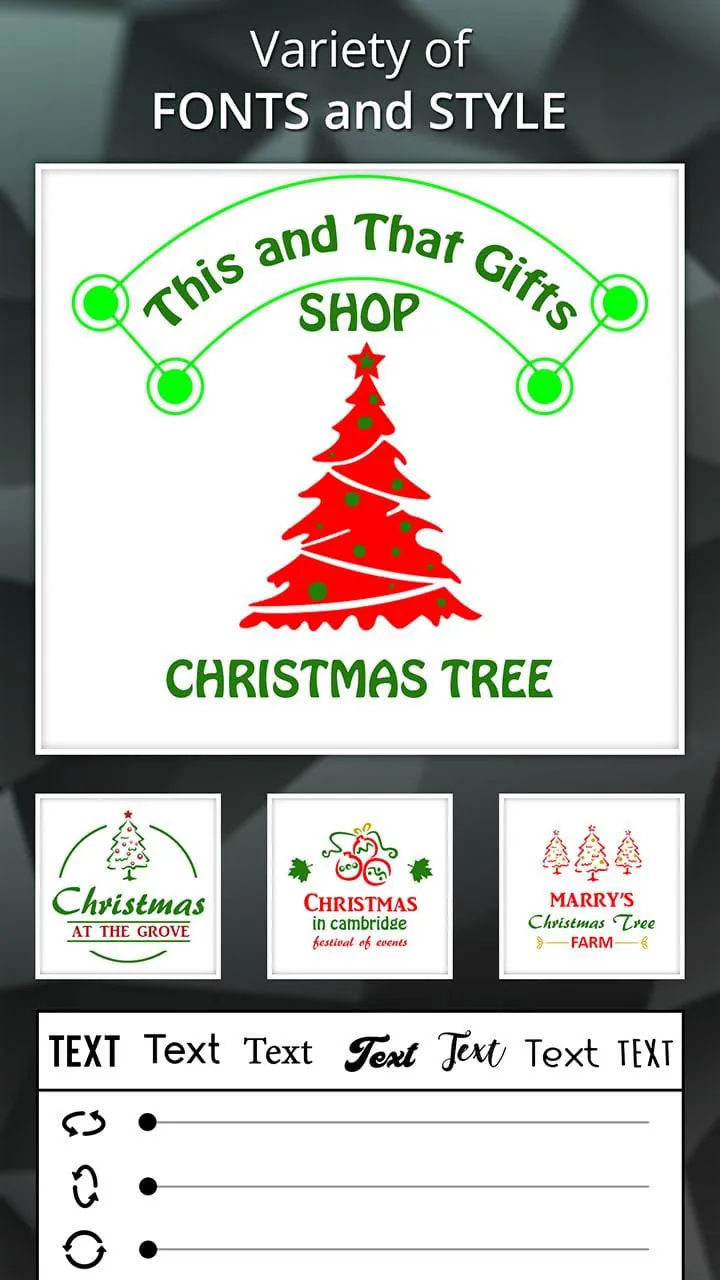
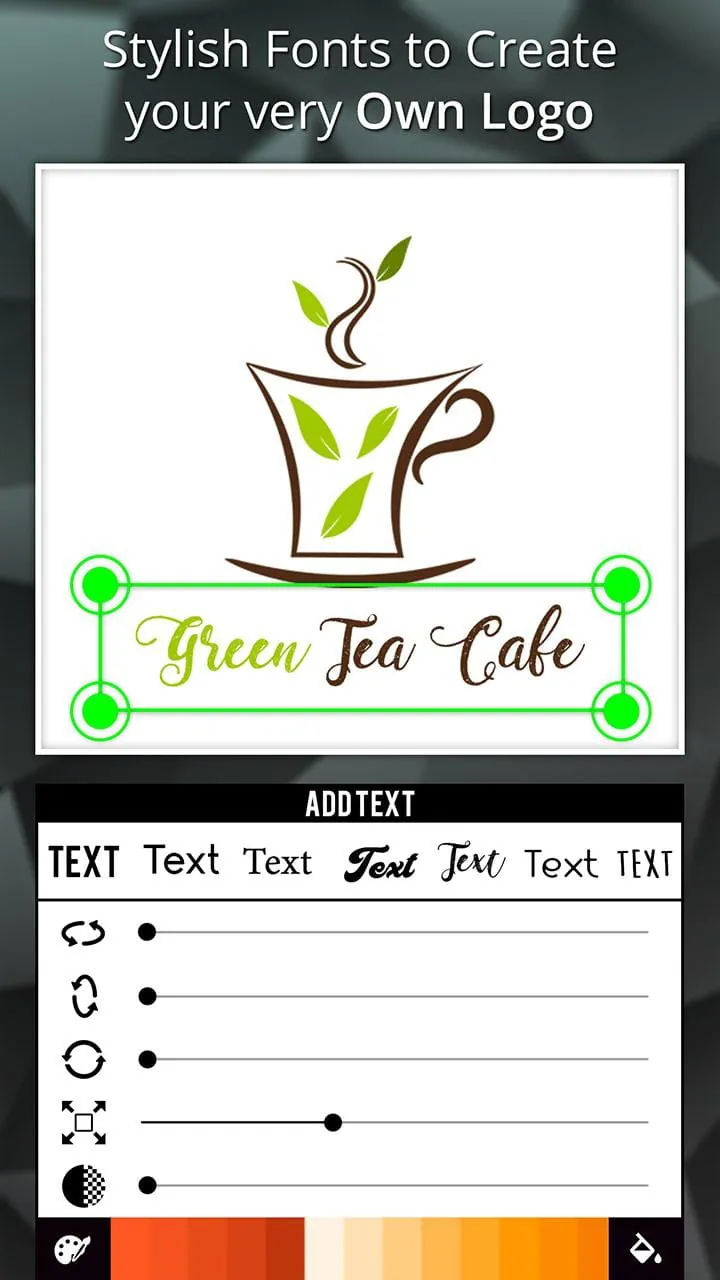
The availability of text and sticker tools adds stylistic flair to logo designs. A wide range of fonts and decorative elements allows for the creation of logos that reflect individual brand identities.
-
Text Tools
-
Multiple font options and customization
-
Sticker Tools
-
Various decorative elements to enhance logos
Final verdict
The application presents a balance of artistic elements and ease of use, enabling users to create elegant and stylish logos. The user-friendly interface and range of features make it suitable for a wide range of design needs.
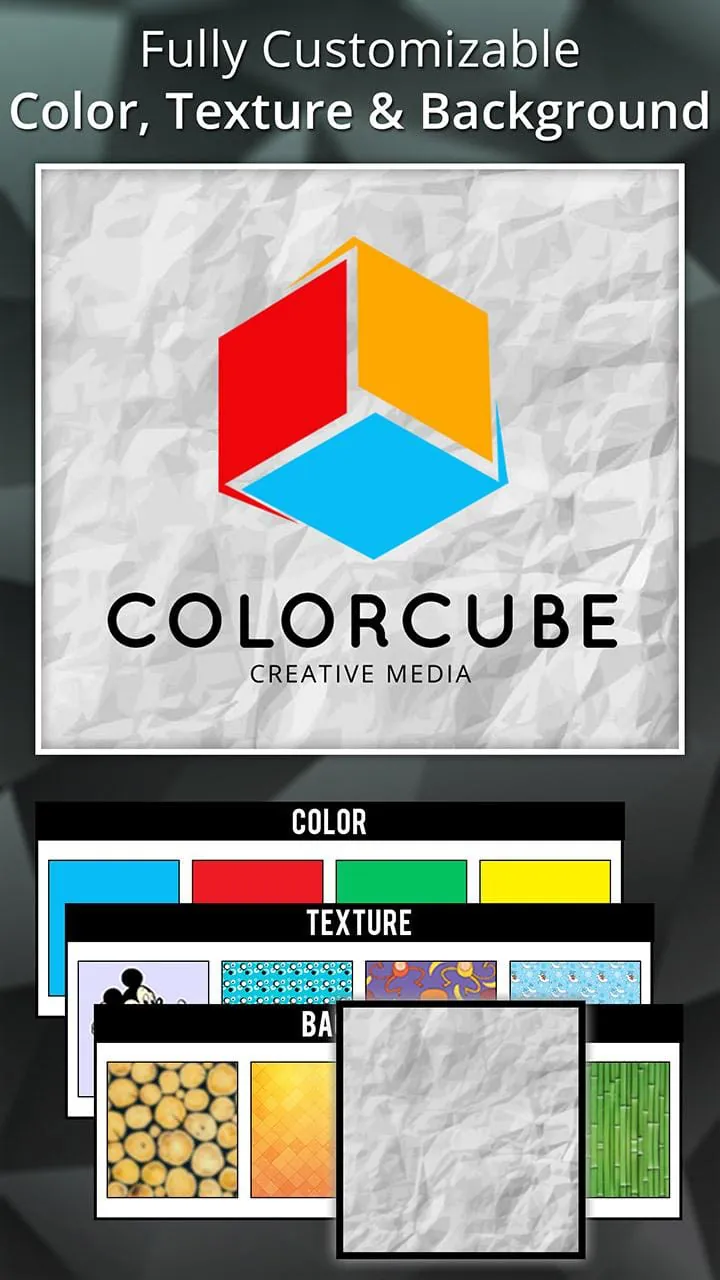
Logo Maker is a mobile app that allows users to create professional and unique logos on their phones. The app is fast and easy to use, with a wide range of arts, colors, backgrounds, and textures to choose from. It also comes with professional photo editing tools to help users create a logo that truly represents their brand. With Logo Maker, users can create promotional posters, advertisements, cover photos, brochures, newsletters, and other branding materials for their businesses.
Logos are an essential part of any business's brand reputation. They serve as the face of the company and help attract the right customers by conveying the company's values and identity. Logo Maker offers a range of features to help users create logos that are unique, artistic, and symbolic. The app includes a huge collection of categorized arts, graphic elements, backgrounds, textures, and colors, as well as professional photo editing and text editing tools.
With Logo Maker, users can generate more than just a logo. The app is also useful for creating other branding materials, such as promotional posters and advertisements. Whether you're a small business owner or a social media influencer, Logo Maker can help you create a professional and impressive logo that truly represents your brand. Try it now and see for yourself how easy it is to create a logo on your phone.
Logo Maker is a fully loaded logo designer app that allows users to create professional and unique logos on their phones. The app is fast and easy to use, with a wide range of arts, colors, backgrounds, and textures to choose from. It also comes with professional photo editing tools to help users create a logo that truly represents their brand. With Logo Maker, users can create promotional posters, advertisements, cover photos, brochures, newsletters, and other branding materials for their businesses.
Logos are an essential part of any business's brand reputation. They serve as the face of the company and help attract the right customers by conveying the company's values and identity. Logo Maker offers a range of features to help users create logos that are unique, artistic, and symbolic. The app includes a huge collection of categorized arts, graphic elements, backgrounds, textures, and colors, as well as professional photo editing and text editing tools.
With Logo Maker, users can generate more than just a logo. The app is also useful for creating other branding materials, such as promotional posters and advertisements. Whether you're a small business owner or a social media influencer, Logo Maker can help you create a professional and impressive logo that truly represents your brand. Try it now and see for yourself how easy it is to create a logo on your phone.