



Understanding Device Security
The core function of an anti-theft app revolves around safeguarding your device from unauthorized access and potential theft. Understanding how these apps achieve this is crucial.
Motion Detection
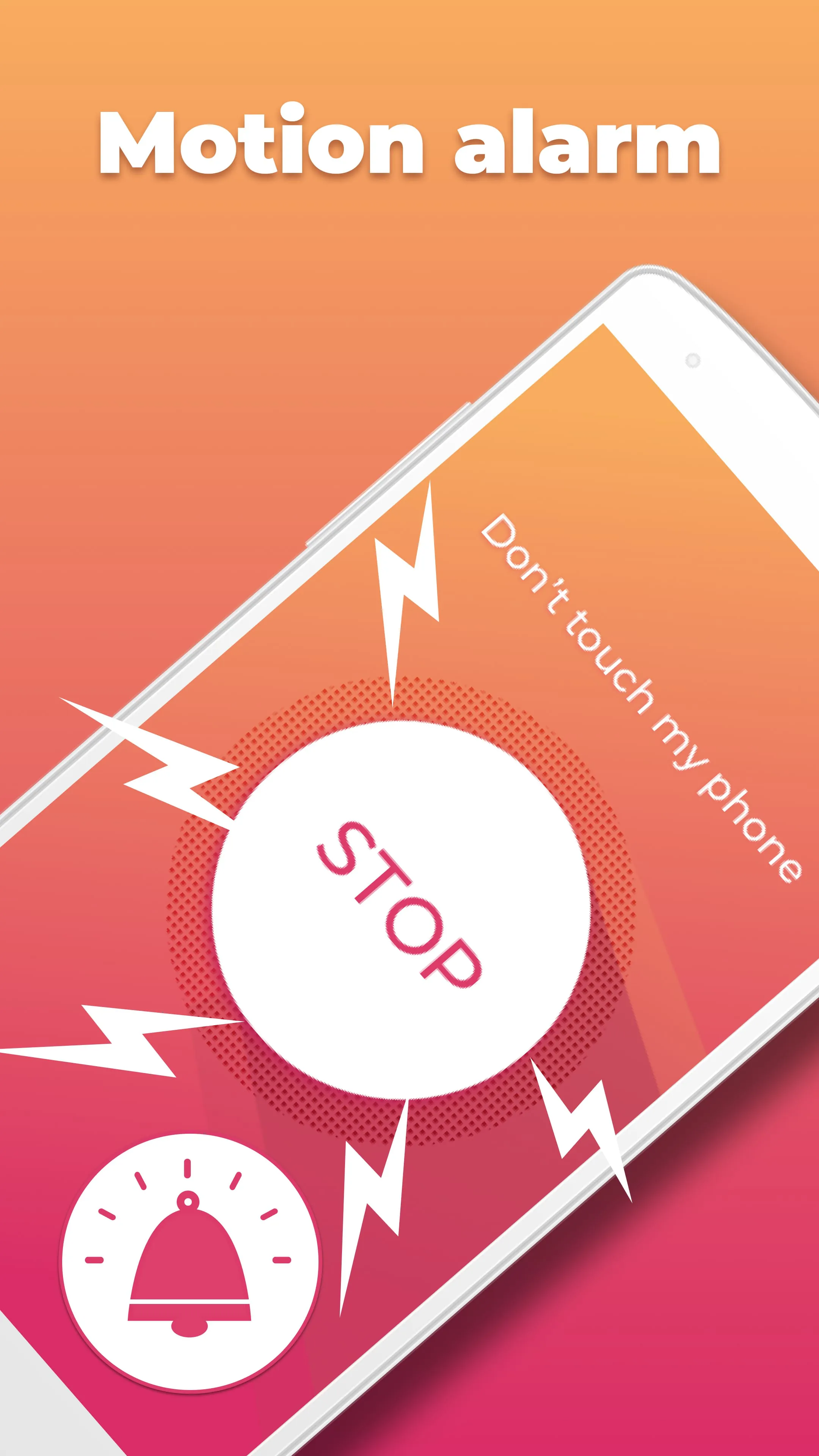
A key feature is motion detection. The app uses the device's sensors to detect movement when it's in a stationary state. Triggering an alarm upon movement.
Knowledge of User Experience
User feedback often highlights the effectiveness of the alarm system. Positive reviews praise its loudness and ability to deter potential thieves. However, some users report false alarms triggered by accidental movements.
- Loud alarm effectively deters theft.
- Simple and intuitive interface.
- Potential for false alarms.
- Battery drain reported by some users.
Insight into Privacy Considerations
Like any app, this anti-theft tool requires certain permissions to function correctly. Access to device sensors (motion, sound) and storage are common. Users should carefully review the app's privacy policy to understand how their data is handled.
Wisdom Element: Awareness of app permissions and their implications for user privacy is paramount.
Learning Optimal Settings
To minimize false alarms and optimize battery life, users should adjust the app's sensitivity settings. Experimentation may be required to find the right balance for your environment.
| Setting | Description | Impact |
|---|---|---|
| Sensitivity | Determines how much movement triggers the alarm. | High sensitivity increases false alarms; low sensitivity may miss actual theft. |
| Alarm Volume | Adjusts the loudness of the alarm. | Higher volume drains more battery. |