

HomeCupace - Cut Paste Face Photo
Cupace - Cut Paste Face Photo

Cupace - Cut Paste Face Photo

Everyone
Rating
V1.5.0
Version
10M+
Installs
4.80
5.8k + Reviews
1
1%
2
1%
3
3%
4
21%
5
74%

Review By AppsWm

Cupace - Cut Paste Face PhotoCupace - Cut Paste Face PhotoCupace - Cut Paste Face PhotoCupace - Cut Paste Face Photo

Discovery Highlights

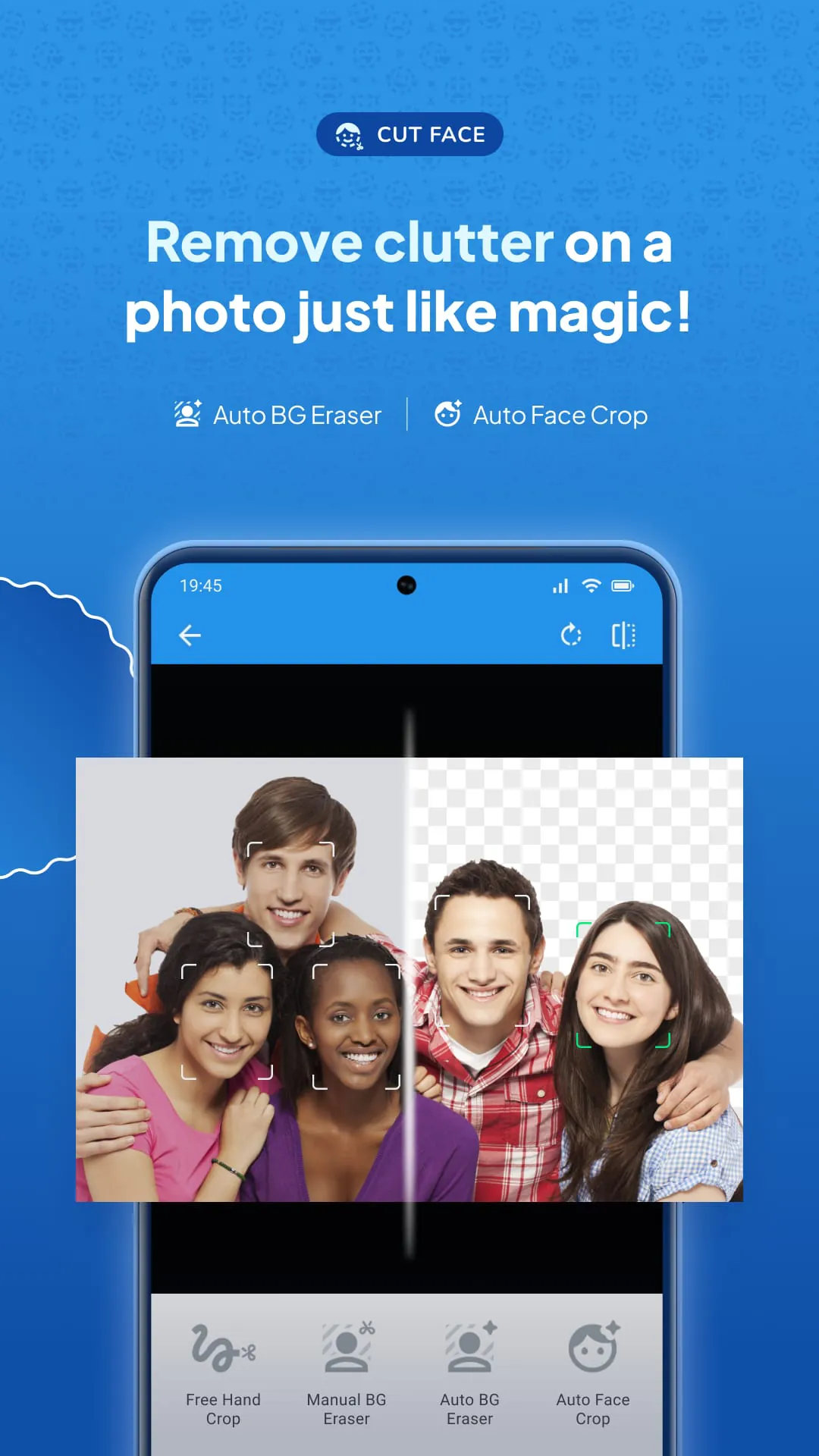
Embark on a whimsical adventure with this unique photo editing application, specializing in cut-and-paste functionalities for creating humorous and engaging photo montages. The core strength lies in its simplicity and ease of use, allowing users to quickly isolate faces or objects from photos and transplant them onto different backgrounds.

Feature Expeditions

Smart Cut

The application’s primary feature allows users to precisely cut out portions of a photo. While automated edge detection could enhance the experience, the manual controls offer satisfactory precision for detail-oriented users.

Paste with Panorama

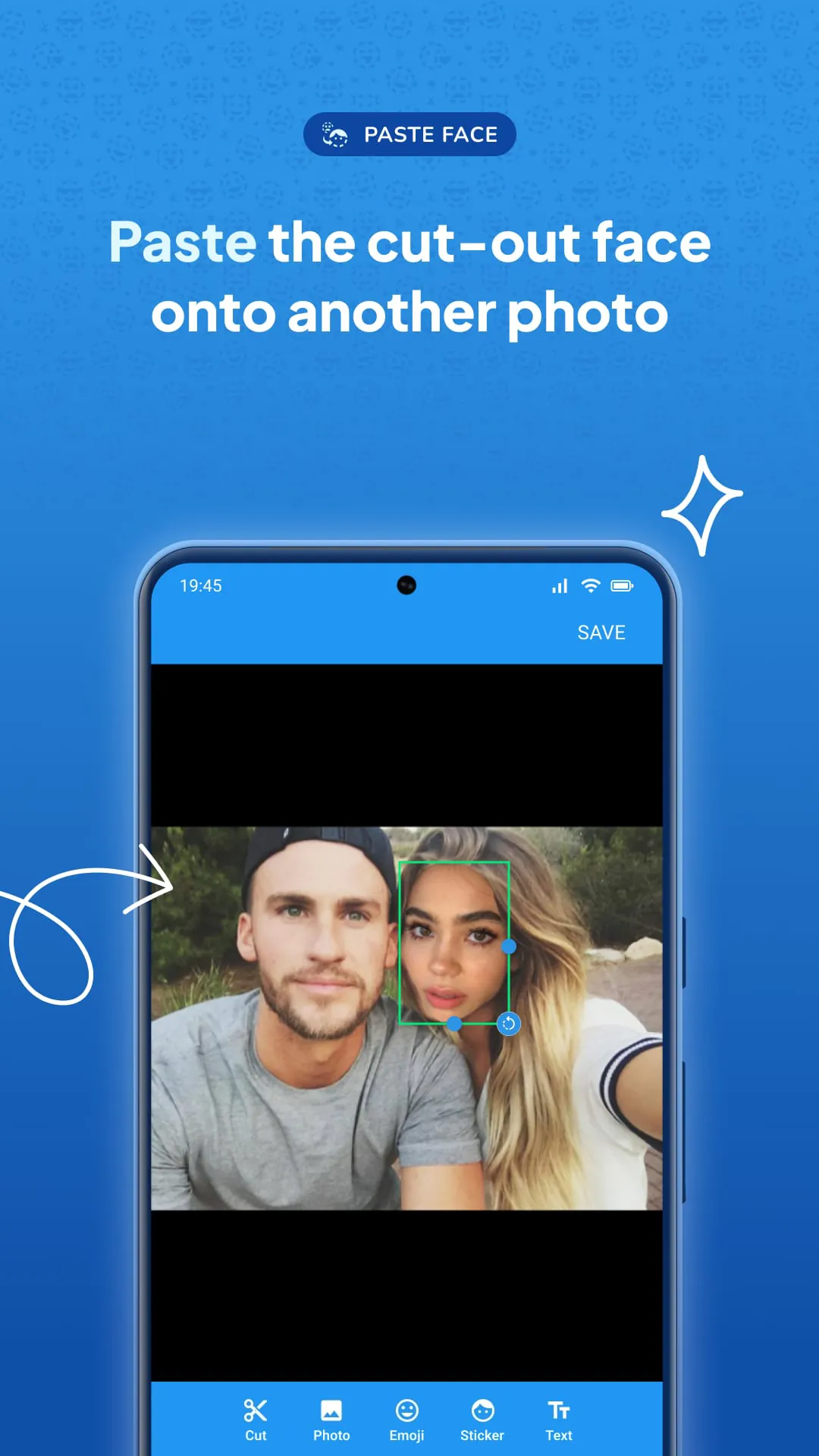
The paste function seamlessly blends cutouts into new images. It includes basic adjustments for size and rotation.

  • Simple interface that is easy for beginners.
  • Manual selection makes it precise to cut face or object.
  • Various stickers to explore more fun with the app

Hidden Treasures

Digging deeper, users will find a collection of built-in stickers and backgrounds to further enhance their creations. This library, while not extensive, provides a starting point for creative projects.

  • Easy to learn and use.
  • Offers precise manual selection.
  • Lacks advanced editing features.
  • Limited sticker/background library.

Adventure Paths

The application sets users on a path of creative photo manipulation, providing tools to create montages and collages quickly. Further exploration of more complex editing techniques might require external applications.

Secret Capabilities

While not explicitly advertised, the app's potential extends to creating custom memes and personalized social media content. Users can leverage the cut-and-paste functionality to generate humorous and engaging visual content.

Overall Adventure Value

For users seeking quick and easy photo manipulation capabilities, this application provides a fun and accessible experience. While it may lack the depth of professional photo editing software, its simplicity and focus on cut-and-paste functionalities make it a worthwhile tool for casual users.


Description

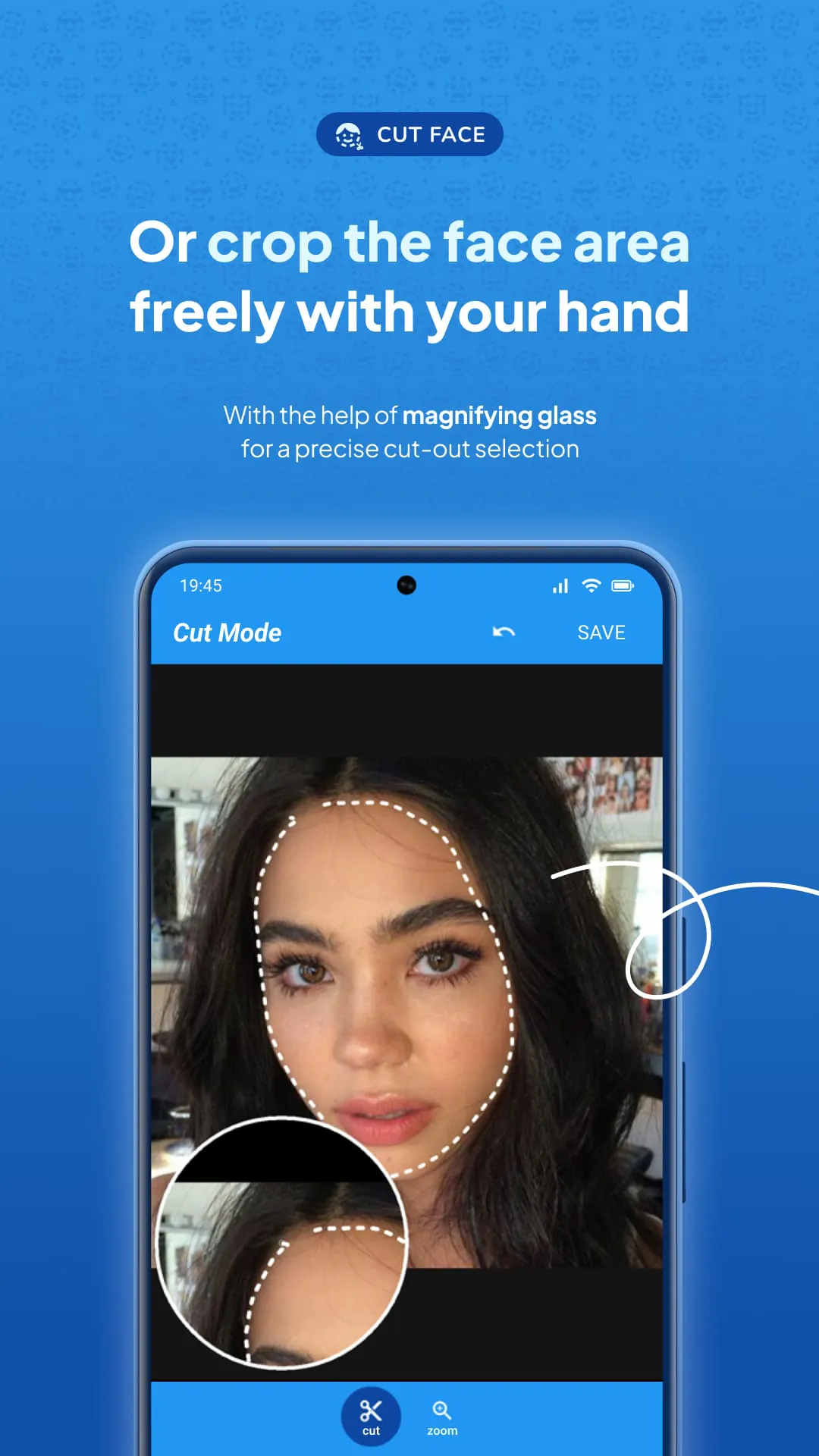
Cupace is a photo editing app that allows users to cut and paste faces in photos. With this app, users can create memes, funny photos, and swap faces in photos by cutting a face or a part of a photo and pasting it onto another photo. Additionally, users can add text and stickers to their photos. The app offers two modes for cutting faces: cut mode and zoom mode. In cut mode, users can draw a path on a face in a photo with magnifying glass support. In zoom mode, users can zoom in on the face they want to cut in a photo. All of the faces that have been cropped are saved in the Face Gallery, which allows users to reuse them on multiple photos without having to cut them again from their original photo. In addition to cutting and pasting faces, Cupace also offers a variety of other features. Users can add a photo inside a photo, as well as stickers and emojis. They can also add text to their photos. Once the photo is edited, users can save it and share it on social media platforms such as Instagram, Facebook, and Snapchat, among others. Overall, Cupace is a simple and user-friendly app that allows users to create fun and unique photos by cutting and pasting faces and adding text and stickers. With its various features and social media integration, it is a great tool for anyone looking to add some creativity to their photos.

All Versions

V1.5.4

Updated: 2025-2-12

22.04 MB

V1.5.0

Updated: 2023-11-29

23.13 MB

V1.4.5

Updated: 2023-10-20

18.2 MB

V1.4.4

Updated: 2022-8-28

16.29 MB

V1.3.5

Updated: 2018-10-29

9.1 MB

V1.3.4

Updated: 2018-10-27

9.1 MB

V1.3.3

Updated: 2018-7-6

9.1 MB

V1.3.2

Updated: 2018-4-28

9.1 MB

V1.3.1

Updated: 2018-3-22

8.8 MB

Summary Of User Reviews

John Koenig
John Koenig
July 19, 2023
Kinda sort works. Face selection is by manually drawing a dotted line around the face to crop it. Takes a steady hand and no editing capability once cropped. Lots of rough edges to the app. Documentation is minimal and what's there is weak. Gives the appearance of a pre-release version 0.8 or so. Ads are constant and intrusive. With patience and trial and error you can sort of do what it promises. Not worth the effort to figure out what they could have told you in the first place..
A Google user
A Google user
May 5, 2019
It's really excellent for swapping faces in photos, honestly the best I've found - BUT, it needs two very important functions added. First, let me zoom in on the photo I'm adding the face to. Seriously - it's impossible to line up a face perfectly right when I can't zoom in and see exactly what I'm dealing with. Second, how is there not an "undo" option? I can stretch the face in any direction, but there's no other option than to just delete it and start over? C'mon. It just needs those 2 things.
Patrick Costello
Patrick Costello
October 26, 2021
This is a pretty basic cut and paste app but it's effective and easy to use. It's a good tool to augment other more complex apps. It can be used to cut/paste anything; not just faces. Minus one star because it doesn't have an erase function. There is no way to fine-tune the pasted layer after it's pasted by erasing parts that interfere with the background. You have to get your cut right without seeing the background. I get the ads for a free app but they're loud! I'd pay but there's no paid app.