HomeDaily Planner with Calendar
Daily Planner with Calendar

Daily Planner with Calendar

Everyone
Rating
V1.1.58
Version
100k+
Installs
4.50
82 + Reviews
1
4%
2
0%
3
5%
4
20%
5
71%

Review By AppsWm

Daily Planner with CalendarDaily Planner with CalendarDaily Planner with CalendarDaily Planner with Calendar

Efficiency Tools

Effective task management is key to boosting productivity. This application offers tools like task creation, priority setting, and due dates, all of which contribute to efficient workflow management. Users can create subtasks and use tags/labels to further organize their activities.

  • Task prioritization helps focus on critical items.
  • Subtasks enable breaking down large tasks into manageable segments.
  • Tags/labels allow for custom categorization.
  • The effectiveness depends on user discipline in maintaining the system.

Time-Saving Features

Calendar integration, note-taking capabilities, and a robust search function significantly cut down the time spent on planning and information retrieval. The ability to quickly find and access notes within the context of scheduled events is a powerful time-saver.

Calendar Integration

Seamless integration with existing calendars ensures events and tasks are consolidated in one place, reducing the need to switch between apps and saving valuable time.

Workflow Enhancers

Organization tools such as category systems and sorting options are vital for streamlining workflows. By effectively categorizing tasks and sorting them based on different criteria, users can maintain a clear overview of their responsibilities and priorities.

  1. Clear categorization promotes structured thinking.
  2. Sorting options enable dynamic prioritization.

Productivity Boosters

Features like time tracking and focus mode can directly enhance productivity. Tracking time spent on tasks provides valuable insights into work habits, while focus mode minimizes distractions for better concentration. Templates for recurring tasks can also save significant time.

Feature Benefit
Time Tracking Provides data-driven insights into task completion times.
Focus Mode Reduces distractions, enhancing concentration.

Process Optimizers

While detailed information on integration with cloud services, email, or third-party apps is limited, the presence of import/export functionalities and potential API access (depending on the specific implementation) could further optimize processes by allowing data to flow seamlessly between different platforms. A robust backup system and cross-device sync also contribute to streamlined processes and data security.

Overall Productivity Value

The application's productivity value is directly tied to how well users leverage its organizational and time-management tools. Regular updates, reliable developer support, and a clear privacy policy would increase the long-term value for users seeking a dependable productivity solution.


Description

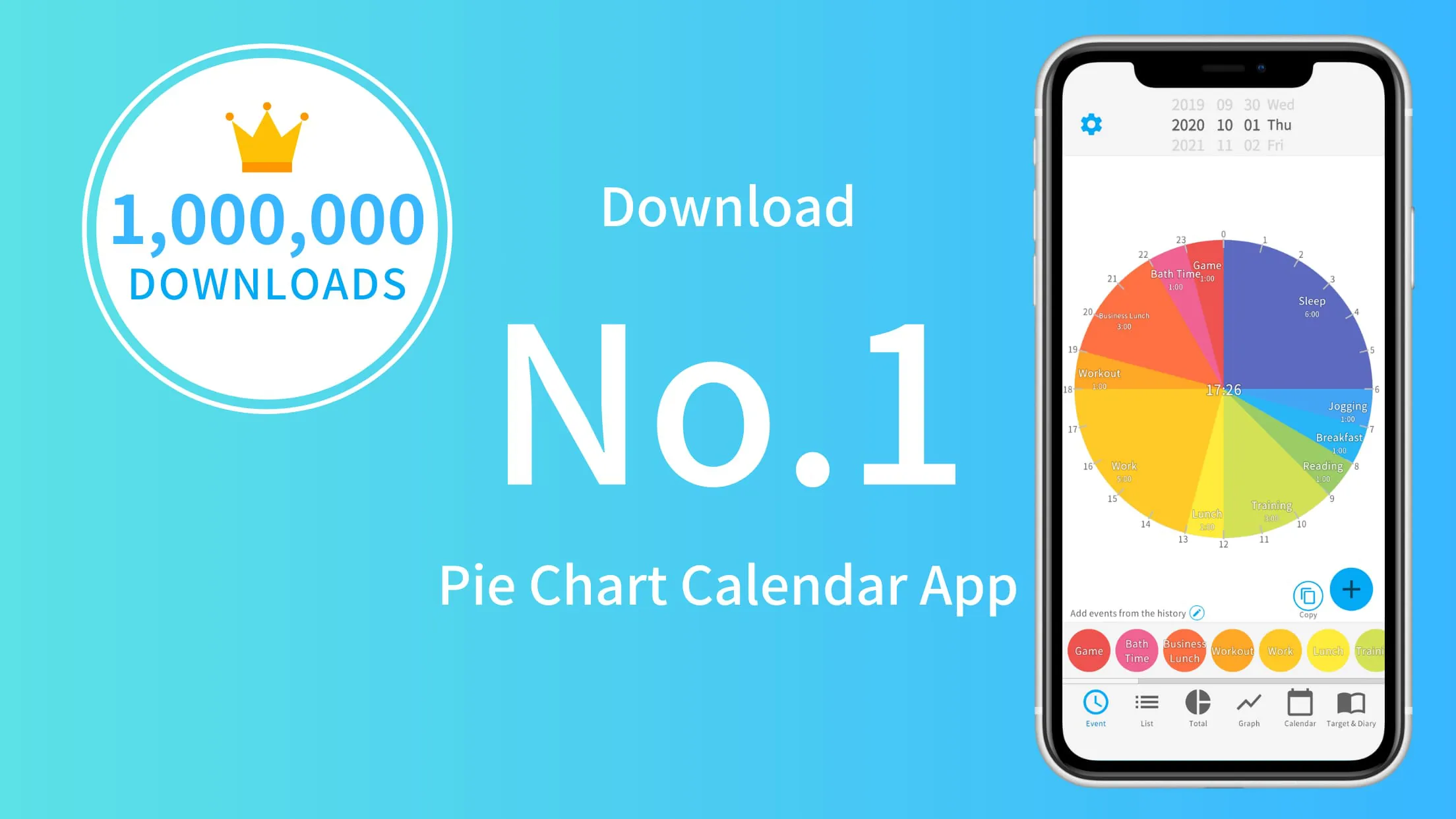
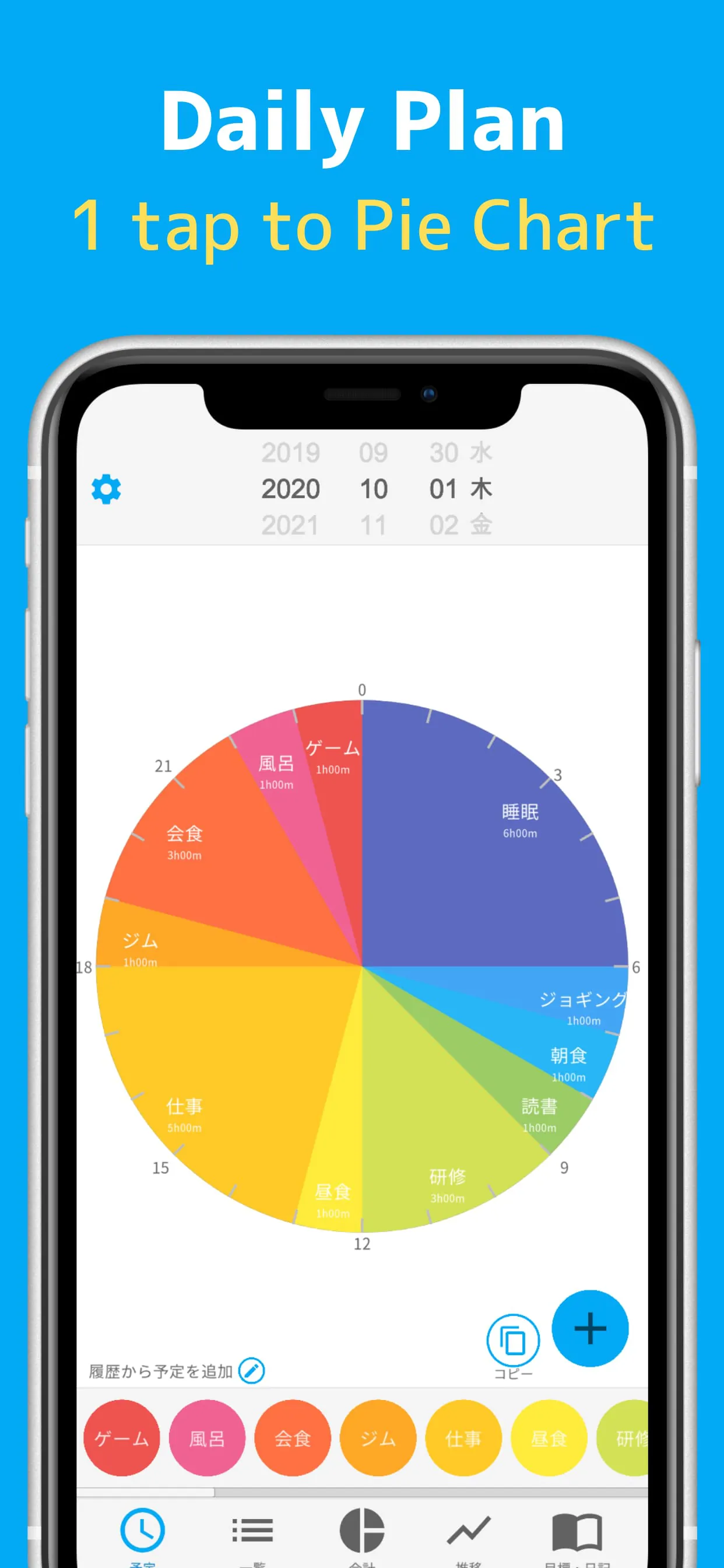
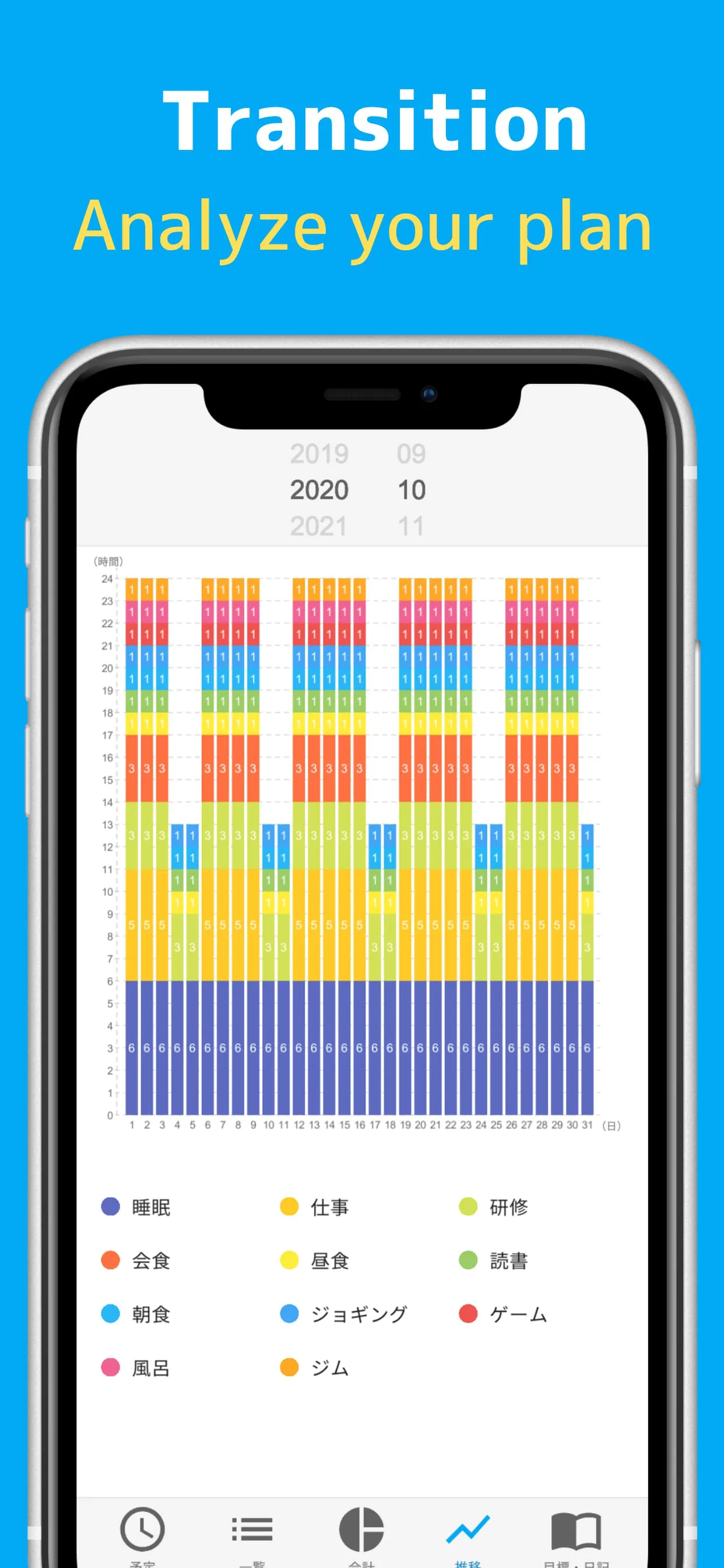
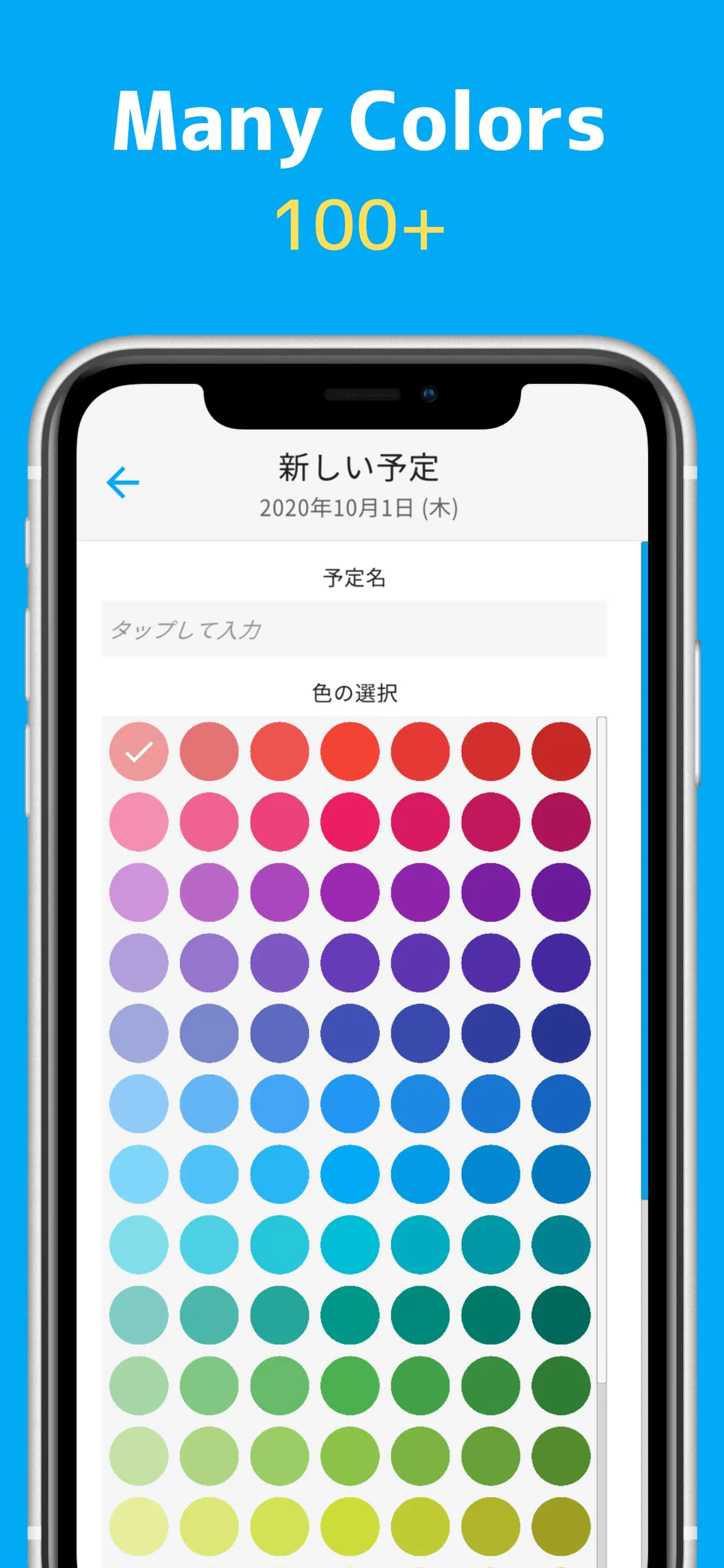
The first-place schedule management app in the App Store in Japan is a free app that helps users manage their daily schedules using a 24-hour pie chart. It offers various features such as total time calculation and graph transitions to visualize and analyze daily activities. Users can enter their schedule for the next day, and the app automatically analyzes and displays the total time and bar graph, allowing them to reflect on their daily schedule and make improvements for a well-balanced day. The app is equipped with all the necessary functions for schedule management, including automatic total time calculation, bar graph transitions, diary and goal registration, and push notification reminders. It stands out from similar apps with its free usage fee, easy one-tap schedule registration, and the ability to visualize schedules as a pie chart. Users can add multiple schedules, view the total time spent on each activity, and track their progress towards goals. The app also offers over 100 color variations for customization and allows schedules to be registered in 5-minute increments for detailed planning. While the basic functions of the app are available for free, there is a premium plan that offers additional benefits such as ad removal, widget usage, and priority support. The premium plan is available on a monthly or yearly basis, with prices of USD 4.49 per month or USD 44.99 per year. The app provides automatic renewal after the free trial period, but users can cancel the subscription at any time. For inquiries, users can contact the app's support team via email. Please note that the rankings and data mentioned in the description are based on the App Store's work efficiency improvement category as of February 20, 2021.

All Versions

V1.1.58

Updated: 2023-12-18

178.79 MB

V1.1.57

Updated: 2023-10-30

179.1 MB

V1.1.55

Updated: 2022-11-13

48.83 MB

Summary Of User Reviews

Heather Murphy
Heather Murphy
April 19, 2022
Fantastic tool for visualizing how much time I'm spending on various tasks. User interface is perfect and intuitive. I use this every day. I took off a star because 1) they recently made previously free features premium, 2) premium is a subscription model rather than one-time purchase, and 3) no option for exporting data to spreadsheet.
Robert Cooper
Robert Cooper
February 10, 2022
As it is, the app is a very effective planner. It could be more, but the devs seem to be listening to feedback. I'd just love a one time purchase option instead of a monthly payment. That said, I appreciate that they easily give premium features for a limited time if you watch an ad. Other ads can be obtrusive though, but ads are ads. I'll give 4 stars for now, but that may change at a later date.
Steph Cougill
Steph Cougill
March 28, 2024
this is the only planner I keep coming back to, my depression makes scheduling hard, but this app helps, it's interface is very easy to use, and it is mostly soft colors by default. and seeing my day in a pie chart is very helpful, another thing that is great is you don't have to pay for premium, you can just spend 6 minutes of your day watching ads for 3 days of premium, given in 6 hours per ad, kinda like pay as you go. but you are paying in time. recurring events are clunky, but workable.