

Understanding Creative Tools: The Digital Artist's Palette
Just like a traditional artist needs brushes, pencils, and paints, digital artists rely on creative tools within applications. These tools determine the range and quality of artwork that can be produced. Learning to effectively use these tools is a fundamental step in digital art.
Brush System
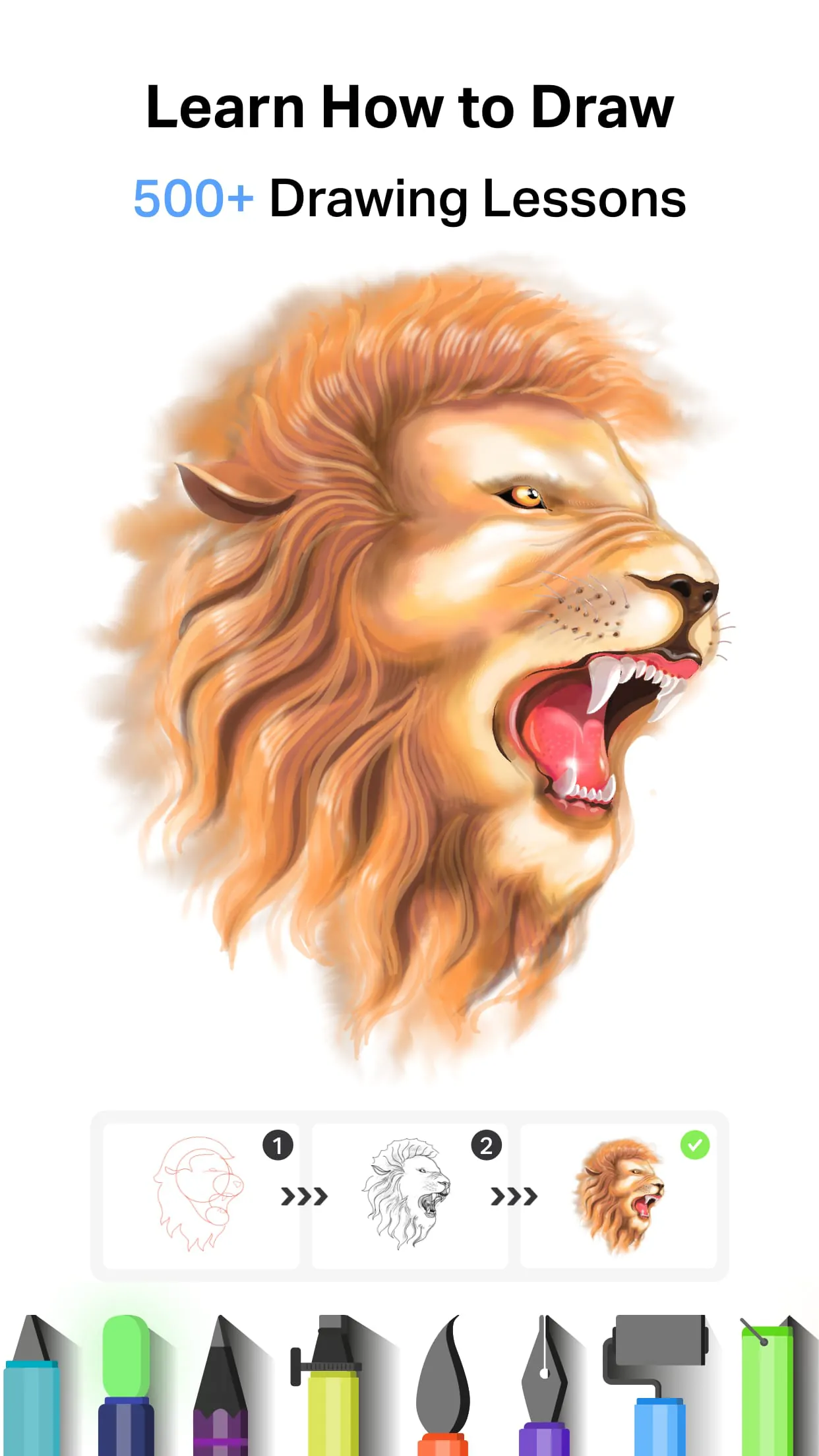
A robust brush system should offer a variety of brush types (e.g., pencil, airbrush, watercolor) and allow for customization of size, opacity, flow, and texture. Understanding how these parameters interact is key to achieving different artistic effects.
Learning Connection: Experiment with different brush settings to understand how each parameter affects the final stroke. For example, reducing opacity creates translucent layers, while adjusting flow controls the buildup of color.
Layer Management: Building Complex Compositions
Layers are a fundamental concept in digital art, allowing artists to work on different elements of an image independently. Think of layers as transparent sheets stacked on top of each other. This non-destructive workflow allows for easy editing and adjustments.
- Benefits of Layers:
- Isolate elements: Work on specific parts of an image without affecting others.
- Experiment freely: Try different ideas without permanently altering the original artwork.
- Create depth: Simulate foreground and background elements for a more realistic composition.
Real-world application: Understanding layers translates to other creative fields, such as video editing and graphic design, where the same concept is used to build complex projects.
Color Palette: Exploring the Spectrum
A well-designed color palette is crucial for any artist. Digital art applications typically offer a variety of color selection methods, including color wheels, sliders, and pre-defined palettes. Understanding color theory is essential for creating harmonious and visually appealing artwork.
Advantages of Digital Color Palettes:
- Unlimited color options
- Easy to create custom palettes
- Ability to save and reuse palettes
Disadvantages of Digital Color Palettes:
- Can be overwhelming for beginners
- Requires understanding of color theory
Performance Considerations: Canvas Responsiveness
The responsiveness of the canvas is crucial for a smooth drawing experience. Lag or stuttering can disrupt the creative flow and make it difficult to create precise artwork. Factors such as device processing power and application optimization play a significant role in canvas performance.
Educational Value: Users can explore device settings to optimize performance and close unnecessary applications running in the background.
Learning Resources: Unlocking Your Potential
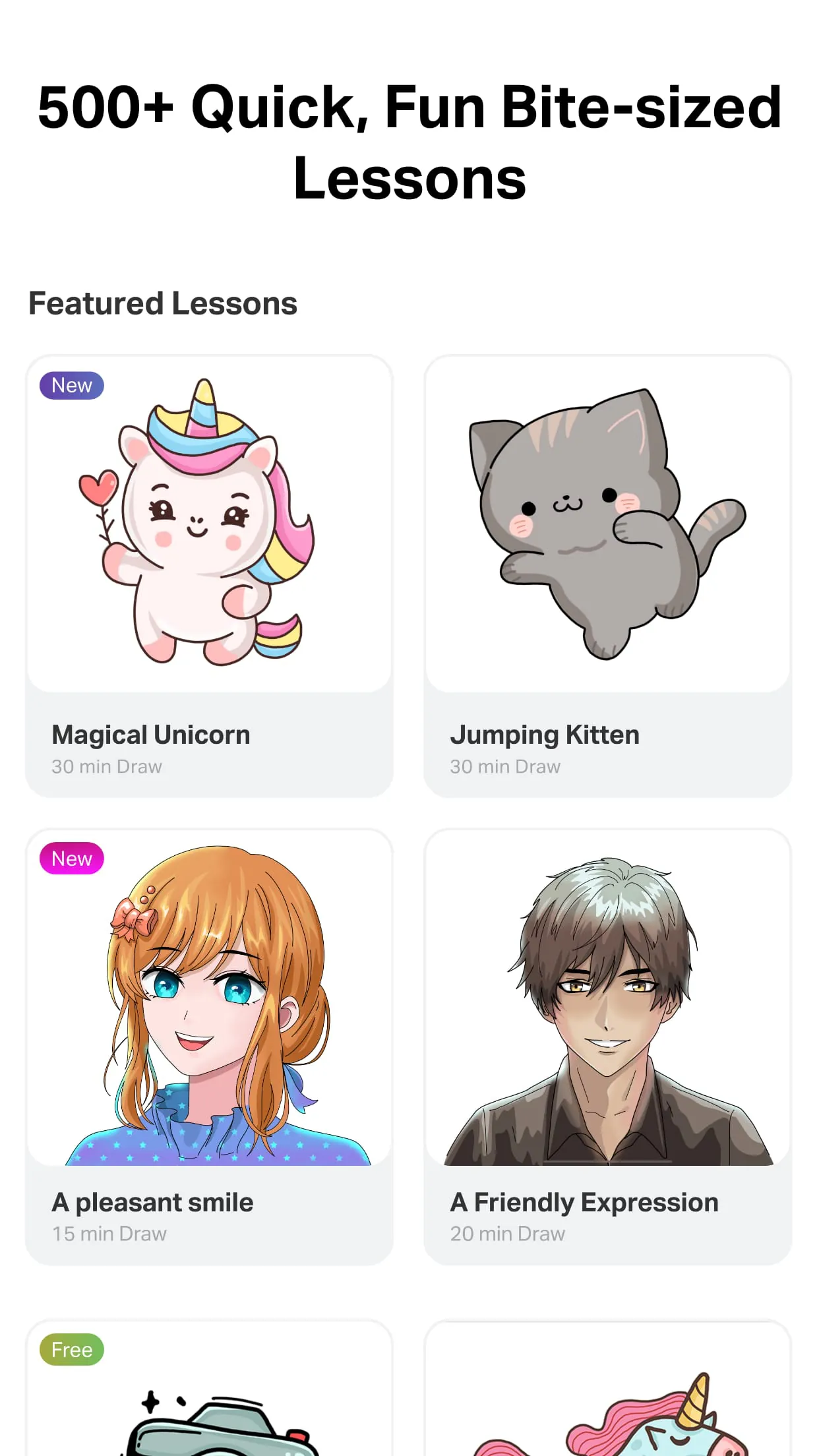
Tutorials, user guides, and community galleries are valuable resources for learning and improving digital art skills. These resources provide guidance, inspiration, and opportunities to connect with other artists. Access to high-quality learning materials can significantly accelerate the learning process.
Evaluating Tutorial Content
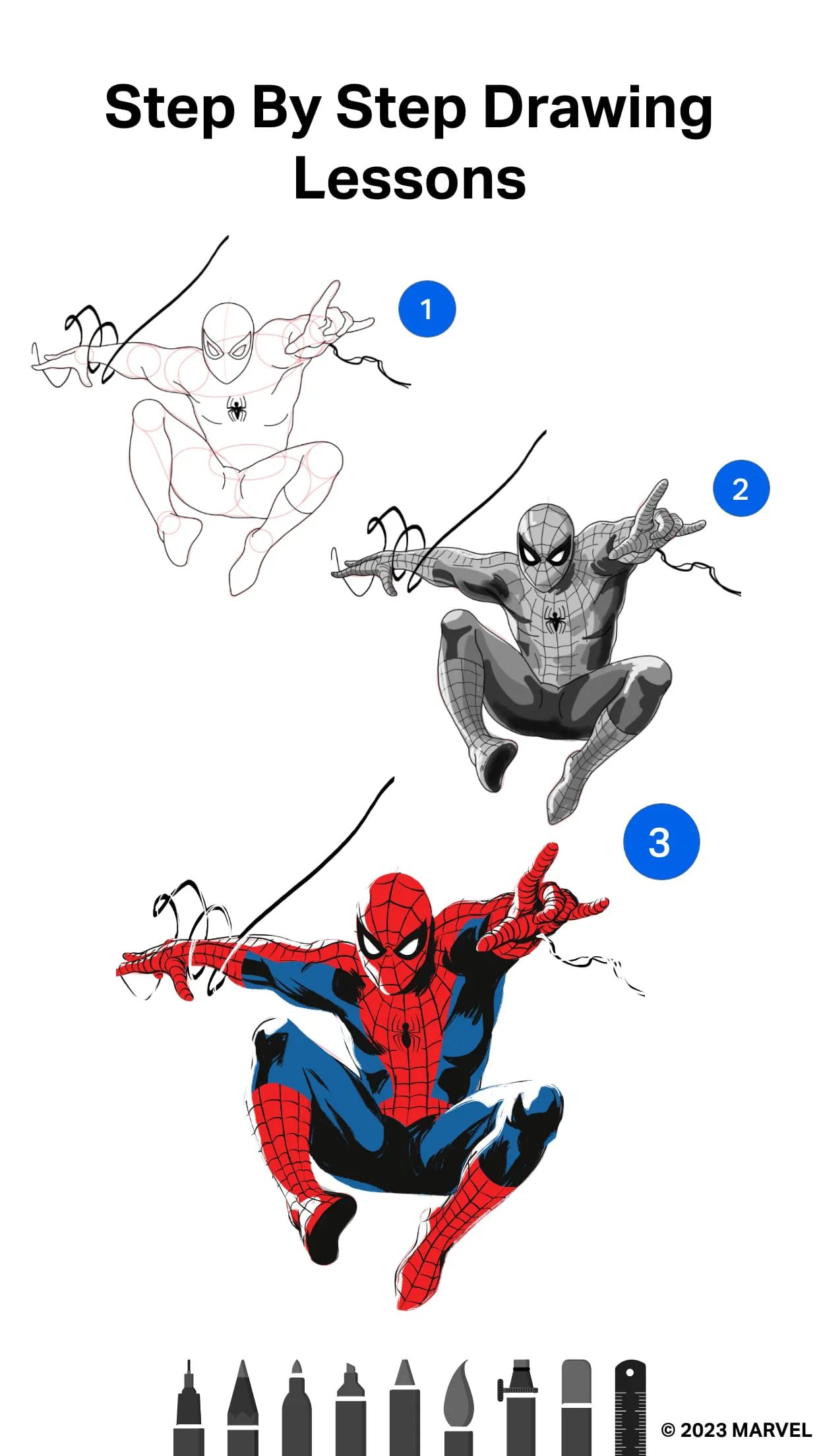
Look for tutorials that cover a range of skill levels, from beginner to advanced. Pay attention to the clarity of the instructions and the quality of the visuals. Effective tutorials should break down complex concepts into manageable steps.
File Handling: Saving and Sharing Your Creations
Understanding file formats and export options is essential for sharing your artwork with others. Common file formats include JPEG, PNG, and PSD. Each format has its own advantages and disadvantages in terms of image quality, file size, and compatibility.
| File Format | Advantages | Disadvantages |
|---|---|---|
| JPEG | Small file size, widely compatible | Lossy compression (can reduce image quality) |
| PNG | Lossless compression, supports transparency | Larger file size than JPEG |
| PSD | Preserves layers and editing information | Large file size, requires Adobe Photoshop to open |
Final Thoughts
By understanding the creative tools, layer management, color palettes, canvas performance, learning resources, and file handling, users can harness the full potential and enjoy a richer digital art experience. This understanding empowers users to create digital artwork effectively.









