HomeGoogle Slides
Google Slides

Google Slides

Everyone
Rating
V1.23.312.01.90
Version
1+
Installs
4.00
22.6k + Reviews
1
14%
2
4%
3
9%
4
11%
5
62%

Review By AppsWm

Google SlidesGoogle SlidesGoogle SlidesGoogle Slides

Balance Points

The application strikes a balance between offering a comprehensive suite of presentation tools and maintaining ease of use for a diverse user base. Its intuitive interface makes it accessible to beginners, while advanced features cater to experienced presenters.

Harmony Elements

The harmonious design is evident in how features are integrated. For example, real-time collaboration is seamlessly woven into the editing process, allowing multiple users to work on the same presentation simultaneously without conflict or confusion. The app also integrates well with other Google Workspace apps.

  • Pros:
  • Seamless collaboration
  • Cross-platform compatibility
  • Offline access
  • Cons:
  • Limited advanced animation options compared to desktop software

Integration Success

Integration with Google Drive is a key success. Presentations are automatically saved and synced to the cloud, ensuring that users can access their work from any device. Furthermore, the ability to import and export presentations in various formats enhances compatibility with other software.

Cloud Integration

Automatic saving to Google Drive ensures seamless access and collaboration. Version history is readily available.

User-Tech Synergy

The application fosters user-tech synergy by providing features that enhance productivity without overwhelming the user. Templates are available to quickly create professional presentations, and the built-in image search allows users to easily add visuals to their slides. The interface adapts well to mobile devices, making it easy to create and edit presentations on the go.

Accessibility

The app provides a clean, navigable interface that supports intuitive use. It offers a quick learning curve for new users.

Perfect Proportions

Perfect proportions are achieved through a design that prioritizes core features while offering advanced options for users who need them. The minimalist design reduces clutter and focuses the user's attention on the presentation content. The app's performance is optimized for mobile devices, ensuring that it runs smoothly without excessive battery consumption.

Overall Assessment

The application successfully blends functionality and usability, providing a robust presentation tool accessible to a wide range of users. While it may lack some advanced features found in desktop software, its ease of use, seamless collaboration, and cloud integration make it a valuable asset for creating and delivering presentations on the go.


Description

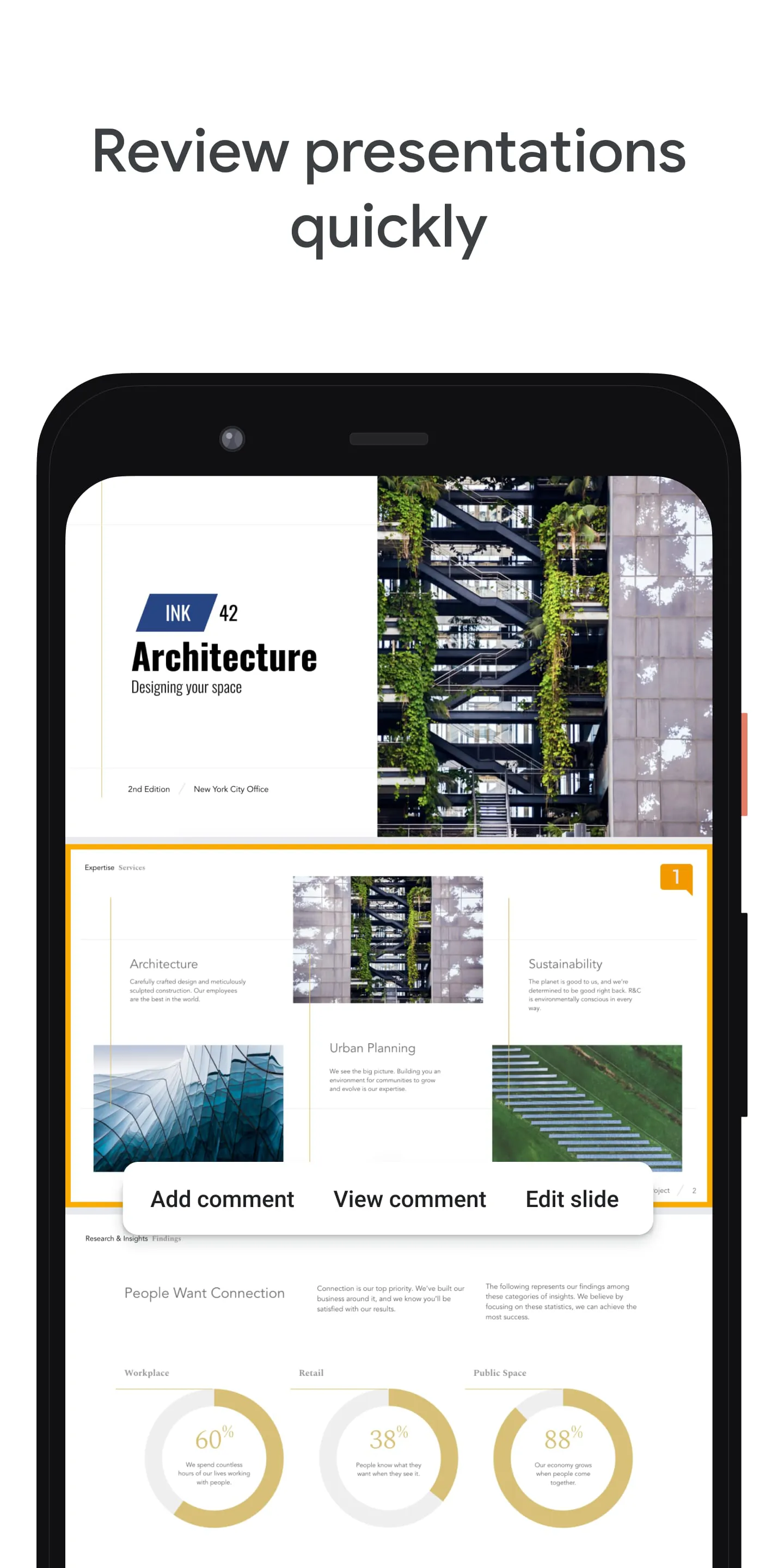
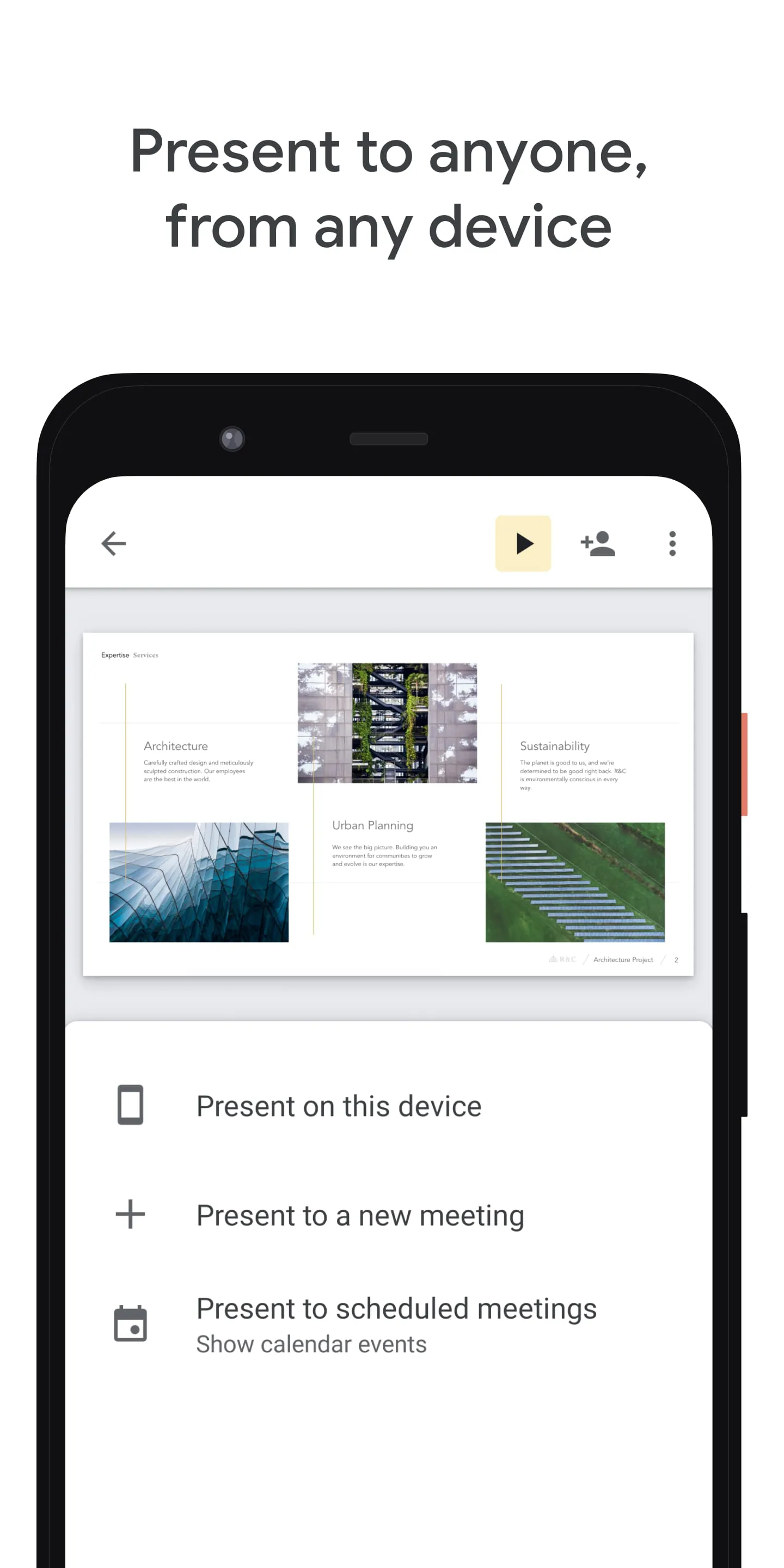
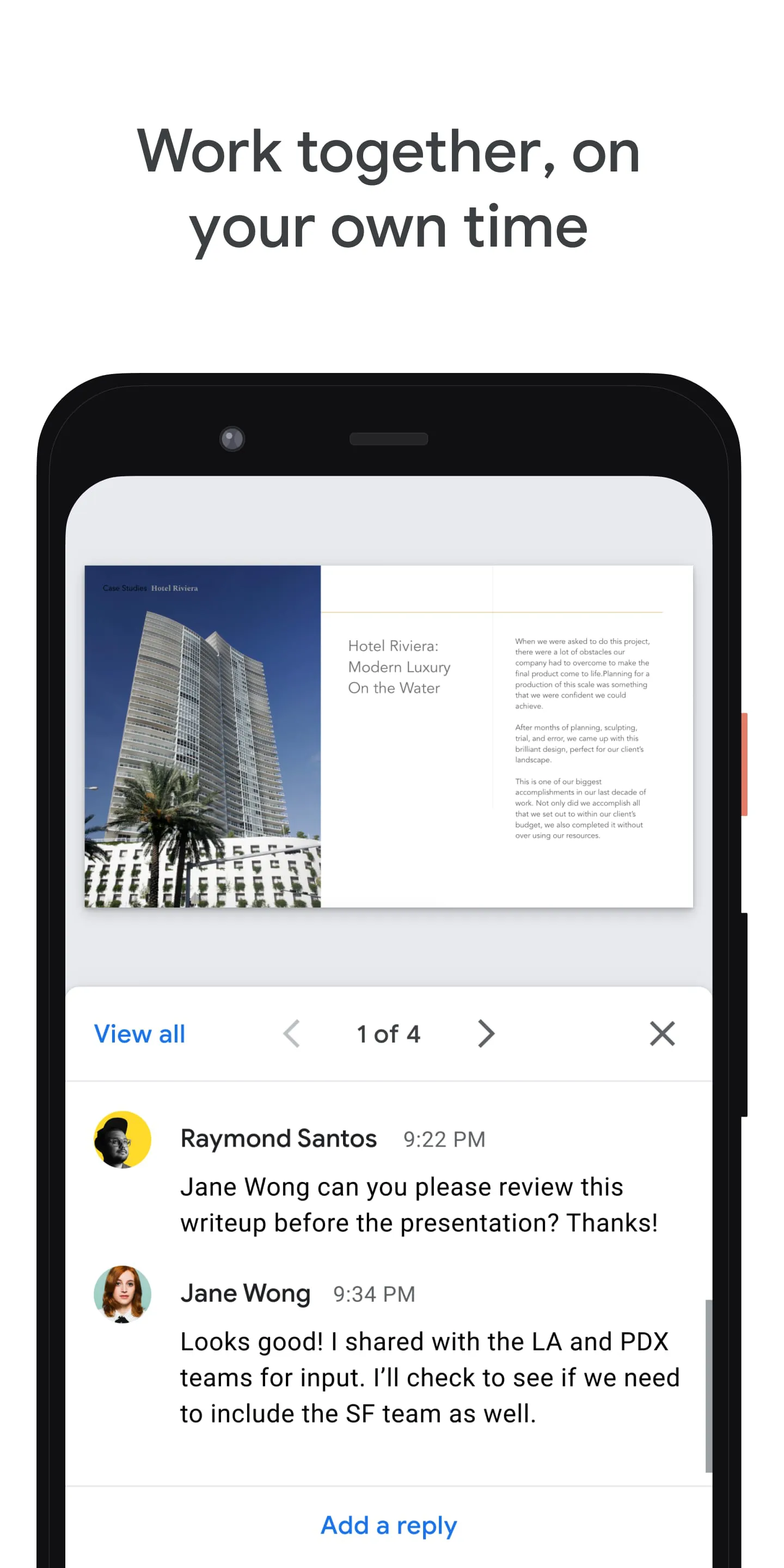
Google Slides is a mobile app that allows users to create, edit, and collaborate on presentations from their Android phone or tablet. With Slides, users can work anywhere, anytime, even offline. The app offers a range of features, including the ability to add and rearrange slides, format text and shapes, and present straight from a mobile device. Users can also add and respond to comments, and never have to worry about losing their work as everything is saved automatically as they type. Additionally, Google Slides allows users to open, edit, and save PowerPoint files. Google Workspace subscribers have access to additional features, such as collaborating on a single presentation online with their team or external contacts. Users can control who gets permission to edit, view, or add comments. They can also start from scratch or choose a template to enhance their presentations with videos, images, drawings, and smooth transitions. Google Slides works across PCs, Macs, mobiles, and tablets, allowing users to view or present their slides from their phone or tablet. Google Slides requires certain permissions to function properly. These include access to the calendar to join video calls from calendar invites, access to the camera for camera mode in video calls and to insert images taken with the camera, access to contacts to give suggestions of people to add to files and share with, access to the microphone to transmit audio in video calls, and access to storage to insert images and open files from USB or SD storage.

All Versions

V1.25.014.02.90

Updated: 2025-1-3

131.49 MB

V1.23.312.01.90

Updated: 2023-8-8

113.0 MB

V1.23.202.02.90

Updated: 2023-5-24

112.12 MB

V1.23.182.01.90

Updated: 2023-5-16

111.98 MB

V1.22.442.03.90

Updated: 2022-11-9

109.44 MB

V1.22.102.02.90

Updated: 2022-3-22

100.6 MB

V1.22.082.04.90

Updated: 2022-3-8

101.4 MB

V1.22.062.06.90

Updated: 2022-3-4

101.4 MB

Summary Of User Reviews

Paul Holloway
Paul Holloway
February 23, 2026
It's almost as good as using Google Slides on a PC. Sometimes if I have an idea at night, I can edit or create my presentation on my phone so I don't forget my idea in the morning. It means I don't have to get out of bed and switch my computer on. I still polish it off on my computer but this is great for the basic ideas.
Kate Moreno
Kate Moreno
February 22, 2026
This app is really confusing and laggy to use. It is really hard too see what you are doing, and the buttons for navigation in the editor is missing for some reason. For me, it is better to use the PC version of Google slides rather than mobile version.
Livvie
Livvie
December 10, 2025
My final for a class is due at 12 PM today, I went to check on it and the entire presentation is completely GONE. I had ten slides, there is now only three and they are all blank. I checked the trash, clicked the back arrows and checked the version history. Not a single indicator there ever was even one word on the presentation. The IT department at my school also could not help me recover it. This is ridiculous.