
HomeGraphionica: insta story maker
Graphionica: insta story maker

Graphionica: insta story maker

Everyone
Rating
V4.0.8
Version
10M+
Installs
4.10
167 + Reviews
1
14%
2
4%
3
6%
4
8%
5
69%

Review By AppsWm

Graphionica: insta story makerGraphionica: insta story makerGraphionica: insta story makerGraphionica: insta story maker

Moments of Insight: Creative Empowerment

This application positions itself as a tool for crafting visually appealing Instagram Stories and posts. The core promise revolves around providing users with templates, design elements, and editing capabilities that simplify content creation. Let's delve into its potential for promoting digital well-being by streamlining creative expression.

Balanced Perspectives: Strengths and Areas for Growth

Strengths
  • User-Friendly Interface: Designed for ease of use, even for beginners.
  • Wide Range of Templates: Offers diverse templates suitable for various themes.
  • Customization Options: Allows users to personalize designs to match their brand.

Areas for Growth
  • In-App Purchases: Some advanced features and templates require payment.
  • Performance Issues: May experience lag on older devices.
  • Learning Curve: While intuitive, mastering all features takes time.

Mindful Observations: User Experience

The application's user interface is logically organized, presenting tools and options in a clear manner. Gesture support enhances the editing process, enabling users to zoom, rotate, and reposition elements with ease. However, some users may find the number of features overwhelming initially. A more comprehensive tutorial system could ease this learning curve.

Thoughtful Reflections: Creative Tools and Design Features

Template Customization

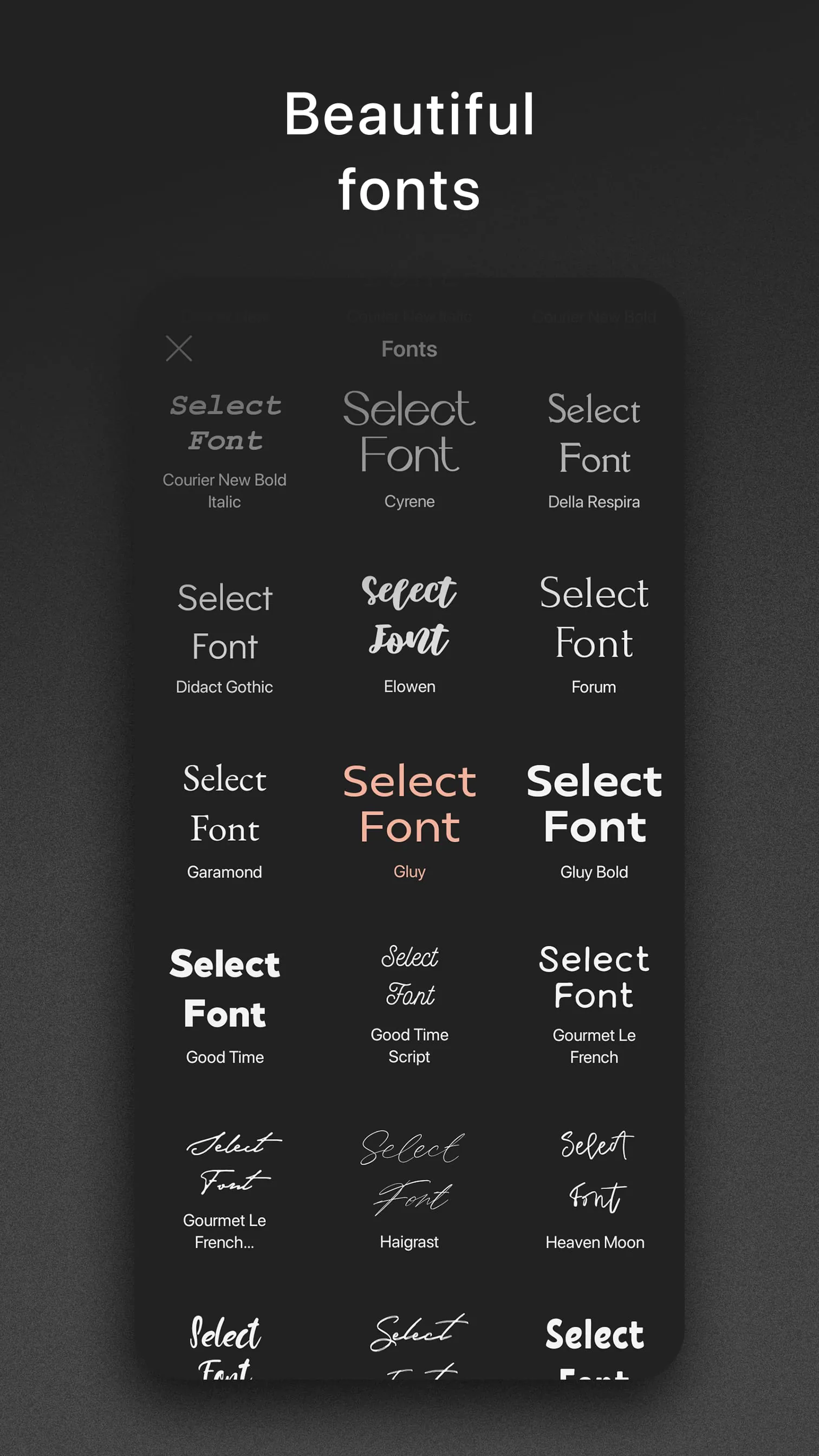
The robust template system lets users quickly start projects. Typography options are ample, contributing to design flexibility. The application offers tools to adjust layouts, making creating visually compelling content easier.

Harmonious Integrations: Promoting Digital Well-being

By offering a streamlined content creation process, this application can contribute to digital well-being by reducing the time and effort required to produce engaging content. This, in turn, could foster a more positive and less stressful social media experience. The potential downside lies in the pull to spend more time online perfecting content; mindful usage is crucial.

Overall Assessment

The application offers a compelling toolkit for Instagram content creation. By providing a balanced approach between ease of use and feature richness, it caters to both casual users and aspiring influencers. While some aspects could be refined, its contribution to simplified creative expression makes it a valuable tool.

Description

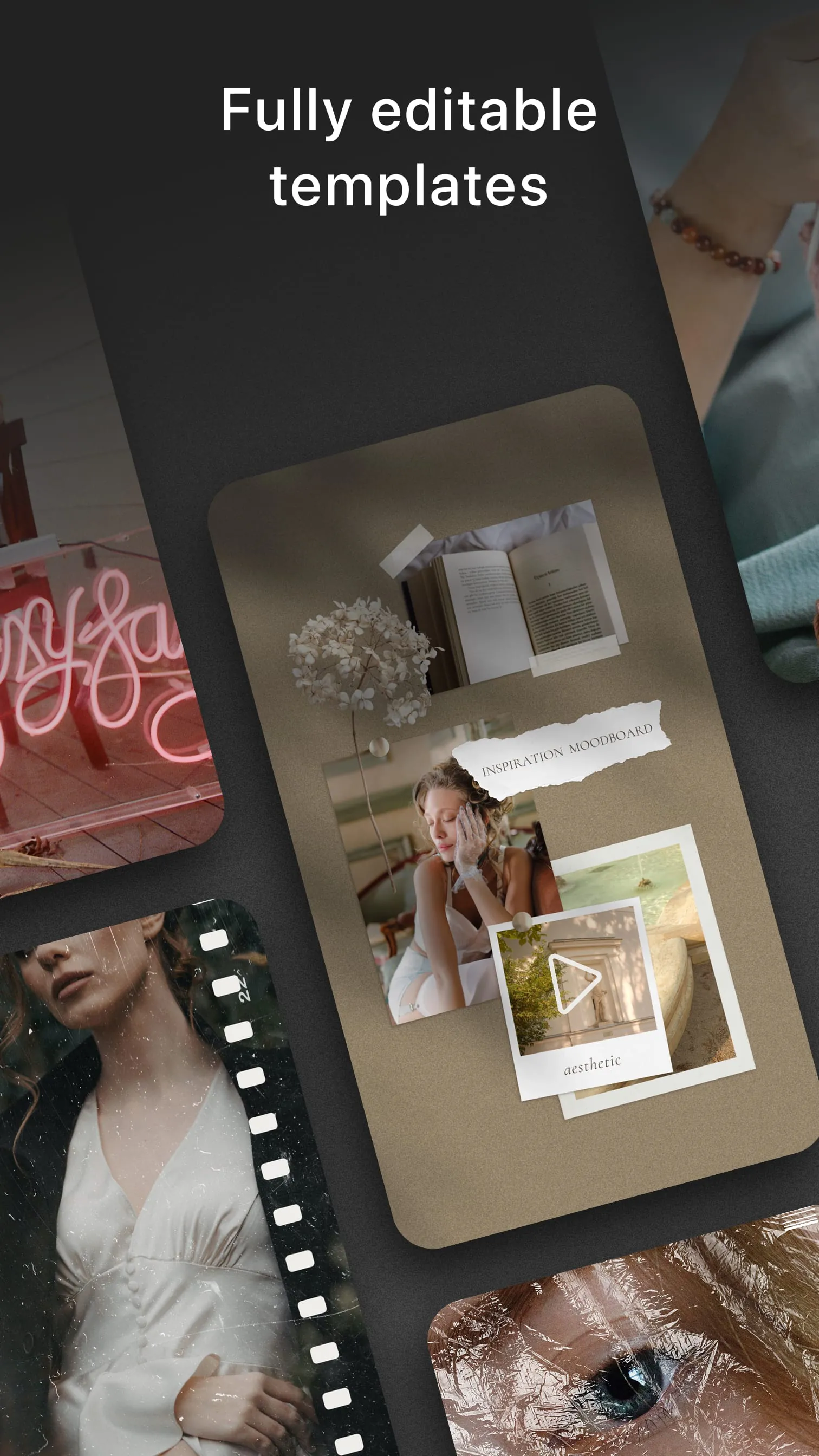
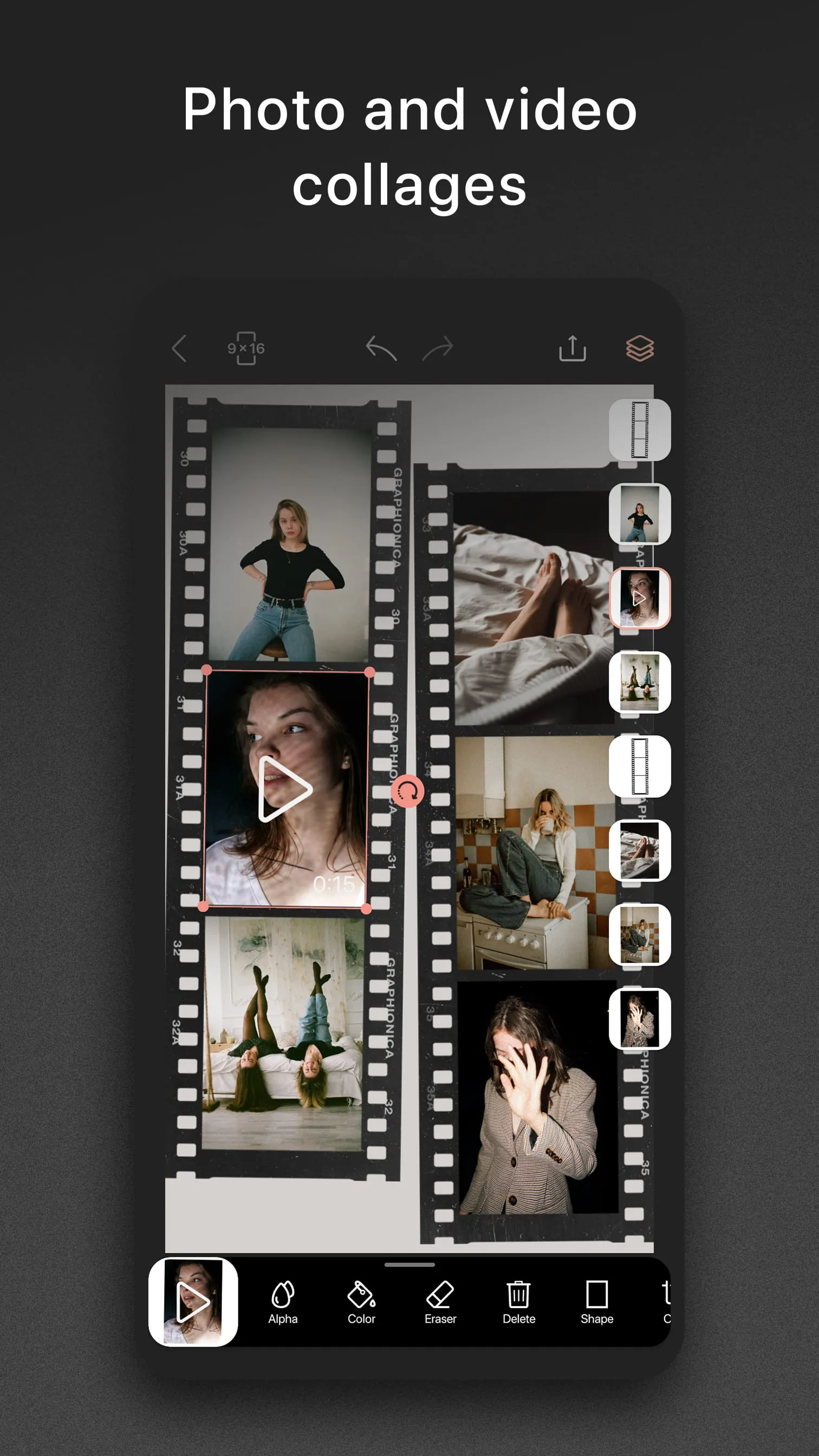
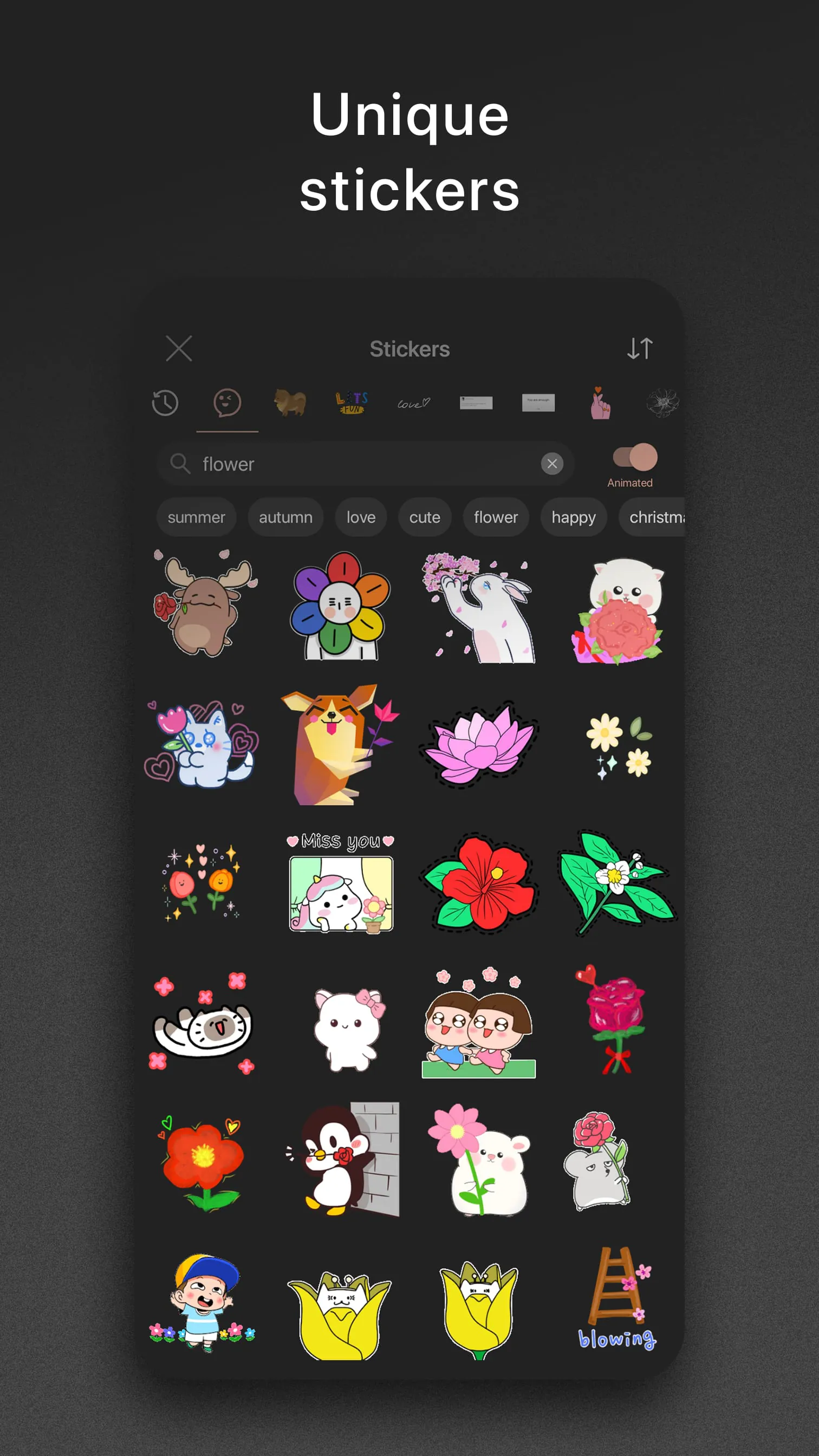
Graphionica is a stylish free photo editor, where you can create awesome beautiful Instagram stories and make designs for any social network. Create beautiful collages, combine several photos and videos at the same time, add drawings, stickers, and textures for backgrounds. You can add text on photo or video, add stickers on photo or video, add lettering on photo or video, add inscription on photo or video and plan social network feed. You can erase the background from any photo and save the result as your own sticker. You can erase video! Surprise your Instagram followers! Add awesome fonts to your Instagram stories! You'll also find unique editable templates for Instagram (stories). Add free ready letterings from regularly replenished sticker packs or write your own text with one of many fonts available in the application, as some fonts support Cyrillic. Use ready templates. Start your project in a second: just use a ready template! Templates are fully editable, like your own projects! Create project from a template, add stickers, add photos and videos, change some layers and you are ready! Create your own templates. Find your unique style, save collages and plan social feeds. Now creating beautiful Instagram stories has become even faster! Templates can be deleted, swapped and duplicated! Create one template and reuse it many times. Graphionica supports all popular resolutions for stories and Instagram feeds. Export your story in high resolution and without quality loss. Add anything: drawings, calligraphy and inscriptions in png format. Erase photos, stickers and your custom texts, work with layers: change order. Objects can be duplicated and reflected horizontally and vertically, as you create collages even faster! Graphionica supports video. You can create collages, erase the background, and even add stickers, custom texts and inscriptions on your video! History. We have implemented history in the photo editor - you can undo any action: changing the position, changing the size, changing the transparency, changing the color or eraser. You can use up to history states! ️ Premium. Subscribe to premium and receive full unlimited access to all fonts and stickers. ?

All Versions

V4.0.8

Updated: 2024-4-9

66.13 MB

V3.9.5

Updated: 2023-8-30

65.76 MB

V3.9.2

Updated: 2023-8-11

65.58 MB

V3.8.6

Updated: 2023-7-4

65.58 MB

V3.8.4

Updated: 2023-5-19

62.47 MB

V3.3.6

Updated: 2022-2-24

54.4 MB

Summary Of User Reviews

J
J
December 24, 2023
It looks like a cool app, but why isn't the price of the subscription listed anywhere?? I've searched in the user agreement and through what I can see after downloading the app and cannot find it anywhere. There are just 2 options for what looks like a 3-day free trial with a monthly subscription OR a 7-day free trial with a yearly subscription, again no prices listed anywhere. I'm hesitant to continue with either trial until I know what the costs are. Will probably find another app.
PratiwiSistipani A
PratiwiSistipani A
December 10, 2025
I am a long time user who has been using Graphionica for a long time because of my love of creating designs and storing some of my editing interests in this app. However, there are a few suggestions that might help, namely adding new stickers and more free fonts, and zoomable designs to make small details more visible. Hopefully it can be held in the next update ❤️
Mclean Hauzel
Mclean Hauzel
August 4, 2024
This is the kind of app I've been looking for, it's amazing and easy to use and I really love it. A little suggestion though, If you could add tools like arrow positioning (up/down/left/right), It would be very handy in placing the objects in the desired place more accurately, free hand touch is good but placing logos and small size objects exactly in the desired position is somewhat difficult because when we resize objects to small size, it's difficult to move and place in the desired position.