
HomeInfinite Painter
Infinite Painter

Infinite Painter

Everyone
Rating
V7.0.16
Version
10M+
Installs
4.50
9.3k + Reviews
1
5%
2
2%
3
5%
4
12%
5
76%

Review By AppsWm

Infinite PainterInfinite PainterInfinite PainterInfinite Painter

Efficiency Gains Through Streamlined Digital Art Creation

This application provides significant efficiency gains for digital artists by offering a comprehensive suite of tools within a single environment. The intuitive interface reduces the need to switch between multiple applications, saving valuable time and resources.

Customizable Brush Engine

The highly customizable brush engine allows artists to create and fine-tune brushes to their exact specifications. This reduces the need for post-processing or importing brushes from external sources, leading to a more efficient workflow. Artists can optimize brush settings for specific tasks, ensuring consistent and high-quality results with minimal effort.

Time-Saving Features for Enhanced Productivity

Numerous time-saving features are integrated into the application to boost productivity. These features include a robust undo/redo system, quick access toolbars, and customizable gestures, all designed to minimize interruptions and maximize creative flow.

  • Rapid Undo/Redo: Non-destructive editing allows for quick experimentation and correction, significantly reducing wasted time.
  • Gesture Controls: Customizable gestures enable rapid access to frequently used functions, eliminating the need to navigate menus.

Workflow Improvements and Process Optimization

The application's workflow is designed for efficiency, allowing artists to move seamlessly from concept to final artwork. Layer management, selection tools, and transform functions are optimized for speed and precision, streamlining the entire creative process.

Advantages
  • Intuitive layer management
  • Efficient selection tools
  • Precise transformation capabilities
Potential Drawbacks
  • Steep learning curve for advanced features
  • May require a powerful device for optimal performance with large canvases

Productivity Tools for Task Management

Effective task management is crucial for productivity, and this application provides several tools to aid in this area. Project organization features, such as custom canvas presets and naming conventions, help keep artwork organized and easily accessible.

Project Organization

Efficiently manage multiple projects with custom canvas sizes and organized file structures.

Customizable Interface

Tailor the interface to suit individual workflow preferences, further enhancing productivity.

Overall Efficiency Value

Overall, this application offers significant efficiency value for digital artists. Its comprehensive feature set, time-saving tools, and streamlined workflow can substantially increase productivity and optimize the creative process. While there may be a learning curve for advanced features, the benefits in terms of time savings and creative output make it a valuable tool for both amateur and professional artists.
Description

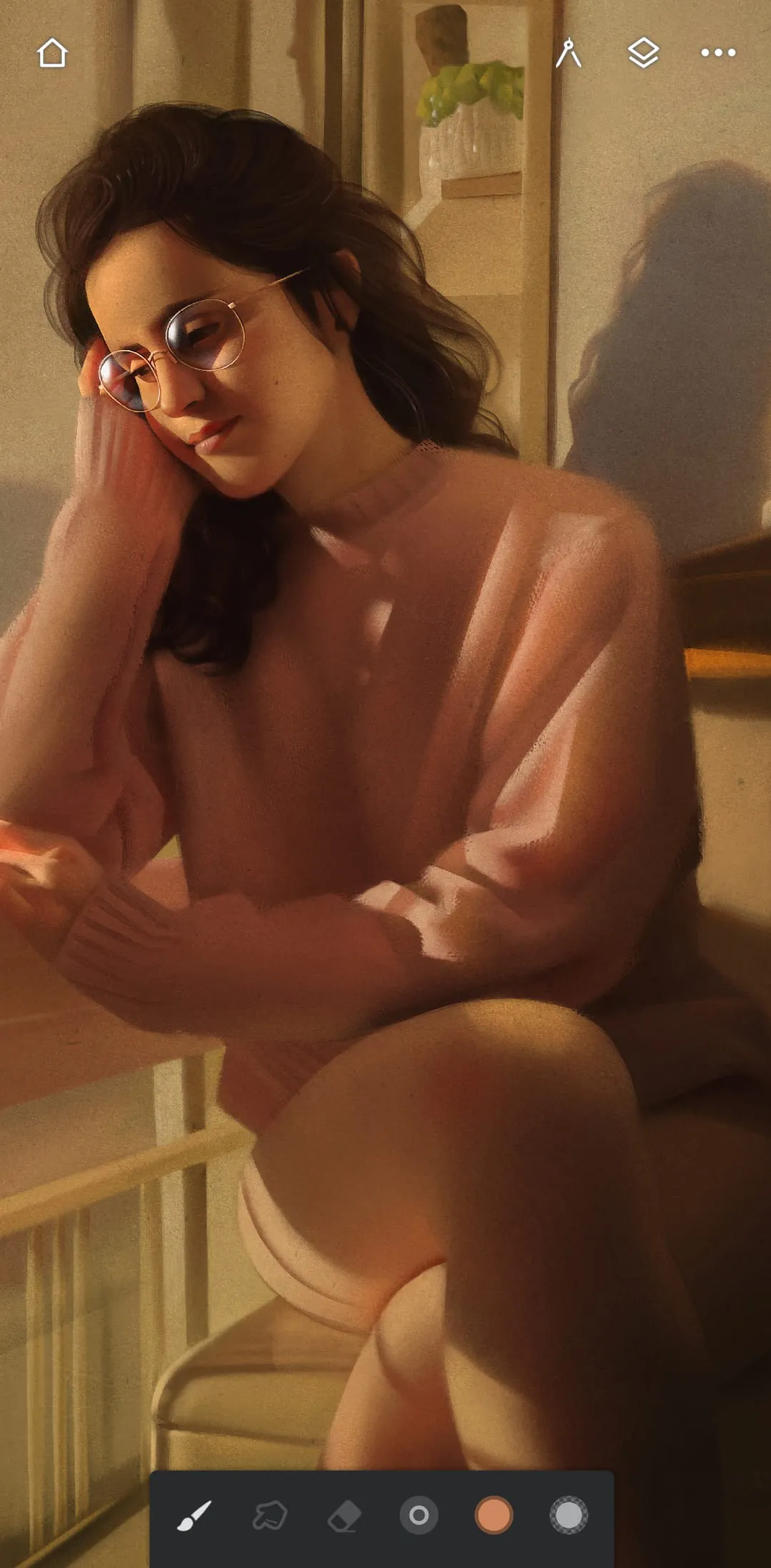
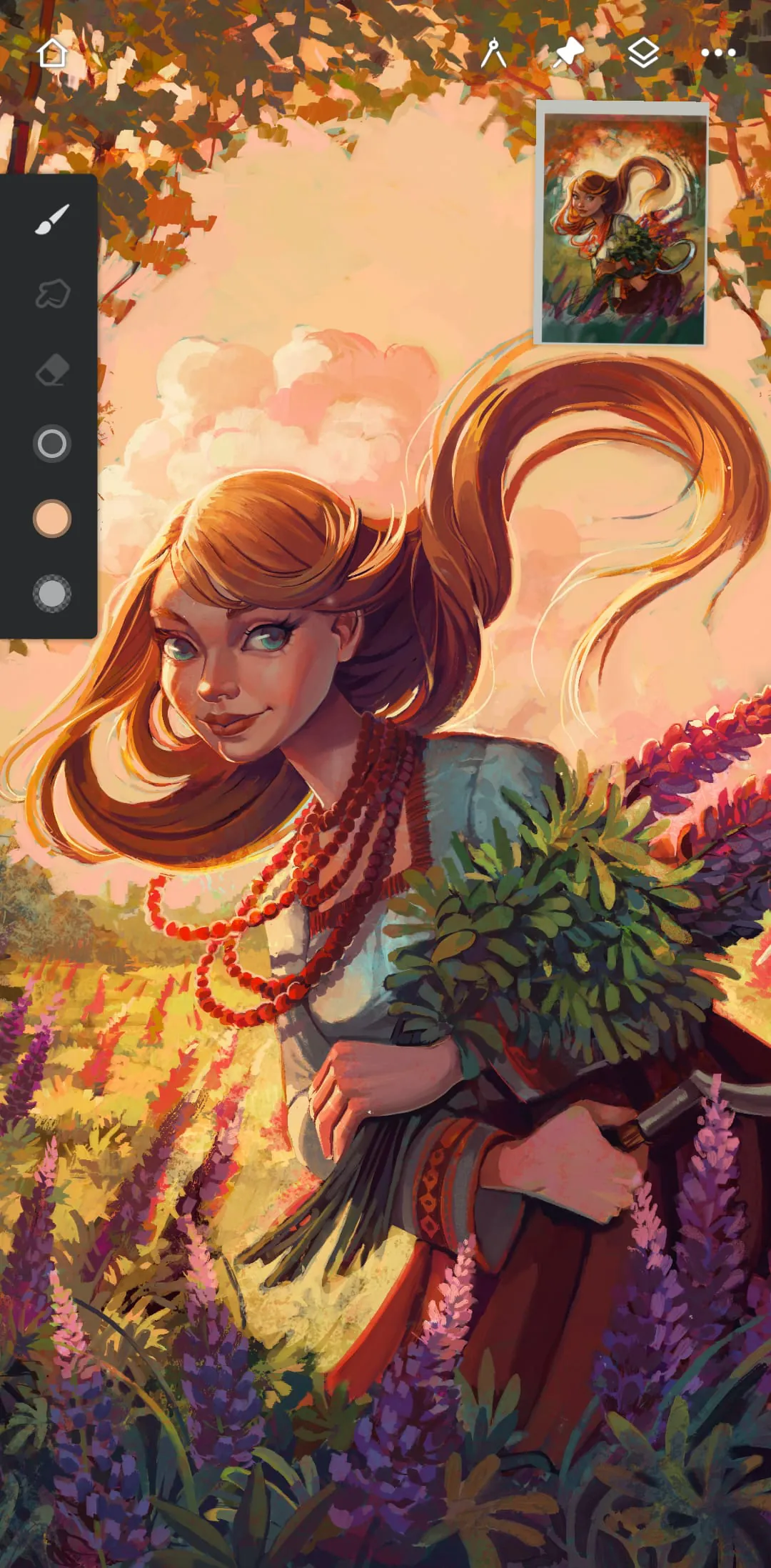
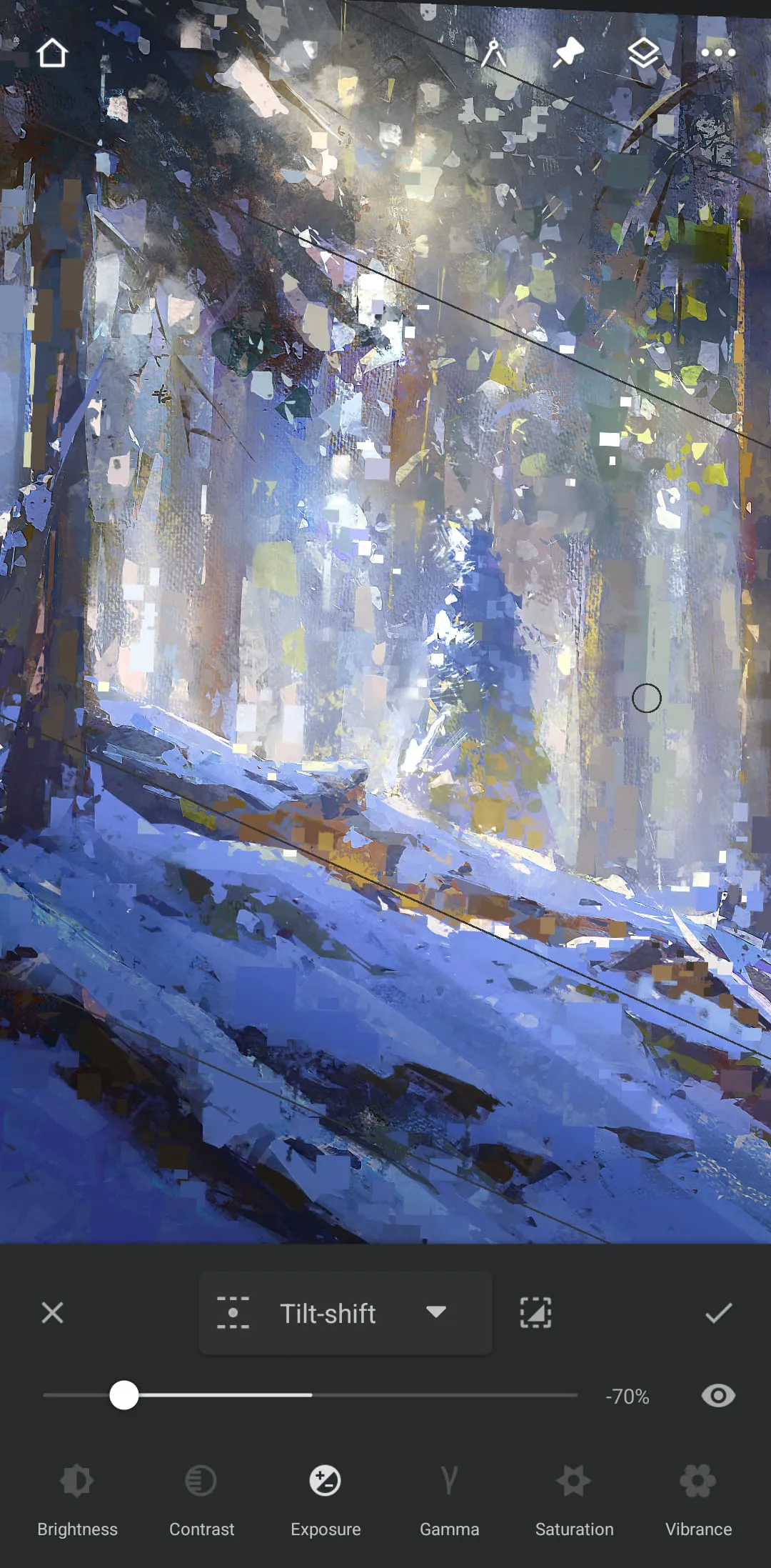
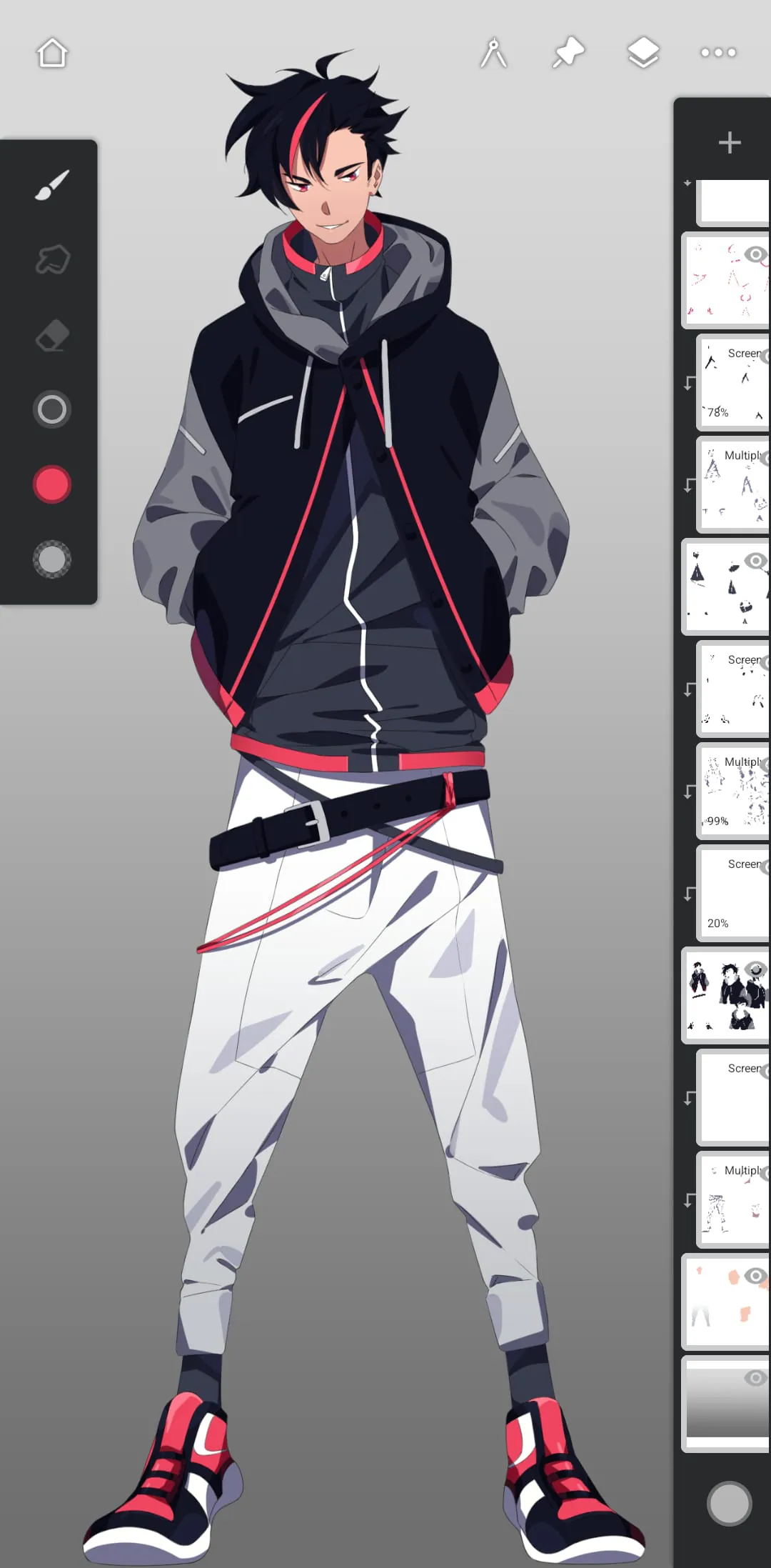
Infinite Painter is an award-winning app designed for tablets, phones, and Chromebooks that offers a powerful set of features for artists of all levels. With a minimal and intuitive interface, the app provides best-in-class pencils, hundreds of built-in brushes, and over 100 customizable brush settings. Artists can organize and share their favorite brushes and brush sets, apply real-time color adjustments and live effects to any brush, and import and export custom brushes and brush sets. The app also offers a clean, customizable interface that provides more canvas and less clutter, as well as finger functions separate from the stylus, quick access eyedropper, and the ability to rotate and flip the canvas with gestures. Infinite Painter offers a diverse set of tools for artists, including simple or complex symmetry with Radial or Kaleidoscope, precision drawing using Guides or Shapes, and smart shape detection by pausing when drawing. The app also provides innovative Hatching guide, five different Perspective Guides for designing 3D cityscapes, and the ability to drag Rectangle and Circle shapes in perspective. Artists can create game art with Isometric perspective and use seamless Pattern projects, Selection & Masking tools, and industry-leading Transformations. The app also offers Gradient and Pattern Fill tools, Target separate layers or all layers with Fill tools, and Drag with Fill tool or Magic Wand for live tolerance adjustment. Infinite Painter provides everything artists need to create, including 64-bit Deep Color when painting, layer support with 30 blend modes, masks for layers, adjustments, and groups, and Clipping masks. The app also offers Gradient map, Color Curves, and Filter layers, industry-leading color correction, over 40 live Filter effects, Focus and Tilt-shift masking, Liquify, Crop and Resize, Pattern and Array tools, and powerful selection workspace. Artists can use Photoshop®-like smart layers for multiple transformations without loss of quality, Solo & Trace modes, Print presets & CMYK color modes, and export images as JPG, PNG, WEBP, ZIP, layered PSD files, or Painter projects.

All Versions

V7.0.16

Updated: 2022-9-2

137.8 MB

Summary Of User Reviews

Elizabeth
Elizabeth
June 4, 2025
At first this app seemed really good, I've had other apps where if you don't pay for premium, your experience sucks. This one wasn't as bad. Then in the middle of a project it started to desaturate the first strokes I made. White turned into a grey, black into a slightly darker grey. I had to go over those sections again to give them back their color and then it kept happening. On another note, one of the only free tools you can use, fill, doesn't work most of the time. It just covers everything
Felixx Root
Felixx Root
April 22, 2025
There are many options for pens, but if you don't have premium you can only have 3 layers, which is very low. There aren't many ads, only a occasional ad about premium that you can easily tap off of. there is also eraser options. I do wish there was a time lapse option however, because I post time lapses of things I draw. overall, a good app. I would recommend!
Pikapower Kirby
Pikapower Kirby
October 15, 2024
I've been using Ibis Paint X for a while and I like it but I've been wanting to try something new and so far I really like this app! It feels comfortable to use and intuitive. Edit: I've been using the app with no issues when out of the blue today it told me I have to pay for more than 3 layers. Since when??? I've been using lots of layers without premium this whole time. Having only 3 is a deal-breaker for me.