HomeiVCam Webcam
iVCam Webcam

iVCam Webcam

Everyone
Rating
V7.2.1
Version
5M+
Installs
3.90
1.3k + Reviews
1
18%
2
4%
3
8%
4
8%
5
62%

Review By AppsWm

iVCam WebcamiVCam WebcamiVCam WebcamiVCam Webcam

Efficiency Gains Through Mobile Webcam Conversion

The application offers efficiency gains by repurposing existing mobile devices into webcams, reducing the need for dedicated hardware. This can be particularly useful for users who require webcam functionality infrequently or for those seeking a budget-friendly solution.

Time-Saving Features
  • Quick Setup: The application boasts a simple and relatively quick setup process, minimizing the time investment needed to begin using the mobile device as a webcam.
  • Wireless Connectivity: Eliminates the need for physical cables, contributing to a cleaner workspace and faster deployment in various environments.

Workflow Improvements

By enabling users to leverage their smartphones as webcams, the app streamlines workflows for tasks such as video conferencing, online teaching, and live streaming. This flexibility can lead to improved responsiveness and adaptability in dynamic work scenarios.

High-Quality Video Transmission

Utilizing the often superior camera quality of modern smartphones allows for higher resolution and clearer video feeds compared to some integrated or low-cost webcams, ultimately improving the quality of online communication.

Productivity Tools

Features such as adjustable frame rates and resolutions give users control over video output, allowing for optimization based on network conditions or specific application requirements. This level of customization can boost productivity by ensuring smooth and reliable video transmission.

Process Optimization

The software enables on-the-fly webcam switching, allowing users to seamlessly transition between their built-in webcam and their mobile device-turned-webcam without significant disruption. This is advantageous for presenters and content creators who may need to change camera angles or perspectives quickly.

Advantages
  • Cost-effective alternative to purchasing a dedicated webcam.
  • Leverages the high-quality cameras found in modern smartphones.
  • Wireless connectivity promotes a more organized workspace.

Disadvantages
  • Reliance on a stable Wi-Fi connection.
  • Potential battery drain on the mobile device.
  • May require initial setup and configuration.

Overall Efficiency Value

The application provides considerable efficiency value by repurposing existing hardware and offering a flexible, cost-effective webcam solution. The potential time savings and workflow improvements make it a worthwhile tool for users seeking to enhance their online communication capabilities.

Final Verdict

For users looking to enhance their webcam capabilities without significant investment, this mobile application presents a viable and efficient solution. Its ability to transform a smartphone into a functional webcam can lead to noticeable gains in productivity and workflow optimization, provided the network connection is reliable and battery consumption is managed effectively.


Description

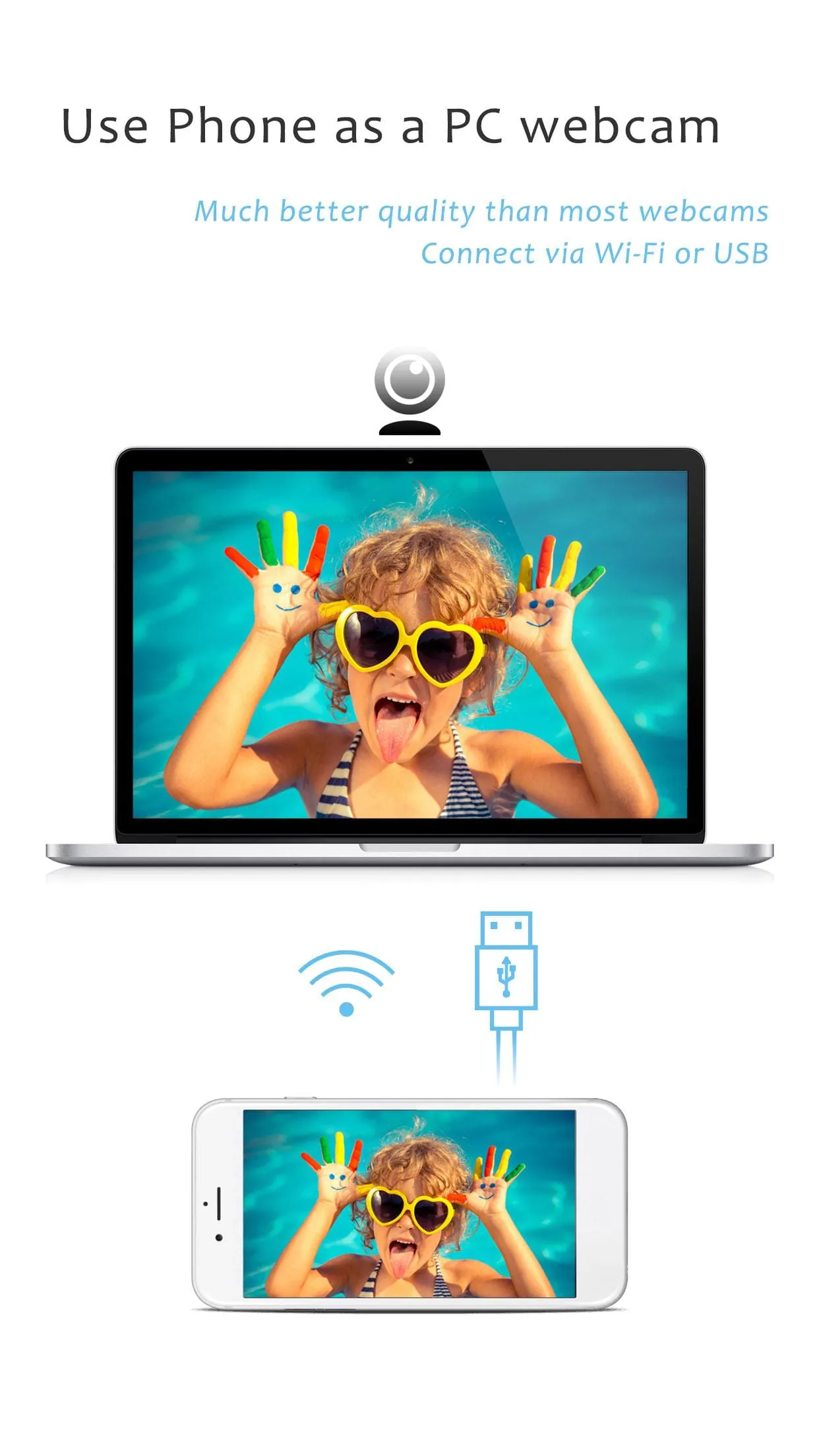
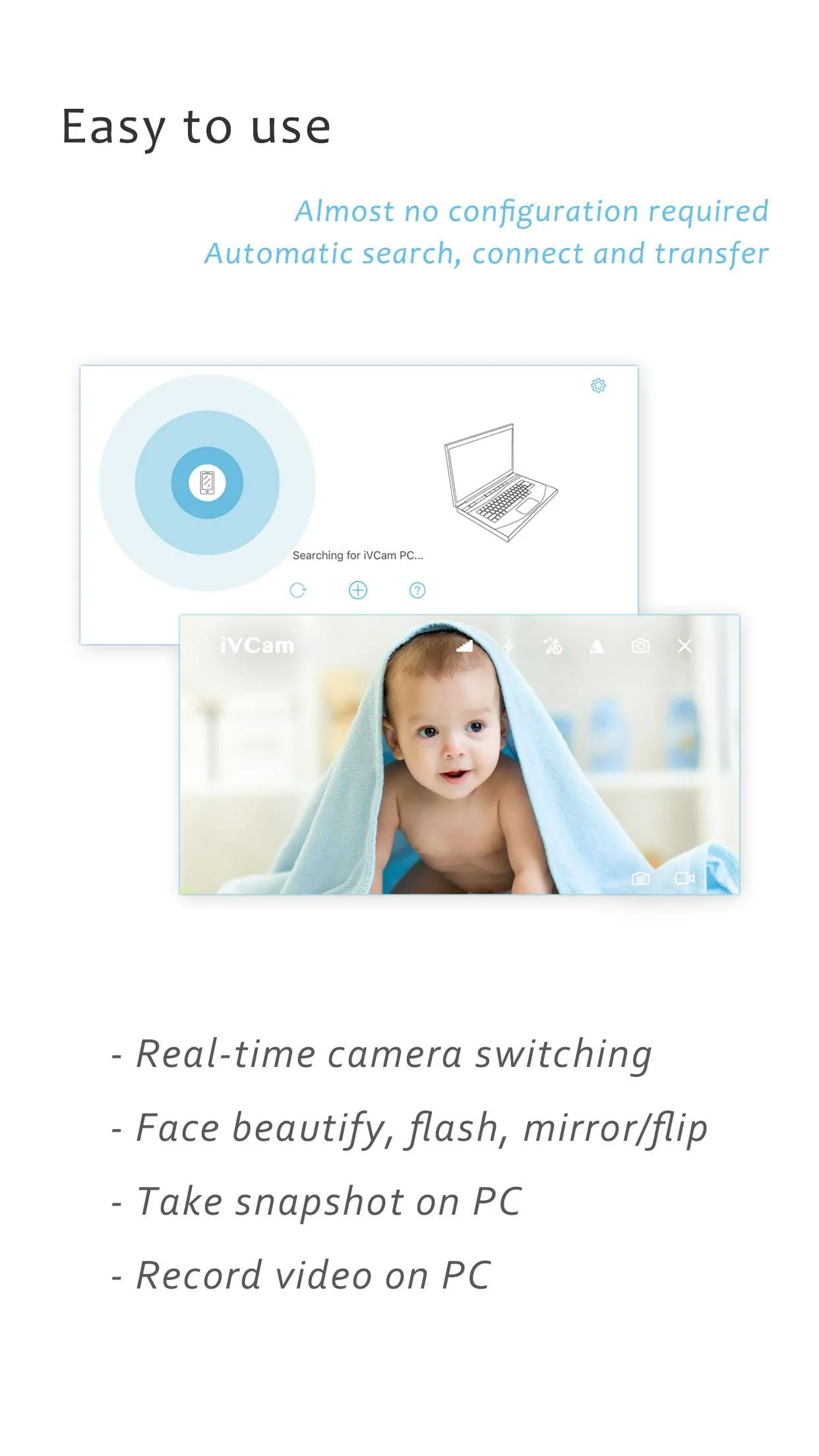
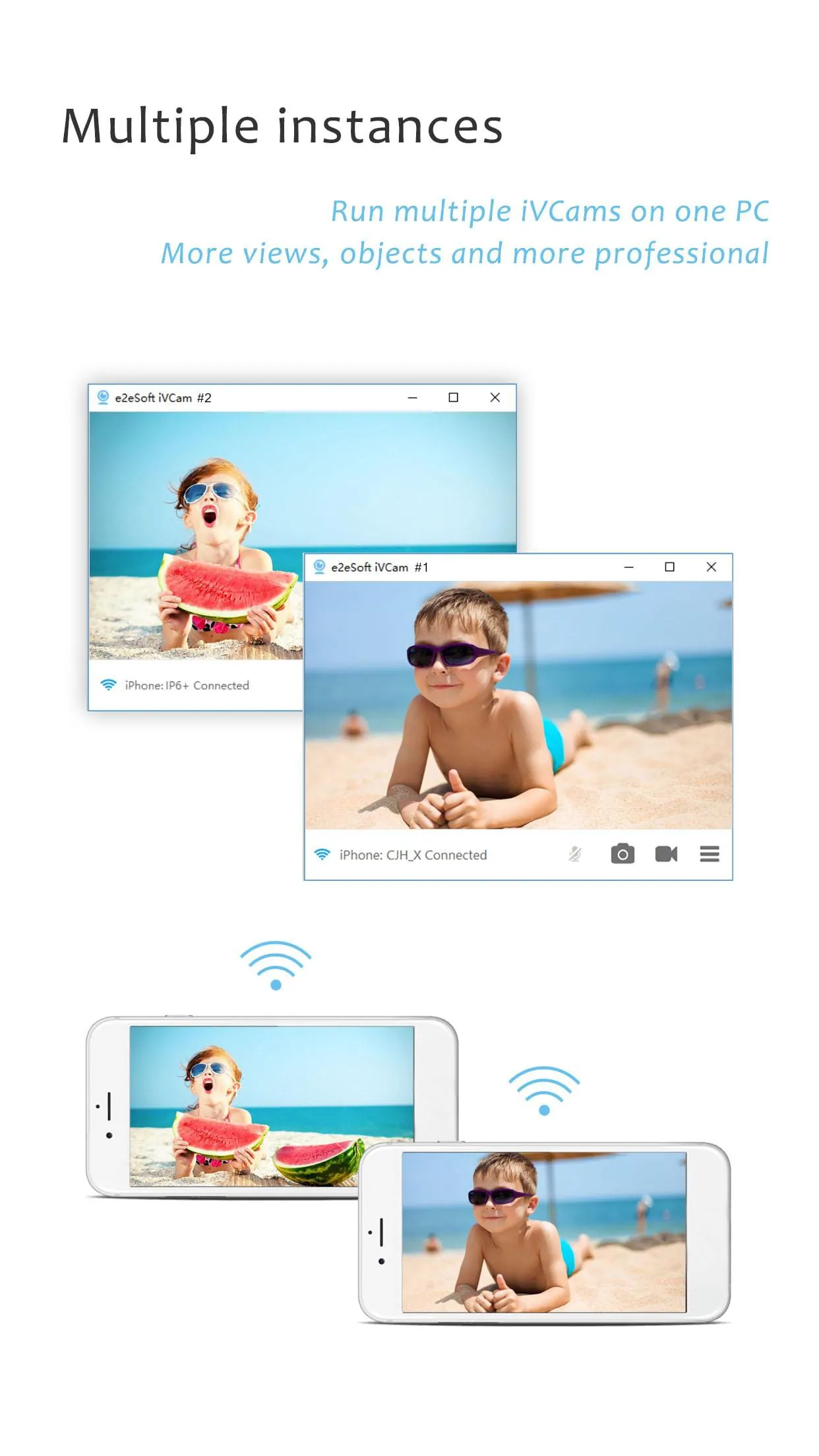
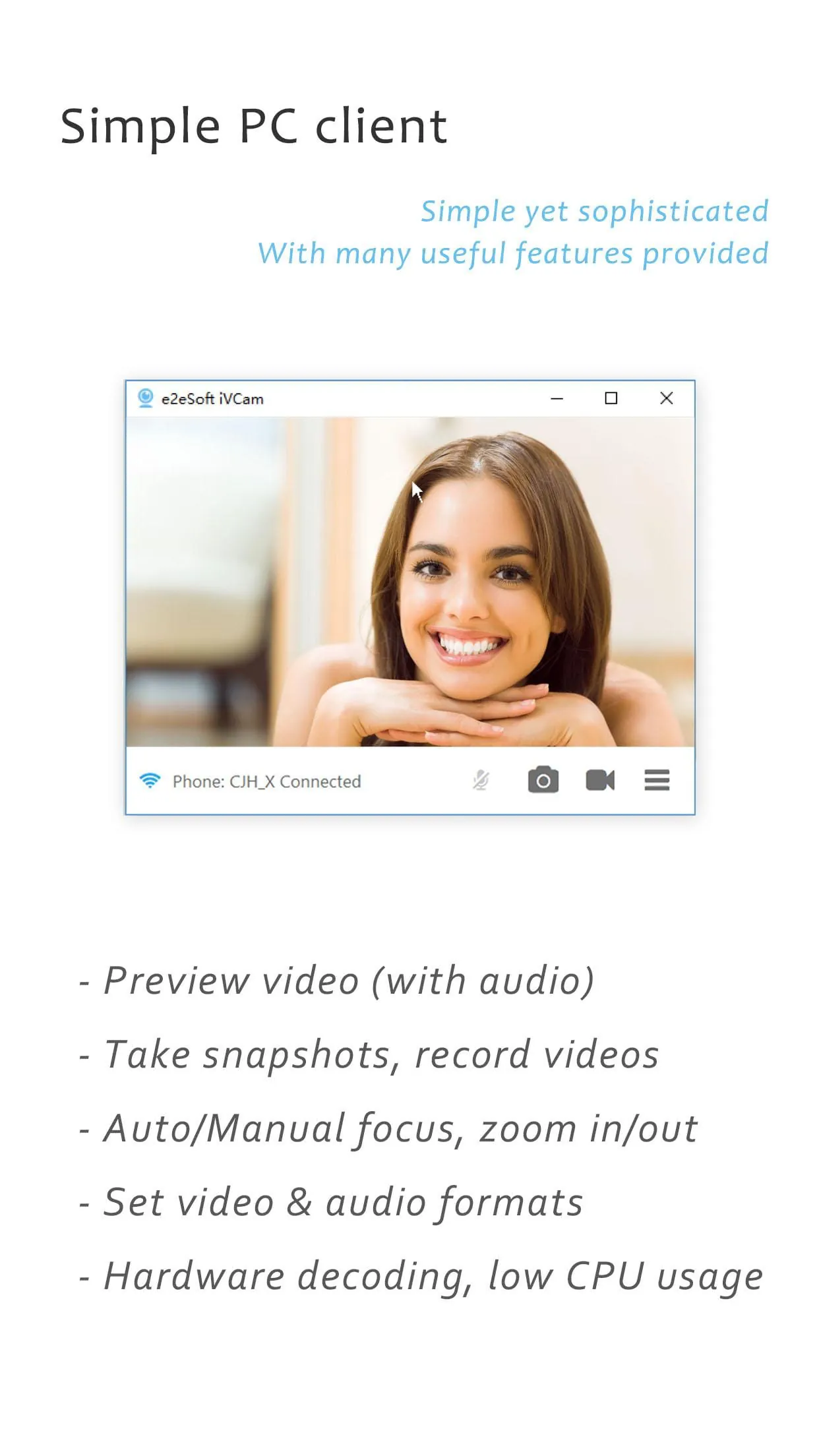
iVCam is a software that allows users to turn their smartphone or tablet into an HD webcam for Windows PC. It is an excellent alternative to buying a new webcam or replacing an old one. The software is easy to set up and automatically connects via Wi-Fi or USB, requiring no manual configuration. It offers high-quality, real-time video with low latency and fast speed, and supports common video sizes such as 4K, 2K, 1080p, 720p, 480p, 360p, etc. iVCam also has advanced camera settings, including AE/AF, ISO, EC, WB, and Zooming, and is configurable for video frame rate, quality, and encoder. iVCam is a versatile software that supports front/rear, wide angle/telephoto cameras and real-time switching. It also has features such as face beautify, flash, manual/auto focus, and video flip/mirror. Additionally, it supports background replacement, including Blur, Bokeh, Mosaic, Green Screen, and more. iVCam also allows users to use their smartphone as a wireless microphone for PC, making it an all-in-one solution for video conferencing, live streaming, and recording. iVCam is compatible with most applications using a webcam and completely replaces USB webcam or integrated webcam. It also offers a preview video, takes pictures, and records video files with its Windows client software. Overall, iVCam is an excellent software that offers a cost-effective solution for those who want to use their smartphone or tablet as a webcam. Note: The required Windows client software can be downloaded from the website of iVCam.

All Versions

V7.2.1

Updated: 2024-3-12

6.27 MB

V7.2.0

Updated: 2023-12-23

6.25 MB

V7.0.9

Updated: 2023-10-21

6.19 MB

V7.0.8

Updated: 2023-5-24

5.71 MB

Summary Of User Reviews

A Google user
A Google user
March 28, 2020
CASH GRAB! So it gives you most of the features for an hour, takes away a little, and then takes away more features gradually until you're left with an unusable, crappy program. What's worse is that whenever you try to use a feature, it pops up a 1 click buy buttom. Very sneaky producers. Make a good product and people will buy it. P.S. My five star review was because they have a popup that offers to give back features the program took away for a five star review, only to take them away again.
Kathy L
Kathy L
January 22, 2024
Beware of the newly-added, nasty, intrusive adware! I have been using this app for 3 years and it has worked flawlessly. Went to use it at the beginning of the year for a business meeting and I was horrified that as soon as it launched, an ad began screaming over my cell even though the volume was turned down. You can no longer just purchase the PC version, you must purchase the mobile version as well, and the ads run even while trying to place the order. SOOOO incredibly annoying.
Max H
Max H
May 12, 2020
Update to the previous review: I stand corrected. You must enable USB Debugging in developer's options for USB connection to work. It's even explained on their website. Changed to 5 stars. Great app + much cheaper than purchasing a dedicated high quality webcam. Works great with Wi-Fi turned on in the phone's settings. BUT, it is advertised to work over USB too, yet I am unable to get it to connect to my PC over USB only. I purchased the full version only to find out that USB only does not work. Installed it on multiple devices and same thing happens.