HomeMedal - Gaming Clips
Medal - Gaming Clips

Medal - Gaming Clips

Everyone
Rating
V5.8.2
Version
1M+
Installs
4.00
346 + Reviews
1
19%
2
2%
3
4%
4
14%
5
61%

Review By AppsWm

Medal - Gaming ClipsMedal - Gaming ClipsMedal - Gaming ClipsMedal - Gaming Clips

✨ Movement Design

The application prioritizes ease of clip capture and sharing, creating a streamlined flow from recording to distribution. This focuses on immediate gratification and minimal friction, encouraging consistent content creation. User feedback suggests the ease of clipping and quick sharing options are highly appreciated.

  • Quick clip creation
  • Easy sharing to multiple platforms
  • Intuitive interface
  • Occasional lag during clip creation (reported by some users)
  • Limited advanced editing features

⚡ Seamless Paths

Seamlessness is achieved through its direct integration with popular gaming platforms. The upload and sharing process is simplified. However, reported issues with occasional disconnects or upload failures disrupt this smooth experience. The ability to quickly transition from gameplay to clip sharing defines its core user flow.

One-Click Sharing

The application offers one-click sharing to platforms like TikTok, Twitter and YouTube, reducing user effort.

🌊 Flow Features

Key flow features include background recording, allowing users to capture unexpected gaming moments, and a streamlined editor for quick trims. These functionalities support an uninterrupted creative flow. Content discovery features, however, seem less emphasized, potentially impacting the user experience after initial clip creation and sharing.

Feature Description Impact on Flow
Background Recording Captures gameplay continuously Reduces missed opportunities, enhances spontaneity
Quick Trim Editor Simple tool to cut clips Enables fast editing, maintains momentum

🥁 Rhythm Points

Rhythm is established by short, iterative capture-edit-share cycles. The immediacy of sharing reinforces a content creation rhythm. Areas where rhythm falters include lengthy upload times or complex editing requests not easily supported within the app.

Upload Speed Evaluation

While generally fast, upload speeds can vary. Optimize for consistent, quick sharing.

🔗 Smooth Transitions

Smooth transitions are evident in the app's design. Integration with platform APIs facilitate quick account linking and sharing actions. However, transitioning between different editing tools or accessing advanced settings sometimes lacks the same level of smoothness. Data security measures, while present, need to be clearly communicated to promote trust and confidence during these transitions.

Overall Flow Value

The application excels at facilitating quick capture and sharing of gaming moments, but improvements in upload stability, editor features, and content discovery would significantly enhance the overall flow experience.

Description

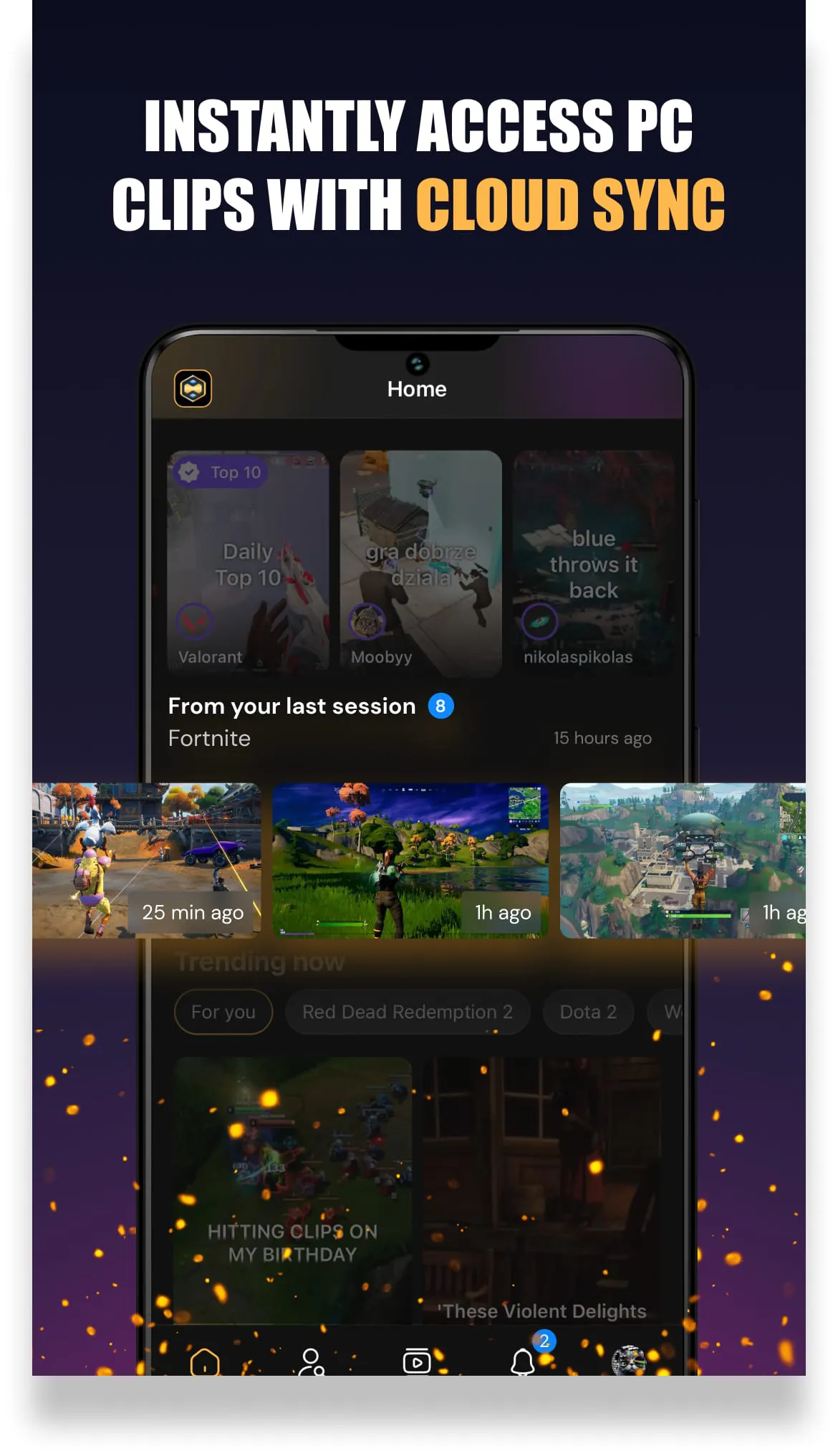
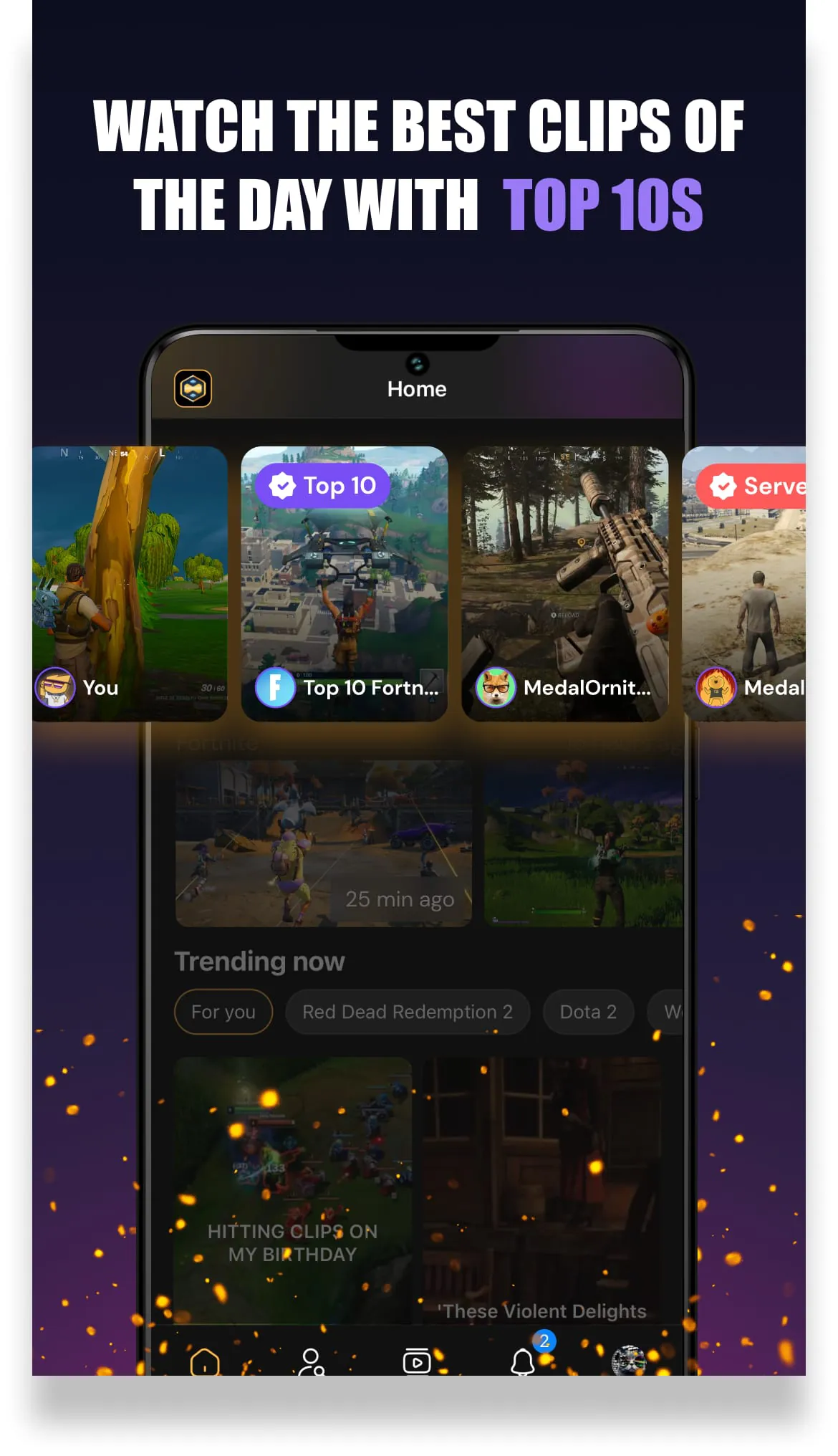
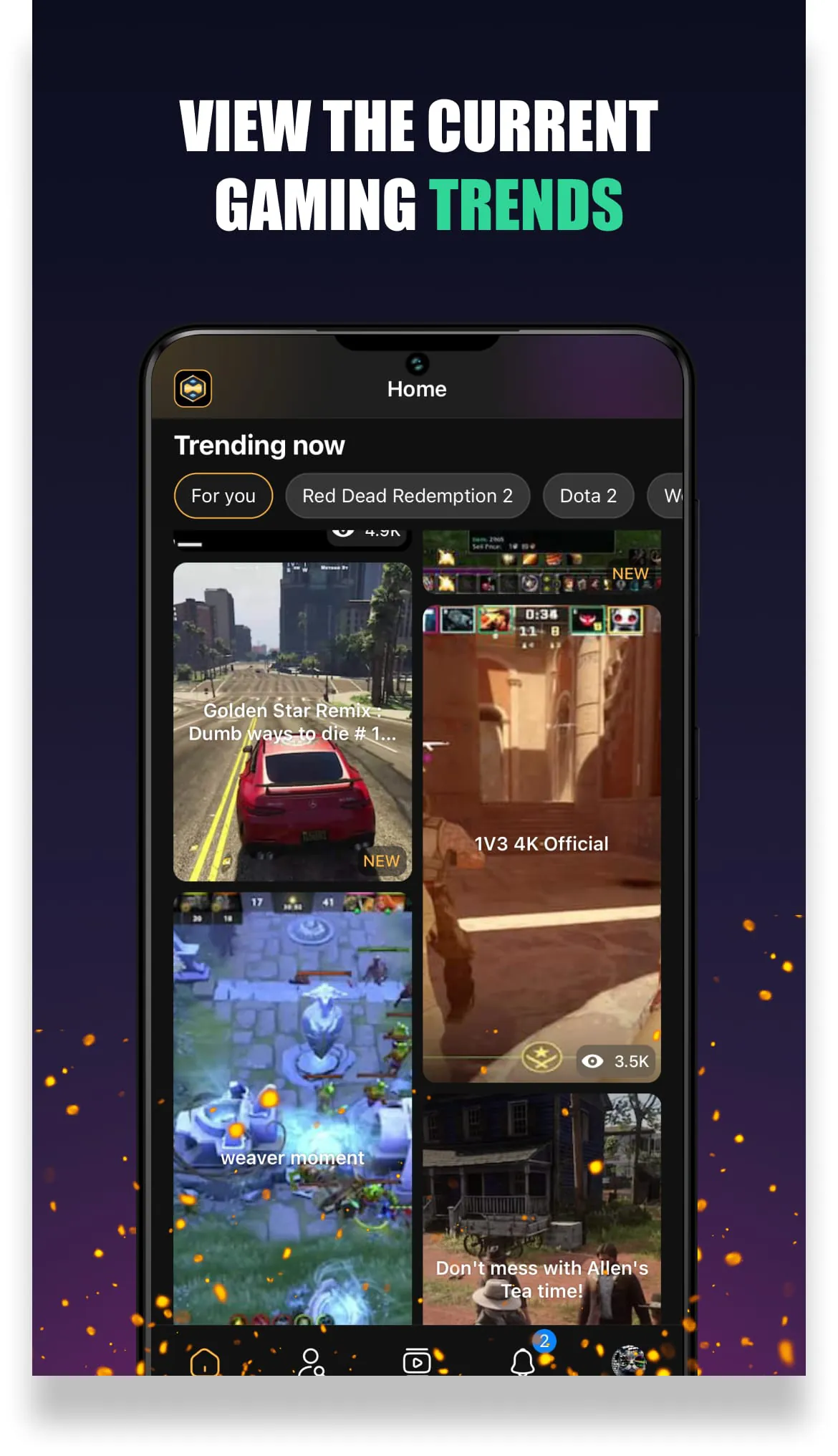
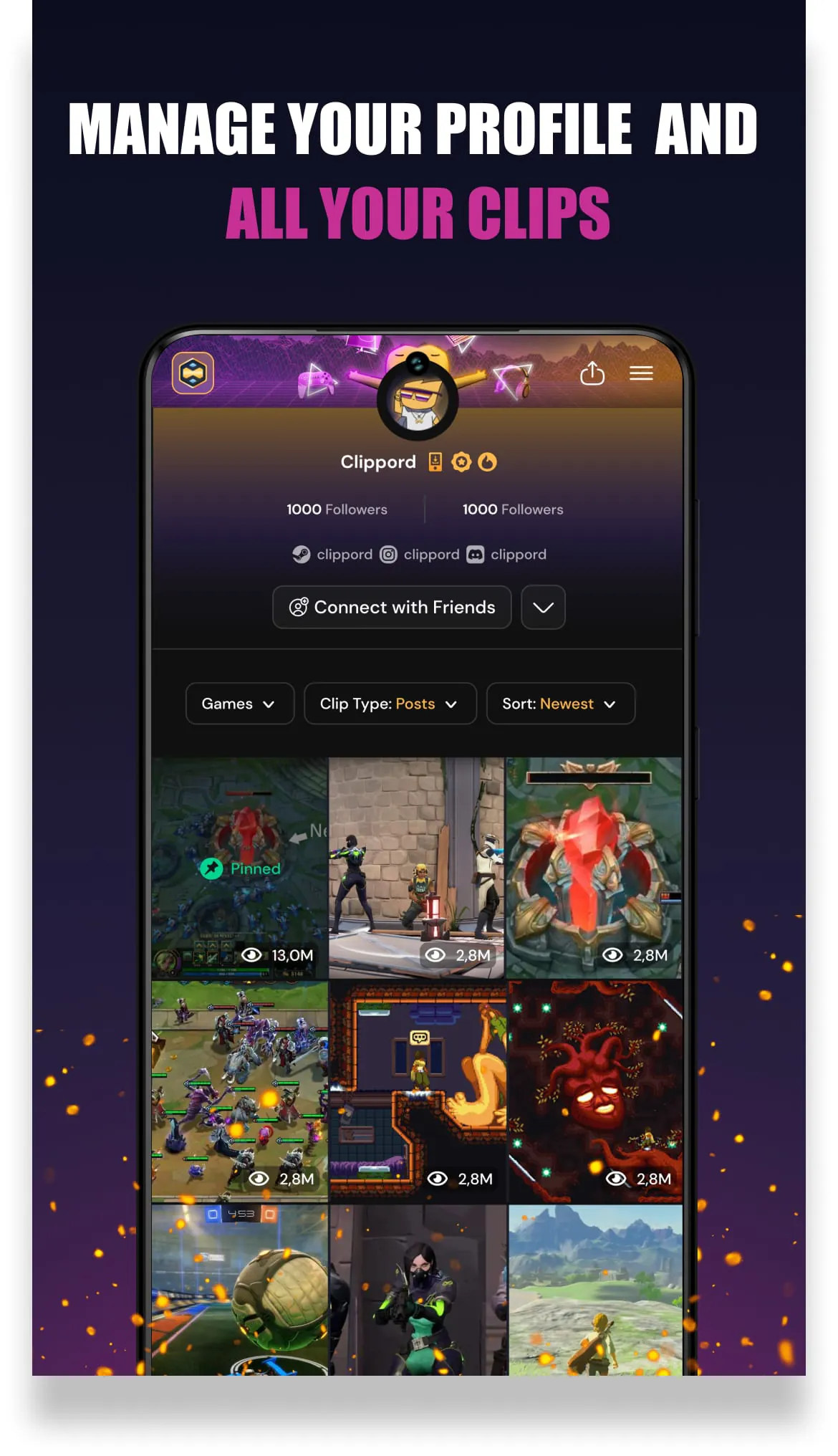
Medal is a versatile platform designed to enhance the gaming experience by allowing users to capture, save, and share their most memorable gaming moments effortlessly. Whether you are executing impressive stunts in popular games like Fortnite or experiencing comical mishaps in Roblox, Medal ensures that these highlights are preserved for you and your friends to enjoy. The application is user-friendly, enabling gamers to clip their gameplay instantly, making it easy to connect with friends over shared experiences that matter. This functionality is particularly appealing in the gaming community, where sharing moments of triumph or humor can foster camaraderie and engagement among players. The ability to capture these moments not only enhances personal enjoyment but also contributes to a broader culture of sharing and celebrating gaming achievements. The Medal platform offers a comprehensive suite of features that cater to both mobile and PC gamers. For mobile users, downloading the Medal mobile recorder allows for seamless clipping of gameplay, ensuring that no exciting moment goes unnoticed. Users can watch highlights from their friends, explore trending clips from various games, and access their personal clip library for easy sharing. The social aspect of Medal is emphasized through features that allow users to like, comment, and save clips to their profiles, creating an interactive environment where gamers can engage with one another. The platform also supports quick sharing options, enabling users to distribute their clips across various social media platforms such as TikTok, Instagram, and Twitter. This ease of access and sharing is crucial in a digital age where content creation and social interaction are intertwined, making Medal a valuable tool for gamers looking to showcase their skills and experiences. For PC gamers, Medal provides a straightforward solution to capture gameplay with minimal impact on system performance. By downloading the Medal desktop application, users can record their gameplay with a simple keystroke, ensuring that their clips are instantly available on the app. The platform supports high-quality uploads, allowing users to share their clips in 1080p at 60 frames per second, which is essential for maintaining the visual integrity of gaming content. This capability is particularly important for gamers who wish to present their gameplay in the best possible light, whether for personal enjoyment or for sharing with a wider audience. The integration of Medal across different devices and platforms enhances the overall user experience, making it a go-to choice for gamers who want to document and share their gaming adventures. With a focus on community engagement and high-quality content sharing, Medal stands out as a leading tool in the gaming landscape.

All Versions

V5.8.2

Updated: 2024-3-5

228.3 MB

V5.3.3

Updated: 2024-1-8

226.47 MB

V4.25.2

Updated: 2023-11-29

226.84 MB

V4.21.0

Updated: 2023-9-25

221.05 MB

V4.17.1

Updated: 2023-8-7

213.59 MB

V4.16.2

Updated: 2023-7-21

213.52 MB

V4.16.0

Updated: 2023-7-19

203.6 MB

V4.15.0

Updated: 2023-7-14

212.07 MB

V4.13.0

Updated: 2023-6-27

226.07 MB

V4.11.0

Updated: 2023-6-2

214.73 MB

V3.13.0

Updated: 2022-11-27

164.76 MB

V3.6.1

Updated: 2022-1-14

40.0 MB

V3.6.0

Updated: 2021-12-17

39.9 MB

Summary Of User Reviews

alex b
alex b
March 1, 2026
Everything works perfectly fine. Roaming clips, uploading my own and other parts that make up medal. The only problem I have is that I can't download anything on my s22+. It worked fine, giving me that device manager - download notification, but now it's not, it won't even download anything. I was looking to save my clips if I ever forget my login. Everything else is good, but that's my only problem.
Nathan Rhic B. Sanico
February 17, 2026
The app is really good! I've been using it on my PC to record random encounters, funny things and all that good stuff. it captures my mic pretty good and it doesn't have any problems! aside from the mobile - PC video issue, which makes mobile not be able to acess all the videos recorded on the PC. which is not that big of a deal IMO
hann
hann
December 27, 2025
I downloaded this app on my phone to watch other people's clips of their gameplay and maybe upload some of my own from Roblox. It's been nice. But the only problem I have with this app is when I'm uploading my own clip, I can't see it on "my posts." I keep re-uploading the clip or keep sorting it by newest—it's still not there. Also, the indicator of my clips (below the username) keeps increasing, but the clip is not there; the only clip present there was the one I uploaded a year ago.