
HomeMicrosoft Intune
Microsoft Intune

Microsoft Intune

Everyone
Rating
V2023.12.05
Version
500k+
Installs
4.00
16 + Reviews
1
16%
2
4%
3
9%
4
11%
5
61%

Review By AppsWm

Microsoft IntuneMicrosoft IntuneMicrosoft IntuneMicrosoft Intune

Clarity Features

The application focuses on providing a centralized platform for managing and securing mobile devices and applications, offering clear visibility into device compliance and security policies.

  • Device Enrollment: Streamlined enrollment process simplifies onboarding for new devices.
  • Policy Management: Clear policy configuration ensures consistent security across the organization.

Simplification Tools

Designed to simplify the complexities of mobile device management (MDM) and mobile application management (MAM), offering tools that automate tasks and reduce administrative overhead.

  • Automated Compliance Checks
  • Simplified App Deployment
  • Initial setup can be complex for non-technical users

Streamlined Processes

Workflows are designed to minimize manual intervention, allowing IT administrators to efficiently manage a large number of devices and applications.

  1. Automated Threat Response
  2. Centralized Management Console

Easy Solutions

Offers straightforward solutions for common MDM challenges, such as remote device wipe and app configuration.

Remote Device Management

Enables administrators to remotely manage devices, including wiping data or locking devices in case of loss or theft.

Intuitive Design

The user interface is designed to be intuitive, allowing administrators to quickly access and manage key features.

User Interface Assessment

The dashboard provides a clear overview of device compliance and security status, facilitating quick decision-making.

Overall Simplicity Value

While the initial setup may require some technical expertise, the application provides significant value in simplifying mobile device and application management through automation and centralized control.


Description

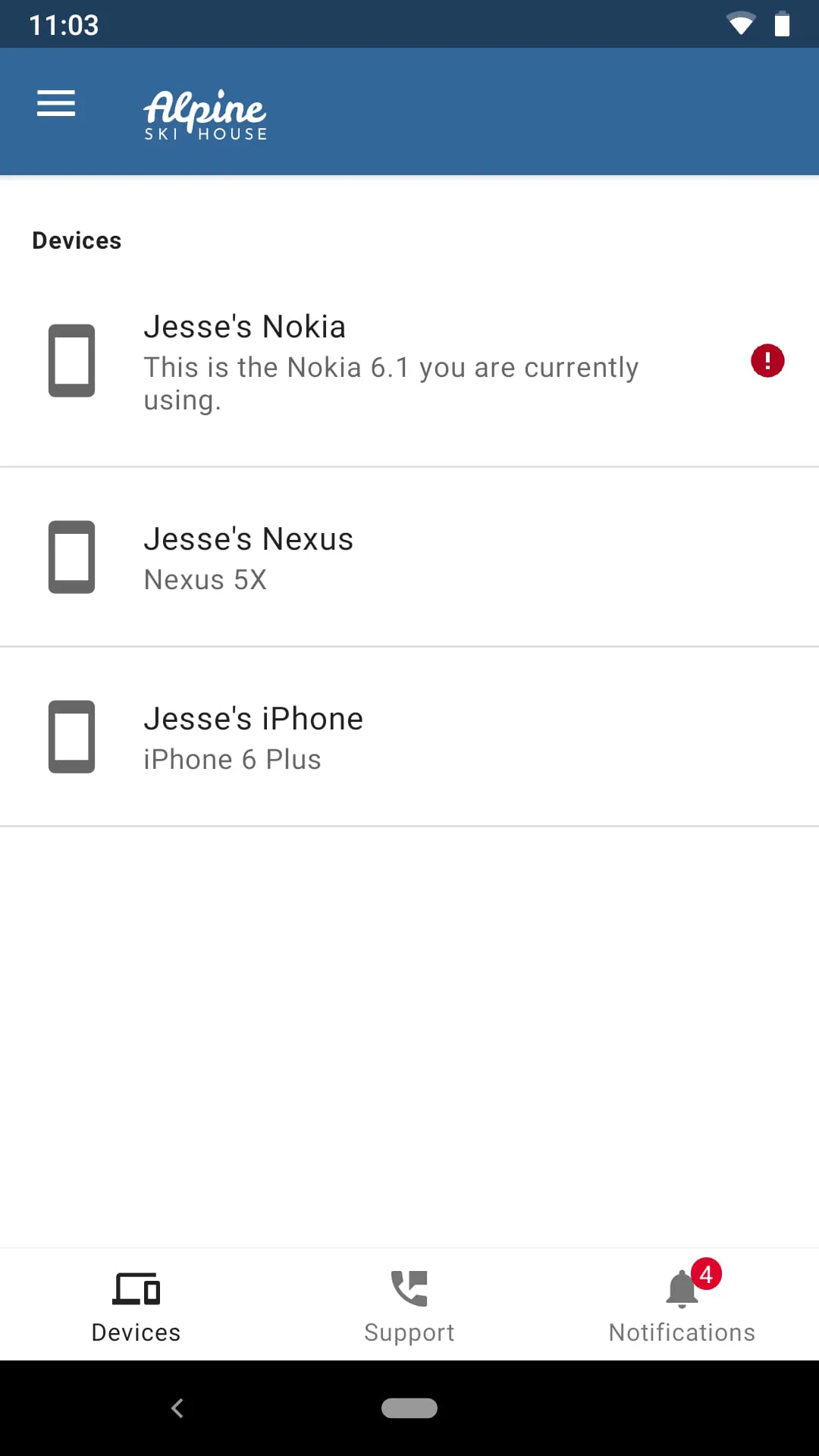
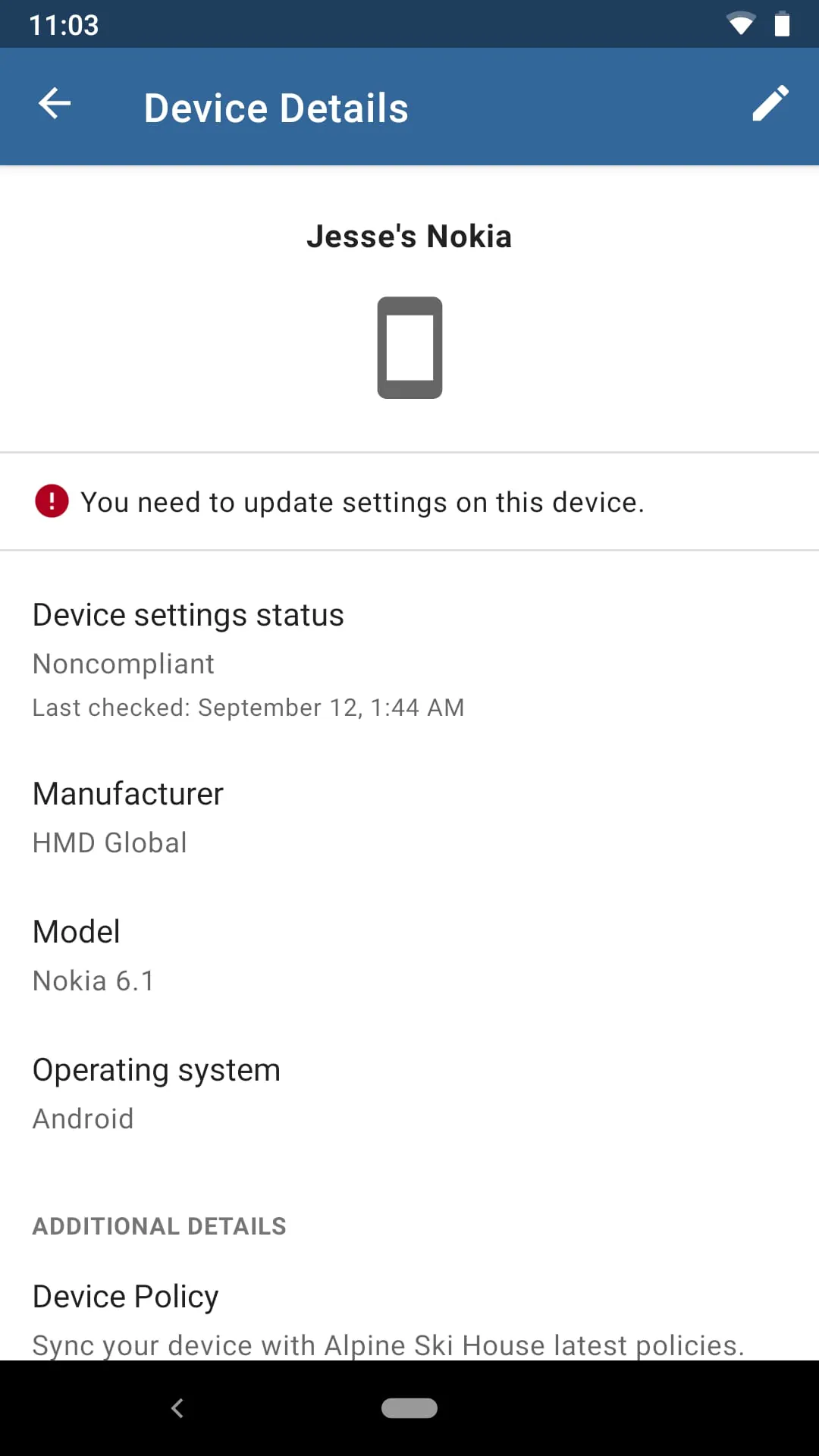
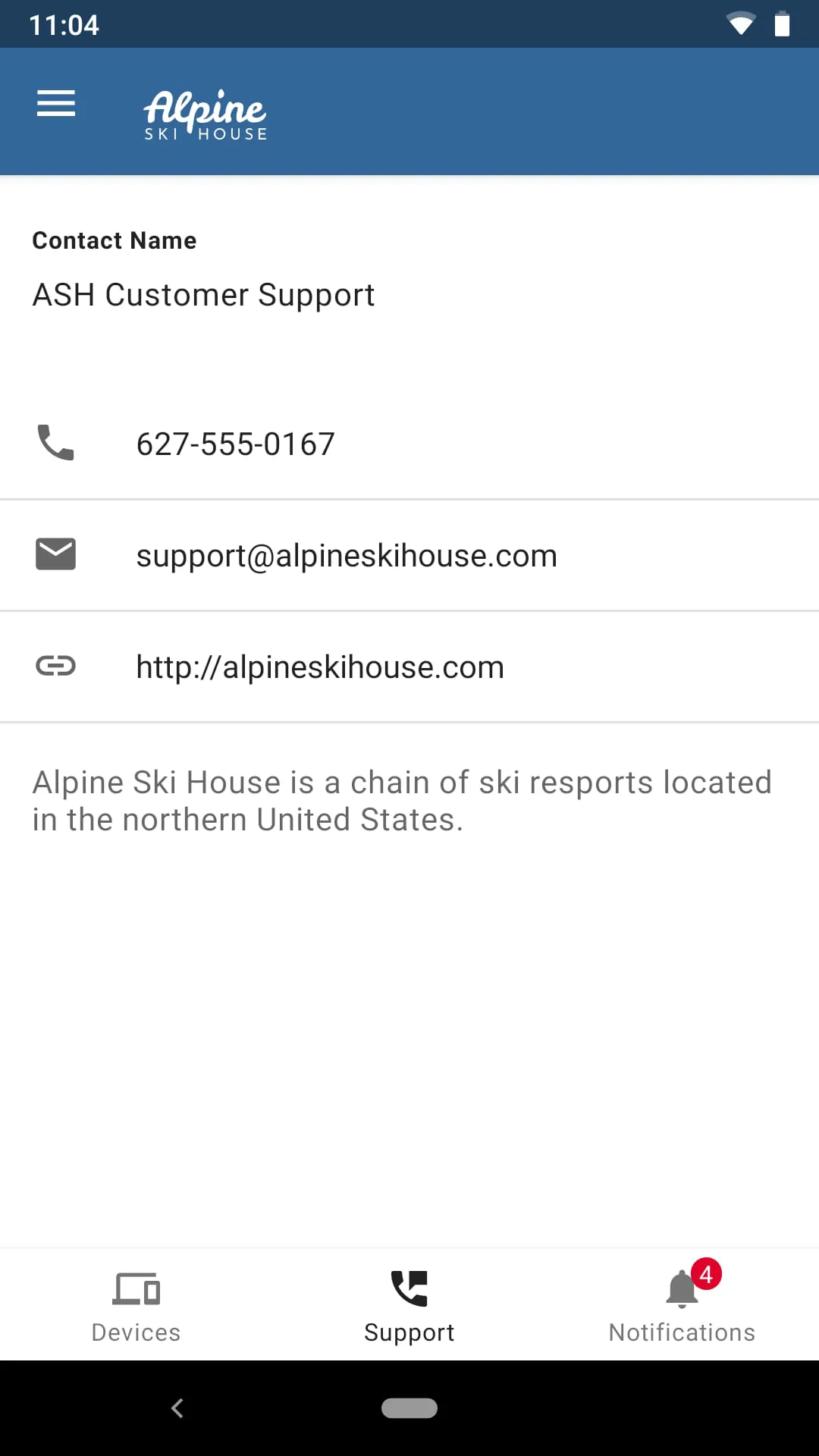
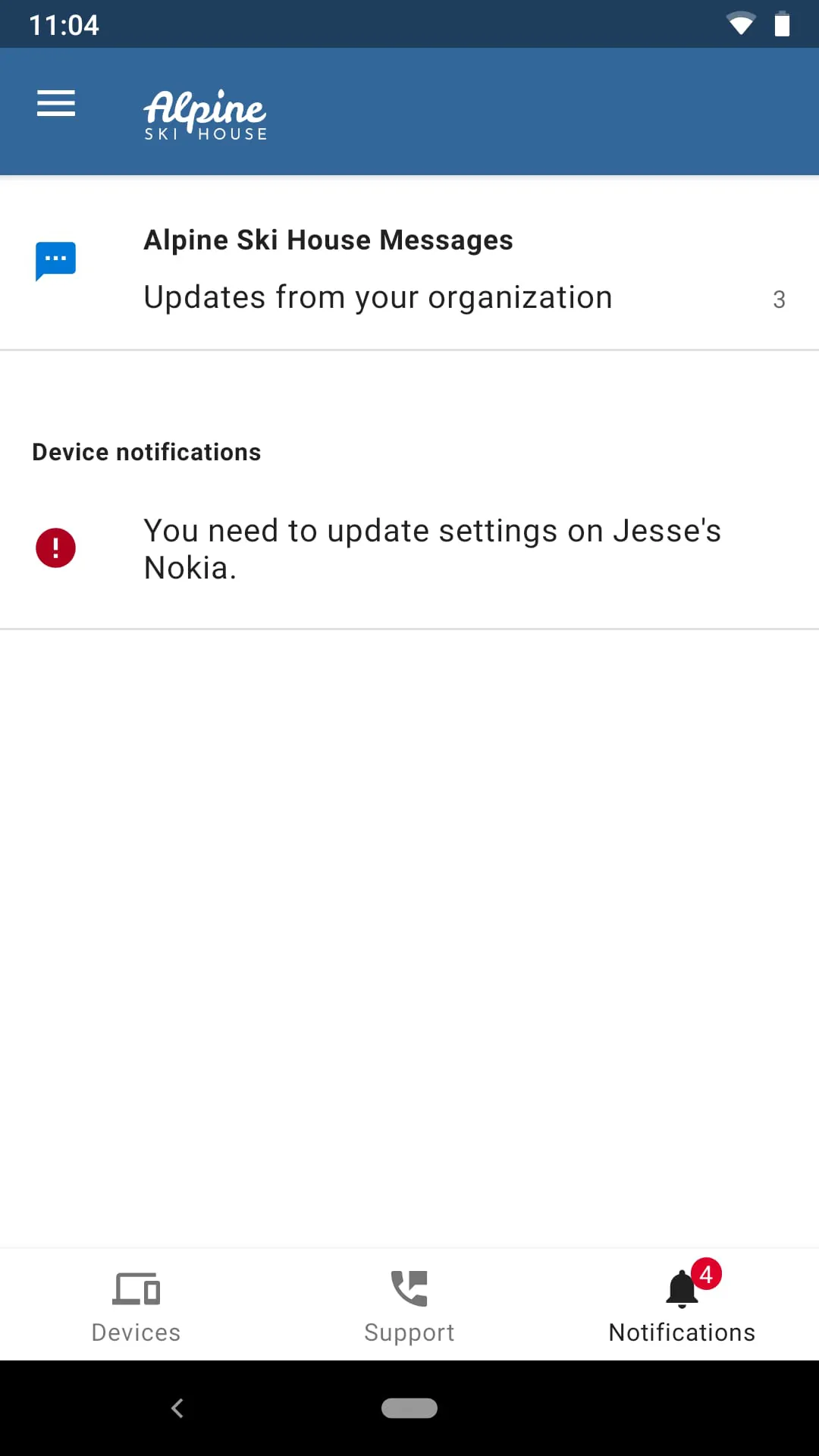
The Microsoft Intune app offers a range of features to help users set up access to their organization's resources, manage their device and its access, and get help if needed. With this app, users can easily connect to their organization's resources and access important files and documents. They can also manage their device's settings and permissions, ensuring that it meets the security requirements set by their organization. Additionally, the app provides a support system for users who may encounter issues or have questions about its use. It is important to note that organizations must already subscribe to Microsoft Intune and set up user accounts for the app to be used effectively. Some functionality may be unavailable in certain countries. If users have any issues or questions about the app, including concerns about their organization's privacy policy, they should contact their organization's support team rather than Microsoft, their network operator, or their device manufacturer. Overall, the Microsoft Intune app offers a convenient and secure way for users to access their organization's resources and manage their device's settings. By using this app, users can easily connect to important files and documents, ensuring that they have access to the information they need. The app also allows users to manage their device's access and permissions, ensuring that it meets the security requirements set by their organization. Additionally, the app provides a support system for users who may encounter issues or have questions about its use. It is important to note that organizations must already subscribe to Microsoft Intune and set up user accounts for the app to be used effectively. Some functionality may be unavailable in certain countries. If users have any issues or questions about the app, including concerns about their organization's privacy policy, they should contact their organization's support team for assistance.

All Versions

V2023.12.05

Updated: 2023-12-7

96.79 MB

V2023.11.02

Updated: 2023-10-31

96.78 MB

V2023.09.03

Updated: 2023-9-7

96.78 MB

V2023.08.01

Updated: 2023-7-21

99.69 MB

V2023.07.02

Updated: 2023-6-29

99.35 MB

V2023.05.02

Updated: 2023-5-4

94.12 MB

V2022.11.04

Updated: 2022-11-10

79.69 MB

Summary Of User Reviews

Butter Bay Biscuits
Butter Bay Biscuits
December 13, 2025
my phone screen is broken so sometimes it does not register a touch-click, and this stupid app keeps uninstalling itself off my phone for failed password attempts and I have to start over and set up my work account every time!!!
Mohammad Salman Dhedhi
November 8, 2025
intune derived credential crashes when scanning qrcode. Device onboarding works fine but after onboarding, when I try to setup my derived credentials and scan the qrcode, the intune app crashes. This used to work last time I checked in July so a new update must have broken this feature.
Joe Bishop
Joe Bishop
March 19, 2022
Straight trash. This app is not ready for deployment. My idiot company decided to force this on us and guess what...it was another bad decision by management who doesn't have to use it. I can't get any work done now. Can't even open up a word doc or download it from an email. This is literally my job to read engineering specs and now.i cannot do it.