


Balance Points
Achieving a harmonious balance between comprehensive real estate data and a user-friendly interface is crucial. The app strives to present detailed property listings, neighborhood information, and market trends in a way that is easily digestible for both seasoned investors and first-time home buyers.
- Extensive property database
- Interactive maps with neighborhood data
- User-friendly search filters
- Potential for information overload for new users
- Map loading times can be improved in certain areas
Harmony Elements
The application's strength lies in its integration of diverse functionalities into a cohesive experience. The search function, map views, and property details are all interconnected, allowing users to seamlessly navigate between different aspects of the real estate market. The inclusion of high-quality photos and virtual tours enhances the user experience, creating a more immersive and engaging exploration of properties.
Interactive Maps
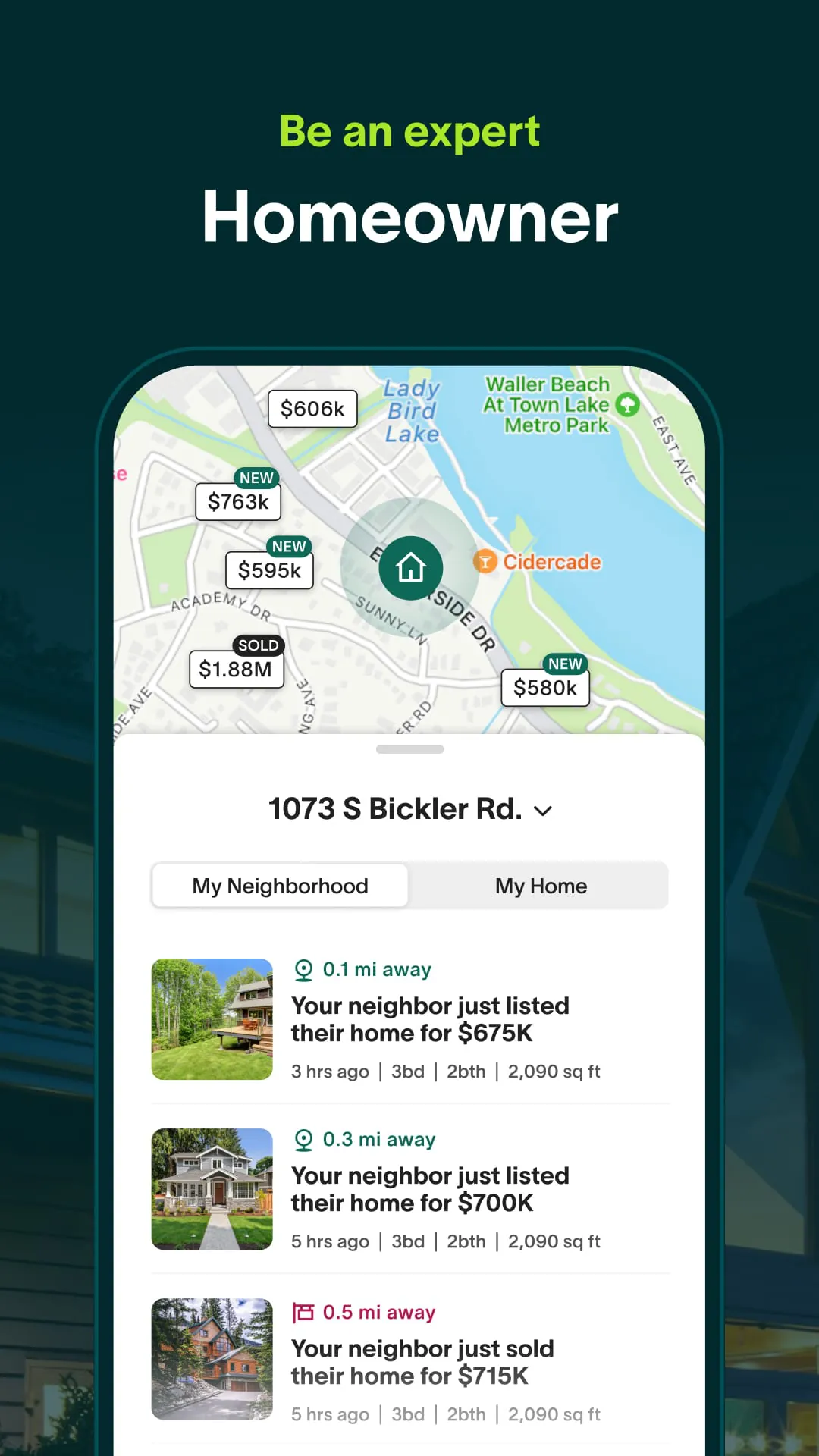
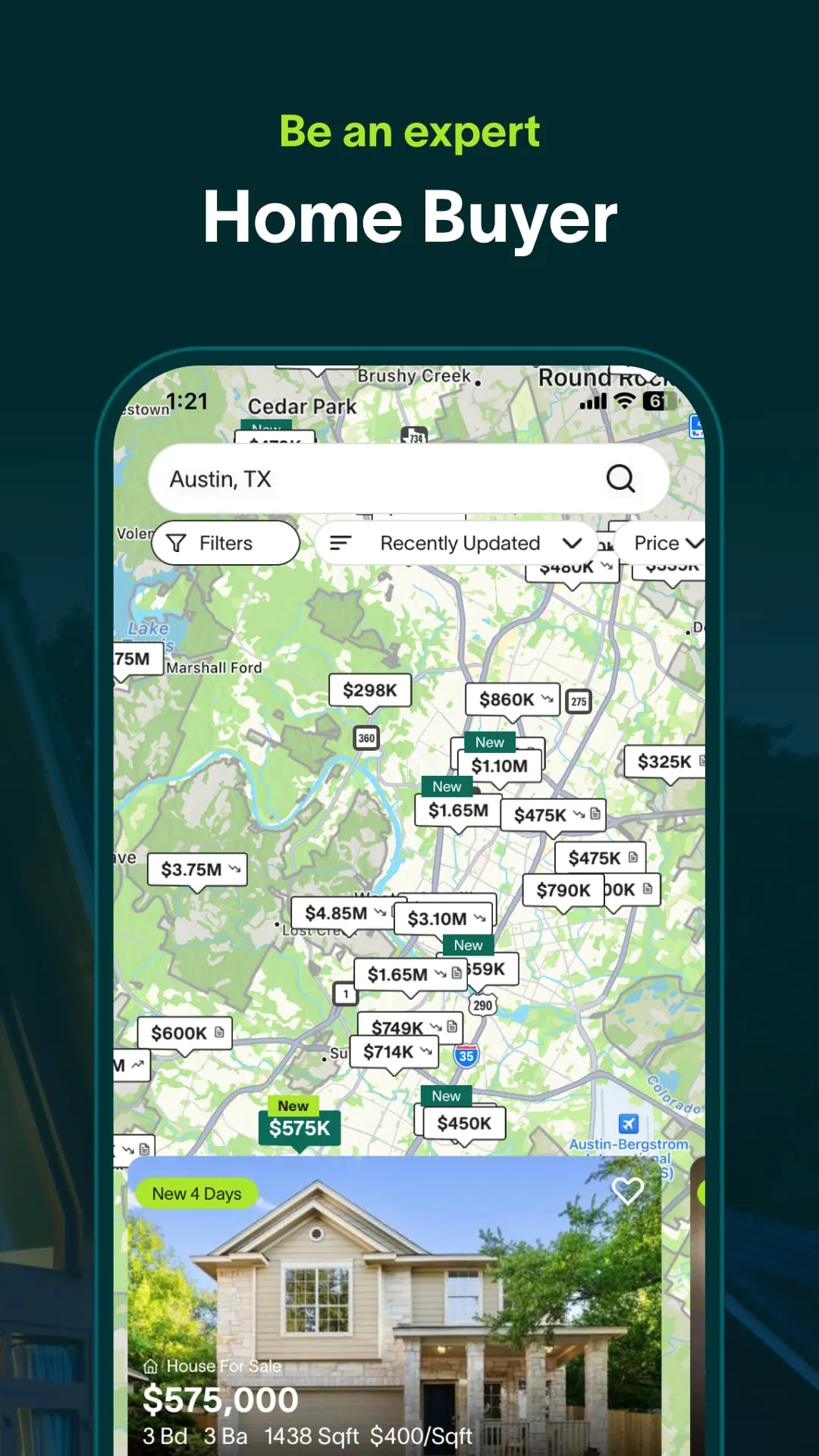
The interactive map feature provides a visually appealing and informative way to explore neighborhoods, school districts, and nearby amenities. Users can easily identify properties of interest and access detailed information with a simple tap.
Integration Success
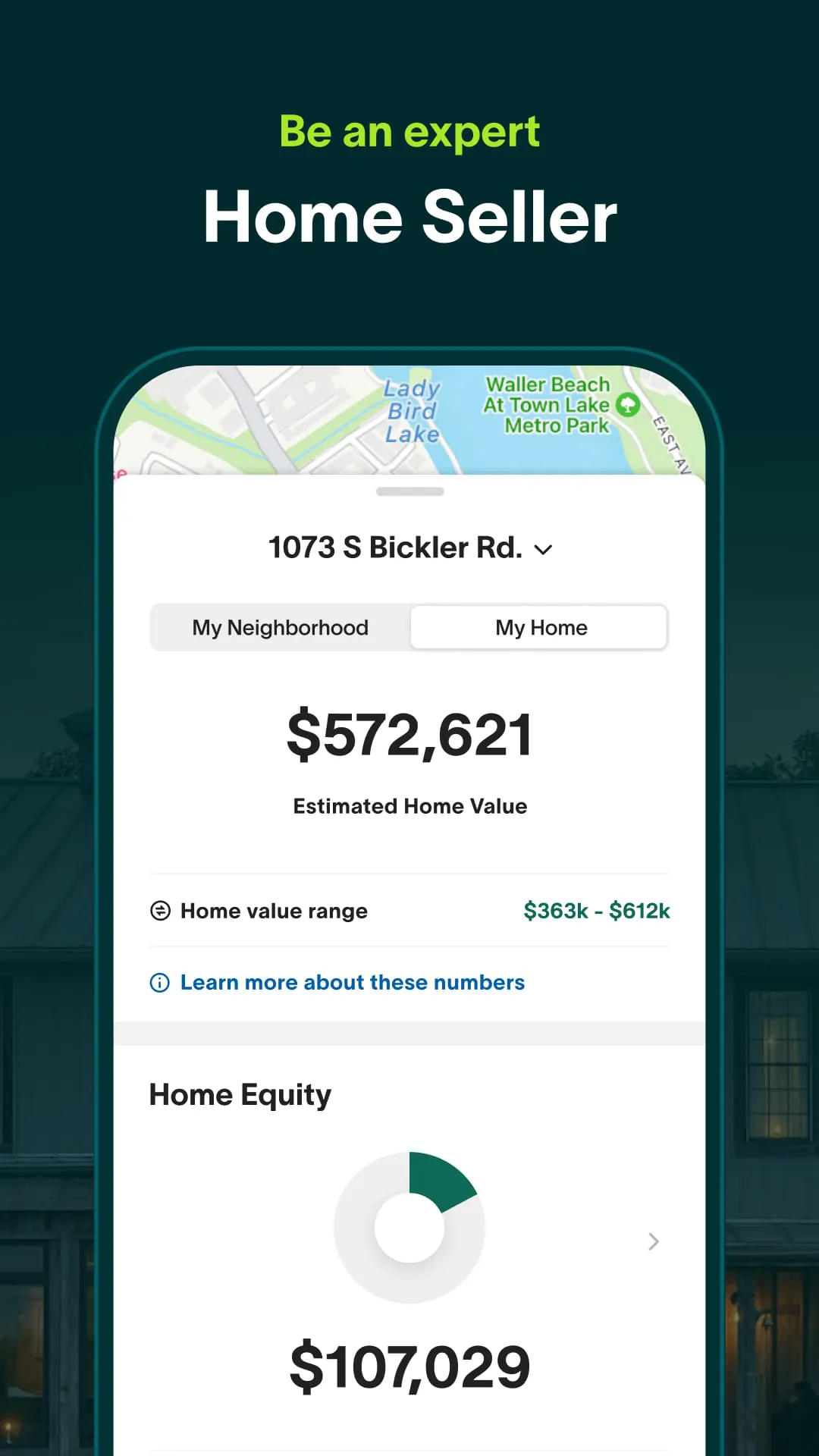
A key element of the app is how well it blends various data sources. By aggregating listings from different sources, the application offers a comprehensive view of available properties. This integration, combined with tools for calculating mortgage affordability, creates a one-stop shop for real estate exploration. A smooth transition between viewing properties, accessing local data, and contacting agents is important for user satisfaction.
- Property Search and Filtering
- Map-Based Exploration
- Agent Contact and Scheduling
User-Tech Synergy
The app uses location services to personalize the property search experience. The push notifications feature informs users of newly listed properties in their desired areas, creating a timely interaction between technology and the user's needs. Additionally, users can save their search preferences and favorite properties for later review, fostering a more personalized and efficient experience.
Personalized Search
Location-based services and saved preferences streamline the property search process.
Perfect Proportions
The app's design incorporates a balance between detailed property information and streamlined navigation. By prioritizing key information and utilizing clear visual cues, the application avoids overwhelming users with excessive data. The implementation of intuitive search filters and sorting options allows users to quickly narrow down their search results and focus on properties that meet their specific criteria.
| Feature | Description | User Benefit |
|---|---|---|
| Property Listings | Comprehensive database of properties for sale and rent. | Wide selection of options to choose from. |
| Interactive Maps | Visual representation of properties and neighborhoods. | Easy exploration of locations and amenities. |
| Mortgage Calculator | Tool for estimating mortgage payments and affordability. | Helps users understand their financial options. |
Overall Balance Achievement
The application effectively balances detailed information with user-friendly design. Its interactive features, data integration, and personalized search options contribute to a harmonious user experience. While there is room for improvement in terms of loading speeds and potential information overload, the app's overall design facilitates a seamless and engaging real estate exploration.









