Pattern Elements: Interface Harmonics
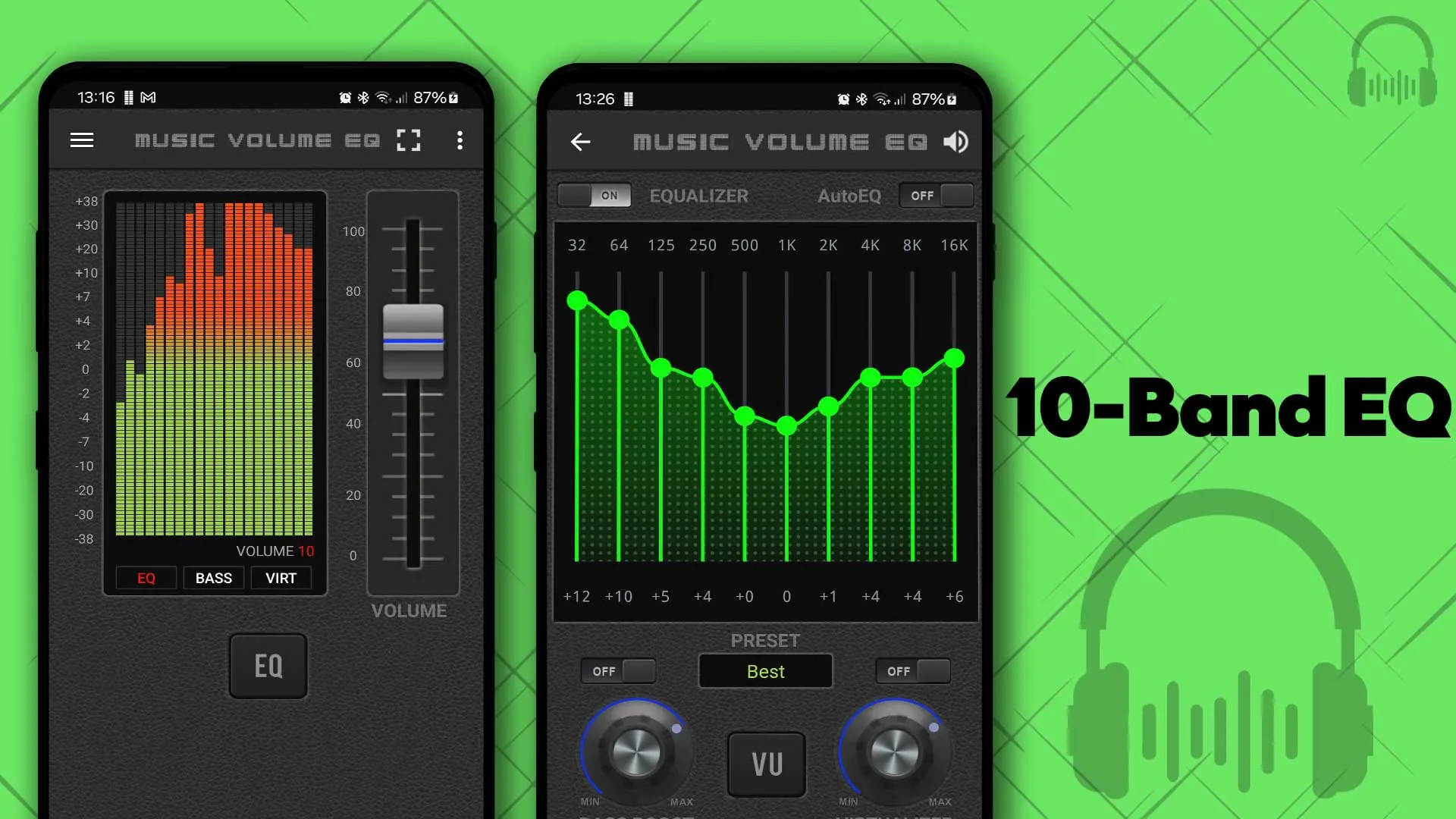
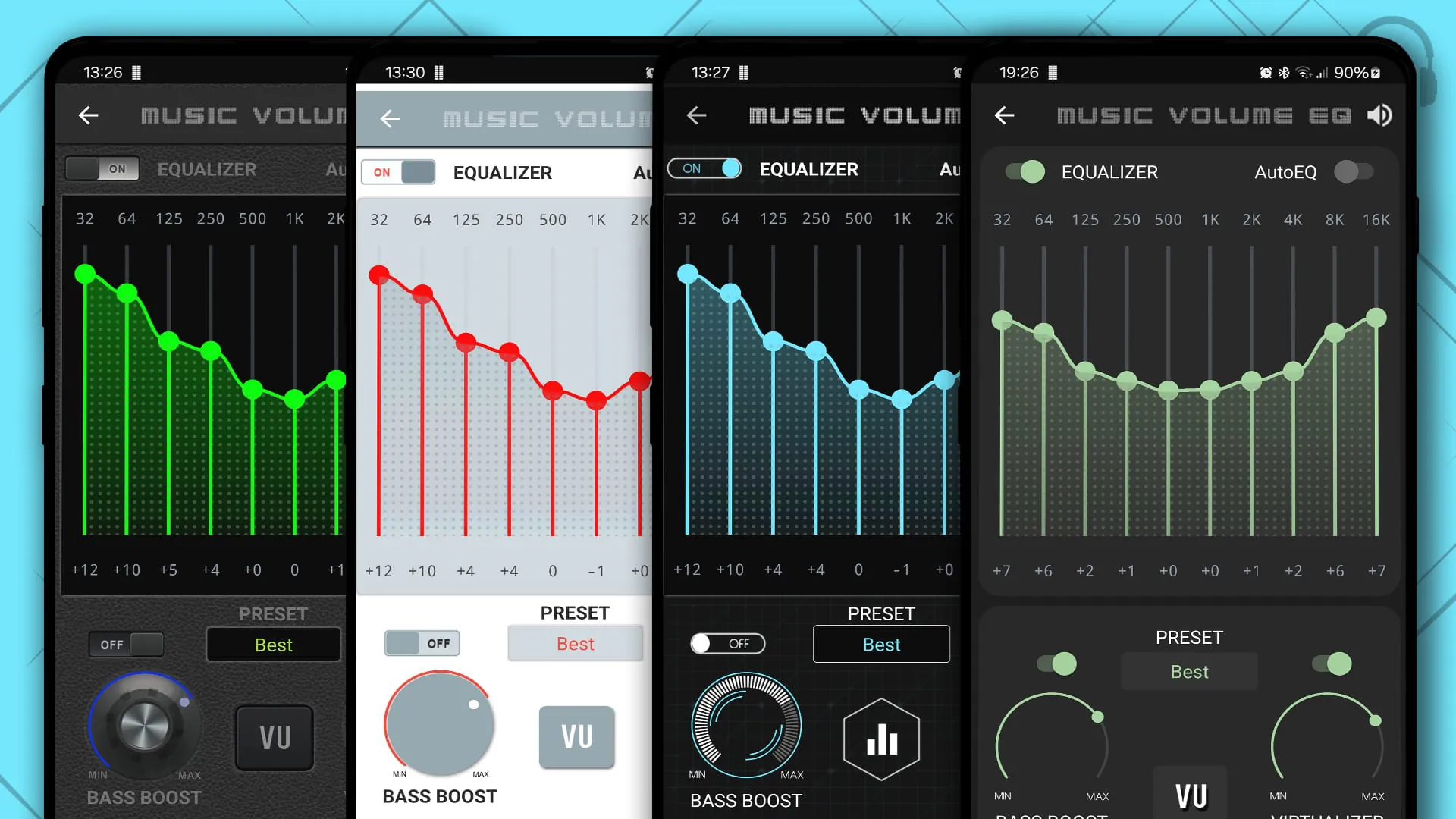
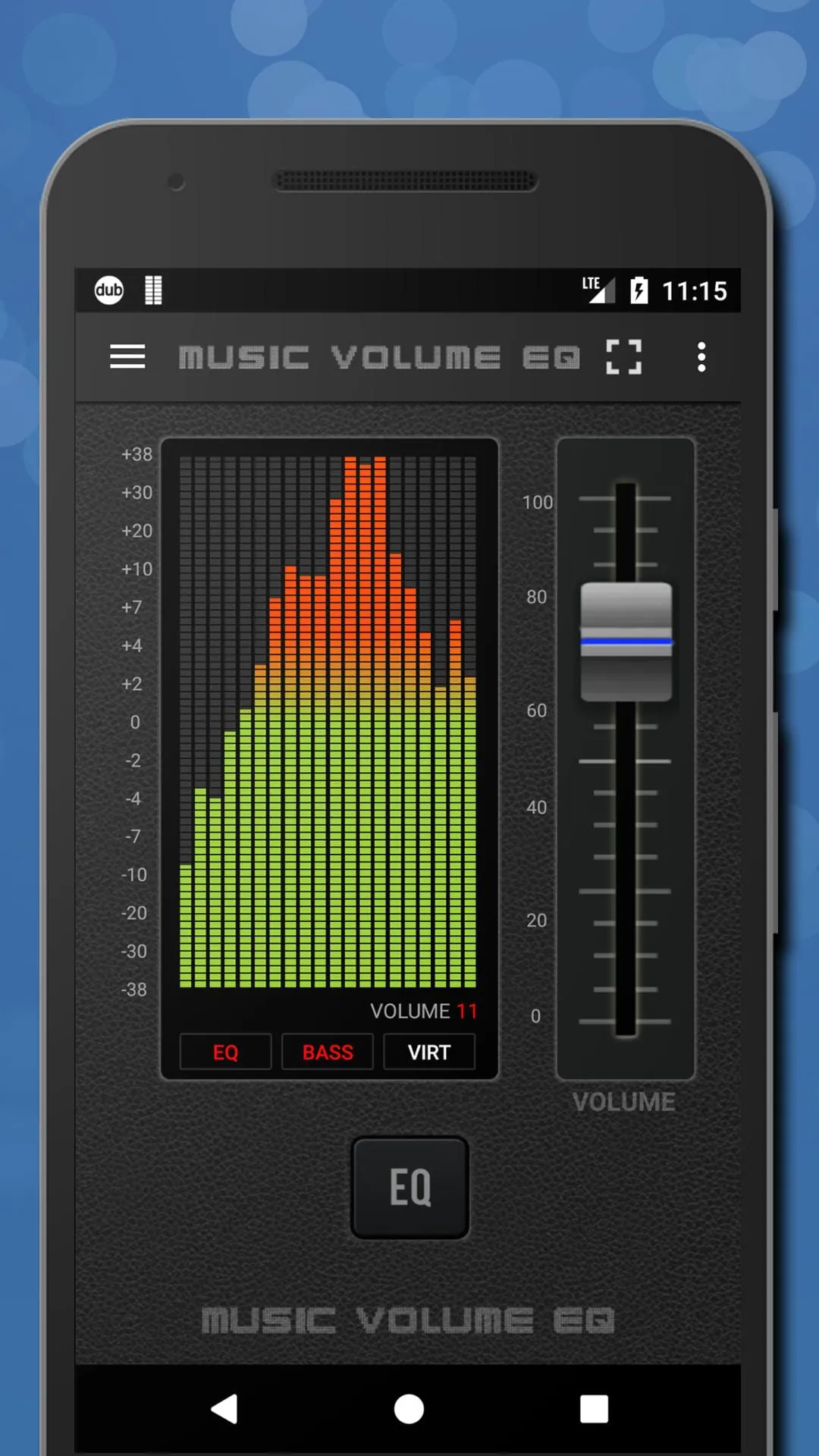
The app's interface presents a clear pattern of interactive elements, primarily revolving around the equalizer bands and volume controls. A consistent visual theme and button arrangement contribute to a predictable user experience.
Equalizer Band Arrangement
The arrangement of equalizer bands follows a common pattern, allowing users familiar with audio editing to quickly grasp the functionality. This familiarity enhances usability.
Flow Features: Smooth Transitions
The application facilitates a smooth flow of audio adjustments. Real-time visual feedback on the equalizer display ensures immediate awareness of changes. Background play enables continuous music enjoyment while multitasking.
-
Seamless audio adjustments
-
Real-time visual feedback
-
Background playback
-
Potential interruptions from ads in the free version
Tempo Aspects: Responsiveness and Speed
The responsiveness of the equalizer and volume adjustments dictates the application's tempo. Quick loading times and minimal latency in audio processing contribute to a positive user experience.
Responsiveness Assessment
Observed response times are generally quick, allowing for immediate sonic shaping.
Beat Points: Feature Accents
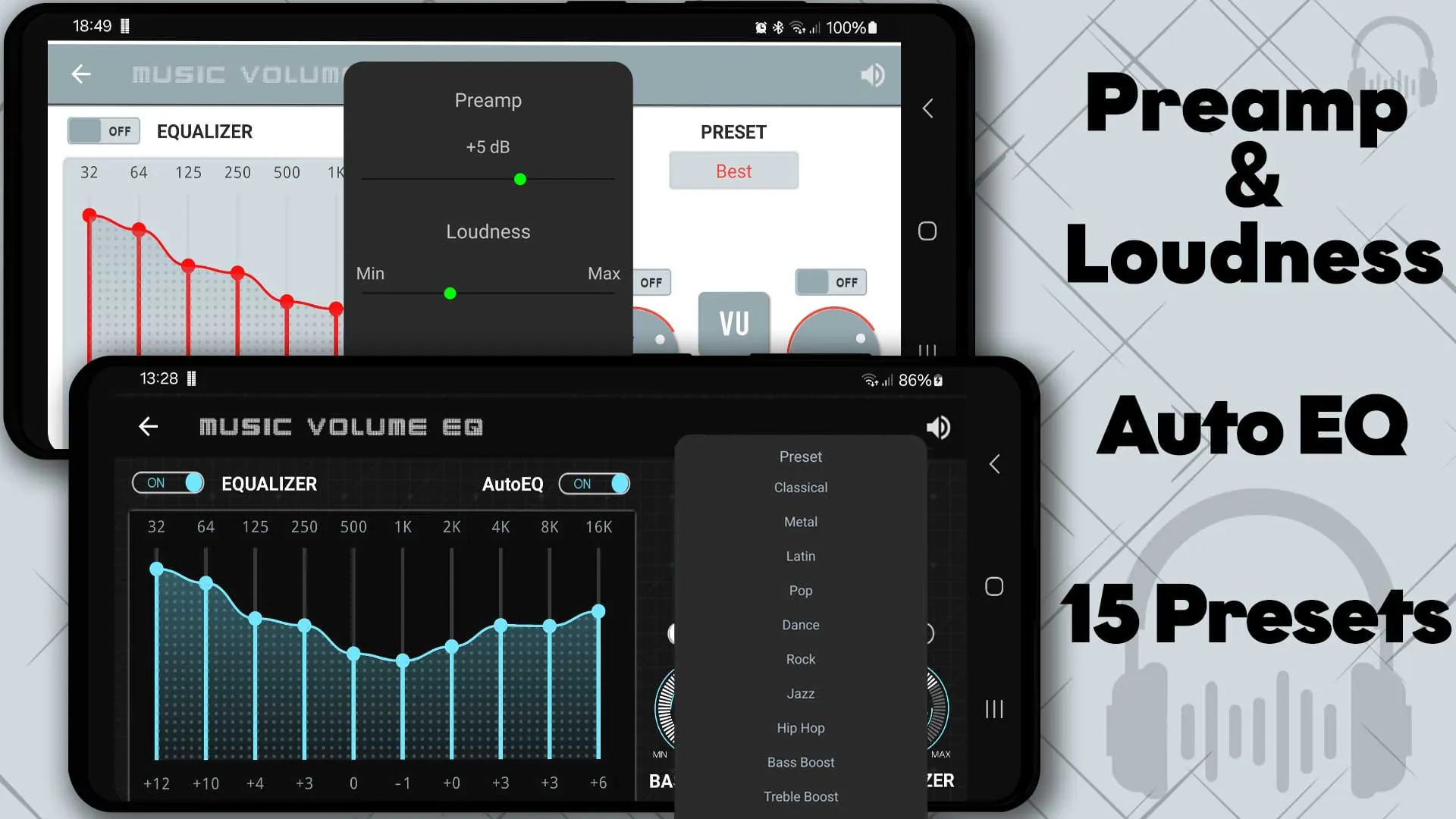
Key features like preset saving and loading are critical "beat points," enabling users to quickly switch between customized sound profiles. These features enhance workflow efficiency.
Preset Management
Allows saving and loading of custom equalizer settings for various musical genres or listening environments.
Rhythm Moments: User Interaction
The rhythm of interaction hinges on the intuitive nature of the controls. Well-placed buttons and clear labels contribute to a smoother workflow. Customizable presets promote experimentation and sonic discovery.
Overall Rhythm Value
The app offers a reasonable rhythm for audio adjustment, balancing functionality with user-friendliness.
Movement points: Audio adjustment
The core function of audio adjustment has an effective movement point due to the simple interface.
-
Clarity of Audio
-
The sound enhancement improves audio quality across the board.
Music Volume EQ is an Android app that allows users to control their music volume, boost their music, and amplify their audio. The app features a live music stereo led VU meter, a five-band equalizer, an amp, a bass boost, a 3D virtualizer, slider volume, and audio control. It is compatible with most Android music players and video players, and users can still enjoy good music with their favorite MP3 music player to play their top songs from their song library. The app is also a great speaker booster and bass booster if users use a Bluetooth speaker to listen to music.
To get the best results, users should pair Music Volume EQ with their best headphones. If they don’t have a pair of headphones or if they want to use a speaker, they can still enjoy good music with the app. Music Volume EQ is also a great loudness enhancer and volume boost amplifier, and users can adjust and amp audio and also enjoy live visual with the 3D Virtualizer. The app has circular music beat bars, a video volume booster, an audible sound spectrum, and a live wallpaper. Users can also use the system equalizer if they prefer.
To install and use Music Volume EQ, users should put on their best headphones, turn on their Android music player to play top songs from their music library, open Music Volume EQ, and adjust sound level and frequency. They can save custom presets, select their preferred theme, switch to full-screen visualization, and enjoy in a stereo sound booster. To close the application and remove it from the status bar, users should long-press the app power button. The app is free to download and use, and users can support it by leaving a rating and review.
In summary, Music Volume EQ is a helpful Android app that allows users to control their music volume, boost their music, and amplify their audio. The app features a live music stereo led VU meter, a five-band equalizer, an amp, a bass boost, a 3D virtualizer, slider volume, and audio control. It is compatible with most Android music players and video players, and users can still enjoy good music with their favorite MP3 music player to play their top songs from their song library. The app is also a great loudness enhancer and volume boost amplifier, and users can adjust and amp audio and also enjoy live visual with the 3D Virtualizer.