HomeOffice Word Reader: PDF, DOCX
Office Word Reader: PDF, DOCX

Office Word Reader: PDF, DOCX

Everyone
Rating
V300313
Version
50M+
Installs
4.60
1.8k + Reviews
1
6%
2
1%
3
1%
4
6%
5
86%

Review By AppsWm

Office Word Reader: PDF, DOCXOffice Word Reader: PDF, DOCXOffice Word Reader: PDF, DOCXOffice Word Reader: PDF, DOCX

✨ Streamlined Document Handling

This application aims to provide a user-friendly experience for reading and managing various document formats, particularly DOCX and PDF. The overall design focuses on accessibility and ease of use, making it suitable for users who need a quick and reliable way to view documents on the go.

Enhancement Points
  • Cross-format Compatibility: Supports both DOCX and PDF files.
  • User-Friendly Interface: Simple and intuitive design for easy navigation.
  • Offline Access: Documents can be viewed without an internet connection.
  • Potential limitations in advanced editing features compared to dedicated office suites.
  • Reliance on effective file management for optimal use.

Improvement Areas

While the app excels at basic document viewing, there's room for enhancement in its feature set. Consider the following:

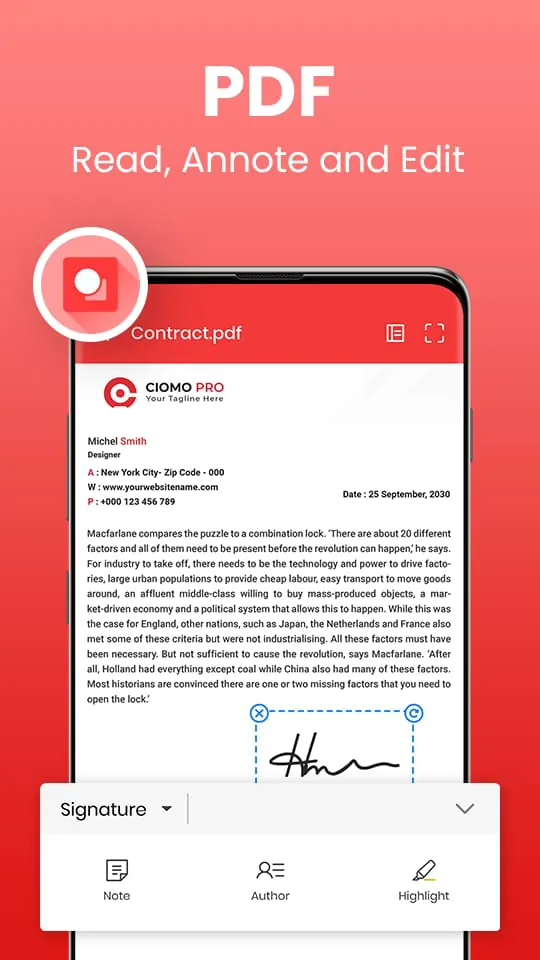
  • Annotation Tools: Integrating basic annotation tools for PDFs would significantly boost its utility.
  • Cloud Integration: Direct integration with popular cloud services like Google Drive or Dropbox would streamline document access.

Upgrade Elements

To elevate the user experience, focusing on the following upgrade elements would be beneficial:

  1. Rendering Engine Optimization: Improved rendering for complex documents with intricate formatting.
  2. Search Functionality: Enhanced search capabilities within documents, including advanced search options.

Quality Boosts

Focusing on core performance aspects can significantly improve the app's appeal:

Performance Evaluation

Reducing loading times for large documents and ensuring smooth scrolling are key areas for improvement.

Value Additions

Adding value beyond basic viewing capabilities can make the application stand out:

Text-to-Speech Functionality
Implementing a text-to-speech feature can enhance accessibility for users with visual impairments.
Document Conversion
Adding basic document conversion tools, such as converting DOCX to PDF, could prove useful.

Description

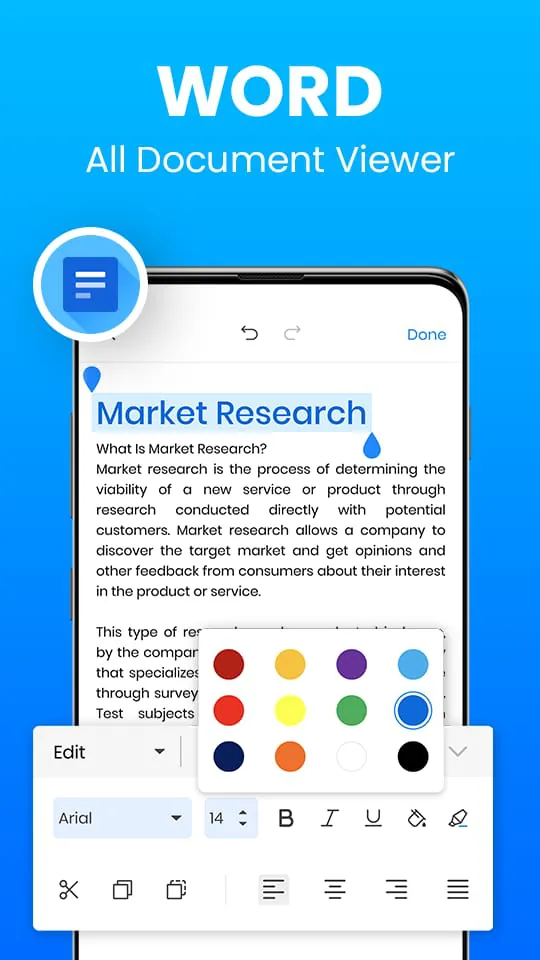
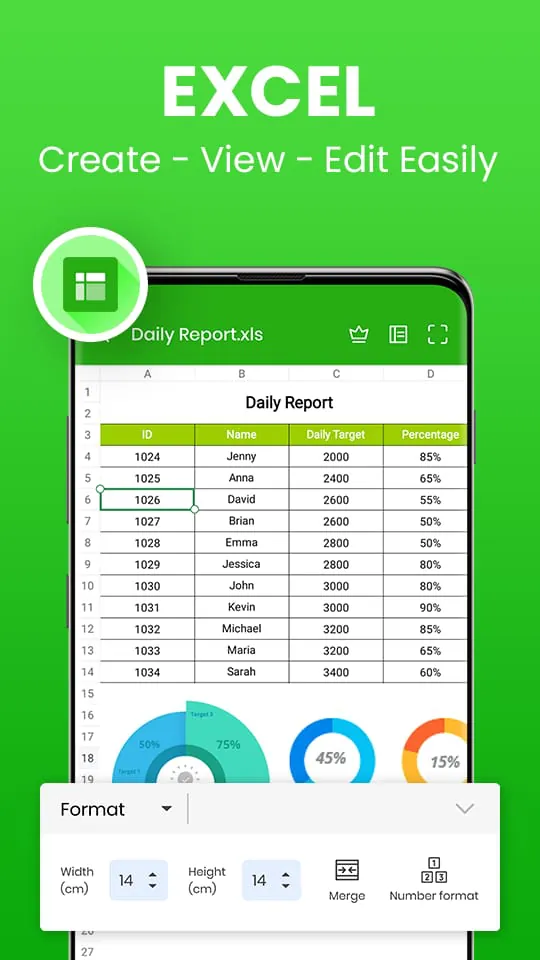
Word Office - PDF, Docx, Excel, PPT, All Document Reader is a powerful application that allows users to convert various file formats to PDF and edit documents. The app supports file formats such as .docx, word, excel, pptx, txt, and others. It also includes advanced features such as the ability to track changes, make comments, spell checks, and edit documents. The app is user-friendly and comes with powerful functions such as the SCAN feature, which enables users to convert various types of documents to PDFs, search files quickly, extract texts from images accurately, produce professional-quality scan results, add e-signatures, add security watermarks, and perform convenient document editing. The PDF feature of Word Office - PDF, Docx, Excel, PPT, All Document Reader allows users to read all PDF viewers, load PDF documents editor, read and collaborate in the same document simultaneously, open pdf reader, and pdf editor. It also enables users to edit pdf viewer and documents viewer, display Word PDF reader documents in grid or list format, edit documents like edit pdf reader, bookmark PDF pages for future reference, and share documents to save. The Excel feature enables users to read and view excel editor, xls, txt, xlsx files of multiple formats, read all excel viewer, load excel documents, share excel reader, and collaborate in the same document simultaneously. It also allows users to search for .txt files and explore more Excel office features. Finally, the Slide Document feature enables users to read and view file .ppt editor, PPSX PPTX files of multiple formats, read all file .ppt viewer, load file .ppt documents, share file .ppt reader, and collaborate in the same document simultaneously. Word Office - PDF, Docx, Excel, PPT, All Document Reader is fully compatible with Word Office - PDF, Docx, Excel, PPT, All Document Reader files, including Word, Excel, Docx, file .ppt, and txt documents, and PDF files. The app supports a broad range of formats, including DOC, DOCX, DOCS, PDF Reader & PDF Editor, XLS, XLSX, PPT, PPTX, PPS, PPSX, TXT, HWP, ODT, and Zip. The app is an excellent tool for users who need to convert and edit various file formats and collaborate with others on documents from their Android phones.

All Versions

V300313

Updated: 2024-1-20

170.23 MB

V300284

Updated: 2023-12-12

168.2 MB

V300258

Updated: 2023-10-29

112.34 MB

V300231

Updated: 2023-8-31

100.12 MB

V300221

Updated: 2023-8-8

106.48 MB

V300211

Updated: 2023-7-23

100.44 MB

V300195

Updated: 2023-7-11

118.99 MB

V300185

Updated: 2023-6-23

118.99 MB

V300181

Updated: 2023-6-16

99.8 MB

V300179

Updated: 2023-6-14

120.1 MB

V300171

Updated: 2023-6-5

120.1 MB

V300167

Updated: 2023-5-28

113.41 MB

V300165

Updated: 2023-4-18

112.45 MB

V300121

Updated: 2022-12-1

116.15 MB

Summary Of User Reviews

Pamela Bourque
Pamela Bourque
September 30, 2024
This is the only way I could afford to edit a book on my phone. I have neck issues, it's just so much easier to do it how I read normally. I have one book, just one, and yet, if I put the phone down an hour, or make a call, It closes the book, opens it in read only form. I'm so frustrated and irritated! It freezes, it's entirely too easy to find yourself suddenly looking at some other part of the book, wondering what the hell. Not cool!
Froggy Doggy
Froggy Doggy
May 28, 2024
Too many intrusive, long, irritating, clickbait, spammy ads. Pop up everytime you click to do anything! And there's not much you can even do because you have to pay for that of course. Basic stuff too. I can use free, ad-free apps and at least edit documents. Everything is locked unless you purchase. The ads & limitations are more likely going to get people to uninstall the app then buy it 🙄.Uninstalled.
Romans 1:16
Romans 1:16
December 28, 2022
I used to have this app on another phone, worked great, occasional ads on top, and was able to edit easily. Now, nothing but ads, whenever it actually let's me watch another ad so that I can do a simple edit, there's only a tiny space to see what I'm doing due to the ad bar across the top and the unusable option bar on top of the keyboard, chops up sentences when you try to edit one word, and then just as I'm about to finish my edit it completely erases my progress. Sadly it's absolute junk now.