HomePDF Reader: Edit & Convert PDF
PDF Reader: Edit & Convert PDF

PDF Reader: Edit & Convert PDF

Everyone
Rating
V3.42.3
Version
10M+
Installs
4.00
3.4k + Reviews
1
18%
2
4%
3
7%
4
10%
5
61%

Review By AppsWm

PDF Reader: Edit & Convert PDFPDF Reader: Edit & Convert PDFPDF Reader: Edit & Convert PDFPDF Reader: Edit & Convert PDF

Seamless Document Handling

This application strives for seamless document handling, focusing on a balanced feature set for viewing, editing, and converting PDF files. The integration of these features aims to provide a unified user experience.

Advantages
  • Comprehensive PDF editing capabilities.
  • Effective file conversion tools.
  • User-friendly interface.

Disadvantages
  • Potential performance issues with large files.
  • Subscription costs for advanced features.

Integrated Feature Set

The integration value of this app lies in its ability to combine multiple document-related tasks within a single application. This eliminates the need for multiple apps, creating a more efficient workflow.

Editing and Conversion

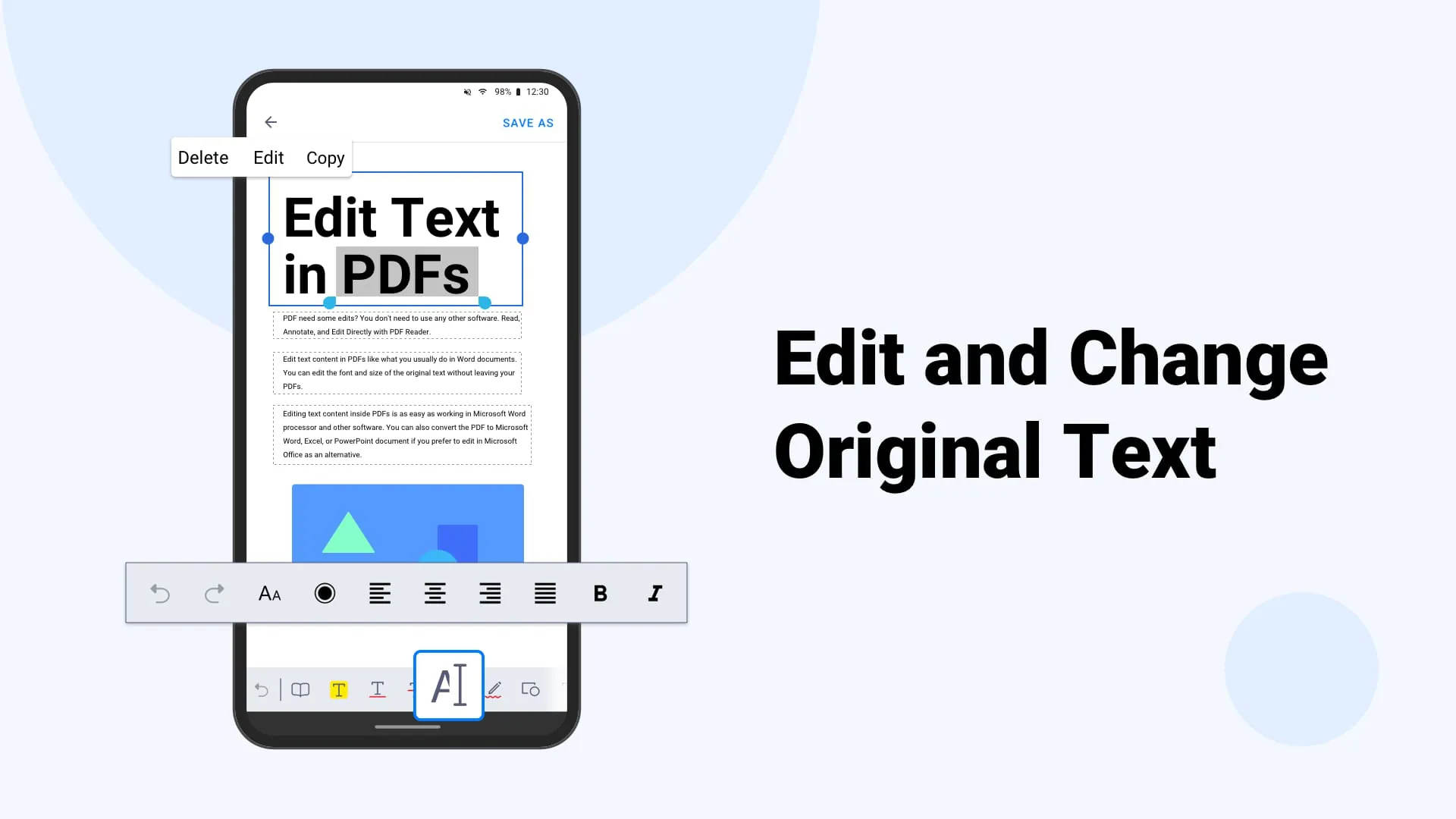
The combination of editing and conversion tools allows users to modify and transform documents as needed, streamlining document management.

Harmony in Document Workflow

By providing a balanced set of tools, this app brings harmony to the document workflow. Users can efficiently manage their PDF files without the need for constant switching between different applications.

Efficiency Evaluation

The app enhances efficiency by providing a streamlined approach to PDF management, ensuring a smoother workflow.

Elements of Document Unity

The app aims for unity by centralizing document-related tasks, promoting a cohesive approach to document management. The synergy moments are evident when performing complex tasks with multiple steps, all within the same application.

Feature Functionality Integration Level
Editing Comprehensive editing tools High
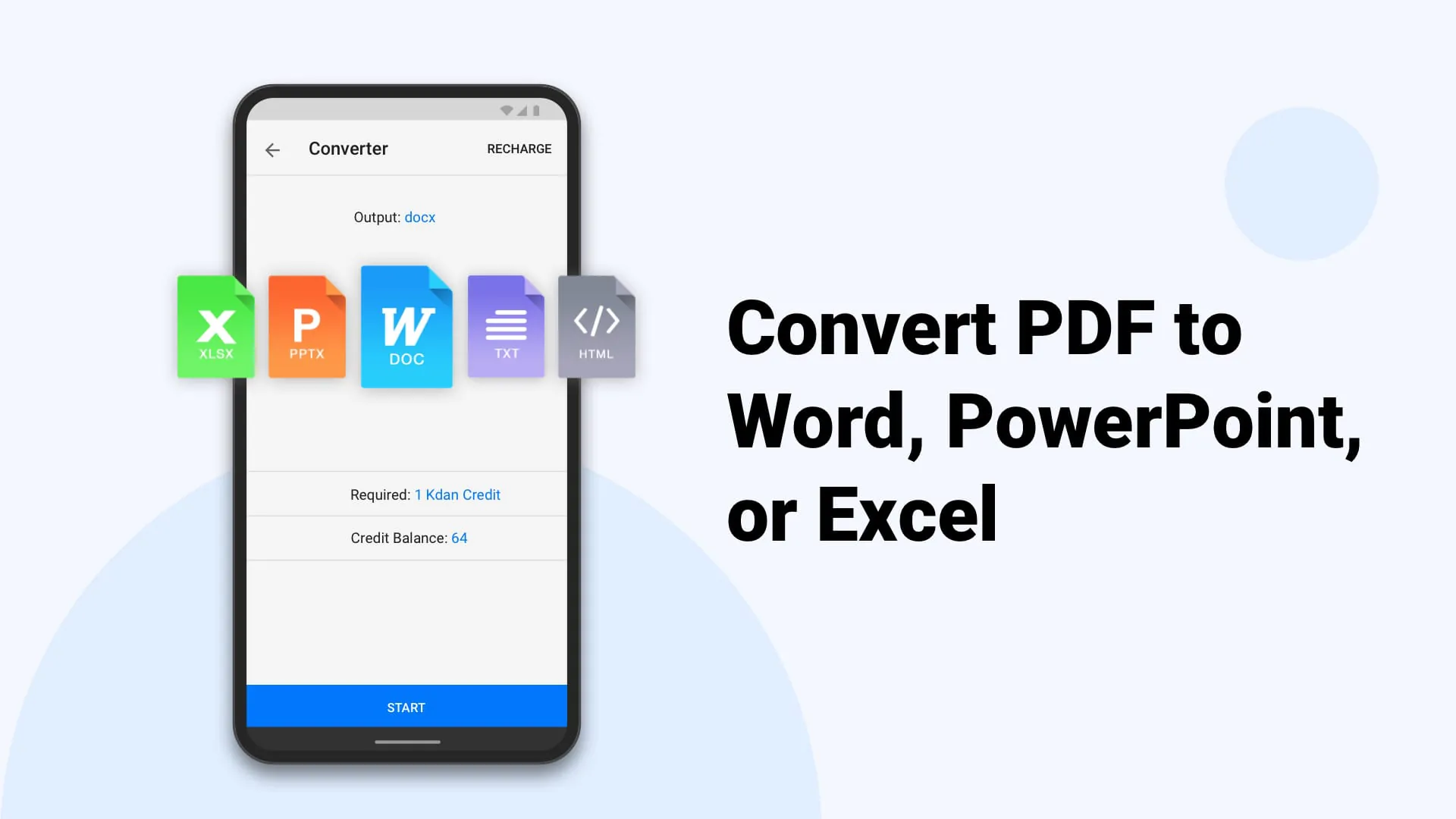
Conversion Versatile conversion options High

Overall Assessment

The application delivers a balanced and integrated experience for handling PDF documents, resulting in efficient document management. While some areas could benefit from further optimization, the app's focus on harmony and unity makes it a valuable tool.


Description

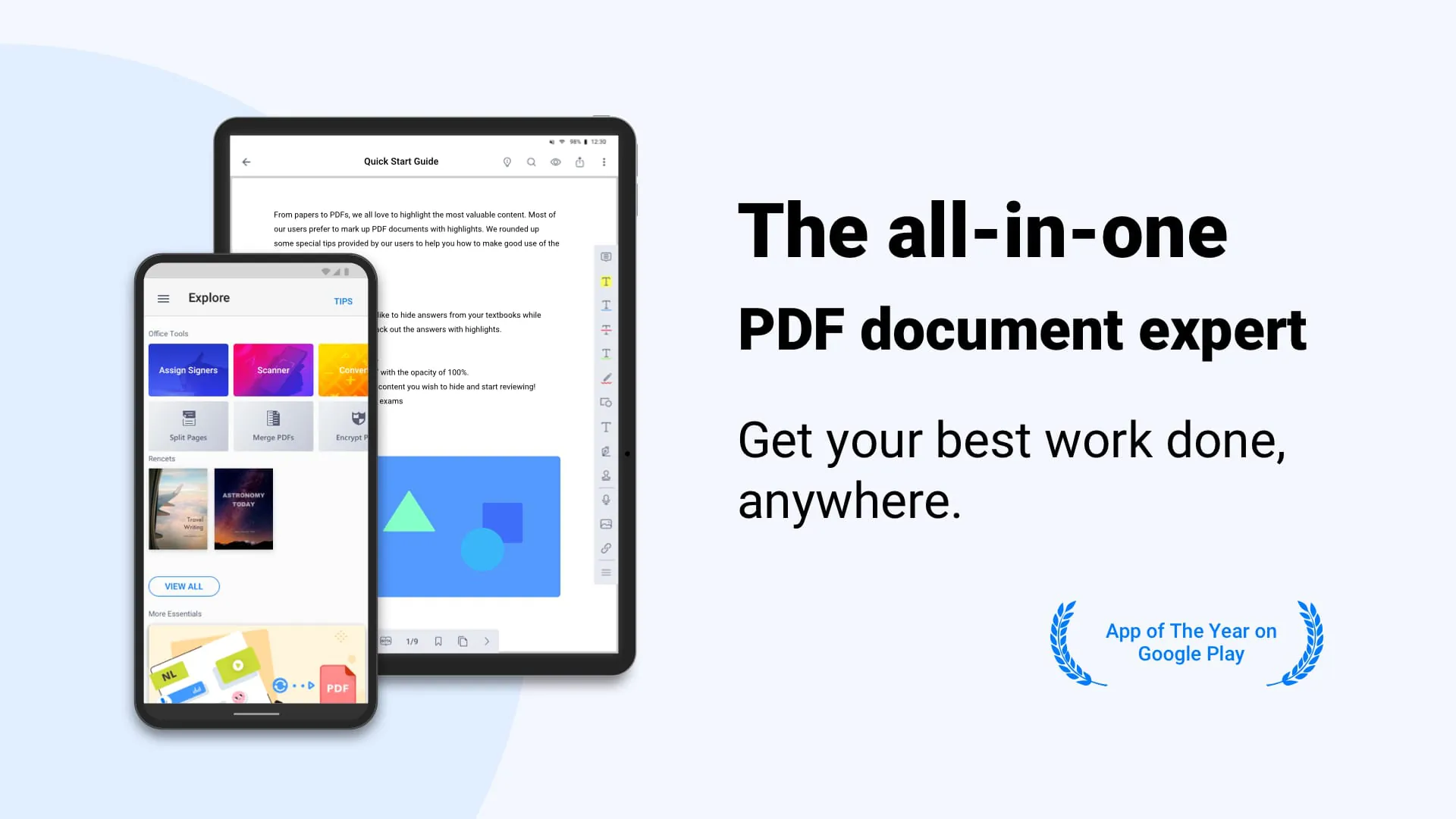
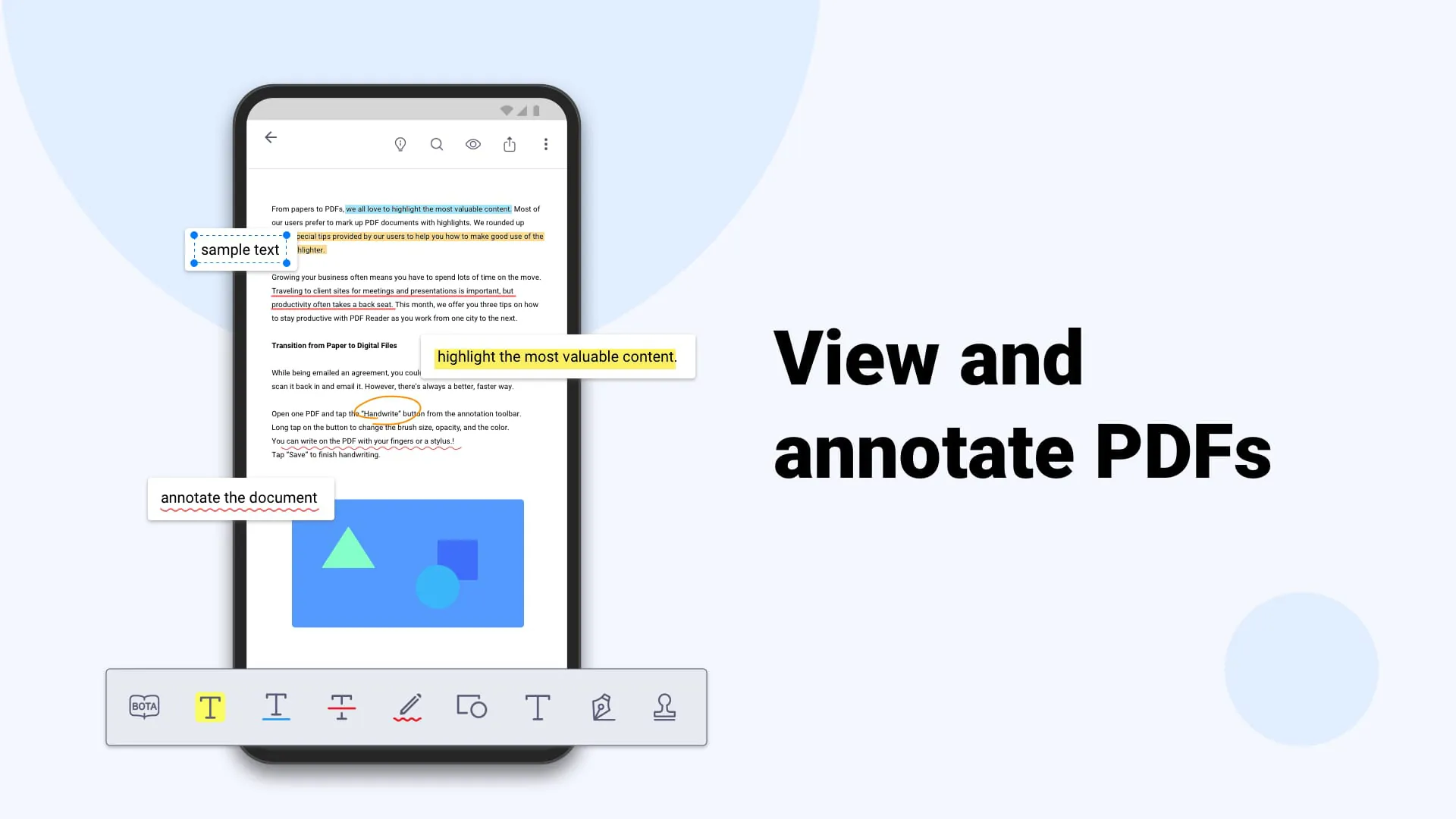
SECTION 1: Kdan PDF Reader is a popular PDF editor that allows users to view, annotate, scan, sign and convert PDFs on various devices. It has won several awards and is recognized as one of the best PDF Reader Apps in recent years. It also offers easy file sharing options via email or popular Cloud storage services. SECTION 2: The app offers a wide range of features, including file creation and access, PDF annotation and review, direct on-screen signing, writing on PDFs, file viewing, and management. Users can also upgrade to Document 365, which unlocks all features and provides 1 TB storage space on Kdan Cloud. SECTION 3: Kdan PDF Reader supports 11 languages, including English, Traditional Chinese, Simplified Chinese, Japanese, Italian, German, Spanish, French, Portuguese, Russian, and Korean. Users can seek support via email or visit the support page on the Kdan website.

All Versions

V3.42.3

Updated: 2024-2-26

100.61 MB

V3.42.2

Updated: 2024-1-8

100.25 MB

V3.42.0

Updated: 2023-9-6

99.98 MB

V3.41.1

Updated: 2023-7-31

103.18 MB

V3.41.0

Updated: 2023-5-15

100.87 MB

V3.40.0

Updated: 2023-3-21

95.77 MB

V3.39.2.1

Updated: 2022-11-16

76.91 MB

V3.37.2.1

Updated: 2022-3-14

65.3 MB

V3.37.2

Updated: 2022-3-9

65.3 MB

V3.37.1

Updated: 2022-2-17

65.0 MB

Summary Of User Reviews

A Google user
A Google user
December 31, 2018
I downloaded this app to scan a very important document which was several pages in length. I was able to take pictures of each page using the app, but when it took me to the cropping screen, the app would close out of the screen and delete all of my progress about halfway through cropping. This happened at least four times. However, I was able to make it through the process one of the first times I tried and generated a PDF of decent quality (though its file size was too large for what I needed)
Tshiu Moses
Tshiu Moses
January 14, 2026
I do everything with no doubt zoom is good I can even print it out a quality copies
S.A. MCLAUGHLIN
S.A. MCLAUGHLIN
February 8, 2023
I don’t quite know how to review this because there are some genuinely nice features. I just couldn’t find my output file. It said it would be in ‘Documents’ but was nowhere to be found. Perhaps if I could discipline its directory navigation I could rate it higher? It shows promise but really REALLY needs to use a directory navigator. And it needs to prompt me with the path it used for saving (which I will promptly move it from; I shouldn’t have to tsk).