HomePDF Scanner app - TapScanner
PDF Scanner app - TapScanner

PDF Scanner app - TapScanner

Everyone
Rating
V3.0.29
Version
100M+
Installs
4.70
12.3k + Reviews
1
5%
2
1%
3
2%
4
6%
5
87%

Review By AppsWm

PDF Scanner app - TapScannerPDF Scanner app - TapScannerPDF Scanner app - TapScannerPDF Scanner app - TapScanner

Scanning Flow

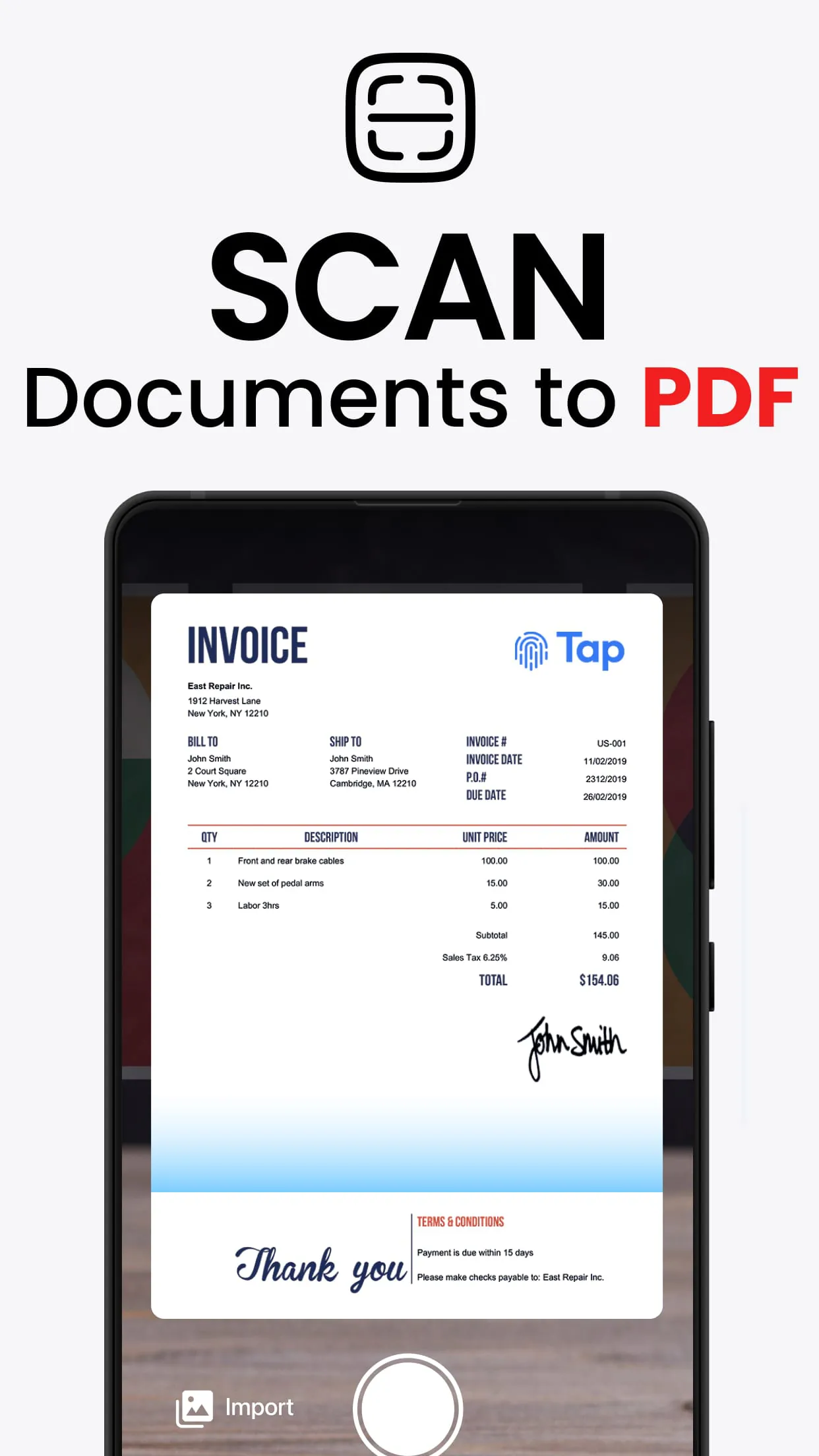
The scanning process is a key flow element. The app aims to provide a smooth experience from initial capture to final document output. Quick and accurate document detection is essential.

Smart Document Detection

The ability to automatically detect document edges is a critical smoothness factor. This eliminates the need for manual cropping, saving time and effort. Users appreciate the fluidity of this feature.

Image Processing & Enhancement

Image processing and enhancement features are vital for creating clear and legible documents. The app should automatically adjust brightness, contrast, and sharpness.

  • Automatic perspective correction
  • Color enhancement filters
  • Noise reduction

Output and Sharing Fluidity

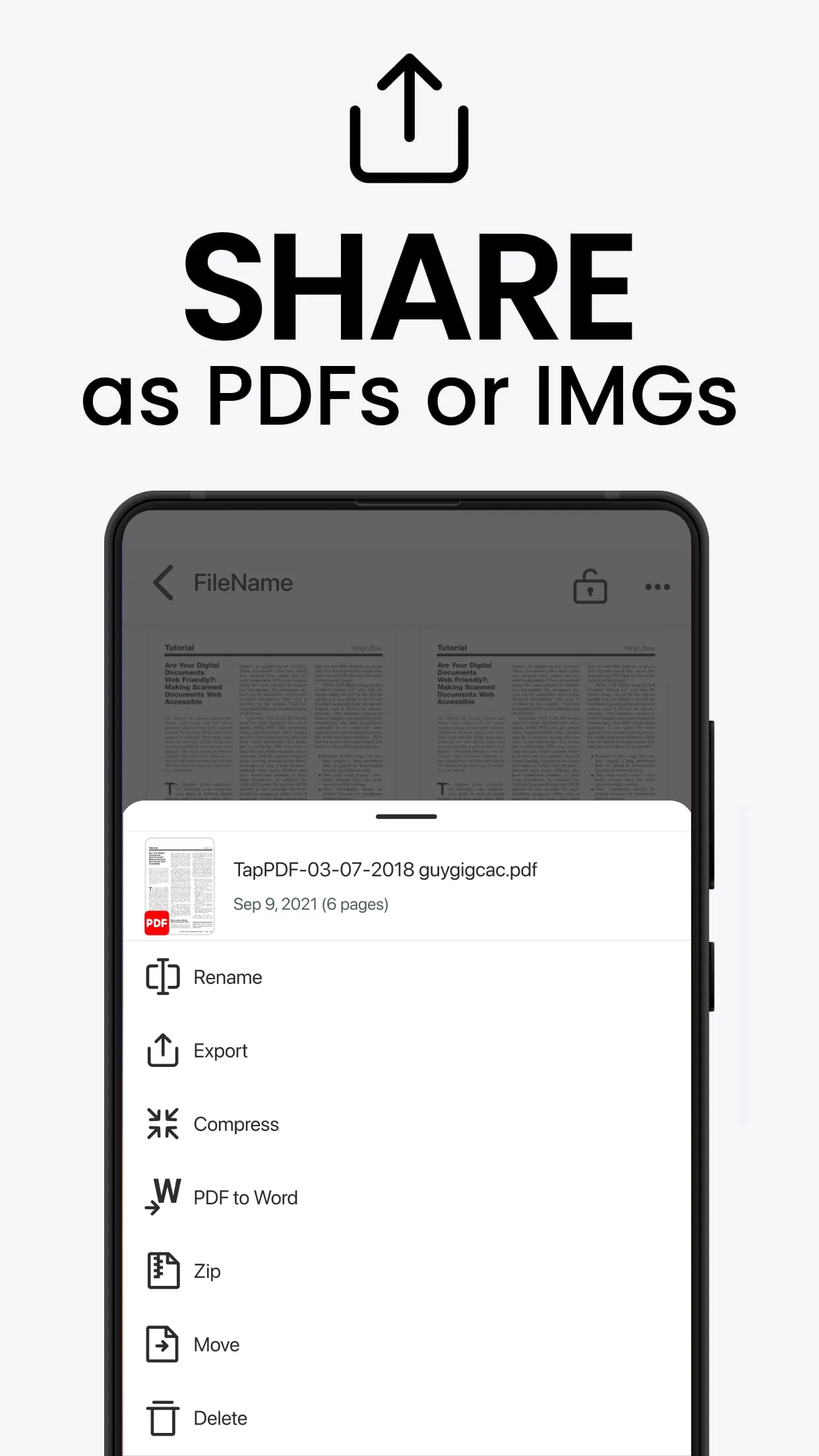
A seamless output and sharing process enhances the overall user experience. Users should be able to easily save documents in various formats, such as PDF and JPG, and share them via email, cloud storage, or other apps.

Pros
  • Multiple export formats
  • Direct sharing to cloud services
  • Easy email integration
Cons
  • Potential limitations on free accounts
  • Dependence on internet connection for some sharing features

Seamless Integration Aspects

Integration with other services and apps provides a smooth and connected workflow.

Cloud Storage

Direct integration with services like Google Drive and Dropbox streamlines file management.

Email

Easy sharing via email for quick distribution of scanned documents.

OCR Functionality Flow

Optical Character Recognition (OCR) transforms scanned images into editable text. Accuracy is critical.

OCR Evaluation

The OCR accuracy is generally good for clear, well-lit scans. However, it may struggle with handwritten text or low-resolution images.

User Interface Fluidity

A clean and intuitive user interface is key for a smooth user experience. The app should be easy to navigate, with clear icons and labels.

Element Description
Navigation Intuitive and easy to use
Iconography Clear and understandable

Overall Flowing Value

The app offers a streamlined scanning experience, especially with its smart document detection and various integration capabilities. OCR accuracy depends on image quality.


Description

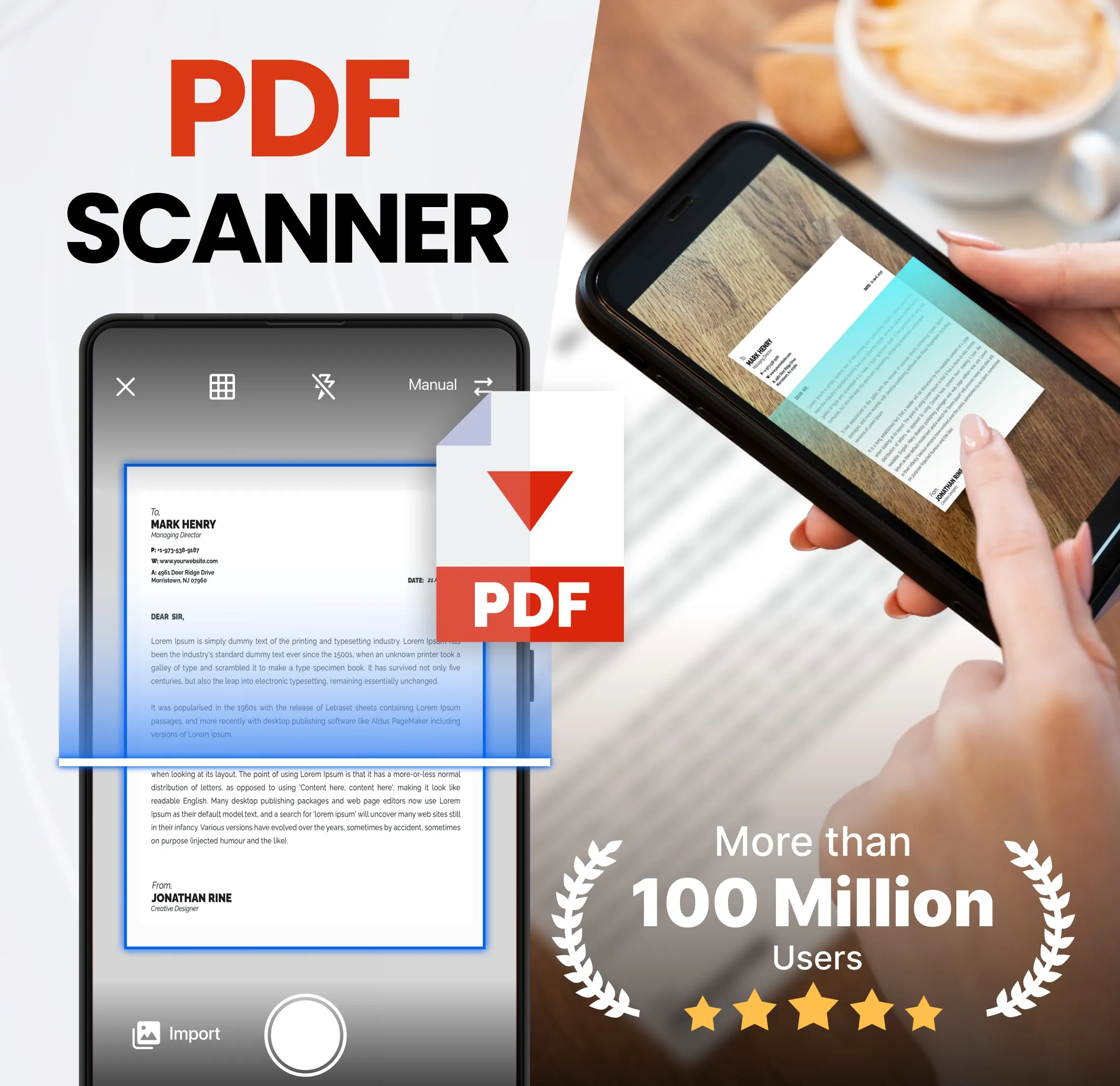
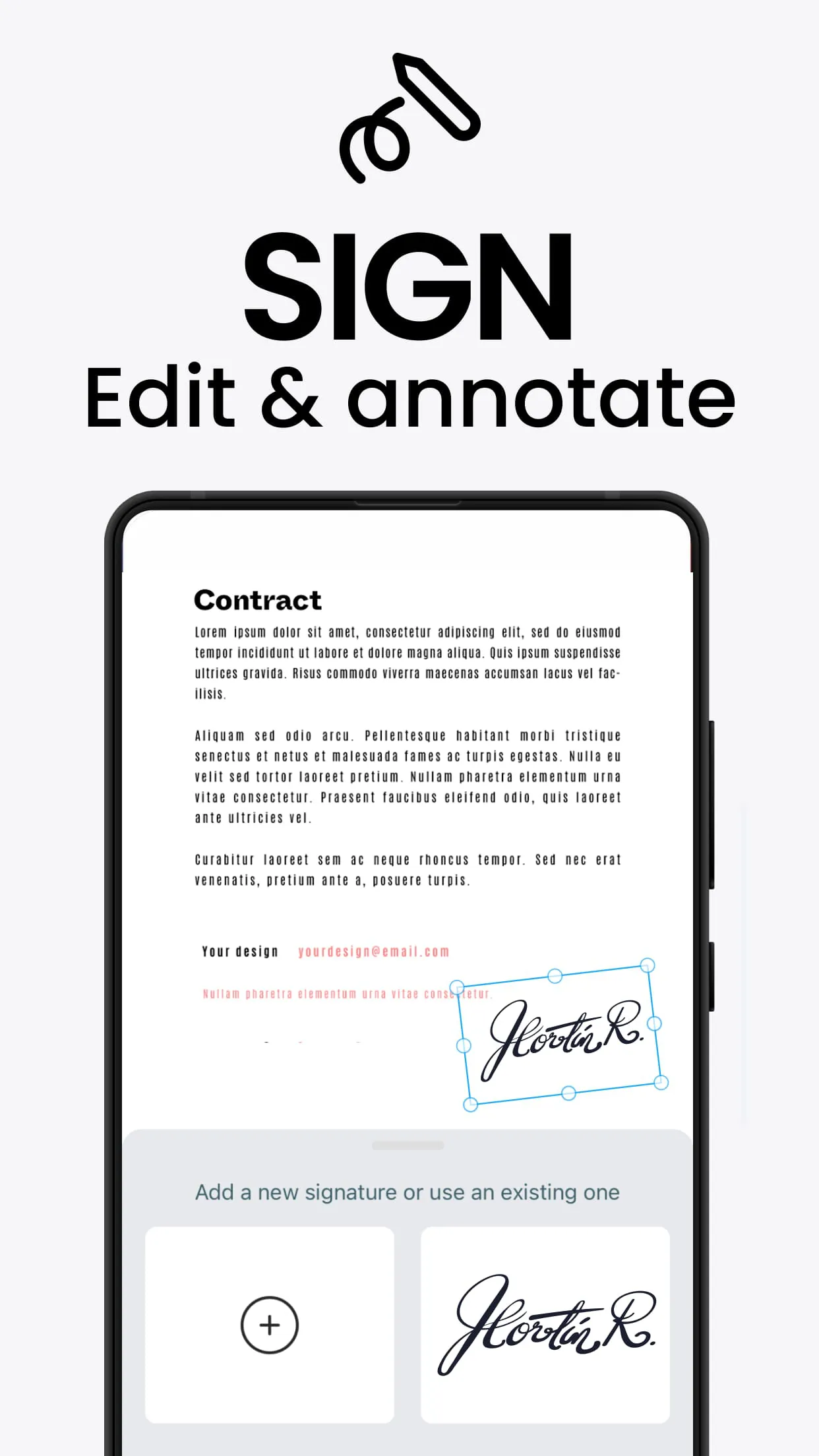
The new home of all your paper documents. Scan, Print & Share any document to PDF. Now you can simply scan, import and share right inside this portable scanner app. Access everything youve previously scanned with the TapScanner app. Why TapScanner? Join over Million satisfied users all over the world who trust TapScanner to be their tiny portable scanner. Download for Free and start scanning now with the top scanner choice! Low on memory? Scan any document and convert to PDF with your mobile device. TapScanner has got you covered with our pdf maker and pdf reader. Use this document scanner to attach an E-signature using pdf sign tools. Mark and edit fields to add everything you need with an intuitive pdf viewer. Just like that, scans on your phone are backed up to your favourite cloud. Need a document in word? Using this PDF scanner, you can print directly from our scanner app.

All Versions

V3.0.29

Updated: 2024-6-17

91.89 MB

V3.0.8

Updated: 2024-2-28

82.78 MB

V3.0.3

Updated: 2023-12-31

83.02 MB

V2.8.46

Updated: 2023-10-10

54.2 MB

V2.8.31

Updated: 2023-8-3

52.52 MB

V2.8.30

Updated: 2023-7-24

52.52 MB

V2.8.26

Updated: 2023-7-12

50.34 MB

V2.8.19

Updated: 2023-5-25

50.77 MB

V2.8.20

Updated: 2023-5-25

50.79 MB

V2.8.7

Updated: 2023-2-22

51.01 MB

V2.7.99

Updated: 2022-11-29

51.44 MB

V2.7.98

Updated: 2022-11-23

51.44 MB

V2.7.13

Updated: 2022-4-17

54.0 MB

V2.6.88

Updated: 2022-2-14

53.0 MB

V2.6.87

Updated: 2022-2-11

53.0 MB

Summary Of User Reviews

A

AI Review

Comprehensive App Review

PDF Scanner app - TapScanner Review Analysis

TapScanner has seen some initial concerns regarding subscription pricing and in-app ads, as well as occasional issues with file sharing limits. However, these challenges have spurred significant improvements. The app continues to evolve, focusing on enhancing user experience and addressing reported issues. Its core functionality remains remarkably strong, consistently meeting user needs and exceeding expectations in many instances.

Standout Features

  • High-quality scanning capabilities are consistently praised, with users noting over 1500 thumbs up for its ability to produce clear, professional-looking PDFs even from less-than-ideal photos. The app's brightness control and intuitive filters, designed to overcome common scanning challenges like shadows and low light, are key to this success.
  • The ease of converting gallery images into PDFs is a major highlight, with users successfully submitting 153-page assignments within 10 minutes using the free version. This feature showcases the app's efficiency and ability to streamline workflow, directly addressing user needs for document management.
  • The app's user-friendly interface receives widespread acclaim. Its simple yet effective design contributes to a significant number of 5-star reviews , demonstrating a high level of user satisfaction. Continuous updates improve functionality, making the app more efficient and reliable.
  • TapScanner's responsiveness to user feedback is notable. While some users have expressed concerns about ads or limitations, the developer’s proactive efforts to address these (like offering discounted premium subscriptions) demonstrates a commitment to ongoing improvement and user satisfaction.

TapScanner's trajectory is undeniably positive. While some challenges remain, the app's consistent evolution, coupled with overwhelmingly positive user feedback and impressive features, makes it a powerful and reliable tool. With ongoing development and responsiveness, TapScanner shows strong potential to further enhance its user experience and expand its capabilities in the future.







