
HomePerfect Viewer
Perfect Viewer

Perfect Viewer

Everyone
Rating
V5.0.4.2
Version
5M+
Installs
4.00
3.3k + Reviews
1
12%
2
9%
3
6%
4
12%
5
61%

Review By AppsWm

Perfect ViewerPerfect ViewerPerfect ViewerPerfect Viewer

✨Clarity features

The application offers a clean and straightforward interface, making it easy to navigate comic collections. Clear visual cues guide users through the reading experience.

  • Easy to understand icon system.
  • Uncluttered layout for focused reading.

🛠️Simplification tools

Several tools are included to streamline comic reading. Bookmarking, reading progress tracking, and simple file management contribute to a more organized digital library.

Advantages
  • Customizable reading settings for optimal comfort.
  • Simple library management tools.

Disadvantages
  • Advanced features might require some learning.

🚀Streamlined processes

The app simplifies the process of accessing and enjoying comics. Download options, offline reading capabilities, and intuitive page navigation create a seamless experience from start to finish.

Offline Reading

Download comics for uninterrupted enjoyment, even without an internet connection. This simplifies reading on the go.

💡Easy solutions

The application addresses common challenges in digital comic reading with easy solutions. Zoom features, orientation options, and display quality adjustments ensure a comfortable and personalized experience.

  1. Adjustable zoom for detailed panels.
  2. Multiple reading modes for different preferences.

🖼️Intuitive design

User-friendliness is at the core of the app's design. The application is designed with the user in mind, providing features that enhance usability without overwhelming the user.

User Interface Evaluation

The UI is well-organized and easy to learn, contributing to a positive user experience. The learning curve is minimal.

Feature Simplicity Rating
Navigation Excellent
Settings Good

Description

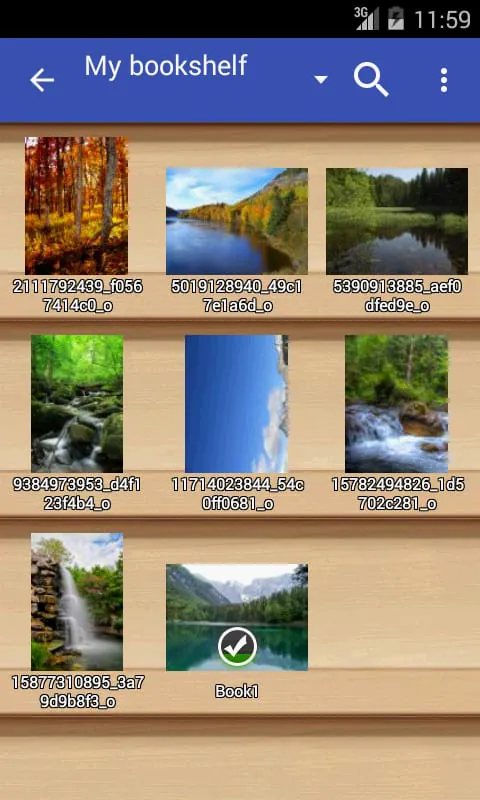
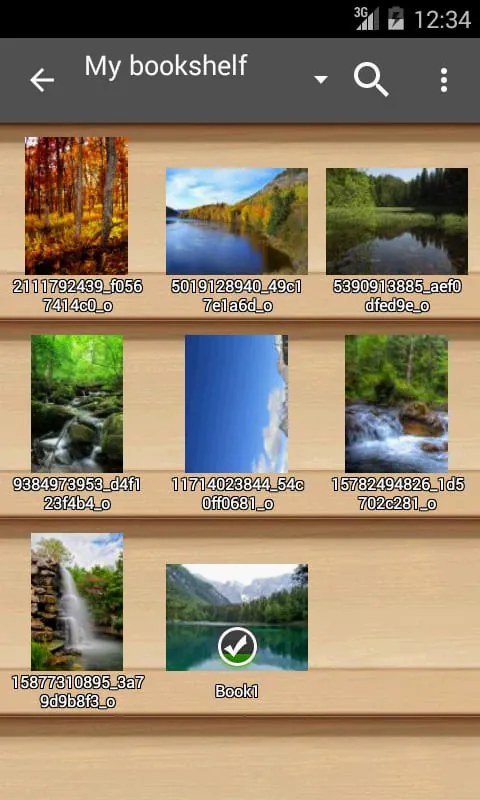
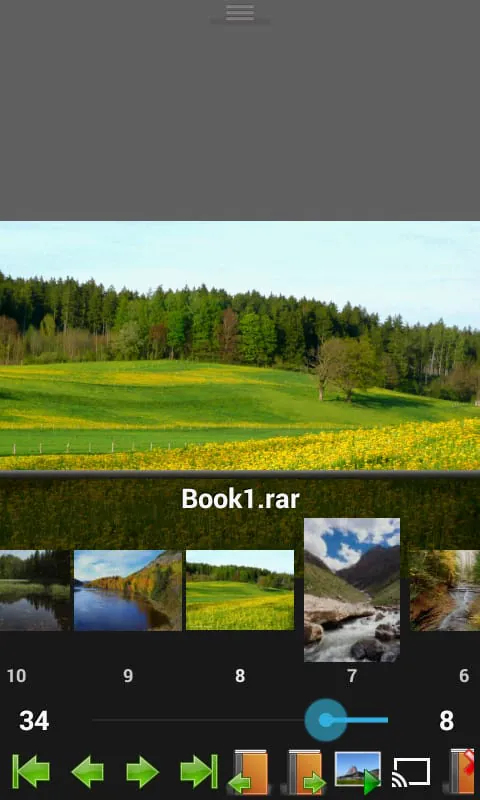
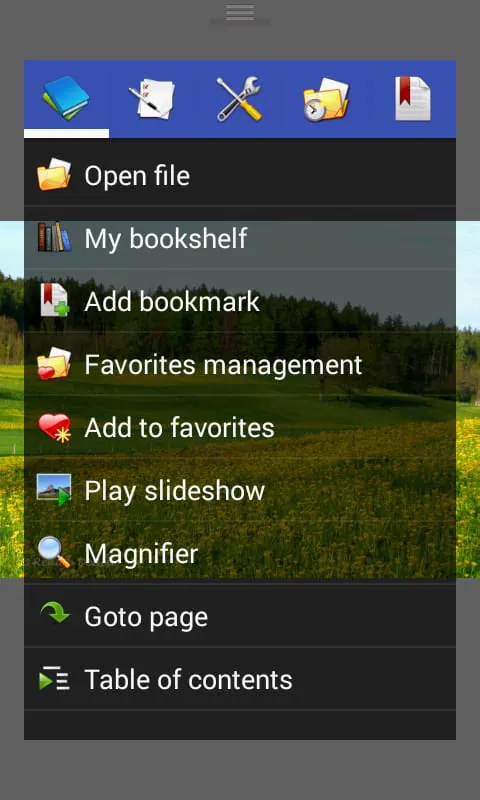
Perfect Viewer is a versatile and speedy viewer for images, comics, and ebooks. It offers a range of features to enhance the viewing experience. For example, users can turn black and white images into colorized versions, although this feature is only available for those who have donated and installed the Perfect Viewer donation application. The app also allows for different page layouts, such as auto single page, auto dual page, and auto switch by screen orientation. Perfect Viewer supports various file formats, including EPUB, HTML, TXT for ebooks, and JPEG, PNG, GIF, BMP, WebP, TIFF for images. It also supports archive file formats like CBZ/ZIP, CBR/RAR, 7Z/CB7, LZH, CBT/TAR. Additionally, users can view PDF, XPS, and DJVU files by installing the PDF plugin. The app enables users to open files from network file sharing platforms like CIFS/SAMBA, FTP, SFTP, FTPS, and OPDS. It also allows for opening files from cloud storage services like Google Drive, Dropbox, and OneDrive after installing the source plugin. Perfect Viewer offers three viewer modes: page mode, vertical scroll mode (similar to a webtoon), and horizontal scroll mode. Users can choose from various view modes, including full size, fit screen, fit width, fit height, fixed size, and stretch. The app supports left-to-right and right-to-left reading, and users can set images as wallpapers. Other features include browsing images as thumbnails, a bookshelf function, pinch-to-zoom and fling gestures, bookmarking, favorites management, cache for next and previous pages, file management options like deleting and renaming, slideshow mode, file extraction from archives, image adjustment options like brightness, contrast, and gamma, automatic removal of white borders, and support for Google Chromecast.

All Versions

V5.0.4.2

Updated: 2023-4-20

12.7 MB

V5.0.3

Updated: 2022-6-20

12.86 MB

V5.0.2.4

Updated: 2022-3-22

13.4 MB

V5.0.2.1

Updated: 2021-12-3

13.4 MB

V5.0.1.3

Updated: 2021-7-12

13.6 MB

V5.0.1.2

Updated: 2021-6-29

17.9 MB

Summary Of User Reviews

A Google user
A Google user
May 6, 2019
Definitley worth getting used to all the options and quick-links (even if you are a novice.) Get the paid version if you read manga a lot and can afford it. Small increase in features but funds this fantastic app. Don't be scared of this app if you are a novice, just be aware that it has a lot of features and an open-source esque interface with them. Try it out, it's free! (And donate when you see how awsome it is... free is the way of the future) >:there are options for simple interface.
Logan VT
Logan VT
May 18, 2023
Comicat no longer works on my tablet since upgrading to Android version 11 and they took away the privileges Comicat had to read from my SD card. I am still pissed at them for that... "hey, let's take away some of the usability our customers have grown accustom to...", at any rate... Perfect Viewer looks a lot like Comicat in many ways. If you are looking for a replacement for Comicat, this is the one to get. In a week or so, if I have no issues with it I will be paying for the Pro version.
Jason Hargis
Jason Hargis
April 12, 2021
I have to agree with the last few reviewers. This app used to be nearly flawless, but the last few updates have nearly ruined it. The bookshelf takes forever to load. It has to reload the bookshelf every single time you go in or out of a folder. Even after a Full Scan it doesn't show the accurate number of files for a give comic.