
🌿 Mental Clarity Features
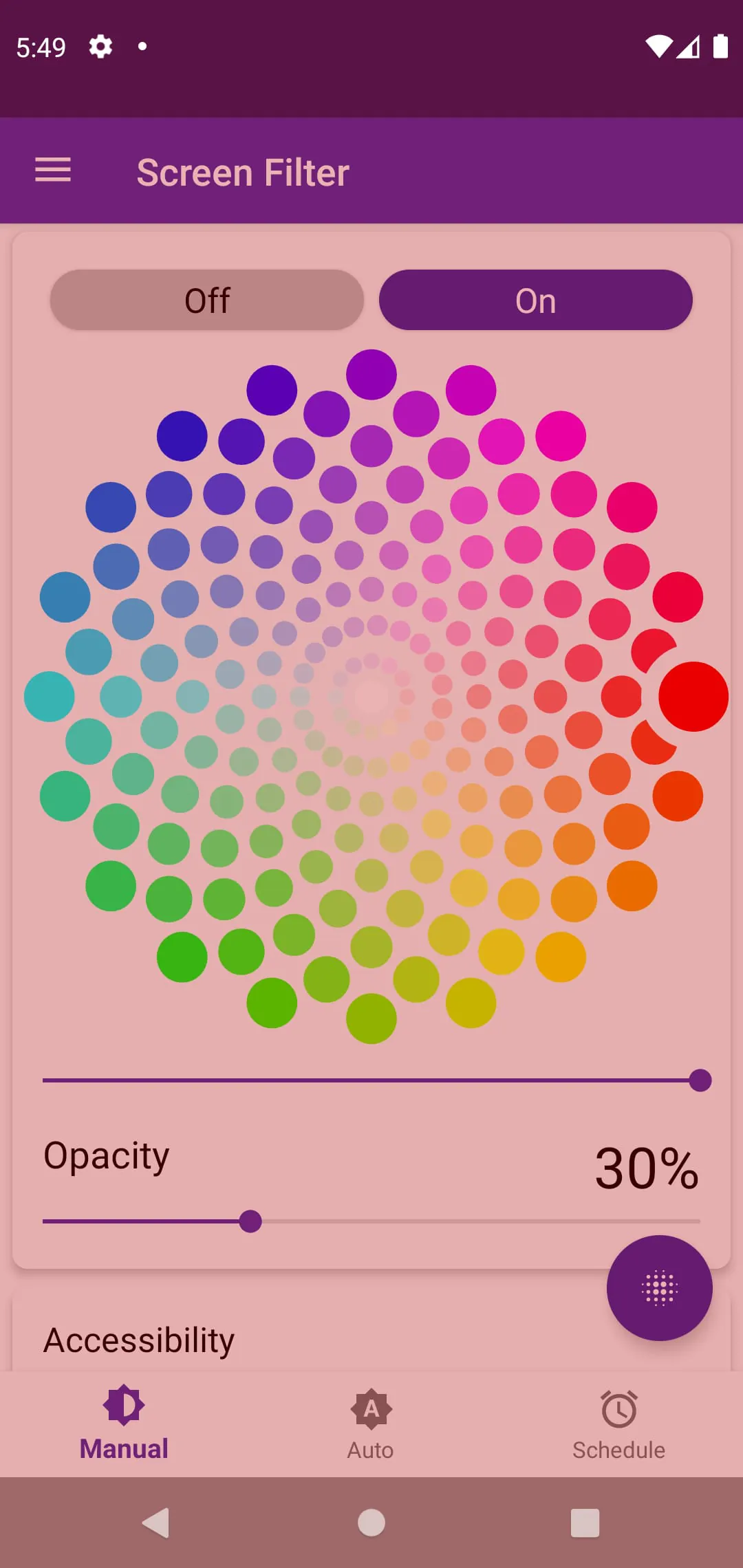
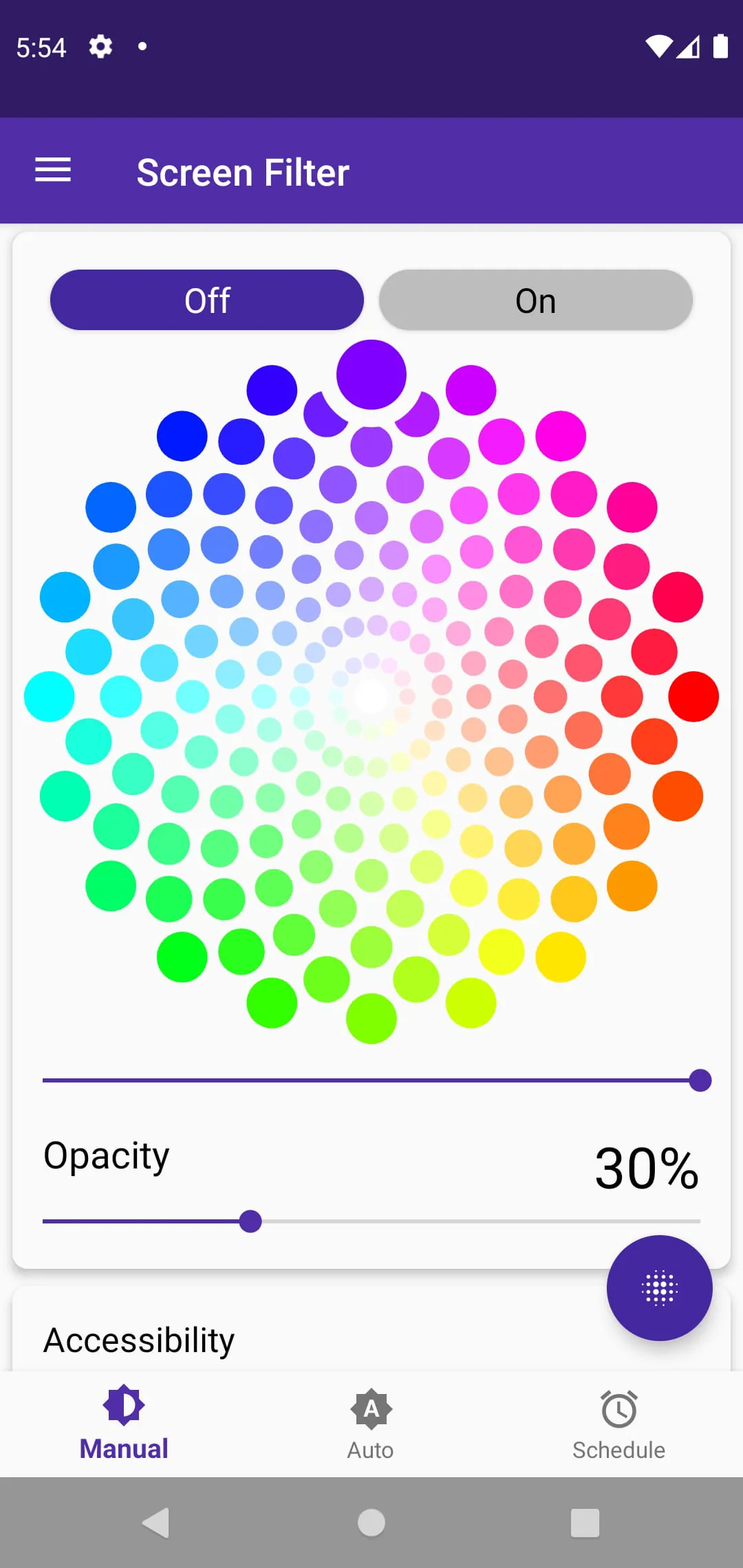
This application filters the screen color, potentially reducing blue light exposure, which is often linked to eye strain and sleep disruption. By allowing users to adjust the color temperature, it may contribute to improved focus and reduced digital fatigue, aiding mental clarity, especially during extended screen time.
- Adjustable color temperature for personalized comfort.
- Potential reduction in blue light exposure.
- May affect color accuracy for tasks requiring precision.
- Excessive filtering may lead to a distorted visual experience.
🌼 Stress Reduction Tools
By customizing the screen's color, the app offers a way to mitigate the potentially stressful effects of harsh screen lighting. Users can create a warmer, more comfortable visual environment, which may help alleviate digital eye strain, a common stressor in the modern digital age. It allows for active management of visual input, which in itself can be empowering and stress-reducing.
Customizable color filters offer a personalized approach to managing screen-related stress and eye fatigue.
🌸 Balance Promotion
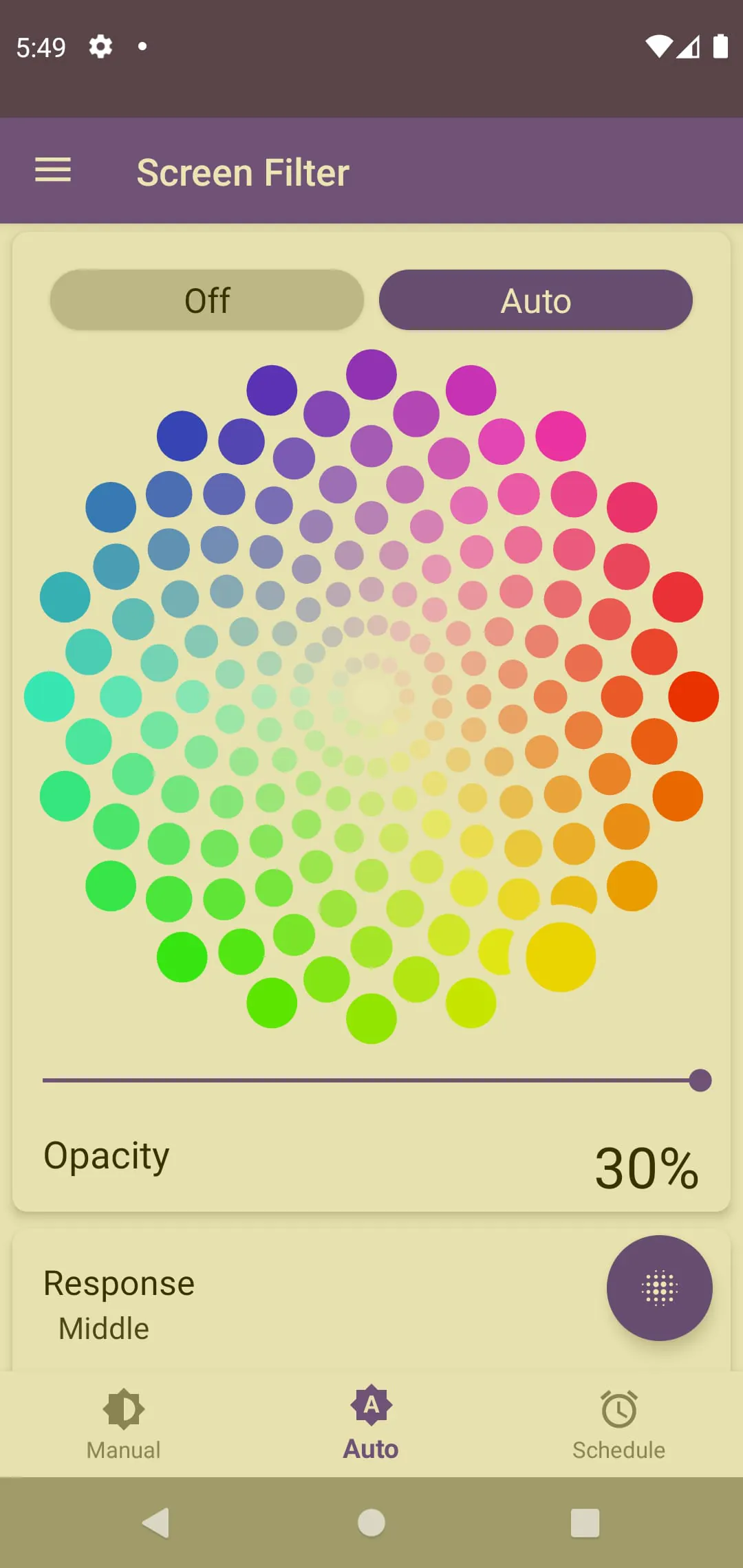
The application encourages a more balanced approach to technology use by providing a tool to adjust screen settings based on the time of day or the user's environment. By integrating color adjustments into daily routines, users can proactively manage their exposure to potentially disruptive light, promoting better sleep patterns and overall well-being. This app allows for adapting the screen to the ambient lighting of the environment, achieving an improved light balance.
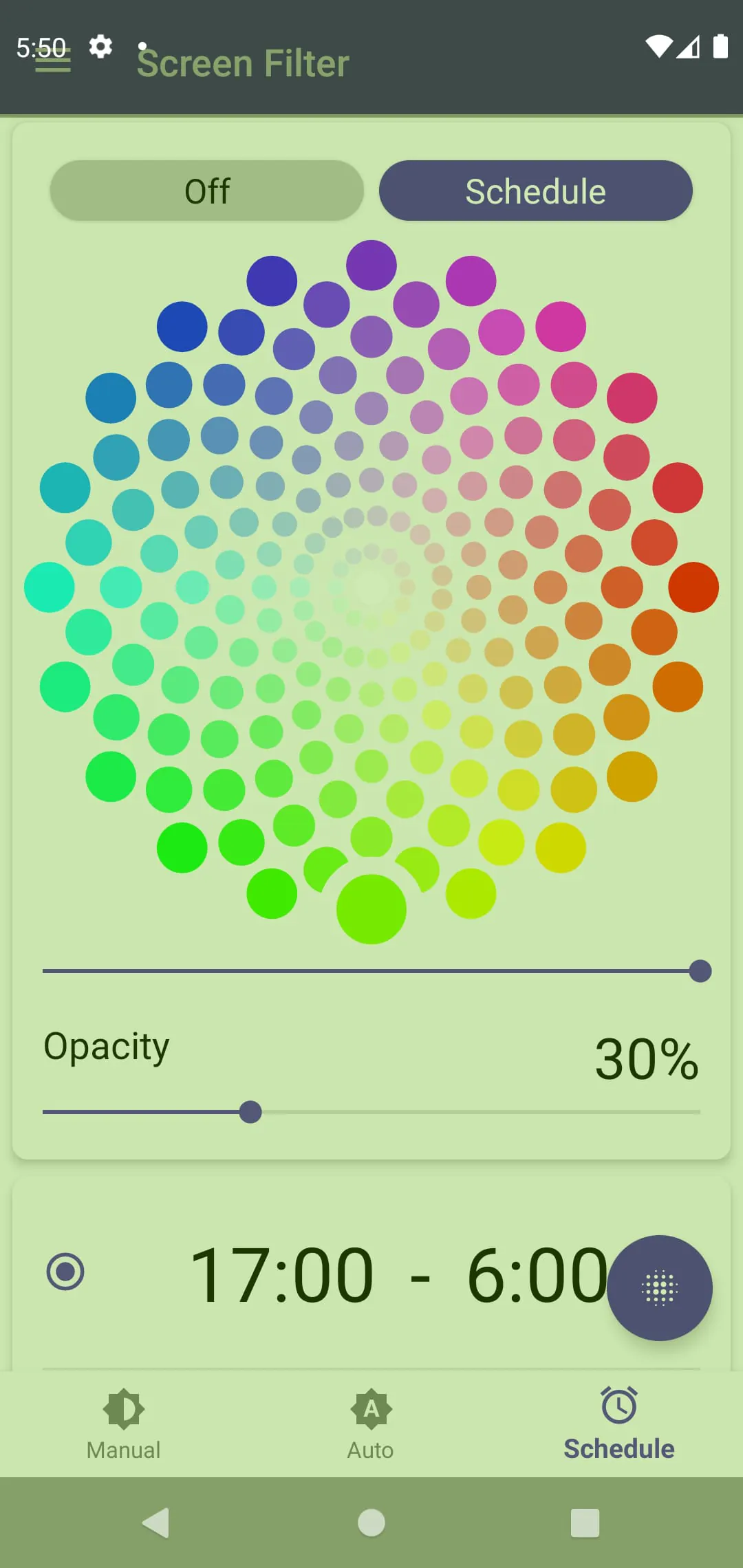
Scheduling
Automated scheduling features adjust the filter based on time of day, supporting circadian rhythm alignment.
🌷 Healthy Habits Support
Using this app can encourage healthier screen habits by prompting users to consider and actively manage their screen's impact on their eyes and sleep cycle. It serves as a reminder to be mindful of digital well-being and make adjustments accordingly. Users are encouraged to take proactive steps towards mitigating the negative effects of prolonged screen use.
- Regular adjustments to color temperature.
- Scheduled filter activation during evening hours.
- Mindful awareness of screen-related discomfort.
🌺 Mindful Technology Use
The very act of installing and configuring the application signifies a conscious effort towards mindful technology use. It encourages users to be active participants in shaping their digital environment for enhanced comfort and well-being. The user must make a conscious decision to download, set up and use the application, thus making them more mindful of their technology use. By being mindful, one can better balance tech use with healthy habits.
| Aspect | Description |
|---|---|
| Conscious Configuration | User actively adjusts settings for personal comfort. |
| Proactive Management | User takes control of screen's visual impact. |