
HomeSky Map
Sky Map

Sky Map

Everyone
Rating
Unknown
Version
50M+
Installs
4.00
36.0k + Reviews
1
15%
2
5%
3
5%
4
12%
5
62%

Review By AppsWm

Sky MapSky MapSky MapSky Map

Magic Points

Embark on a celestial journey with this application, transforming your device into a window to the cosmos. Its user-friendly interface and real-time star tracking offer an accessible way to explore the night sky. The augmented reality feature, overlaying celestial objects onto your live camera view, is particularly enchanting.

Wonder Features
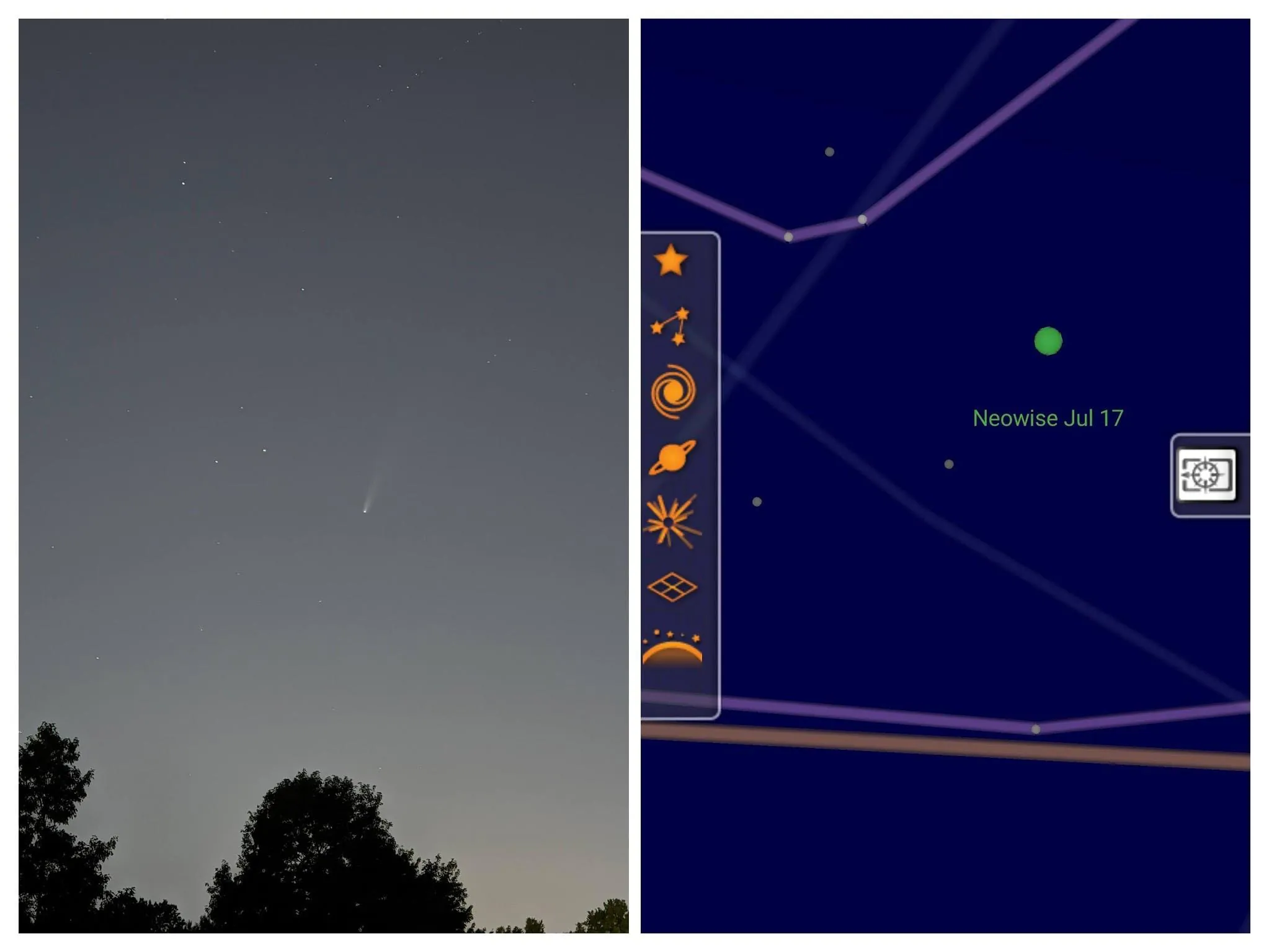
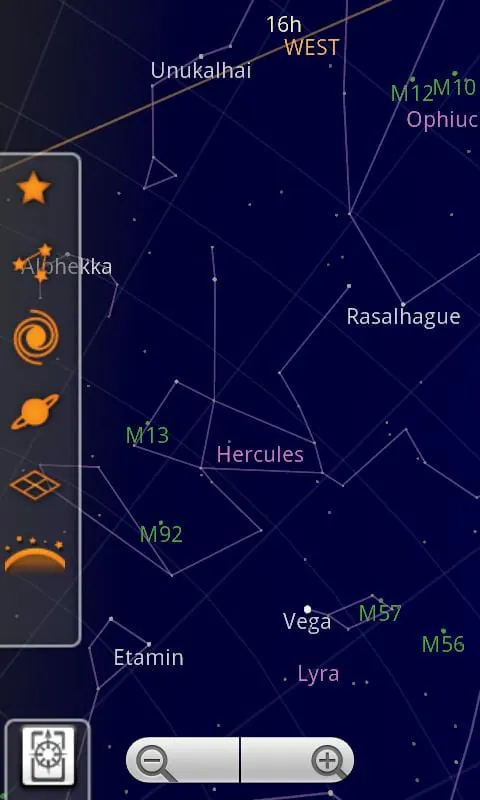
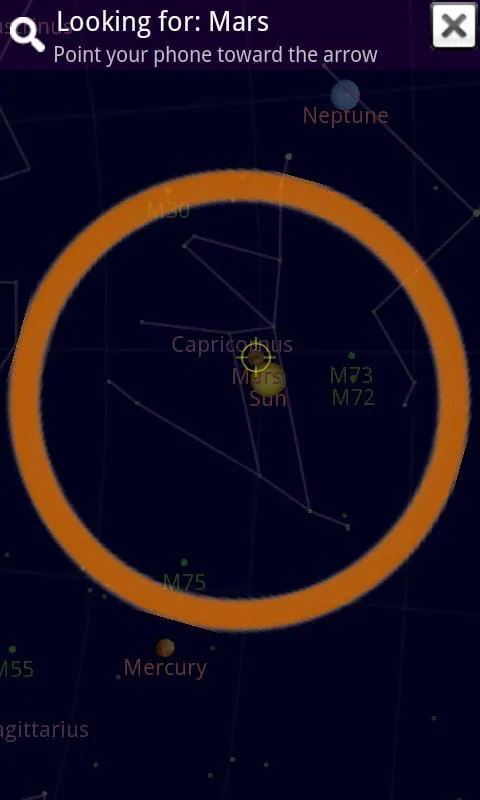
  • Stargazing Made Easy: Point your device at the sky to identify stars, constellations, planets, and more.
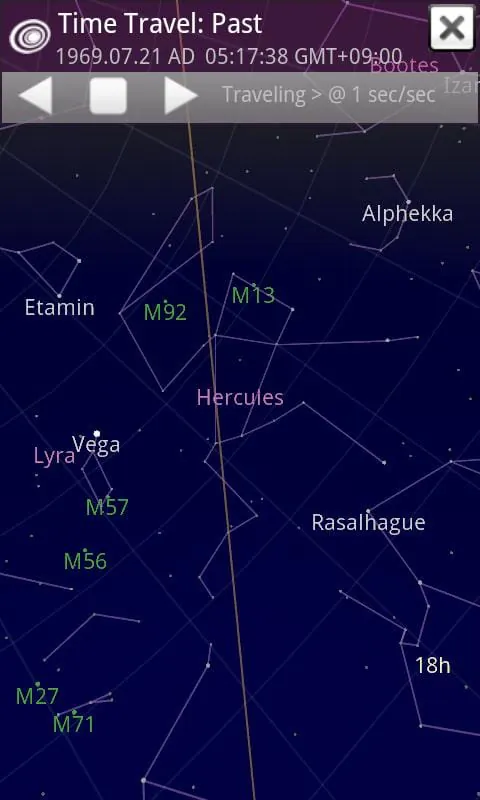
  • Time Travel: See the sky as it was in the past or will be in the future.
  • Offline Exploration: Download data for offline use, perfect for stargazing in remote locations.

Enchantment Aspects

The app's database is regularly updated, ensuring accurate and comprehensive information. The ability to search for specific celestial objects and learn about their properties adds a layer of educational value. The intuitive controls and customizable display settings enhance the overall viewing experience.

Marvel Paths

Pros
  • Accurate star tracking
  • User-friendly interface
  • Offline functionality
  • Augmented reality mode

Cons
  • Can be battery-intensive
  • May require calibration for optimal accuracy

Amazing Moments

Imagine standing beneath a dark sky, using this app to instantly identify constellations and planets, learning about their mythology and scientific significance. It's a powerful tool for both amateur astronomers and curious minds.

Overall Wonderful Value

This application offers a compelling blend of education and entertainment, making astronomy accessible to everyone. Its features, accuracy, and user-friendly design make it a valuable tool for exploring the wonders of the universe.


Description

Sky Map is a versatile planetarium app available for Android devices, allowing users to easily identify stars, planets, and nebulae. Originally known as Google Sky Map, it has now transitioned to being open source after being donated. The app provides a user-friendly interface for exploring the night sky and learning about celestial objects. Users may encounter issues such as the map not moving correctly or pointing inaccurately, which can be resolved by checking if the device is in manual mode or calibrating the compass. Troubleshooting tips include performing a figure-eight motion to calibrate the compass and checking for any nearby magnets or metal that could interfere with its accuracy. Additionally, adjusting settings like disabling magnetic correction can help improve the map's accuracy. Some common questions addressed in the app's FAQ section include the lack of autolocation support for certain devices due to changes in permissions in Android 6. Users are advised to enable the location permission setting for Sky Map to ensure proper functionality. The app also provides insights into the necessity of an internet connection for certain features and offers opportunities for users to participate in beta testing to access the latest updates and features.

Summary Of User Reviews

Aaron Prill
Aaron Prill
January 13, 2026
Very fun and easy to use but needs to be updated more often with things relevant to astronomical news. I wanted to look for 3I Atlas with my telescope when it was at its closest to Earth. I tried to use Sky Map to help me find it, but searched results turned up nothing. It didn't appear on sky map when I pointed my phone in the direction it was supposed to be in either. Overall though, it's fun and interesting with a bunch of useful data for casual astronomers, and is usually very helpful.
Jason Tomlinson
Jason Tomlinson
August 27, 2025
Enjoyed the app for a while. Simple with good options. Recommended to others over the years. However, the last several times I've tried to use it, it is WAY off, for example: telling me the sun is ~15° below sunrise when I'm watching the sunset.... I have GPS, data and wifi on (or off) trying different settings to determine location. Tried all the troubleshooting tips, but it can't figure it out, I guess. Uninstalled because it was unusable (and I'm not techy enough to dig deeper).
A Google user
A Google user
December 23, 2019
Interesting app... Major problem is the compass is never accurate. The app will tell you if the internal compass needs calibration. This never works, even at high accuracy, it still is off by 90 degrees, give or take. There should be an actual manual calibration option. Not some silly flip-your-phone-for-twenty-minutes-for-no-measurable-improvement method.










