

Efficiency Gains through Sound Measurement
Mobile sound meter applications offer potential efficiency gains by providing immediate, on-the-spot sound level readings. This eliminates the need for dedicated sound measurement equipment in many situations, reducing setup time and logistical overhead. By using a smartphone's built-in microphone, these apps provide a convenient and accessible way to assess sound levels in various environments.
Time-Saving Features
Real-time Analysis
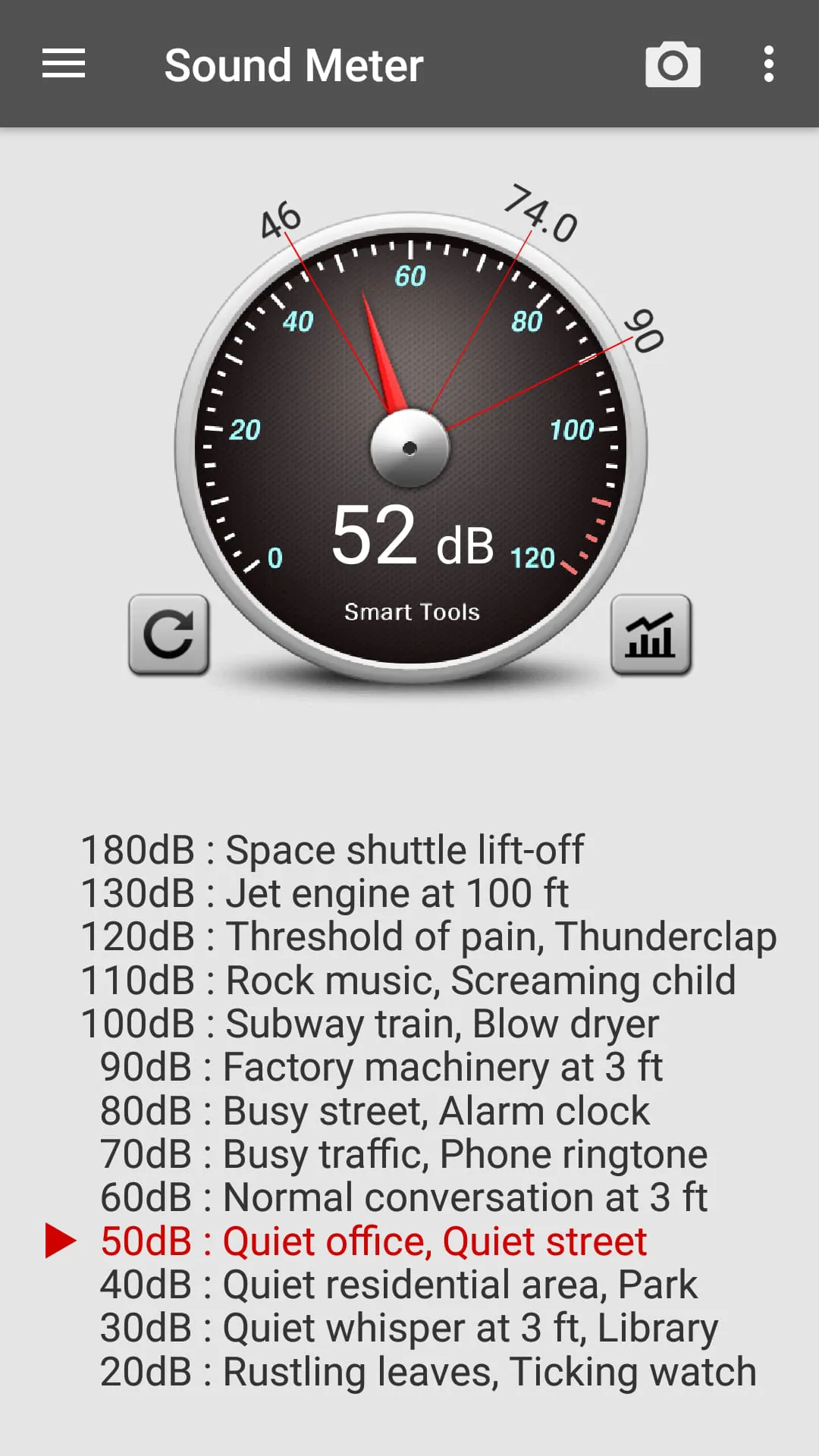
The ability to display sound levels in real-time allows for quick identification of noise sources and immediate feedback on noise reduction efforts. Users can instantly see the impact of changes in their environment, facilitating faster decision-making.
Data Logging
Many sound meter applications include data logging capabilities, enabling users to record sound levels over time. This can be invaluable for identifying patterns, documenting noise pollution, and creating historical records. Automated logging eliminates the need for manual note-taking and reduces the risk of human error.
Workflow Improvements
Real-time Analysis
The ability to display sound levels in real-time allows for quick identification of noise sources and immediate feedback on noise reduction efforts. Users can instantly see the impact of changes in their environment, facilitating faster decision-making.
Data Logging
Many sound meter applications include data logging capabilities, enabling users to record sound levels over time. This can be invaluable for identifying patterns, documenting noise pollution, and creating historical records. Automated logging eliminates the need for manual note-taking and reduces the risk of human error.
Integrating sound level measurements directly into existing workflows can streamline various tasks. For example, construction workers can use sound meter apps to ensure compliance with noise regulations on-site, while event organizers can monitor sound levels during performances to avoid disturbing nearby residents.
Workflow Integration
The ease of use and portability of mobile sound meter apps allows users to easily integrate noise monitoring into daily routines. This promotes proactive noise management across a range of industries and activities.
Productivity Tools
-
Immediate sound level readings
-
Data logging capabilities
-
Portability and ease of use
-
Accuracy limitations due to smartphone microphone quality
-
Potential for background app resource consumption
-
Calibration requirements for professional use
Process Optimization
- Immediate sound level readings
- Data logging capabilities
- Portability and ease of use
- Accuracy limitations due to smartphone microphone quality
- Potential for background app resource consumption
- Calibration requirements for professional use
By using a sound meter app, users can optimize processes to reduce noise pollution and improve acoustic comfort. This can lead to increased productivity in workspaces, improved sleep quality in residential areas, and enhanced safety in industrial settings. The ability to quickly identify and address noise issues contributes to a more efficient and harmonious environment.
Overall Efficiency Value
Sound meter applications offer valuable tools for improving efficiency in a variety of contexts. While accuracy may be a concern for professional applications, the convenience and accessibility of these apps make them a worthwhile addition to any efficiency-minded user's toolkit. The potential for time savings, workflow improvements, and process optimization makes sound meter apps a useful asset for proactive noise management.