

HomeSuper Clone: Multiple Accounts
Super Clone: Multiple Accounts

Super Clone: Multiple Accounts

Everyone
Rating
V5.0.04.0511
Version
10M+
Installs
4.40
2.5k + Reviews
1
10%
2
1%
3
2%
4
7%
5
79%

Review By AppsWm

Super Clone: Multiple AccountsSuper Clone: Multiple AccountsSuper Clone: Multiple AccountsSuper Clone: Multiple Accounts

Efficiency Gains Through Account Management

This application streamlines the management of multiple social media or gaming accounts on a single device, eliminating the need for constant logging in and out. This reduces wasted time and improves overall efficiency, particularly for users who need to monitor or actively manage several profiles.

Time-Saving Features
  • One-Tap Switching: Quickly switch between different accounts without re-entering credentials.
  • Customized Notifications: Receive notifications from all accounts, ensuring no important messages are missed.
  • Parallel Operation: Run multiple instances of the same app simultaneously.

Workflow Improvements

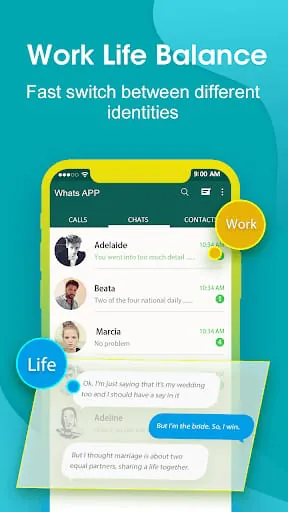
By allowing parallel access to different accounts, the app streamlines workflows for social media managers, gamers, and anyone who needs to separate personal and professional accounts. The application also reduces the risk of accidentally posting to the wrong profile by providing a clear distinction between account instances.

Productivity Tools

Pros
  • Reduced login/logout time
  • Simplified account management
  • Improved multitasking capabilities

Cons
  • Potential for increased app resource consumption
  • Risk of confusion if accounts are not clearly labeled

Process Optimization

The app optimizes the process of managing multiple accounts by providing a unified platform. This can lead to significant productivity gains, particularly for users who regularly interact with multiple online communities or manage social media campaigns across different platforms.

Overall Efficiency Value

The application offers significant efficiency value by simplifying account management and improving multitasking capabilities. While potential resource consumption should be considered, the time-saving benefits make it a valuable tool for productivity-minded users.


Description

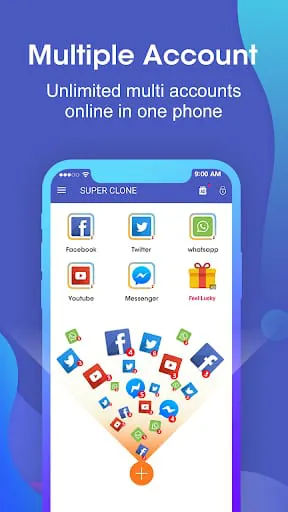
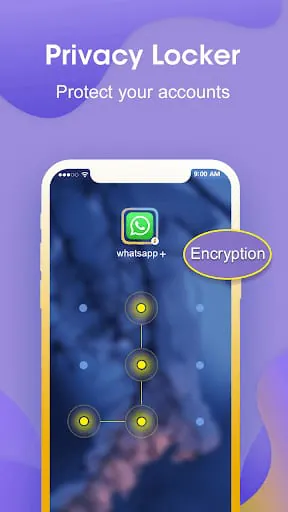
Super Clone is a multiple accounts tool that allows users to manage more than two accounts for social and game apps. It is the first to support cloning up to 99 multiple parallel accounts for social and game accounts and keep the accounts online in multiple spaces on one phone. Super Clone is compatible with instant message apps, game apps, and social apps. Google Play Service is supported for each account and clone. Users can connect with their Google or Facebook accounts in the cloned application. Super Clone is for users who want to switch between multiple social and game accounts easily. Super Clone is easy to use and allows users to run multiple accounts simultaneously, clearly tagged with label and icon. It can manage notifications of each clone and fast switch between accounts used recently. The app supports Google login for multiple accounts and lite mode for less power consumption. Super Clone also supports customization of app icons and labels. The app has a privacy locker to hide and protect cloned accounts, and data of each cloned account is separated. Super Clone requires very few permissions itself, but it may need to apply many permissions in advance for the clone apps. Users should grant those permissions to Super Clone to avoid mis-function or crash when running clones. Super Clone itself doesn't take up too much memory, battery, and data, which are actually consumed by the apps running inside. Users should add Super Clone to the whitelist in their system notification settings. Sometimes, users may not see shortcuts show up even if they enabled them for the clone. They should check whether they granted Super Clone the permission to create shortcuts. For any problems, users can contact the Super Clone team via the 'Feedback' feature inside the app or send an email to [email protected] .

All Versions

V6.0.11.1001

Updated: 2024-10-1

10.58 MB

V5.0.04.0511

Updated: 2023-5-10

9.12 MB

V4.0.01.0612

Updated: 2022-6-12

9.06 MB

V3.9.30.1025

Updated: 2021-10-28

9.4 MB

V3.9.11.0703

Updated: 2021-7-3

9.4 MB

V3.9.02.0617

Updated: 2021-6-18

9.4 MB

V3.8.51.0418

Updated: 2021-5-7

9.6 MB

Summary Of User Reviews

Tomy Evans
Tomy Evans
December 21, 2023
Wasn't super reliable, but usually got the job done perfectly. I've seen lots of people have the same problem I do now, where the app just completely does not allow any of the clones to open after the latest Android update. Luckily the only apps I cloned are ones where my accounts are accessible through login info, but many people seem to have lost all of their progress. If this doesn't get resolved soon, I'll not only have to uninstall, but retract my 4 star rating.
Dustin Ryan Shaw (D star)
July 15, 2023
So far so good! I have been needing this in my life for a long time! I have 3 accounts on one app and it takes way too long to switch users on the one app. It's so very nice to have 3 of the same app: each logged in separately. Now instead of logging in and out and constantly verifying: I just click on the app that has that account! Why didn't I discover this sooner?
Juandale Pringle
Juandale Pringle
September 9, 2022
Great app, love that I can now use apps banned from. There are some bugs tho, specifically with apps that want to access your files and/or camera. I can't access files that are on my phone in the apps I have cloned, nor can I access my camera. It also freezes every now and then but that's not a super big deal. Would be 5 stars if I could access files and the camera.