
Highlighted Connectivity
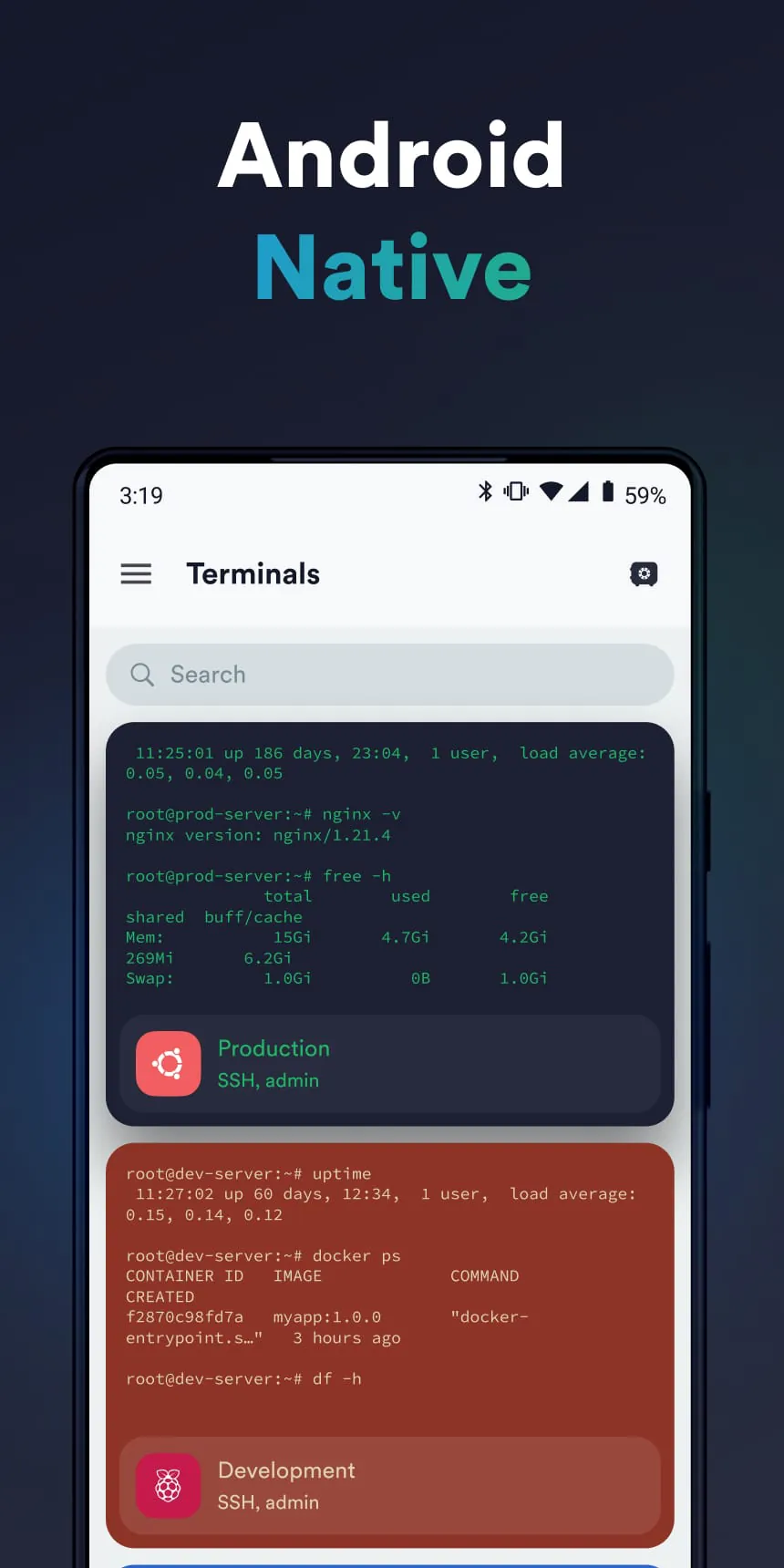
This application stands out for its ability to facilitate secure connections to remote servers. It allows users to manage SSH connections, execute commands, and transfer files seamlessly.
Choice Authentication Methods
The app supports a variety of authentication methods, enhancing its versatility. Password authentication, key-based authentication, and integration with hardware keys (like YubiKey) provide users with multiple secure access options.
🌟 Premium Feature: Snippets
Code Snippets Management
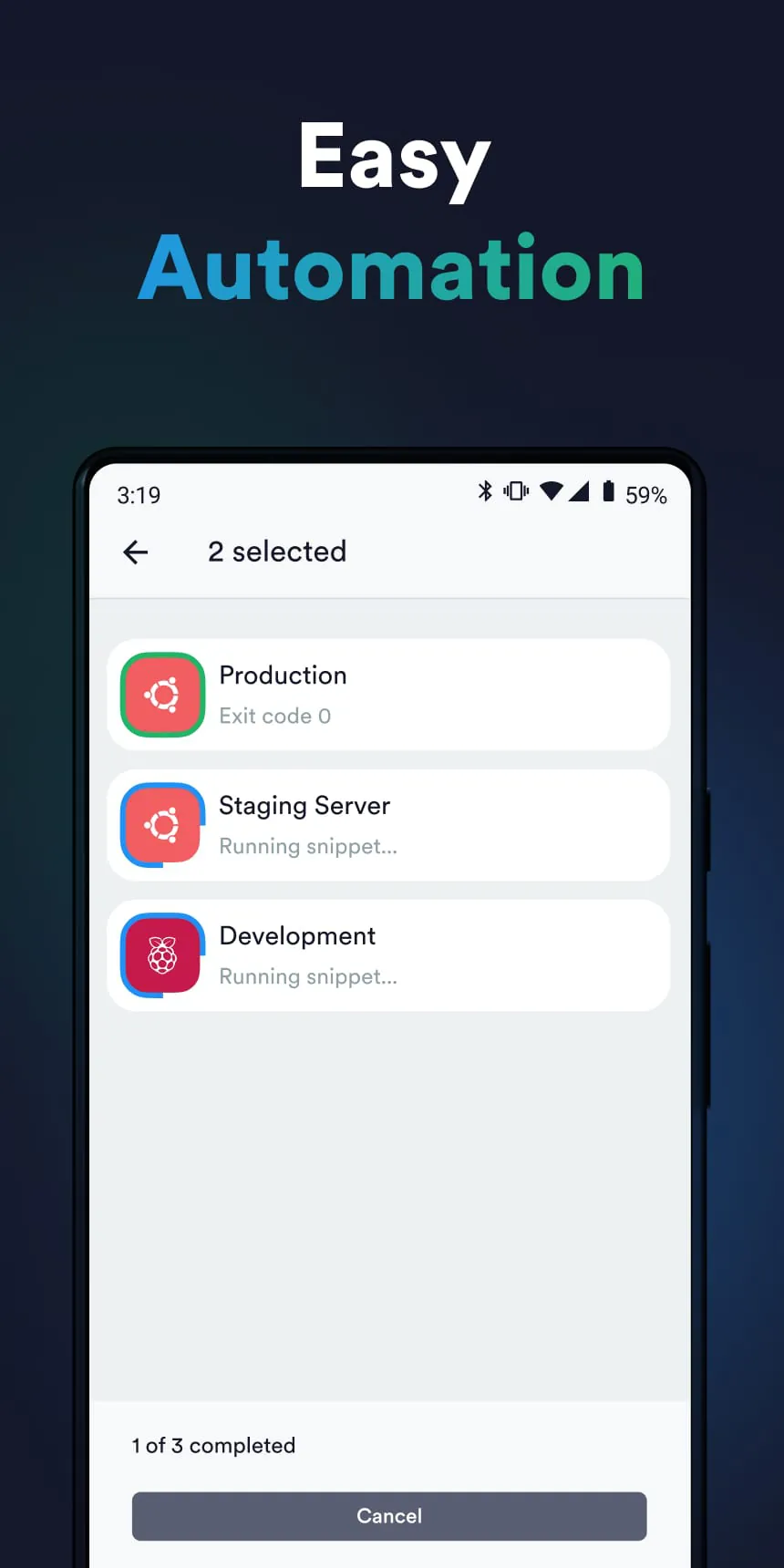
A notable feature is the ability to save and reuse code snippets. This can significantly speed up repetitive tasks and ensure consistency across different sessions. Users can organize snippets into categories for easier access.
Curation Value:
Enhances productivity by providing quick access to frequently used commands and configurations.
Notable Terminal Emulation
Code Snippets Management
A notable feature is the ability to save and reuse code snippets. This can significantly speed up repetitive tasks and ensure consistency across different sessions. Users can organize snippets into categories for easier access.
Curation Value: Enhances productivity by providing quick access to frequently used commands and configurations.
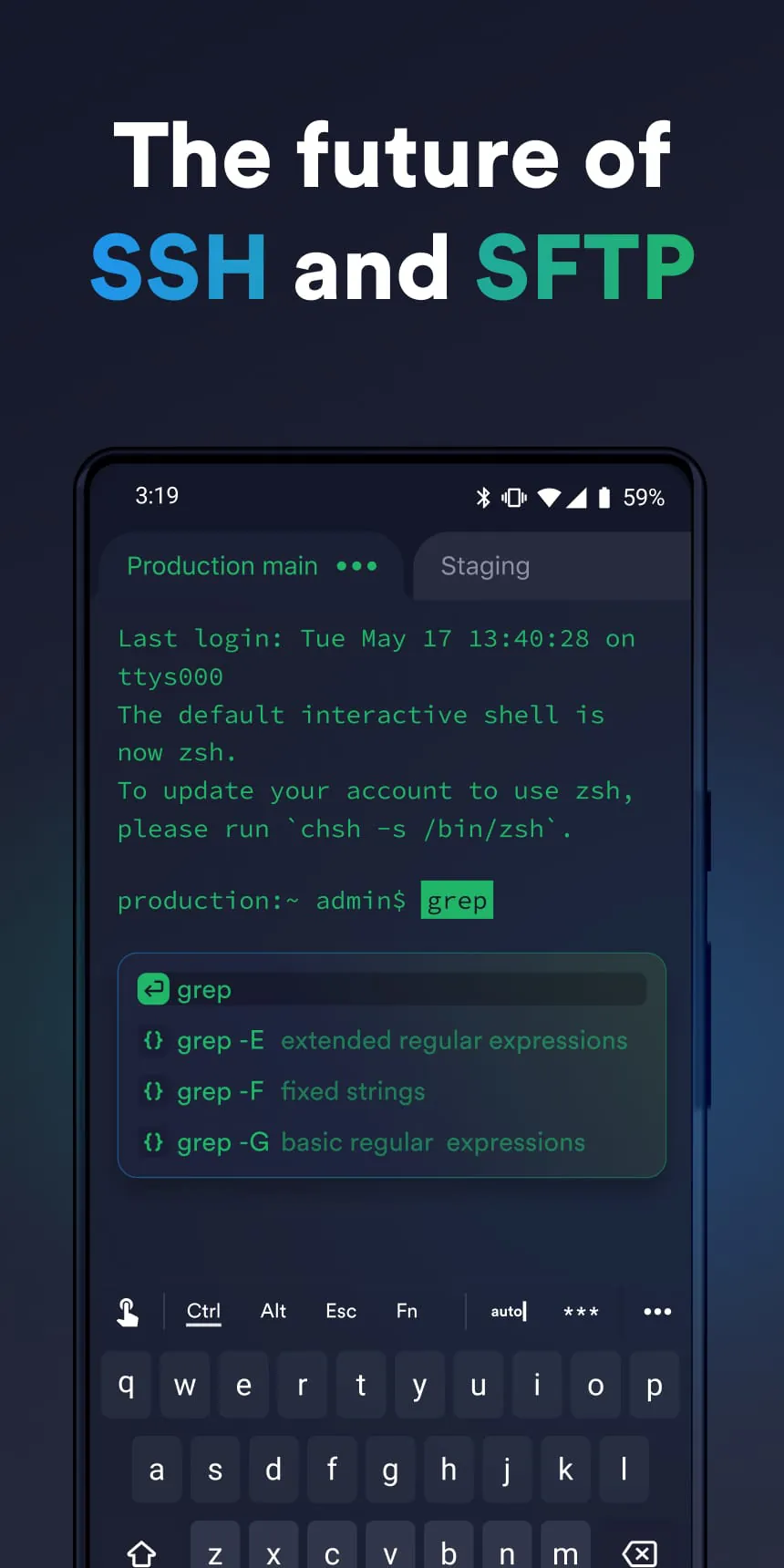
The terminal emulation within the application is highly configurable. Users can customize the appearance, including themes, fonts, and color schemes, to match their preferences. It also supports advanced terminal features like tab completion and command history.
Selection for SFTP Capabilities
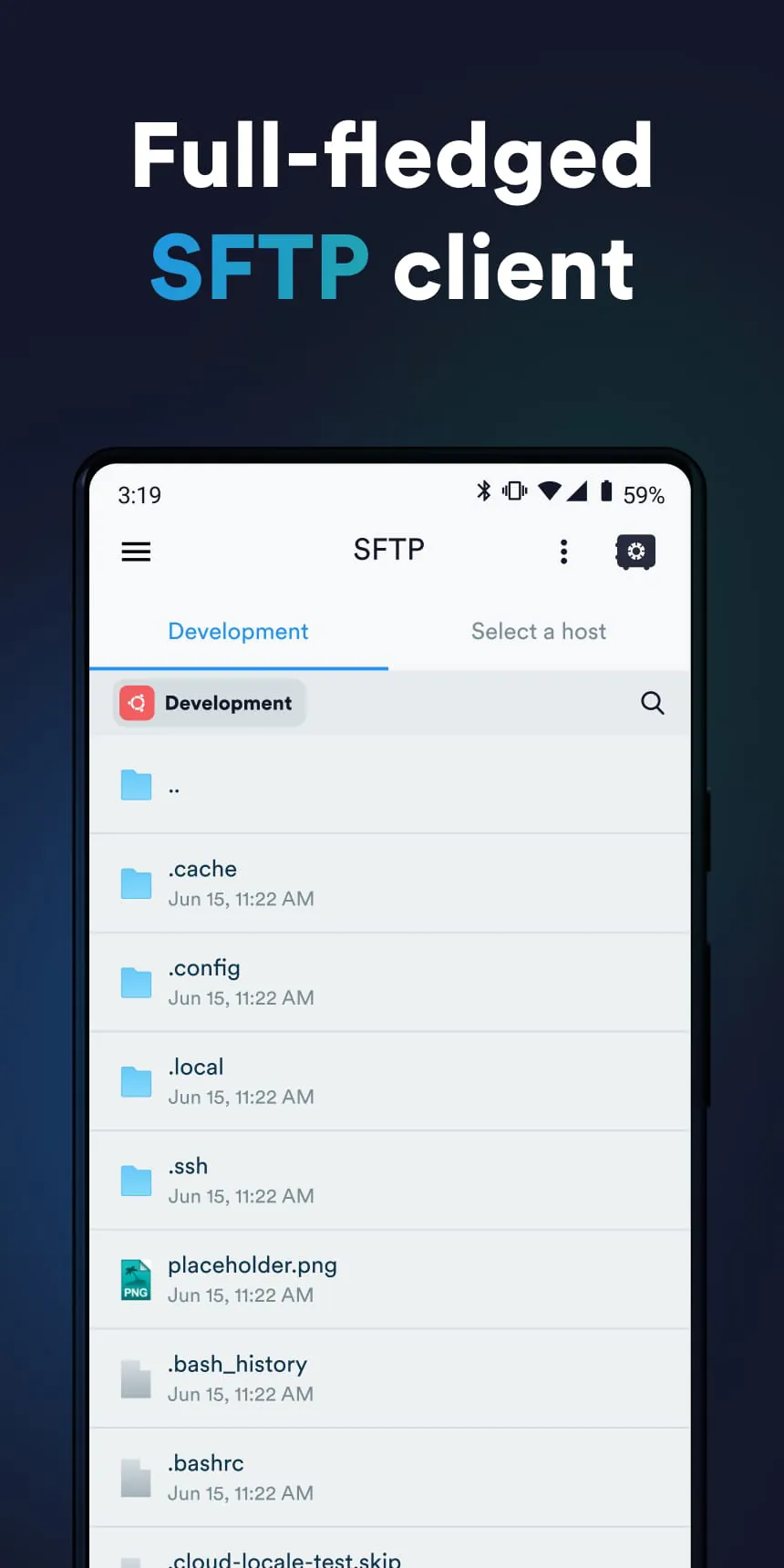
The SFTP client allows users to securely transfer files between their mobile device and remote servers. It supports features like resuming interrupted transfers and queuing multiple file transfers. This integration is seamless and efficient.
✨ Selected Feature: Port Forwarding
Secure Port Forwarding Management
The application provides robust support for port forwarding, enabling users to create secure tunnels to access services running on remote networks. This feature is especially valuable for developers and system administrators.
Premium Aspect:
Securely access internal services with multiple port forwarding options.
Comparison Points
Feature
Capability
SSH Client
Full support for SSH connections, command execution, and key management.
SFTP Client
Seamless file transfer between mobile device and remote servers.
Port Forwarding
Secure tunneling for accessing services on remote networks.
Code Snippets
Save and reuse code snippets for increased productivity.
Overall Curation Value
Secure Port Forwarding Management
The application provides robust support for port forwarding, enabling users to create secure tunnels to access services running on remote networks. This feature is especially valuable for developers and system administrators.
Premium Aspect: Securely access internal services with multiple port forwarding options.
| Feature | Capability |
|---|---|
| SSH Client | Full support for SSH connections, command execution, and key management. |
| SFTP Client | Seamless file transfer between mobile device and remote servers. |
| Port Forwarding | Secure tunneling for accessing services on remote networks. |
| Code Snippets | Save and reuse code snippets for increased productivity. |
Overall Curation Value
This application offers a comprehensive set of tools for managing remote servers from a mobile device. Its focus on security, versatility, and user-friendliness makes it a valuable asset for developers, system administrators, and anyone who needs to access remote systems on the go.