
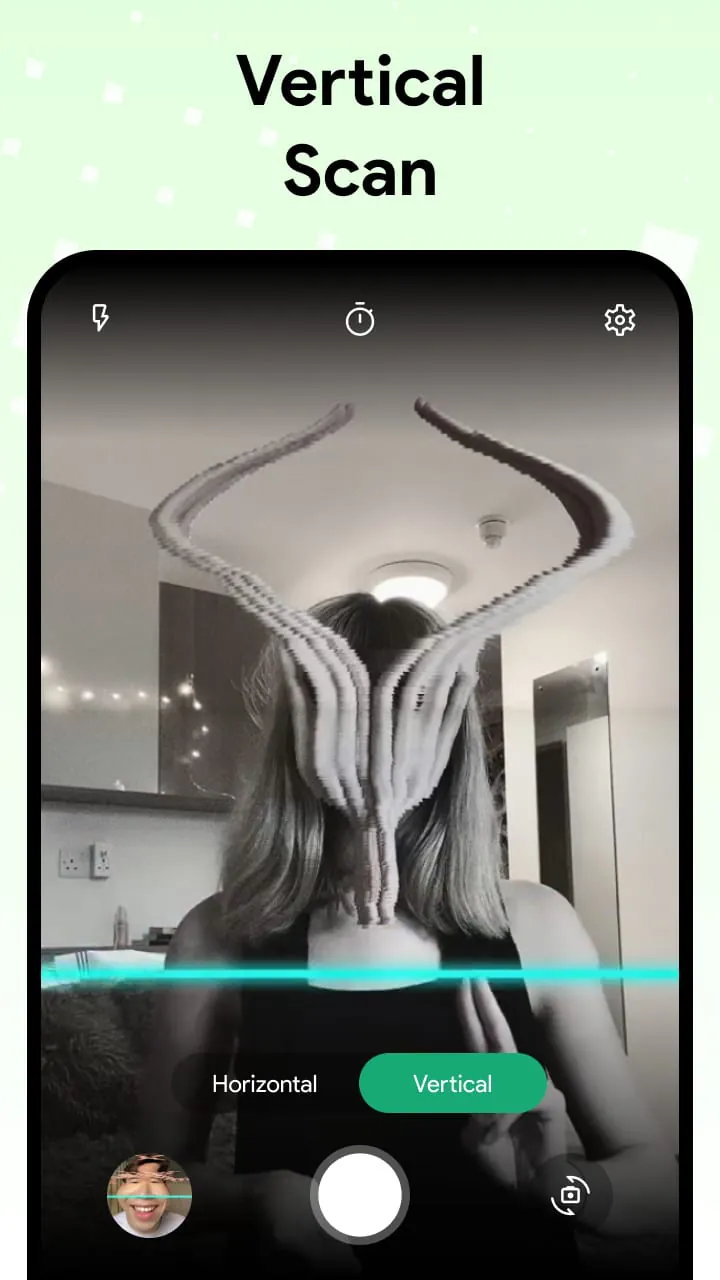
Pattern Elements
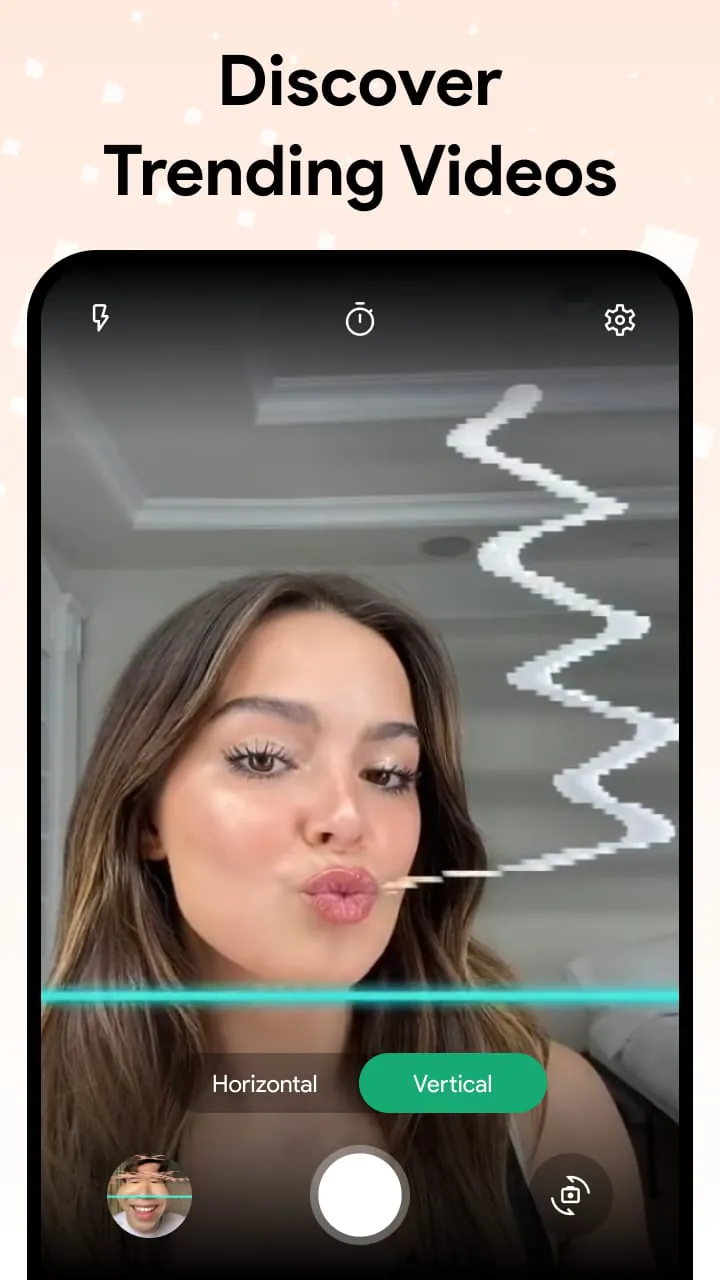
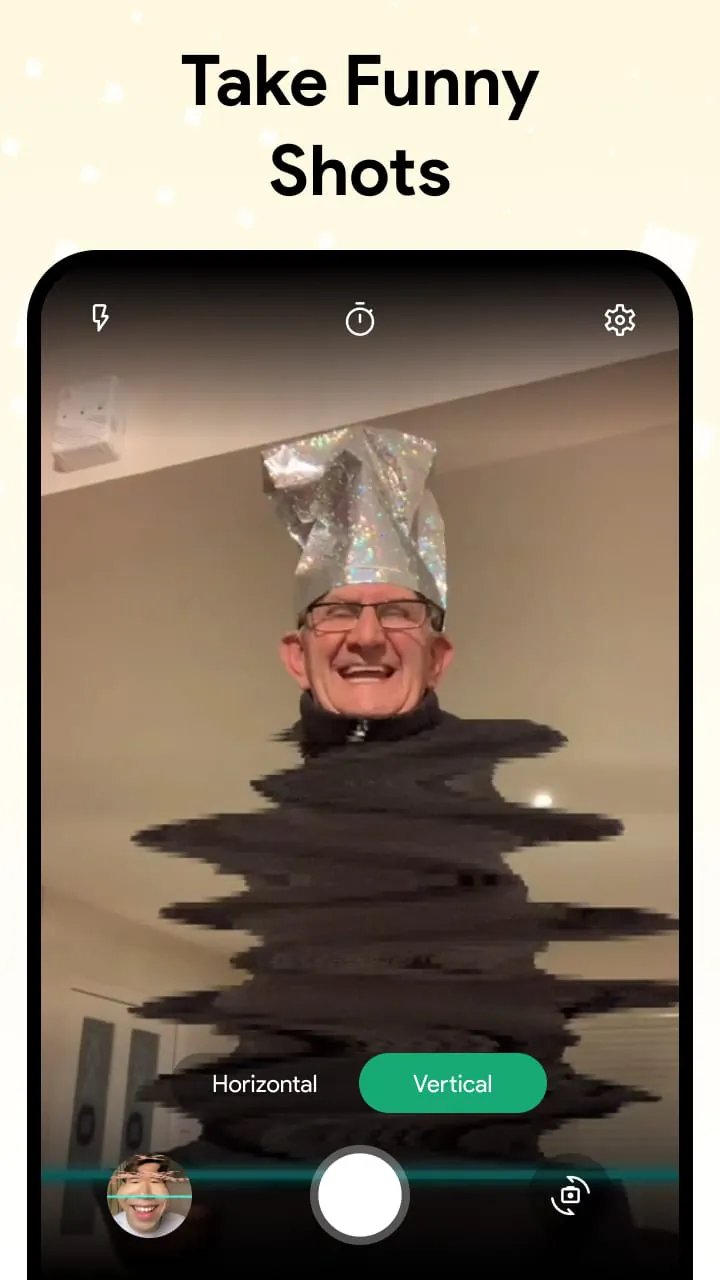
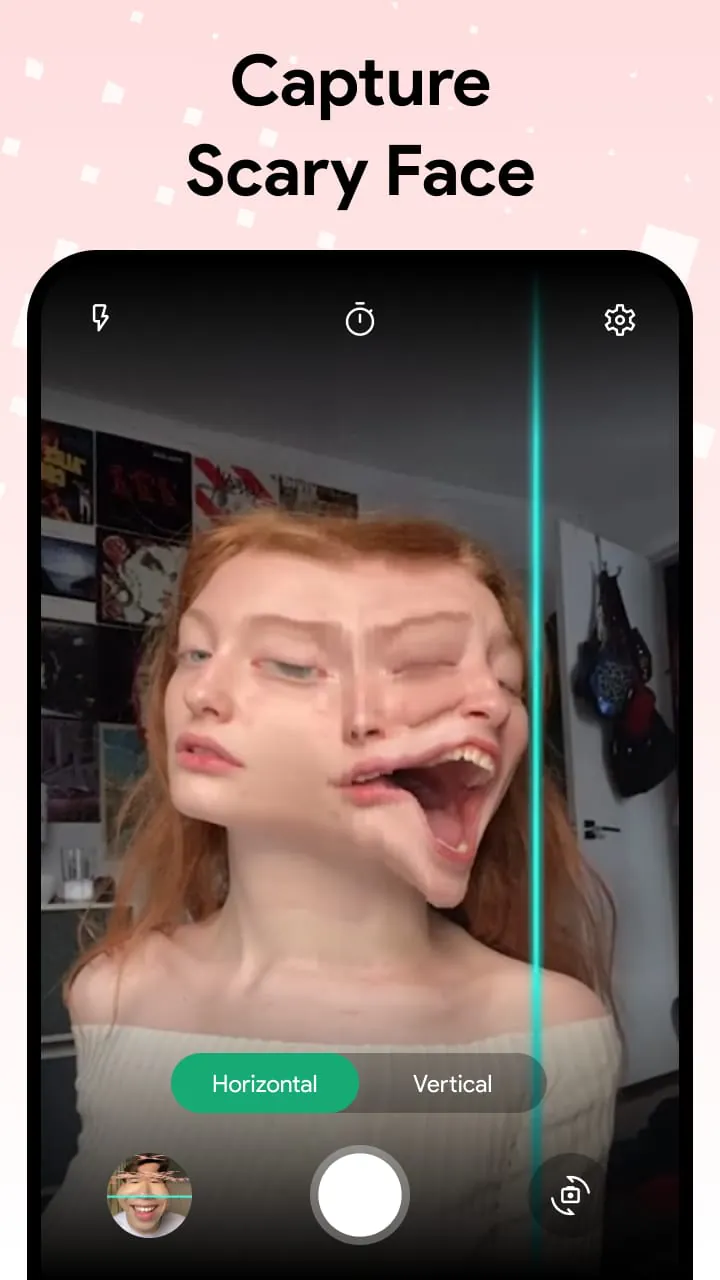
The core pattern revolves around the real-time deformation of the camera's feed, creating a warped visual effect. This is achieved through a scanning line that moves across the screen, freezing the image momentarily as it passes. The user interacts by positioning themselves or objects within the frame to create distorted and often humorous results. 🎼 The flow pattern begins with the app opening on the camera interface. It provides immediate feedback. The core functionality is easy to use.
Flow Features
The app's flow is dependent on the smooth movement of the scan line and the responsiveness of the camera. The user adjusts their movements in real-time in response to the scanning line, establishing a dynamic interaction. Any lag or stutter in the scanning process disrupts this flow. Tempo elements are determined by the user's speed of movement and interaction. The quick capture allows for tempo changes. Slower movements result in more deliberate warps, while faster actions can lead to more chaotic and unpredictable distortions.
Tempo Aspects
The speed of the scan line directly controls the tempo of the image transformation. A faster scan line allows for quicker iterations and more rapid experimentation, while a slower scan provides more control over the final warped image.
- Fast processing
- Real-time feedback
- Can be too fast for precise control









