
HomeTV Cast for Chromecast
TV Cast for Chromecast

TV Cast for Chromecast

Everyone
Rating
V2.55
Version
10M+
Installs
3.70
2.4k + Reviews
1
23%
2
4%
3
8%
4
10%
5
56%

Review By AppsWm

TV Cast for ChromecastTV Cast for ChromecastTV Cast for ChromecastTV Cast for Chromecast

Core Elements: Connectivity and Casting

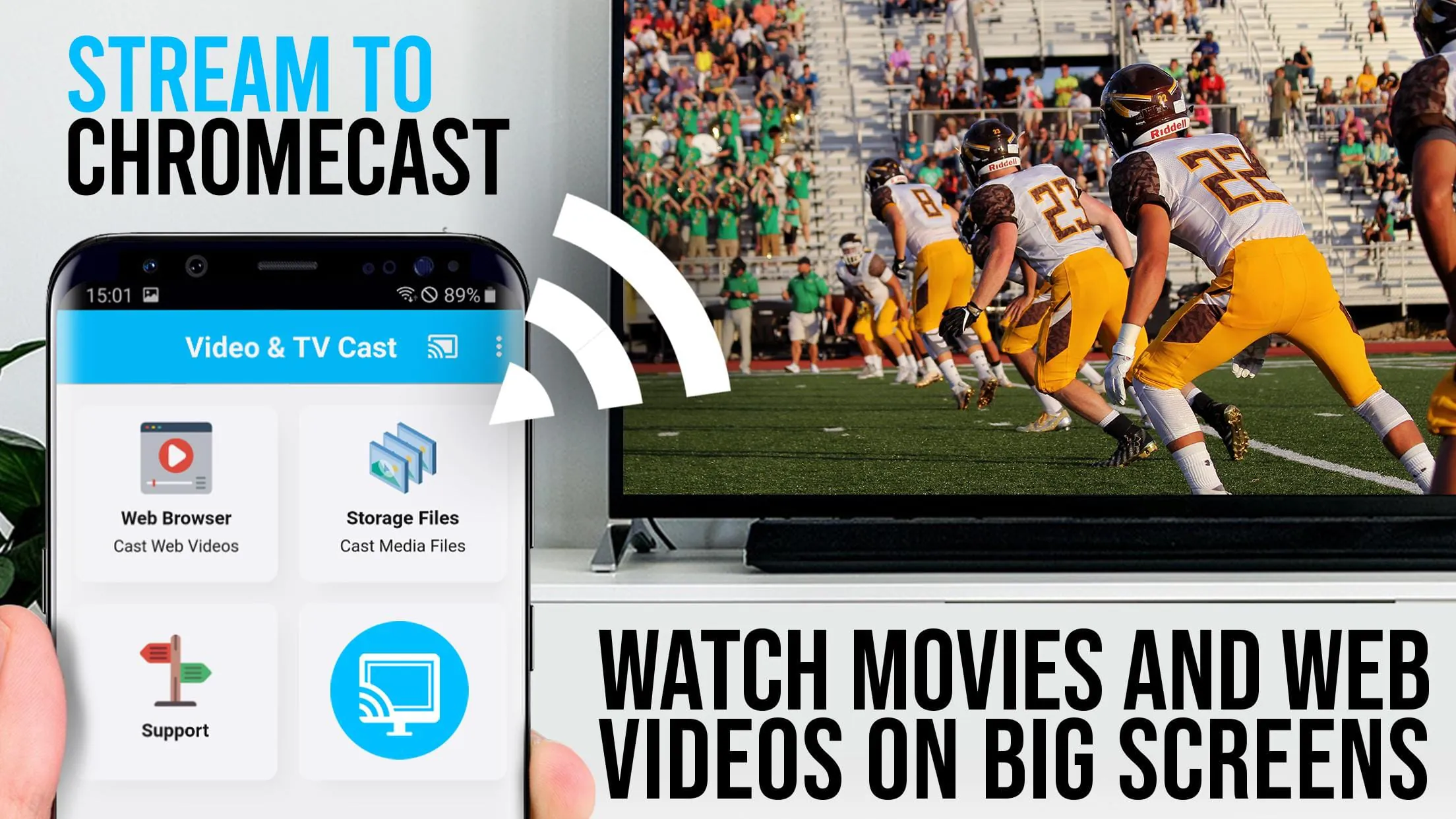
At its core, this application facilitates the connection between your mobile device and a Chromecast device, enabling you to stream media content to your TV. The essential element here is seamless connectivity and reliable casting functionality.

  • Easy setup and device discovery.
  • Wide compatibility with various media sources.
  • Stable streaming performance.
  • Occasional connection drops reported by users.
  • Limited advanced features compared to some competitors.

Essential Features: Media Playback and Control

The essential features revolve around media playback controls and the range of supported media formats. Users expect smooth playback, intuitive controls (play, pause, volume), and the ability to handle various video and audio formats. Based on user reviews, format support and subtitle handling are essential.

Format Compatibility

Wide support for common video formats (MP4, AVI, MKV) is crucial for user satisfaction. Essential beauty lies in playing content without codec issues or conversion hassles.

Fundamental Aspects: User Interface and Experience

The fundamental aspect of this application is its ease of use. The user interface needs to be intuitive and easy to navigate, allowing users to quickly find and cast their desired content. Quick access to essential functions is key to a positive user experience.

User Experience Assessment

The interface generally receives positive feedback for its simplicity, but some users have suggested improvements in search functionality and playlist management.

Basic Beauty: Simplicity and Reliability

The basic beauty of this application lies in its simplicity and reliability. It does one thing and aims to do it well: cast media to Chromecast. There is fundamental worth in a tool that consistently performs its core function without unnecessary complexity.

Feature Description Value
Casting Stability Consistent connection and playback High
UI Simplicity Easy to navigate and use Medium

Pure Value: Affordability and Accessibility

The pure value proposition is affordability, especially for those who just need basic casting functionality. It should provide a viable casting option without excessive costs or intrusive advertising. The overall essence value is in bridging the gap between local media and larger screens affordably.

Overall Assessment

This application provides a valuable service for users seeking a straightforward way to cast media to their Chromecast device. While it may lack some of the advanced features found in competing apps, its simplicity, reliability, and affordability make it a worthwhile choice for basic casting needs.


Description

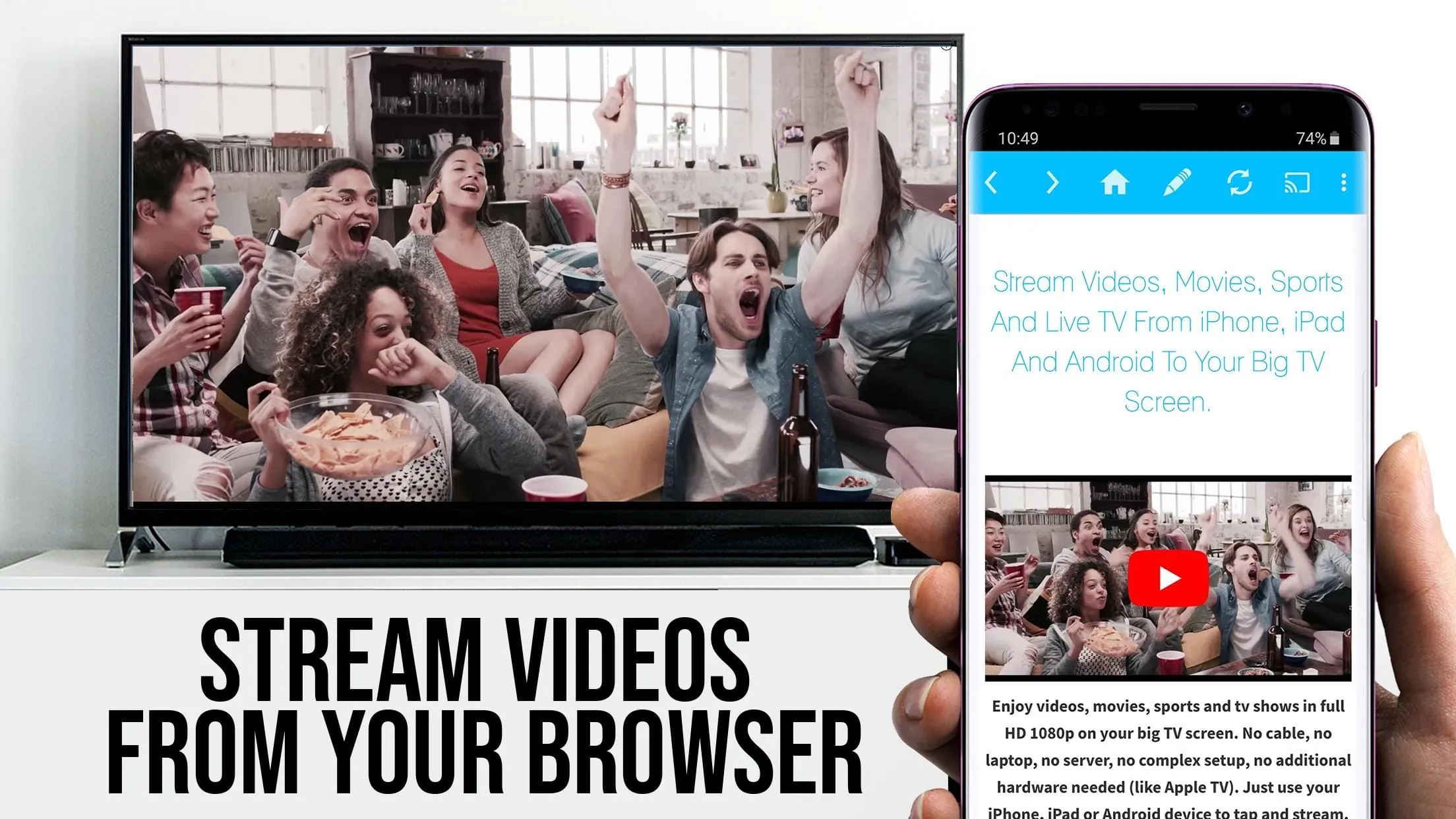
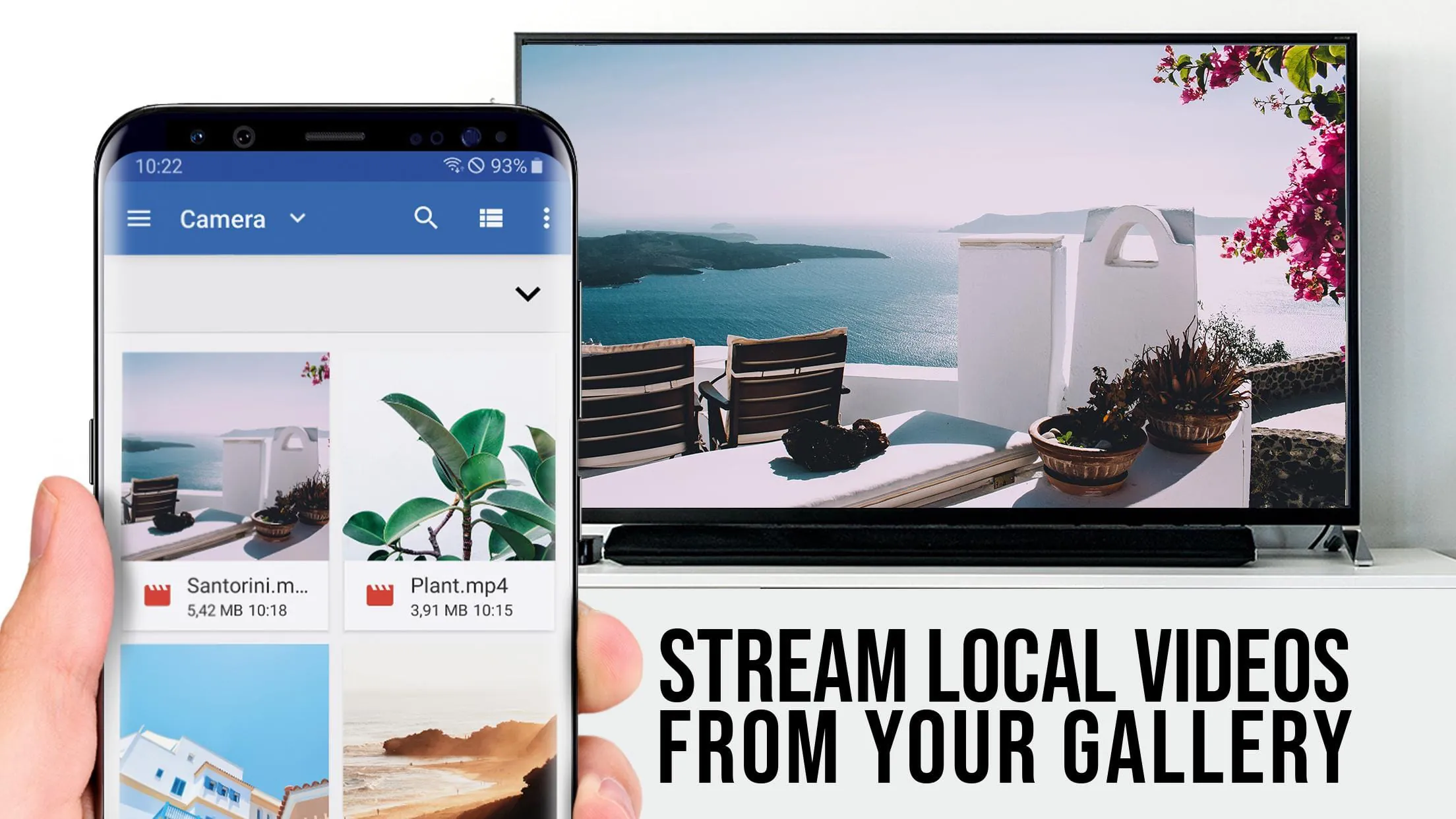
Section 1: Video & TV Cast is the top browser app for video streaming with 10 million users on Android and iOS. It allows users to upgrade their Chromecast Player to watch webvideos, online movies, IPTV, livestreams, and live-tv shows directly on their biggest screen. It supports mp4, m3u8, hls livestreams, and video over https, as well as Full HD. Section 2: The app does not support Flash video, Google Play movies, Netflix, Amazon, HBO, or other DRM protected videos. It is important to test websites and videos in the free edition before upgrading. The app does not mirror the full Android device, it just pushes the video part of a website to the Chromecast. To play mp4, m3u8, or other videofiles directly on Chromecast, the full video-url must be entered in the browser address bar. Section 3: The app requires minimal Android permissions to work and does not access identity data, accounts, device id, phone status, gps location, or contacts. To use the app, users must wait until the red icon in the menu bar changes to a filled white icon. After the video link is detected

All Versions

V2.69

Updated: 2025-3-10

11.05 MB

V2.55

Updated: 2023-11-15

12.16 MB

V2.54

Updated: 2023-9-15

12.15 MB

V2.52

Updated: 2023-6-14

11.4 MB

V2.50

Updated: 2023-1-12

11.37 MB

V2.49

Updated: 2022-11-30

11.37 MB

V2.48

Updated: 2022-5-30

11.23 MB

V2.44

Updated: 2022-3-31

11.5 MB

V2.42

Updated: 2021-8-30

13.8 MB

V2.41

Updated: 2021-7-16

13.8 MB

V2.39

Updated: 2021-3-11

11.5 MB

Summary Of User Reviews

A

AI Review

Comprehensive App Review

TV Cast for Chromecast Review Analysis

TV Cast for Chromecast has seen a surge in popularity, despite initial challenges reported by some users regarding connectivity and in-app ads. However, the development team's proactive response to these concerns, coupled with significant improvements, paints a positive picture of continuous growth and user satisfaction.

Standout Features

  • Reliable Casting: While some early reviews mentioned inconsistent performance, the app boasts a large number of 5-star ratings testifying to its improved reliability and ability to stream a wide variety of content to Chromecast devices. Many users highlight its success in overcoming buffering and connection issues commonly experienced with other casting apps.
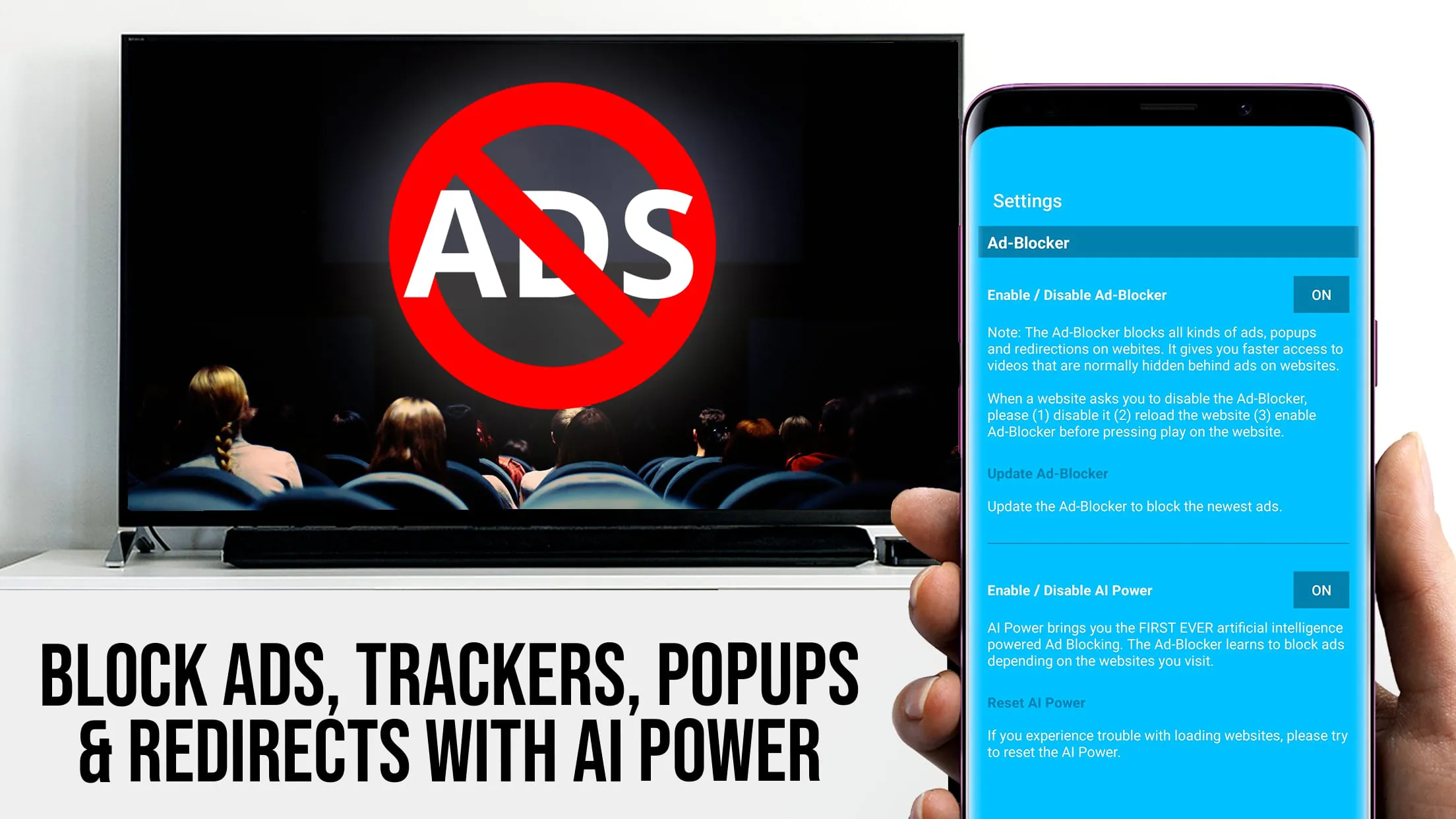
  • Website Compatibility: Users consistently praise the app's ability to cast from a broad range of websites, often those lacking built-in casting functionality. The positive feedback showcases the app's value in expanding access to online content. The app's in-built browser continues to be upgraded, addressing earlier concerns about pop-up ads and navigation difficulties.
  • Premium Features & Value: The premium version shows strong adoption rates , with users indicating that the ad-free experience and enhanced features (such as the playbar) are well worth the one-time cost. Many express significant satisfaction with the added functionality.
  • Active Development & Support: The developers' responsiveness to user feedback is noteworthy. Users report receiving prompt responses and solutions to reported issues, which demonstrates a commitment to user satisfaction and continuous app improvement. This active development ensures the app remains current and functional.

TV Cast for Chromecast is demonstrating a strong trajectory with consistent updates and improvements directly addressing user needs. While some minor challenges remain, the overwhelmingly positive user feedback and the developers' commitment to ongoing enhancements suggest a bright future for this app. The potential for additional features and improved functionality further strengthens its appeal.







