
HomeUnroll.Me - Email Cleanup
Unroll.Me - Email Cleanup

Unroll.Me - Email Cleanup

Everyone
Rating
V3.3.10
Version
1M+
Installs
4.60
8.1k + Reviews
1
3%
2
1%
3
5%
4
14%
5
77%

Review By AppsWm

Unroll.Me - Email CleanupUnroll.Me - Email CleanupUnroll.Me - Email CleanupUnroll.Me - Email Cleanup

The Essence of Digital Decluttering

At its core, this application provides a service that resonates with the modern struggle against information overload. It offers a means to regain control over one's digital inbox, a space increasingly perceived as a source of stress rather than a tool for communication. The deeper meaning lies in its potential to restore a sense of calm and order in an increasingly chaotic digital landscape.

Value in Simplicity

The app's value proposition hinges on its simplicity: a straightforward solution to a common problem. This is achieved by aggregating subscription emails into a single interface and providing an easy unsubscribe option. This ease of use holds value because it respects the user's time and cognitive resources. The ability to quickly and efficiently manage subscriptions can be seen as a tool for enhancing personal productivity and reducing digital fatigue.

Advantages
  • Simplified Unsubscribing
  • Centralized Subscription Management
  • Time-Saving Functionality

Disadvantages
  • Potential Privacy Concerns
  • Dependence on Third-Party Service
  • Cost of Premium Features

Purpose and Prioritization

The app's primary purpose is to enhance email management by focusing on decluttering and organization. The email integration aspect serves a crucial purpose, allowing users to act directly on subscriptions within their existing workflows. Features like daily digests or summarized emails also contribute to this core purpose, streamlining the process of staying informed without being overwhelmed. The purpose of the application aligns with broader goals of digital well-being and mindful technology use.

Impact on Digital Habits

The application has the potential to significantly impact users' digital habits, encouraging a more proactive approach to managing subscriptions. By providing users with greater control over their inbox, it empowers them to make conscious decisions about the information they consume. This can lead to a reduction in unwanted emails, a decrease in time spent sifting through clutter, and an overall improvement in digital focus. However, the impact also depends on the user's willingness to engage with the app and make deliberate choices.

Wisdom and the Inbox

The wisdom reflected in this application lies in its recognition of the importance of digital boundaries. In a world where attention is a scarce commodity, the ability to curate one's digital environment is invaluable. By providing tools for managing subscriptions, the app promotes a more intentional relationship with technology, encouraging users to be mindful of the information they allow into their lives. The philosophical value lies in its potential to foster a sense of digital autonomy and self-determination.

Final Thoughts

While concerns about privacy and reliance on a third-party service are valid, the application offers a compelling solution to the challenge of email overload. Its emphasis on simplicity, control, and mindful technology use makes it a valuable tool for anyone seeking to reclaim their digital space.


Description

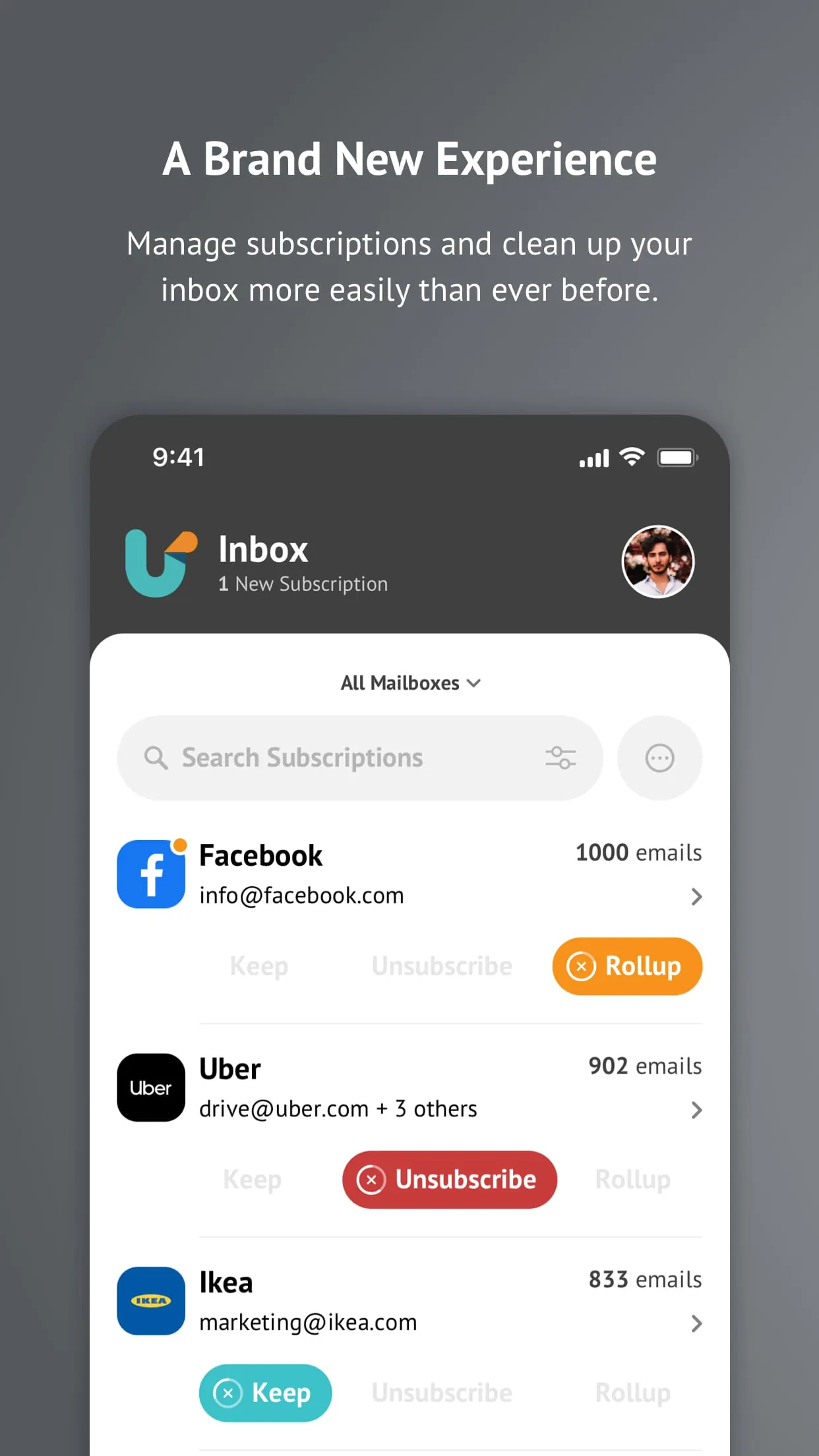
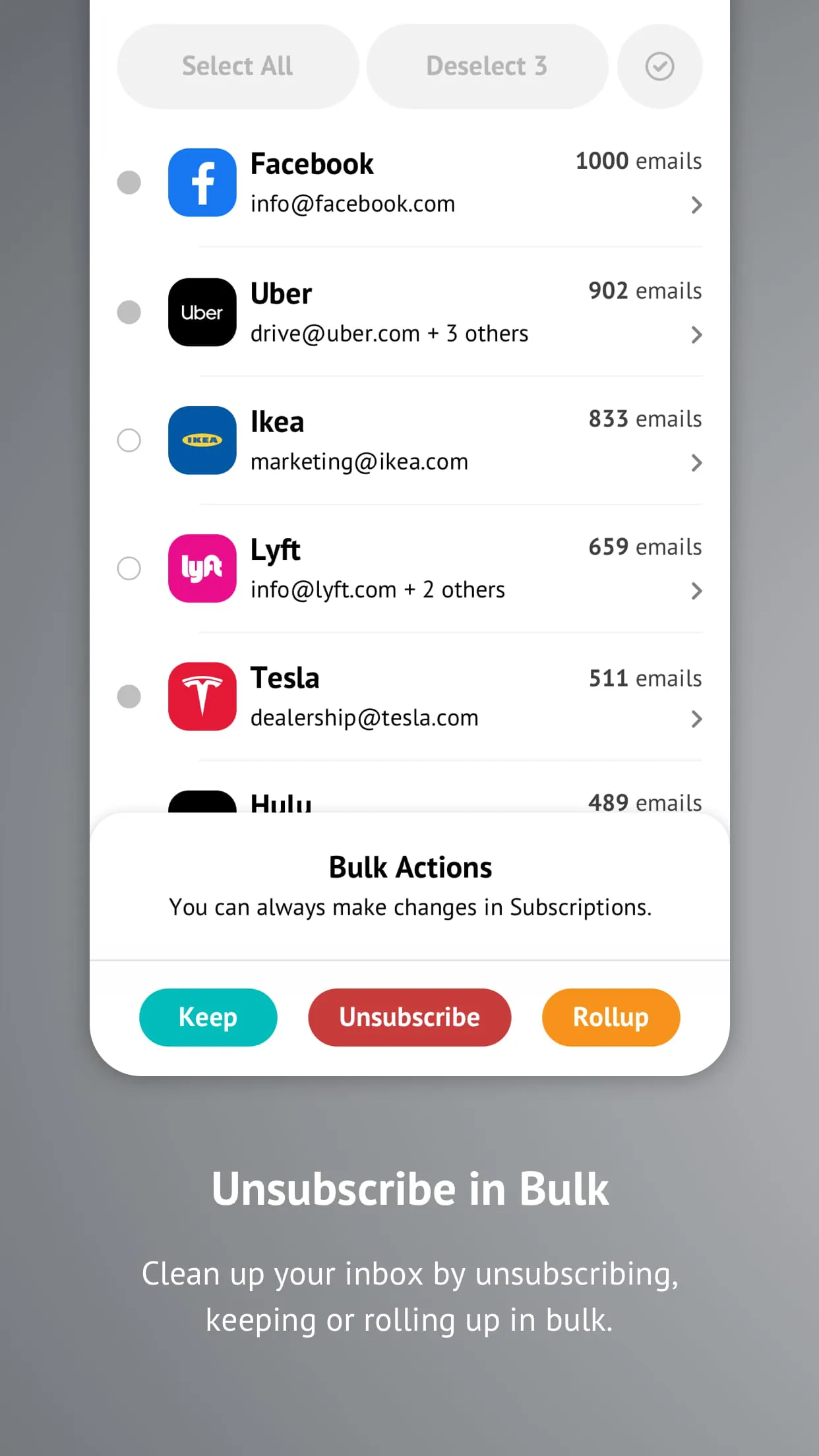
Decluttering your inbox has never been so easy, or looked so good. With Unroll.Me ., you can unsubscribe from unwanted emails, consolidate sales, newsletters, and listserv emails into a convenient daily digest called the Rollup, and keep the rest in your inbox. Stop stressing over your inbox and get back to spending time on what matters to you. Download Unroll.Me and get back the you time youve been missing. Unsubscribe from the email subscriptions you dont want. No future emails from these senders will land in your inbox. Rollup the email subscriptions you want into a daily digest, the Rollup. All future emails from these senders will bypass your inbox and be included in your daily Rollup digest. Keep the email subscriptions you want right in your inbox. These emails will continue to land directly in your inbox. Managing your subscriptions once they are unsubscribed, kept, or rolled up is also quite simple. Head over to the "Subscriptions" tab and you'll be able to make any edits you'd like. The Rollup is a once-daily digest containing all of the rolled-up email subscriptions you receive and will be delivered each day at the time of your choosing: morning, afternoon, or evening. Unroll.Me currently supports Gmail, Google Apps, Yahoo! Mail, AOL, and Outlook.com accounts.

All Versions

V3.3.10

Updated: 2024-1-28

73.32 MB

V3.3.9

Updated: 2023-10-30

73.32 MB

V3.3.8

Updated: 2023-10-24

73.32 MB

V3.3.7

Updated: 2023-9-21

73.32 MB

V3.3.5

Updated: 2023-8-14

73.32 MB

V3.3.4

Updated: 2023-7-19

73.3 MB

V3.3.3

Updated: 2023-7-10

69.9 MB

V3.3.2

Updated: 2023-6-13

69.9 MB

V3.3.1

Updated: 2023-5-3

69.9 MB

Summary Of User Reviews

Crystal H.
Crystal H.
January 24, 2026
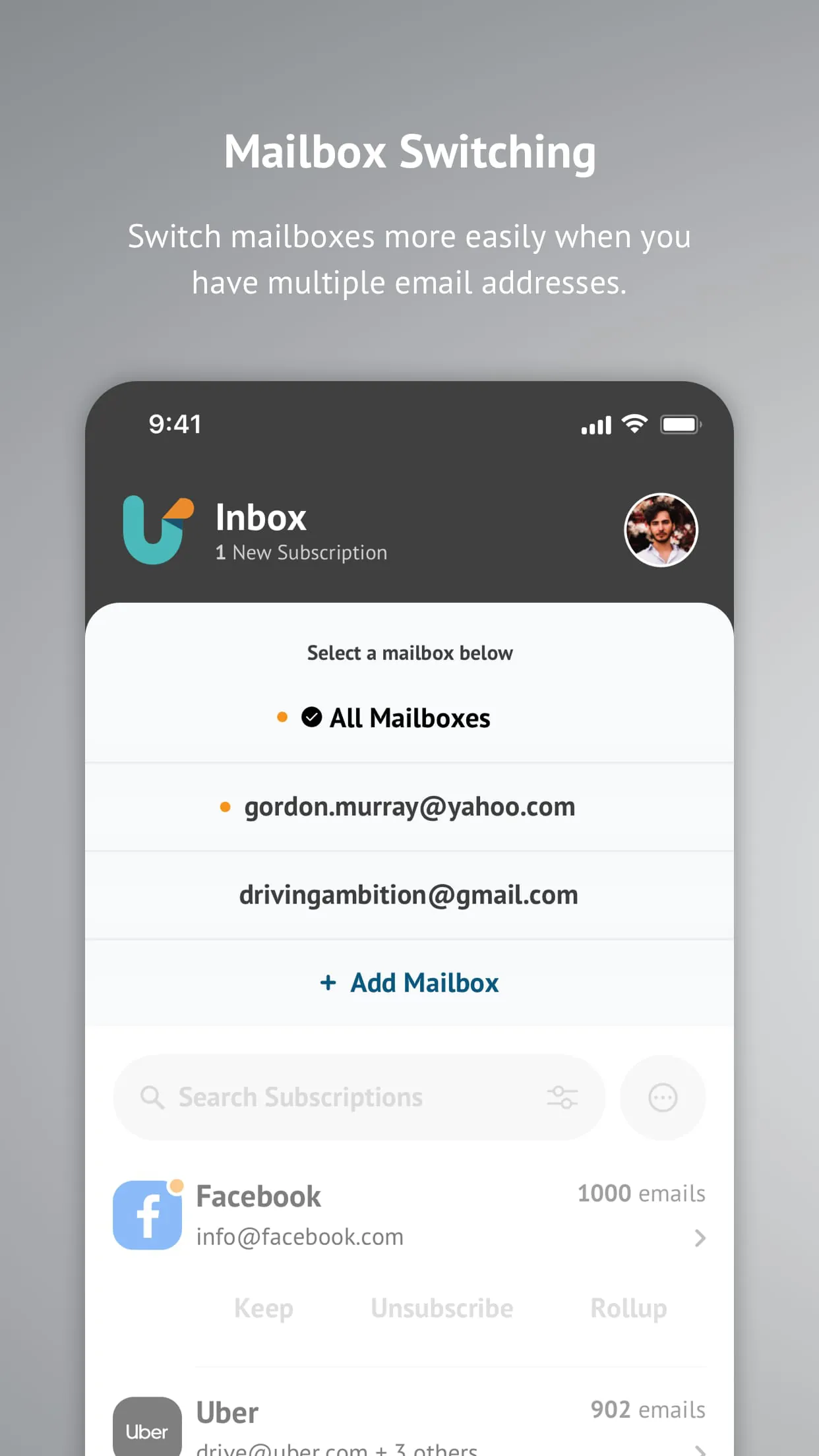
Saw this advertised in an ad and decided to try it out. It's simple, to the point and it lets you add multiple mailboxes. (Was able to add all six of mine, with the option to add more.) This app even found a few subscriptions I didn't even know I had...but also didn't want, so I blocked them. Subscriptions can be switched between "keep", "rollup" and "block" at any time. Overall, this is a great app. Now if you could just add a feature to unsubscribe from stuff as well, it'd be perfect😊
Flynn
Flynn
February 5, 2026
cannot finish signup. you enter your login credentials for Gmail and instead of sending the verification number, nothing happens. you can try to sign up online, but they need you to create an app password. they dont tell you how to do that, though. then you finally get it and it still will not connect to your account. this seems like its just phishing or they'd make it easy to setup.
Stephen Pomeroy
Stephen Pomeroy
June 28, 2024
The email app I use on my phone has the exact same functionality as this built in, but it's unavailable on my desktop so when I check my mail there, nothing gets filtered. This is a universal approach and works the exact same way, just account wide and with every email client you could use. It doesn't actually unsubscribe you from the emails, though. It blocks them at the account level so that they never reach your inbox. Very effective, very simple, and importantly, reversible if needed.