
HomezFont 3 - Emoji & Font Changer
zFont 3 - Emoji & Font Changer

zFont 3 - Emoji & Font Changer

Everyone
Rating
V3.7.0
Version
50M+
Installs
3.20
2.7k + Reviews
1
36%
2
5%
3
9%
4
6%
5
44%

Review By AppsWm

zFont 3 - Emoji & Font ChangerzFont 3 - Emoji & Font ChangerzFont 3 - Emoji & Font ChangerzFont 3 - Emoji & Font Changer

Interaction Patterns

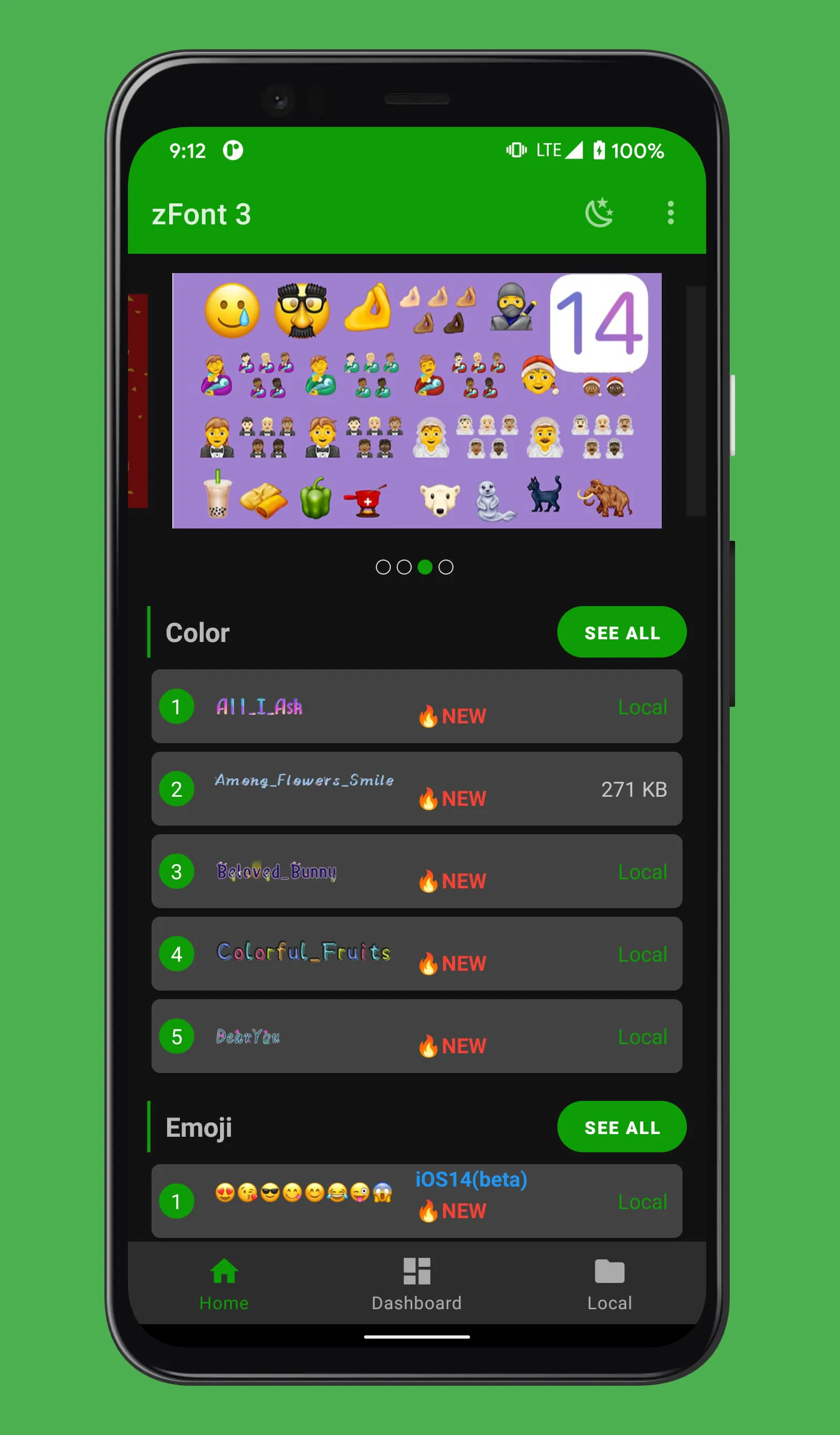
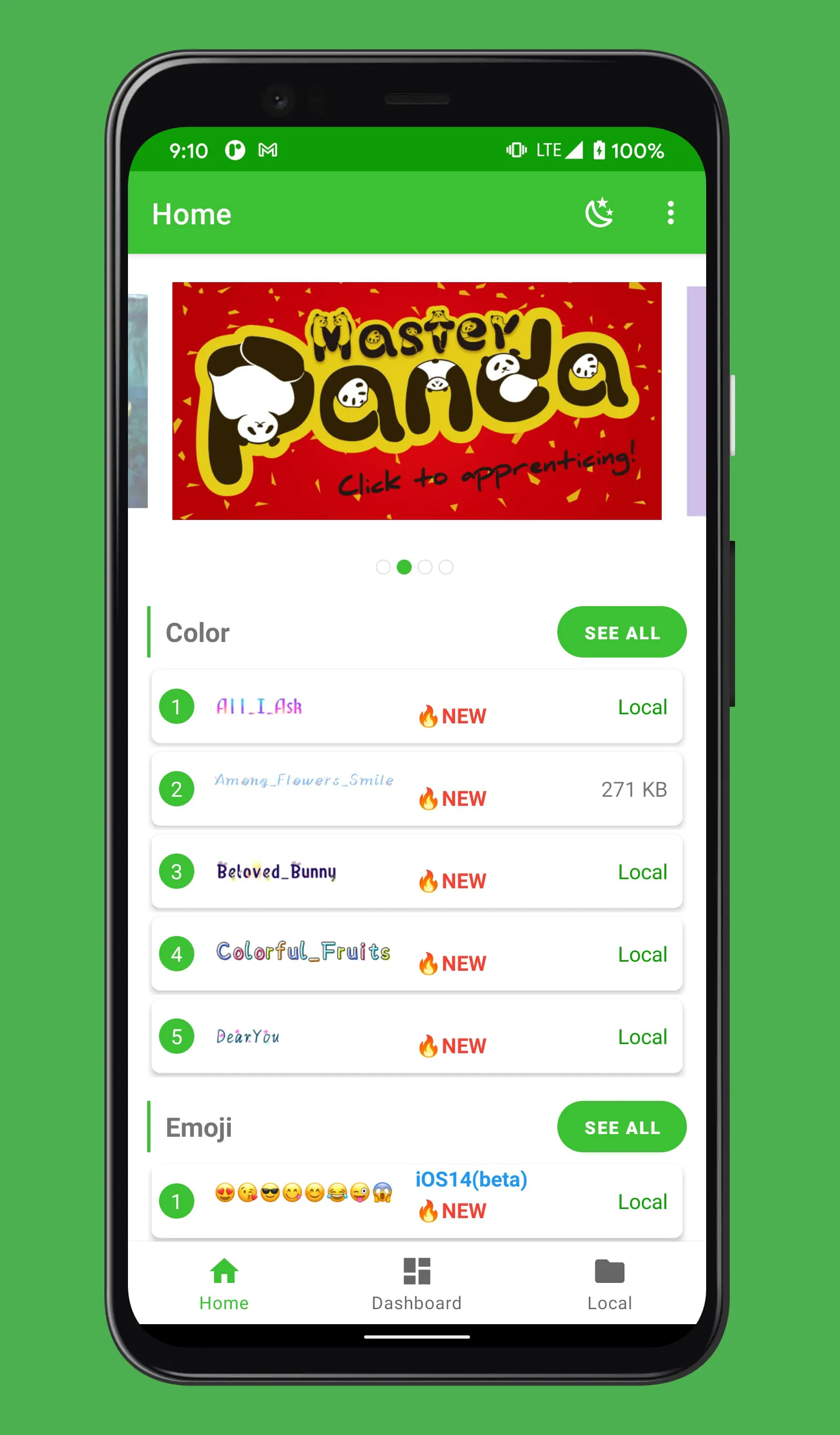
The application's interaction patterns heavily rely on a visual browsing experience. Users navigate through a catalog of fonts and emojis, selecting items via tap gestures. The primary interaction involves choosing a font or emoji and then applying it system-wide or within supported applications.

  • Selection: Tapping to choose a font or emoji.
  • Application: Applying selected items to the system or specific apps.
  • Navigation: Scrolling and searching through available options.

Experience Flows

The user experience typically follows a straightforward flow:

  1. Launch the application.
  2. Browse or search for desired fonts/emojis.
  3. Preview the selected item.
  4. Grant necessary permissions for system modification.
  5. Apply the changes and restart the device (if required).

Potential friction points include granting permissions and the device restart requirement, which can interrupt the user's workflow.

Design Thoughtfulness

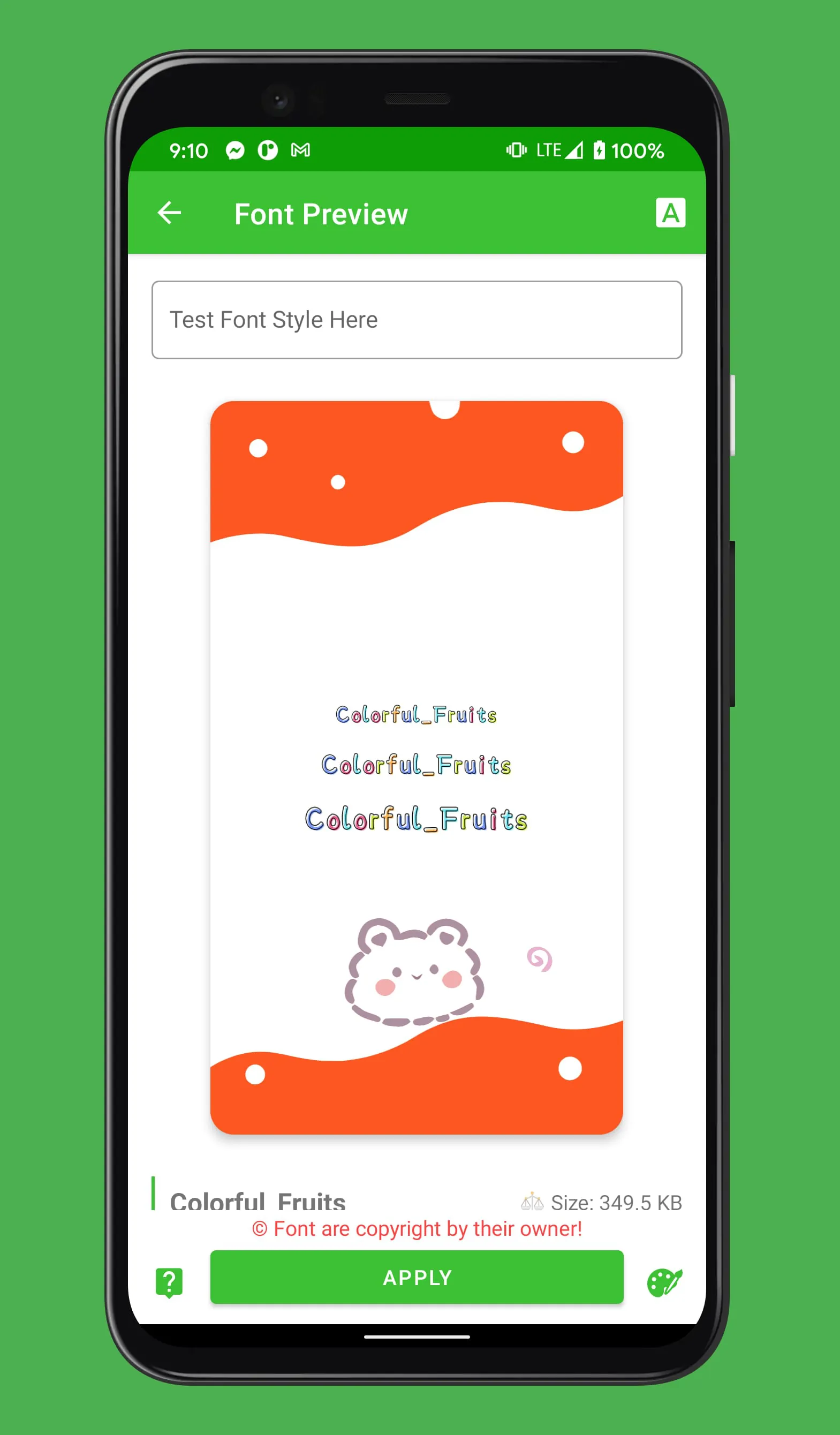
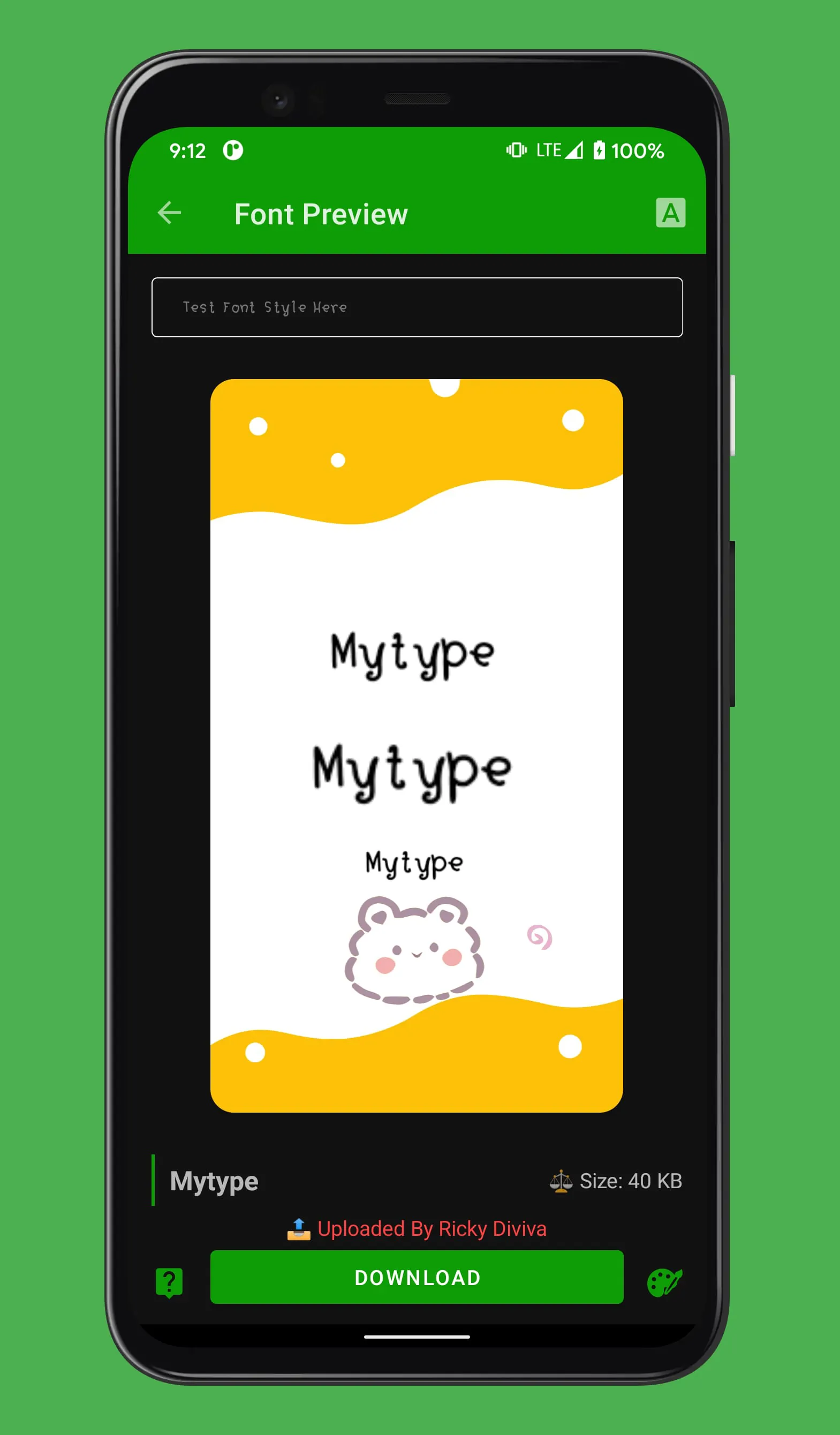
Design considerations include the preview functionality, allowing users to see how a font or emoji looks before applying it. Also, the app often categorizes fonts (e.g., handwritten, serif, sans-serif) for ease of discovery.

Preview Functionality

Enables users to visualize changes before committing, reducing dissatisfaction and wasted effort.

User Engagement

User engagement is driven by the desire for personalization. The app caters to users wanting to customize their device's appearance beyond stock options. However, continuous engagement might be limited after initial setup, unless new fonts/emojis are regularly added.

  • Provides device personalization.
  • Offers a variety of fonts and emojis.
  • Engagement may drop after initial customization.
  • Limited continuous utility unless constantly updated.

Interface Elegance

The interface's harmony hinges on ease of navigation and clarity of presentation. A cluttered interface can deter users, while a clean and intuitive layout encourages exploration. The aesthetic appeal of the available fonts and emojis directly influences user satisfaction.

Aspect Considerations
Navigation Intuitive menus, search functionality, and clear categorization are vital.
Presentation High-quality previews and aesthetically pleasing designs enhance the user experience.

Overall Experience Value

The value proposition centers on providing users with easy access to diverse fonts and emojis for device customization. Success depends on maintaining a balance between functionality, ease of use, and the visual appeal of the offerings. Regular updates and bug fixes contribute to a positive user experience.

Summary

The application provides a valuable service for users seeking personalization. Addressing potential friction points and consistently updating content will enhance its long-term appeal.


Description

The app "Free Emoji, Cool, Stylish, and Font Changer for Android" offers the ability to customize font styles on various Android devices without requiring root access. Supported brands include Samsung, Vivo, LG, Huawei, Honor, OnePlus, ASUS, OPPO, Realme, Xiaomi, Tecno, and Infinix. Users can change fonts on a wide range of Android versions, from KitKat to the latest Android 13, including OneUI on Pie, Android 10, 11, and 12. For Samsung devices, the app is compatible with different Android versions, from KitKat to Oreo and above, ensuring font customization across a variety of Samsung models. Oppo and Realme users can change fonts on all versions up to Android 9, and on Android 10 and later versions by switching the region to Myanmar in settings. OnePlus devices running OxygenOS can change fonts on Theme Store supported devices by switching to the Myanmar region in settings. The app also supports font customization on Vivo, LG, Huawei, Honor, Tecno, Infinix, Xiaomi, and ASUS devices. Users of these brands can enjoy personalized font styles without the need for root access. Additionally, the app offers a bonus feature to create a flashable Magisk Font Module, enhancing the font customization experience for users seeking further personalization options.

All Versions

V3.9.2.1

Updated: 2026-1-12

10.44 MB

V3.7.0

Updated: 2024-6-1

10.49 MB

V3.5.9

Updated: 2023-10-19

10.05 MB

V3.5.2

Updated: 2023-9-7

9.62 MB

V3.4.8

Updated: 2023-3-31

11.73 MB

V3.4.7

Updated: 2022-9-27

11.62 MB

Summary Of User Reviews

Erin
Erin
March 9, 2026
HORRIBLE!!!! - an OBSCENE amount of ads to where the app isn't even functional. You can literally only download 2 fonts at a time without having to sit through a minimum of 2 ads. And that's NOT an exaggeration. 2 fonts maximum before ads and even only 1 before ads. I'd even pay $2-$3 just to stop the ads to use it, but it's $13-$14 to go ad free. Especially when you're only going to use the app like one time to download fonts once. Stop it. 👎👎👎👎👎
courtel!
courtel!
December 5, 2025
it's decent and works most of the time. the main drawback are the obstructive ads. there are on-page ads, pop up ads, video ads, it's like an ad every three clicks. additionally, only the google fonts tab loads and the other four options always fail to load. app design is pretty rough. there are very few filters and none for the google font tab specifically, so good luck scrolling for an hour to find a specific type of font.
Andy Lazaro
Andy Lazaro
March 4, 2026
Probably the worst app ever because of the intrusive ads that pop up. You can search for a font, but as soon as you click on it to view the font, you get about 2 ads that you cant skip. Then when the ads are done, its bugged to the point to where you cant even exit out the ad. And to stop ads, its $14. horrible app. change the way ads are and lower the price.