
Interaction Patterns
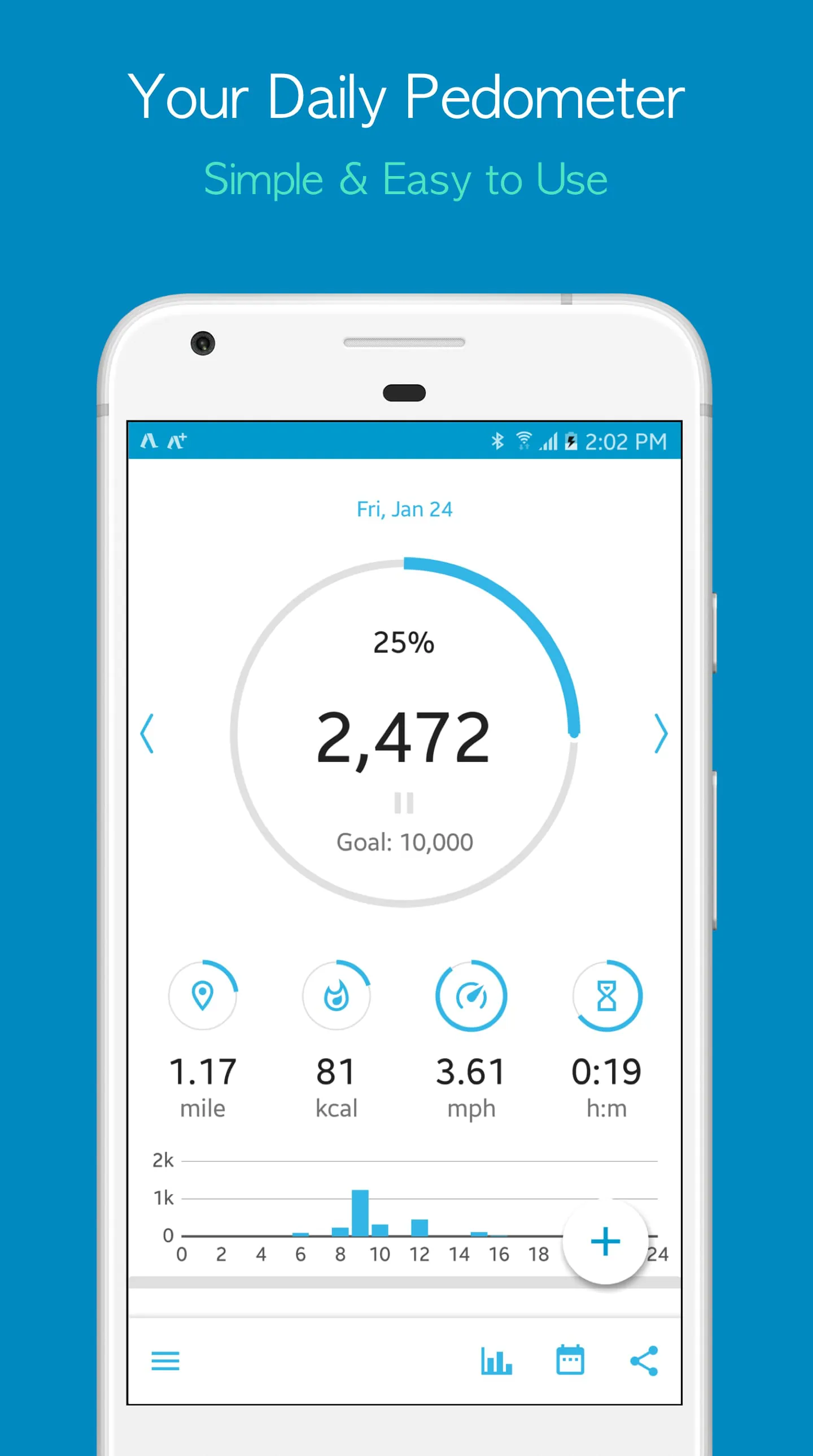
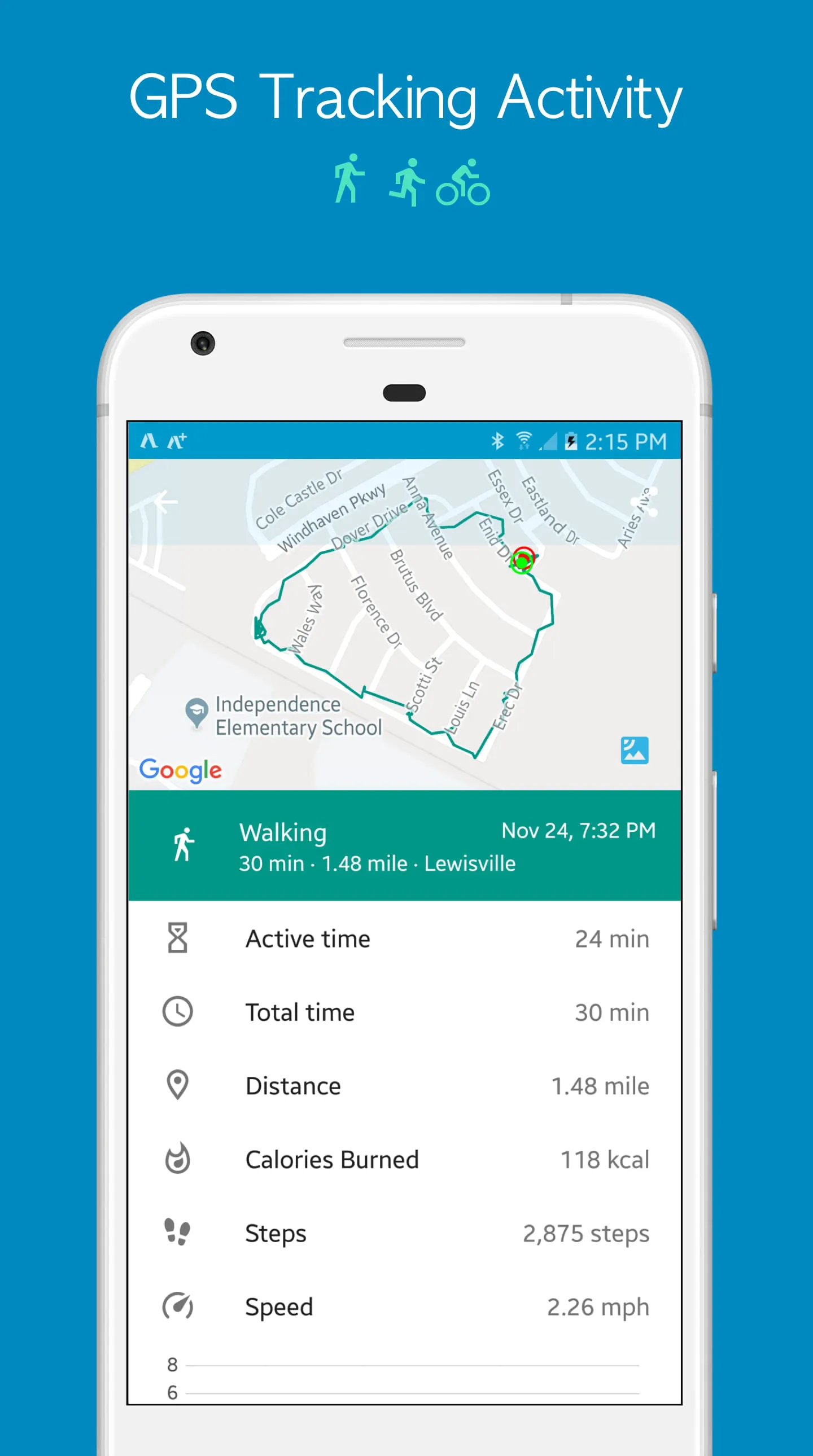
The application employs a straightforward interaction model, primarily relying on passive data collection and display. The core interaction involves launching the app to view step counts, history, and settings. There appears to be minimal interactive elements beyond basic navigation and settings adjustments.
Interaction Effectiveness
The simplicity ensures ease of use, particularly for users unfamiliar with fitness tracking apps. However, the lack of interactive engagement elements (e.g., challenges, social features) might limit long-term user retention.
Experience Flows
The primary user flow involves:
- Launching the application.
- Viewing the current step count.
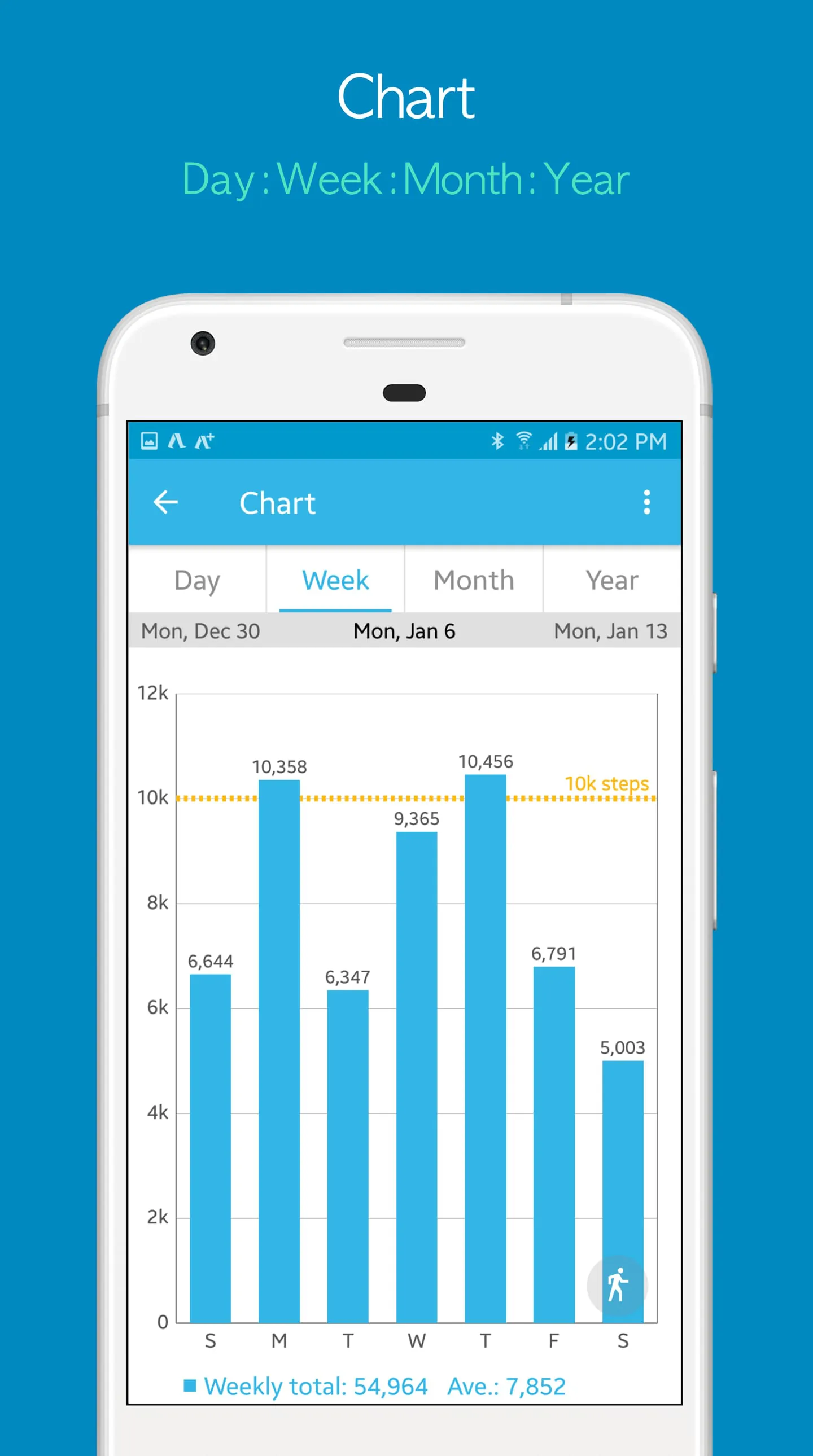
- Accessing historical data (daily, weekly, monthly).
- Adjusting sensitivity settings.
A secondary flow includes exploring the application's settings and potentially customizing the display or sensitivity.
Design Thoughtfulness
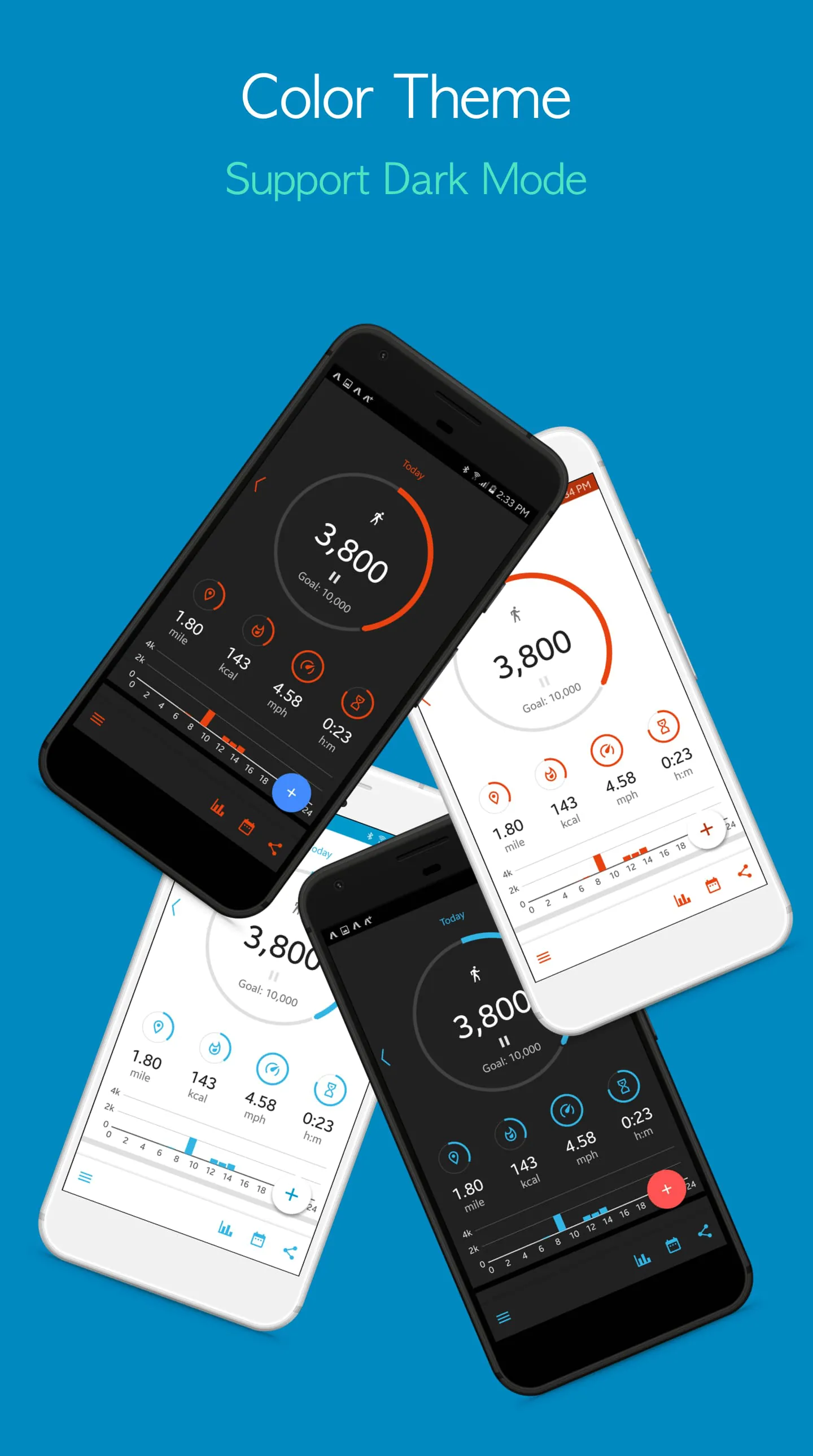
The design appears to prioritize functionality over aesthetics. The focus seems to be on providing accurate step counts and basic historical data in an accessible manner. The use of simple charts and graphs supports this approach.
- Clear data presentation
- Simple navigation
- Customizable sensitivity
- Basic UI
- Limited features
- Lack of visual appeal
User Engagement
Engagement appears to be driven by the core functionality of step tracking. The app provides a passive means of monitoring activity levels, which can be motivating for some users. However, the absence of gamification elements or social integration limits deeper engagement.
Goal Setting (Implied)
While the application may not explicitly feature goal setting, users can implicitly set goals based on their step count targets. The historical data allows users to track their progress and make adjustments accordingly.
Interface Elegance
The interface is utilitarian rather than elegant. The focus is on presenting information clearly and concisely. There is little emphasis on visual flair or sophisticated design elements. The harmony of interface is adequate for the app's intended use.
"Simple and effective. Does what it says without any fuss." - A typical user review.
Overall Experience Value
The overall experience value is tied to the user's need for a basic and reliable pedometer. If the user prioritizes simplicity and accuracy, the application provides adequate value. However, users seeking advanced features, social integration, or a more visually appealing interface may find the app lacking.
| Feature | Assessment |
|---|---|
| Accuracy | Potentially high, depending on calibration |
| Engagement | Low |
| Design | Basic |
Summary
The application offers a functional, if unspectacular, pedometer experience. Its simplicity is both a strength and a weakness, appealing to users seeking basic tracking while potentially alienating those desiring more features and engagement.