
HomeAqara Home
Aqara Home

Aqara Home

Everyone
Rating
V4.2.2
Version
100k+
Installs
2.70
93 + Reviews
1
43%
2
11%
3
7%
4
14%
5
25%

Review By AppsWm

Aqara HomeAqara HomeAqara HomeAqara Home

Moments of Insight: Simplifying Smart Home Management

The application under review seeks to provide a centralized hub for managing Aqara smart home devices. The core intention appears to be streamlining the user experience by offering a single point of control for lighting, security, and environmental controls. The potential for creating a unified smart home ecosystem is evident, aiming to reduce the complexity often associated with disparate smart devices.

Strengths
  • Centralized device management
  • Potential for automation and scene creation
  • Integration with a range of Aqara devices

Areas for Growth
  • Reliance on Aqara ecosystem may limit flexibility
  • User reviews suggest potential stability issues
  • Data privacy practices need clear communication

Balanced Perspectives: Harmony and Limitations

While the application offers a compelling vision of a seamlessly integrated smart home, it's crucial to acknowledge its limitations. The reliance on a single ecosystem might be restrictive for users who prefer a more diverse range of smart home products. Moreover, reported stability issues could disrupt the sense of peace and control that a smart home is intended to provide.

Automation Rules Engine

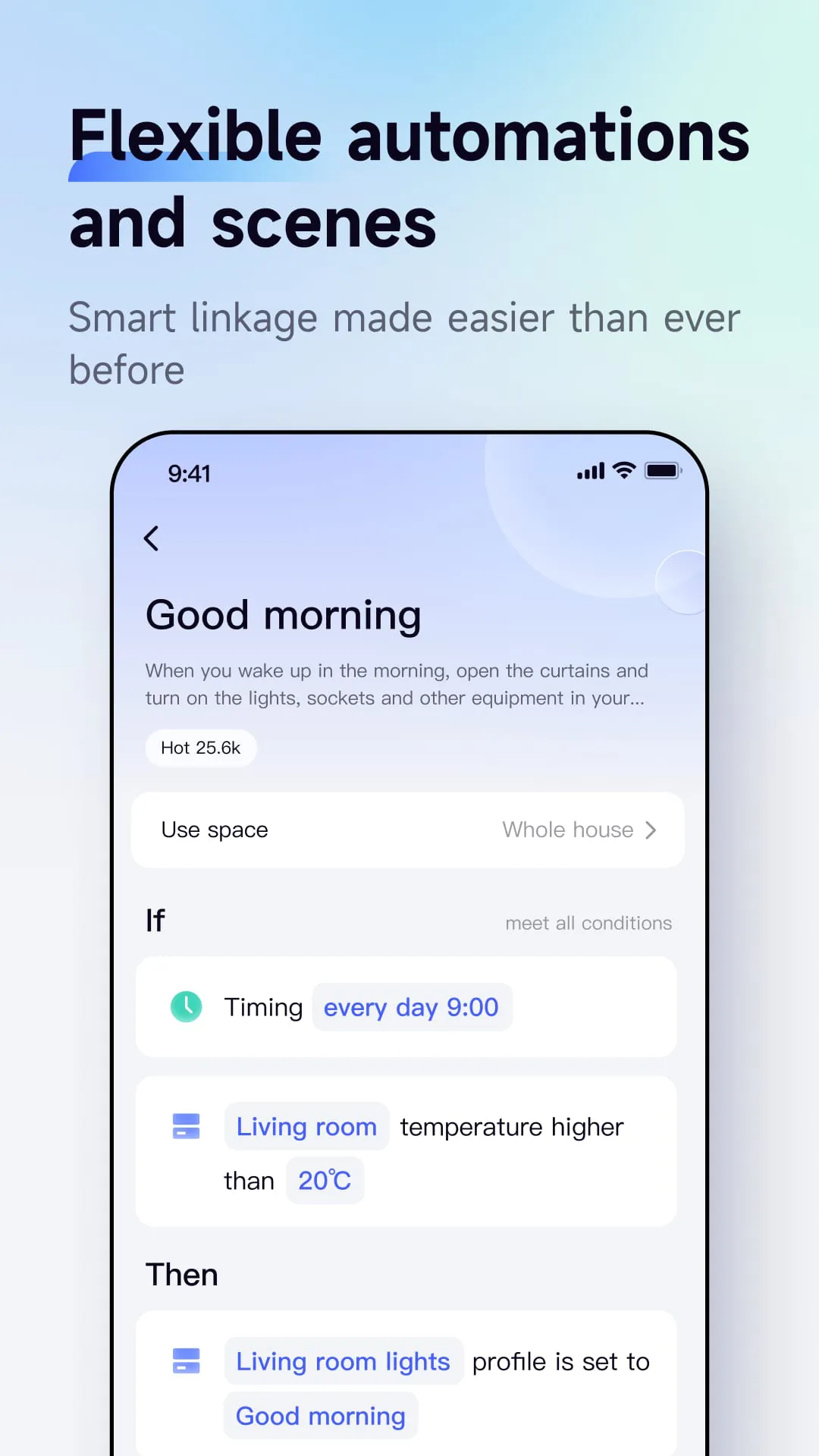
The automation rules engine is a key feature that allows users to create custom scenarios and schedules for their devices. This feature can significantly enhance convenience and energy efficiency, contributing to a more harmonious living environment.

Mindful Observations: User Experience and Digital Well-being

User reviews, though mixed, offer valuable insights into the application's impact on digital well-being. Positive feedback often highlights the convenience and control afforded by the app, while negative feedback points to frustration caused by technical glitches. A key consideration is whether the application truly simplifies daily routines or adds another layer of complexity.

User Feedback Analysis

Overall, user feedback is mixed. Some users praise the app's ease of use and comprehensive features, while others report issues with connectivity and stability. Addressing these concerns is crucial for enhancing user satisfaction and promoting a positive user experience.

Thoughtful Reflections: Design and Functionality

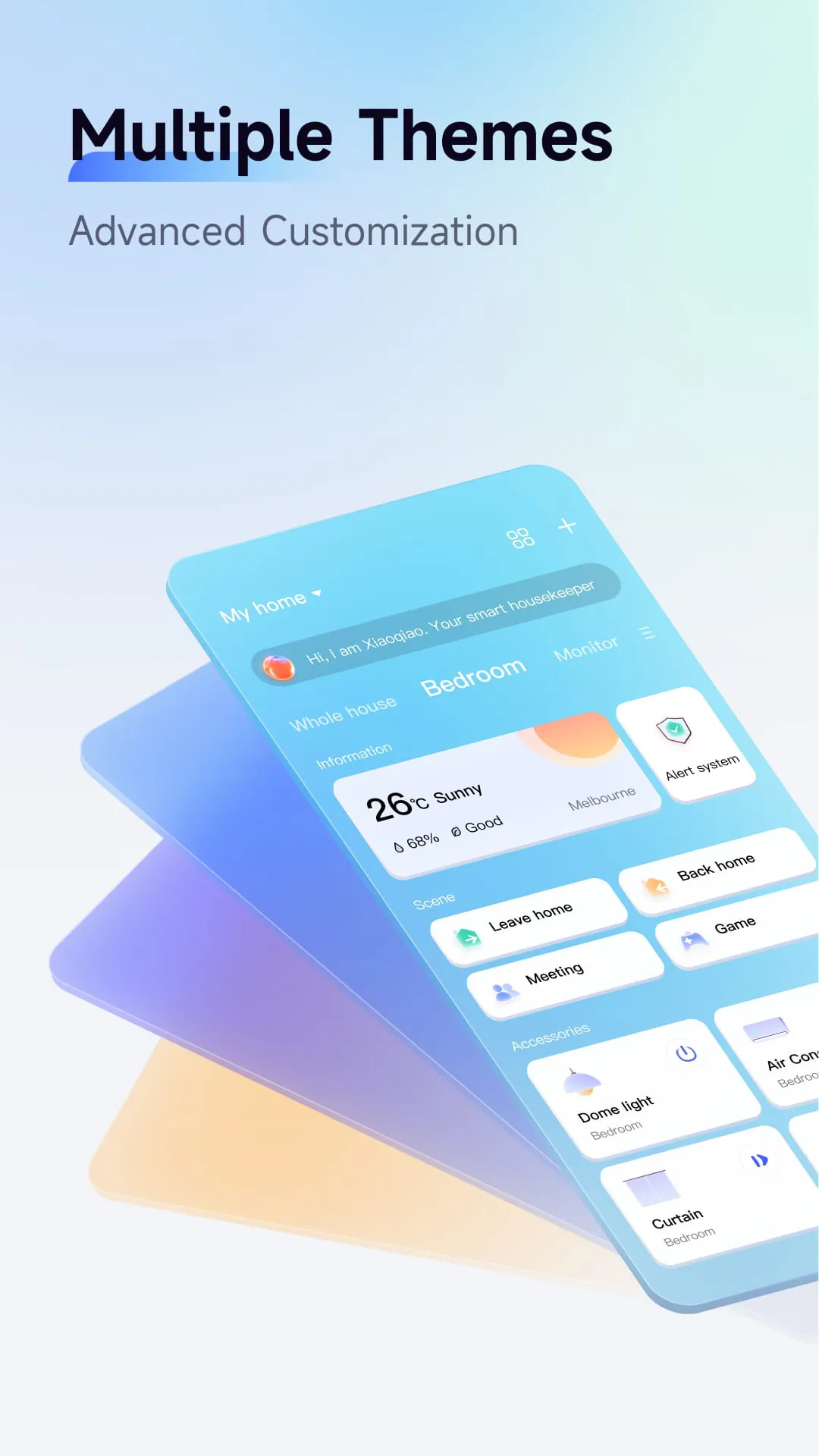
The design of the application plays a crucial role in its ability to promote digital well-being. An intuitive interface and clear navigation can reduce frustration and empower users to manage their smart home with ease. Conversely, a cluttered or confusing interface can lead to stress and a sense of being overwhelmed by technology.

  1. Intuitive Interface: A user-friendly interface is essential for seamless smart home management.
  2. Clear Navigation: Easy navigation helps users quickly access the features they need.
  3. Responsive Design: The app should be responsive and performant across various devices.

Harmonious Integrations: Enhancing Daily Life

Ultimately, the application's success hinges on its ability to seamlessly integrate into users' daily lives. By simplifying tasks, promoting energy efficiency, and enhancing security, it has the potential to create a more harmonious and fulfilling living environment. However, continuous improvement and a focus on user feedback are essential for realizing this vision.

Final Thoughts

The reviewed application shows promise as a tool for simplifying smart home management and promoting digital well-being. However, addressing reported stability issues, clarifying data privacy practices, and ensuring seamless integration with a wider range of devices are crucial for unlocking its full potential.


Description

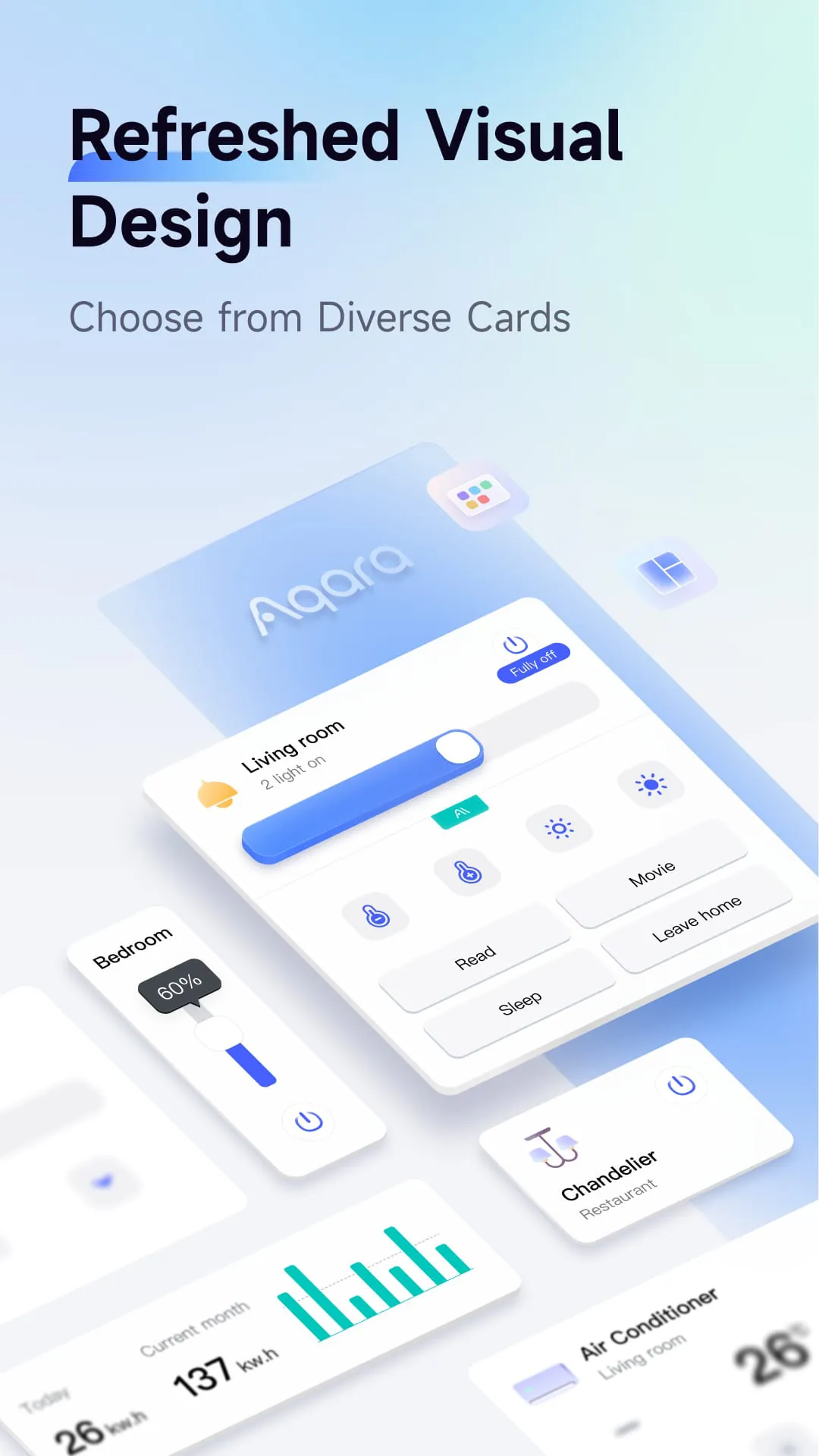
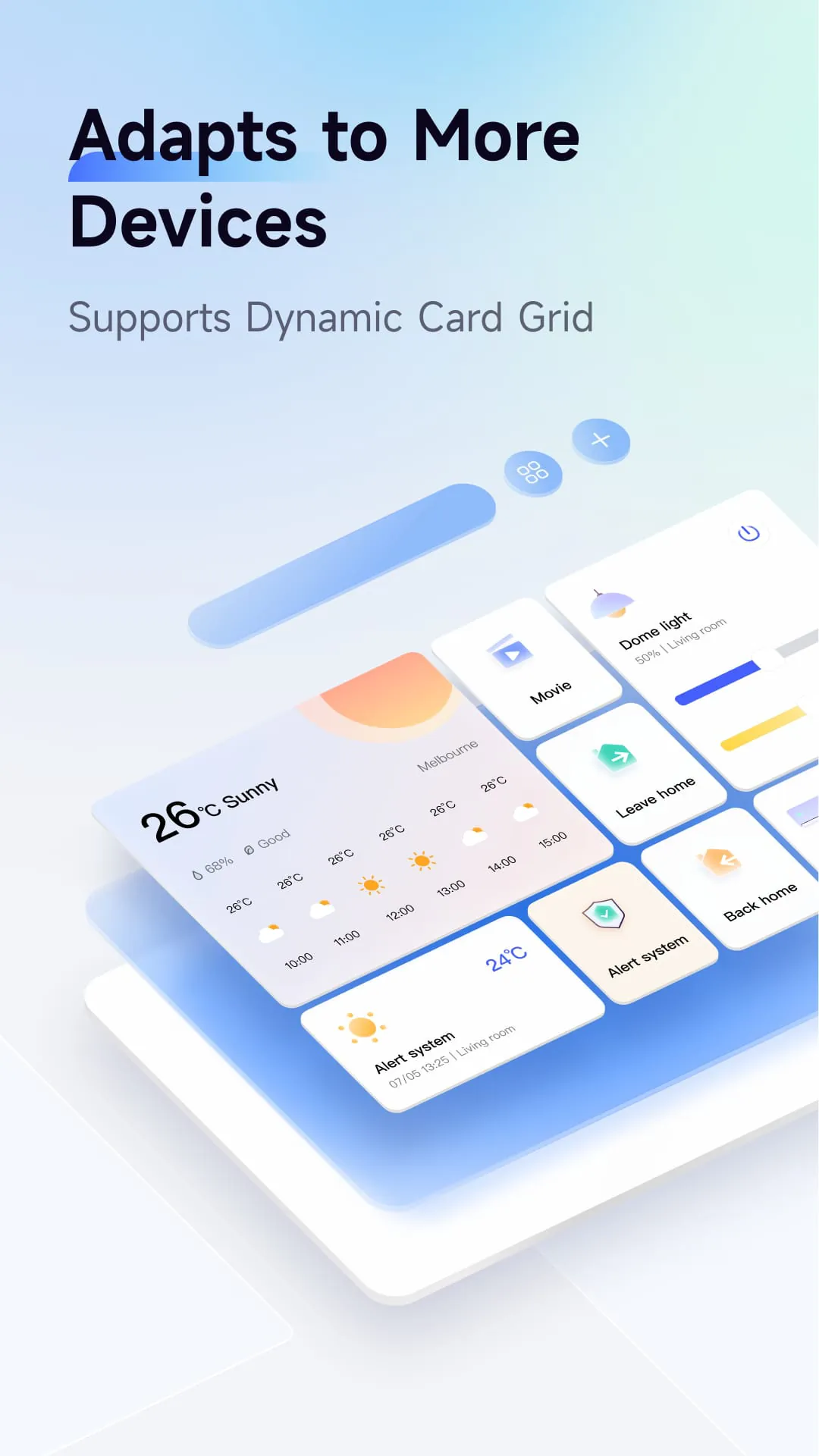
Aqara Home is a smart home automation and control app that allows users to control Aqara accessories from anywhere and at any time with internet access. The app enables users to create homes and rooms and assign accessories to the rooms. Users can also control their Aqara accessories and check the status of connected appliances. For instance, users can adjust the brightness of lights, monitor the temperature, humidity, and air pressure, detect water leaks, and human movement. Moreover, Aqara Home allows users to create Automations to automate their homes. Users can set a timer to turn on or off an appliance connected to a smart plug and use a Door and Window Sensor to trigger lights. For example, the lights can turn on automatically when the door opens. Additionally, users can create Scenes to control multiple accessories. For instance, users can add a Scene to turn on multiple lights and fans. The Aqara Home app supports various Aqara accessories, including Aqara Hub, Smart Plug, Wireless Remote Switch, LED Light Bulb, Door and Window Sensor, Motion Sensor, Temperature and Humidity Sensor, Vibration Sensor, and Water Leak Sensor. However, this is not a complete list, and users can visit www.aqara.com for more details. In summary, Aqara Home is a comprehensive app that allows users to control their smart home devices from anywhere and at any time. The app enables users to create homes and rooms, control their Aqara accessories, and check the status of connected appliances. Additionally, users can create Automations and Scenes to automate their homes and control multiple accessories.

All Versions

V4.2.2

Updated: 2024-3-15

270.47 MB

V4.1.7

Updated: 2024-1-18

204.89 MB

V4.0.8

Updated: 2023-10-13

164.81 MB

V4.0.2

Updated: 2023-8-7

161.17 MB

V4.0.0

Updated: 2023-7-11

160.59 MB

V3.2.5

Updated: 2023-6-13

152.6 MB

V3.2.0

Updated: 2023-4-20

151.5 MB

V2.4.9

Updated: 2022-3-29

93.4 MB

V2.4.8

Updated: 2022-3-18

102.6 MB

V2.4.7

Updated: 2022-2-18

100.6 MB

V2.4.6

Updated: 2022-1-29

100.6 MB

V2.4.5

Updated: 2022-1-14

87.4 MB

Summary Of User Reviews

Cameron C
Cameron C
November 30, 2025
I use this for tempature/humitity sensors. They work great, but its very difficult to see trends over time. The graphs "auto adjust" scale is too jumpy. The "full" scale is too extreme. There needs to be a third option to "set" the scale. That way, you can choose it and then scroll through and see the data trends without the graph jumping around all crazy or being blown out to basically a straight line. Please update!
Jon Musselwhite (Flipping Binary)
November 24, 2025
I don't like having to create a cloud account to access a local device, especially when the only way the device can reach the cloud is because the app successfully made a direct connection to the device via Bluetooth. Hopefully I can work around that and use the G410 doorbell camera fully locally, but we'll see. IMHO, cloud services should always be an optional add-on that enhances the devices capabilities, but should only be required in extremely limited cases (I haven't found any yet).
W. L.
W. L.
October 17, 2025
Can't automate off of power monitoring plugs still? it's been years since I put in feature requests.. but yay we're getting " AI " - I've LITERALLY spent $3k+ on this brand and if I don't see new automations options and better form factor hardware I'm ripping it out and buying something else. 1. automate trigger or condition on power monitoring (ie washer ON > runs > stops > make a light blink, alarm etc until mini button presses) 2. new PLUG shape that allows TWO plugs in same outlet like KASA