✨ Movement Design
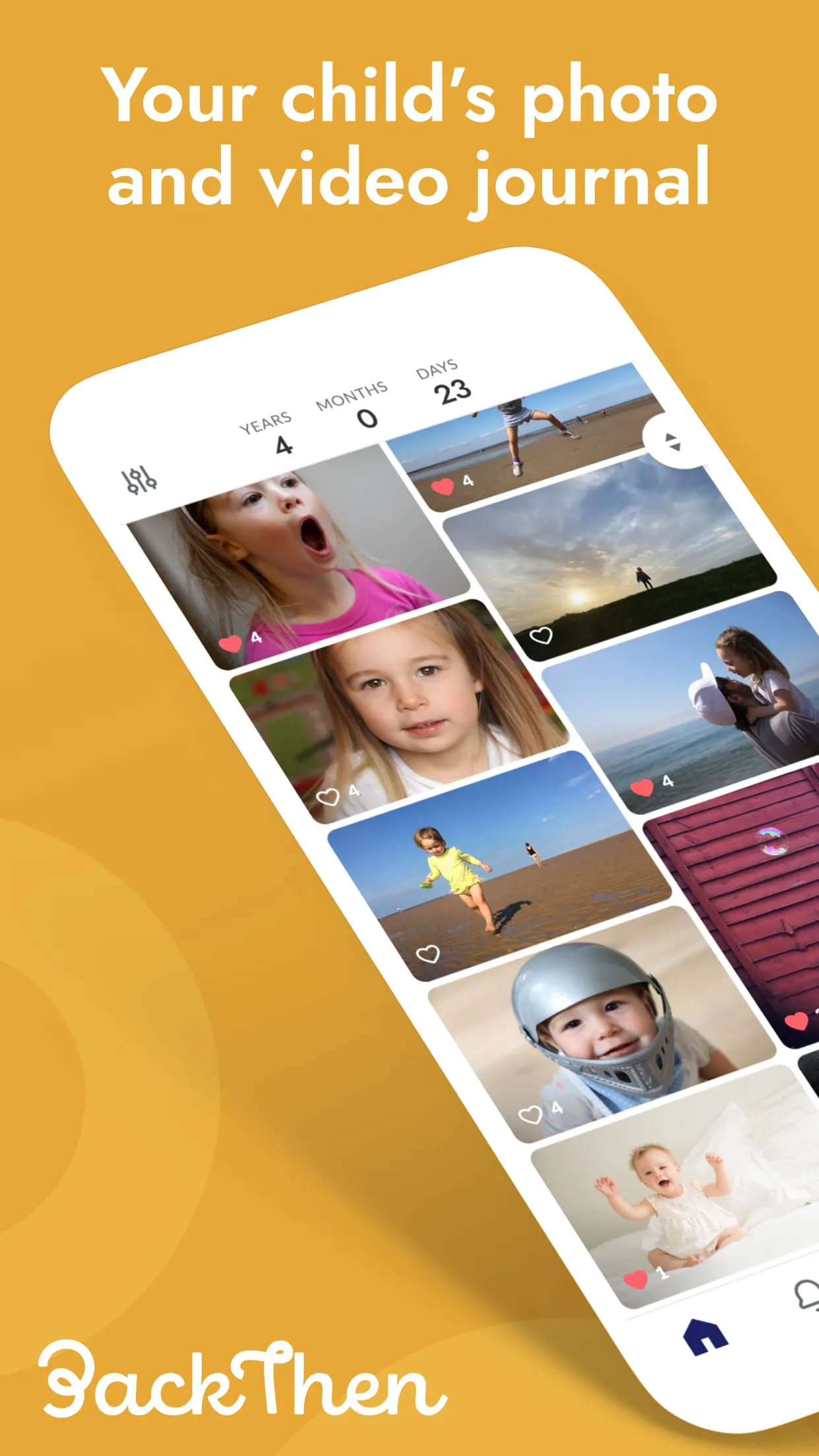
The app's movement design centers around creating a chronological narrative of a child's development. The primary flow involves capturing moments (photos, videos, notes) and organizing them into a timeline. A key element is the ease with which users can navigate this timeline, adding and revisiting memories.
Timeline Navigation
The horizontal scrolling timeline offers a visually intuitive way to browse through milestones. Users can quickly jump to specific dates or scroll through the entire history. The inclusion of date headers and visual cues for each entry enhances discoverability.
Pros
- Clear chronological organization
- Easy navigation through milestones
- Visually appealing timeline design
Cons
- Potential for timeline clutter with frequent entries
- Limited options for filtering or searching within the timeline
👣 Seamless Paths
Seamless paths are created through intuitive navigation and easy access to core features. The app streamlines the process of capturing and adding memories. The path from opening the app to capturing a moment should be as short and effortless as possible. Features like quick access camera and voice recording contribute to a smoother flow.
Capture Efficiency
The efficiency of capturing new moments directly impacts user engagement. A streamlined process reduces friction and encourages more frequent use. Consider quick-capture widgets or shortcuts for faster access.
- Direct access to camera
- One-tap recording
- Simplified tagging and categorization
🌊 Flow Features
Flow features are designed to keep users engaged and immersed in their child's story. Visual cues, interactive elements, and personalized content all play a crucial role. The app can introduce interactive prompts to encourage users to add specific types of memories (e.g., "First word" or "First steps").
Interactive Prompts
Prompts that suggest specific milestones or memories to capture can increase user engagement and ensure a comprehensive record.
Automated Reminders
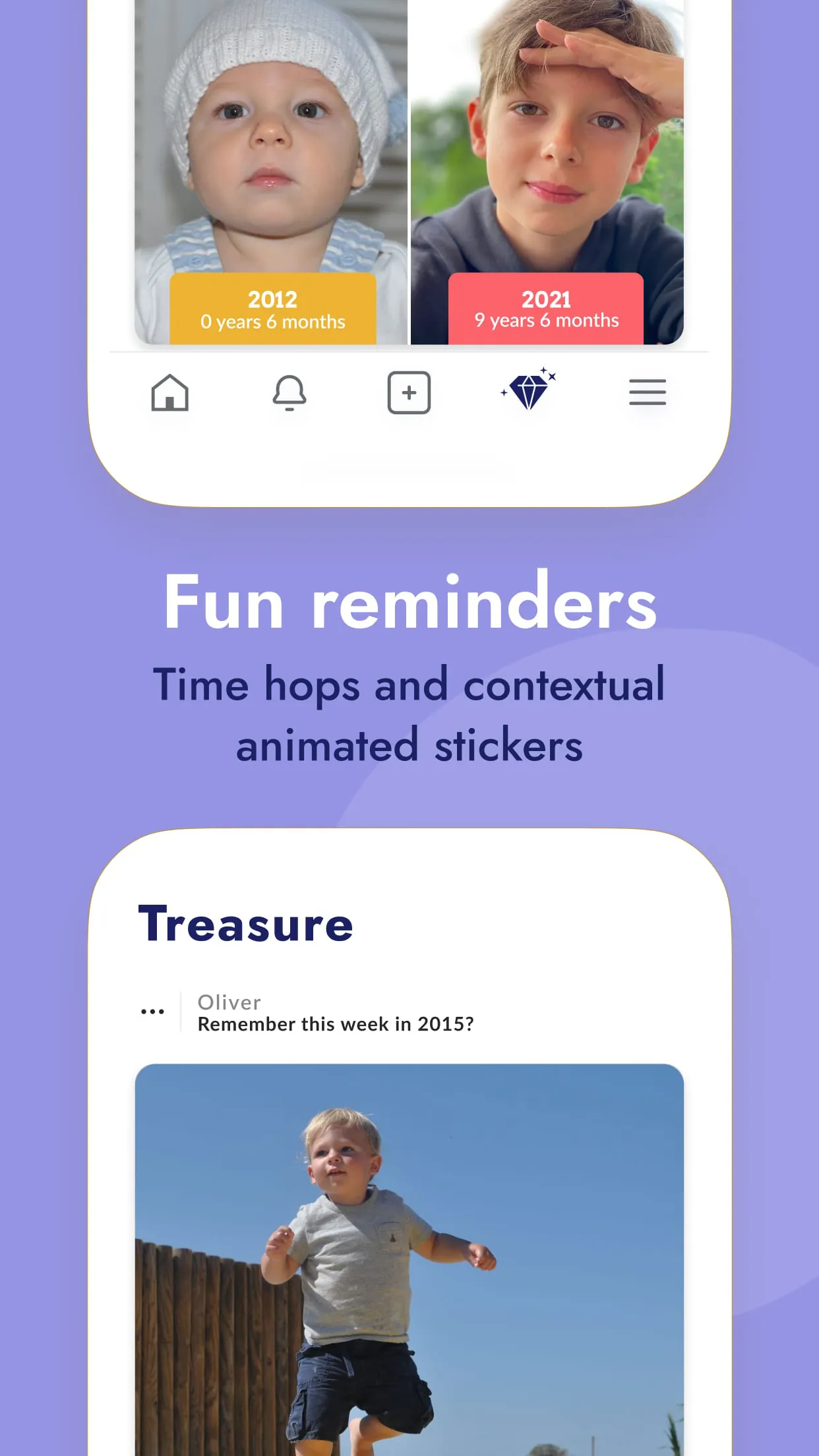
Reminders to capture monthly updates or special occasions help users stay consistent with their documentation.
🥁 Rhythm Points
Rhythm points are moments of delight and discovery that keep the user engaged. These can include animated transitions, personalized notifications, or the ability to create shareable summaries of milestones. Unexpected moments of joy can create positive association.
| Rhythm Element | Description |
|---|---|
| Animated Transitions | Smooth transitions between screens and timeline entries create a visually appealing experience. |
| Personalized Notifications | Notifications that highlight past memories or suggest new moments to capture can create a sense of connection. |
↔️ Smooth Transitions
Smooth transitions are essential for maintaining a seamless user experience. These transitions should be visually appealing, responsive, and consistent throughout the app. Minimize loading times and ensure a smooth flow between sections. Consistent visual language will create user trust.
| Transition Type | Description | Improvement Suggestion |
|---|---|---|
| Screen Transitions | The transitions between different sections of the app. | Ensure consistent animation style and speed. |
| Data Loading | Loading times for images and videos. | Optimize image sizes and implement caching. |