HomeBIGVU Teleprompter & Captions
BIGVU Teleprompter & Captions

BIGVU Teleprompter & Captions

Everyone
Rating
V2.42.8
Version
5M+
Installs
4.20
980 + Reviews
1
13%
2
3%
3
4%
4
6%
5
74%

Review By AppsWm

BIGVU Teleprompter & CaptionsBIGVU Teleprompter & CaptionsBIGVU Teleprompter & CaptionsBIGVU Teleprompter & Captions

✨ Illuminating Points: Core Functionality

The application excels as a teleprompter, primarily designed to aid users in delivering speeches and presentations by scrolling text at an adjustable speed. Its core function resides in its ability to synchronize across devices, allowing for seamless script management and delivery, offering a robust suite of recording options.

✅ Advantages
  • Cross-device synchronization
  • Adjustable scrolling speed
  • Recording capabilities with teleprompter

❌ Disadvantages
  • Potential subscription costs for advanced features
  • Reliance on device compatibility

💡 Bright Features: Editing Capabilities

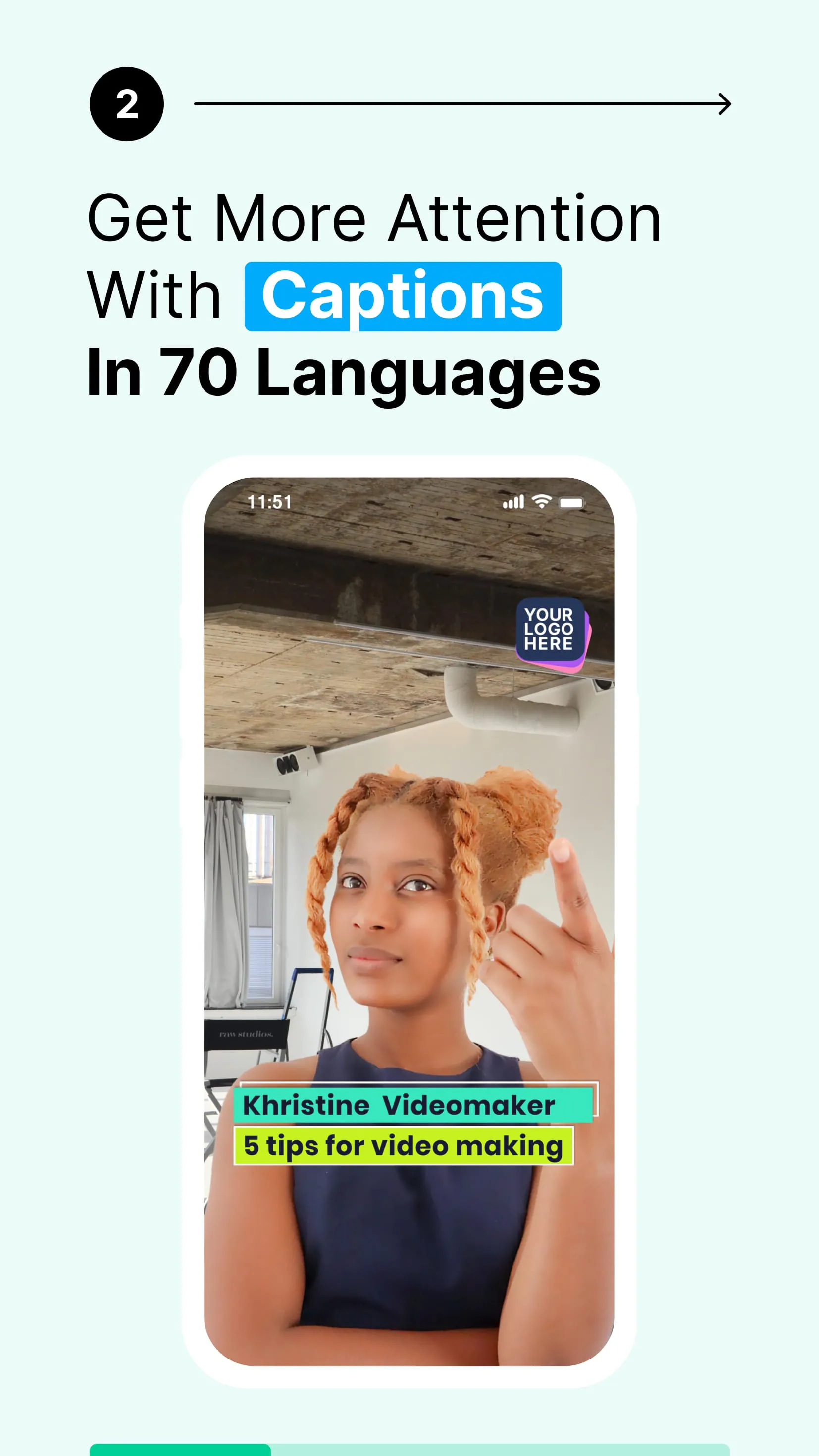
Beyond its teleprompting function, the app also incorporates basic editing features, such as trimming and the addition of captions. While not a full-fledged video editor, it provides essential tools for refining recorded content. Certain features include automatic captions and subtitle generation.

Automatic Captions

Automatically generate captions for your videos, improving accessibility and engagement.

🔍 Revealing Aspects: User Experience

User reviews often highlight the app's intuitive interface, allowing users to quickly import scripts and adjust settings. The ease of use is a significant advantage, particularly for users with limited technical expertise.

User Feedback

Users appreciate the streamlined workflow and the ability to create professional-looking videos with minimal effort.

👁️ Clear Insights: Monetization Model

The application operates on a freemium model, offering basic features for free while restricting advanced functionalities behind a paywall. This may include cloud storage, high-resolution exports, and certain editing tools. Subscription options vary.

Feature Free Version Paid Version
Basic Teleprompter
Cloud Storage Limited Unlimited
High-Resolution Export

🌟 Enlightening Elements: Technical Performance

Performance-wise, the app generally maintains stability, although resource usage can be considerable during recording and editing, especially on older devices. Occasional bugs have been reported, but the developers appear responsive to addressing these issues in updates.

Stability:
Generally stable, but resource-intensive.
Updates:
Regular updates address bugs.

💡 Overall Illumination Value

This application provides a valuable teleprompting solution, augmented by basic video editing capabilities. Its strengths lie in its ease of use and cross-platform functionality, although users should be aware of the potential costs associated with accessing the full suite of features.


Description

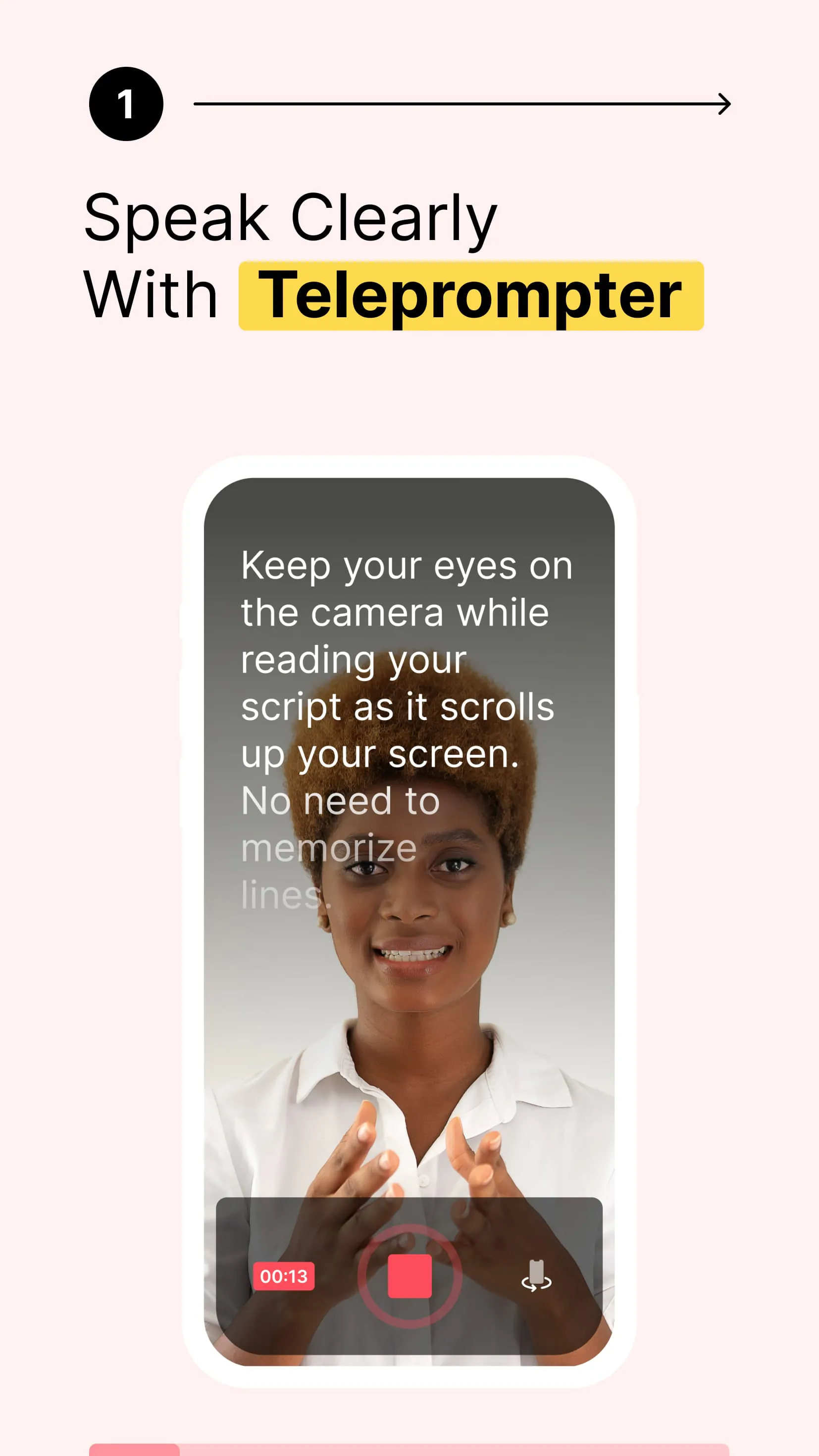
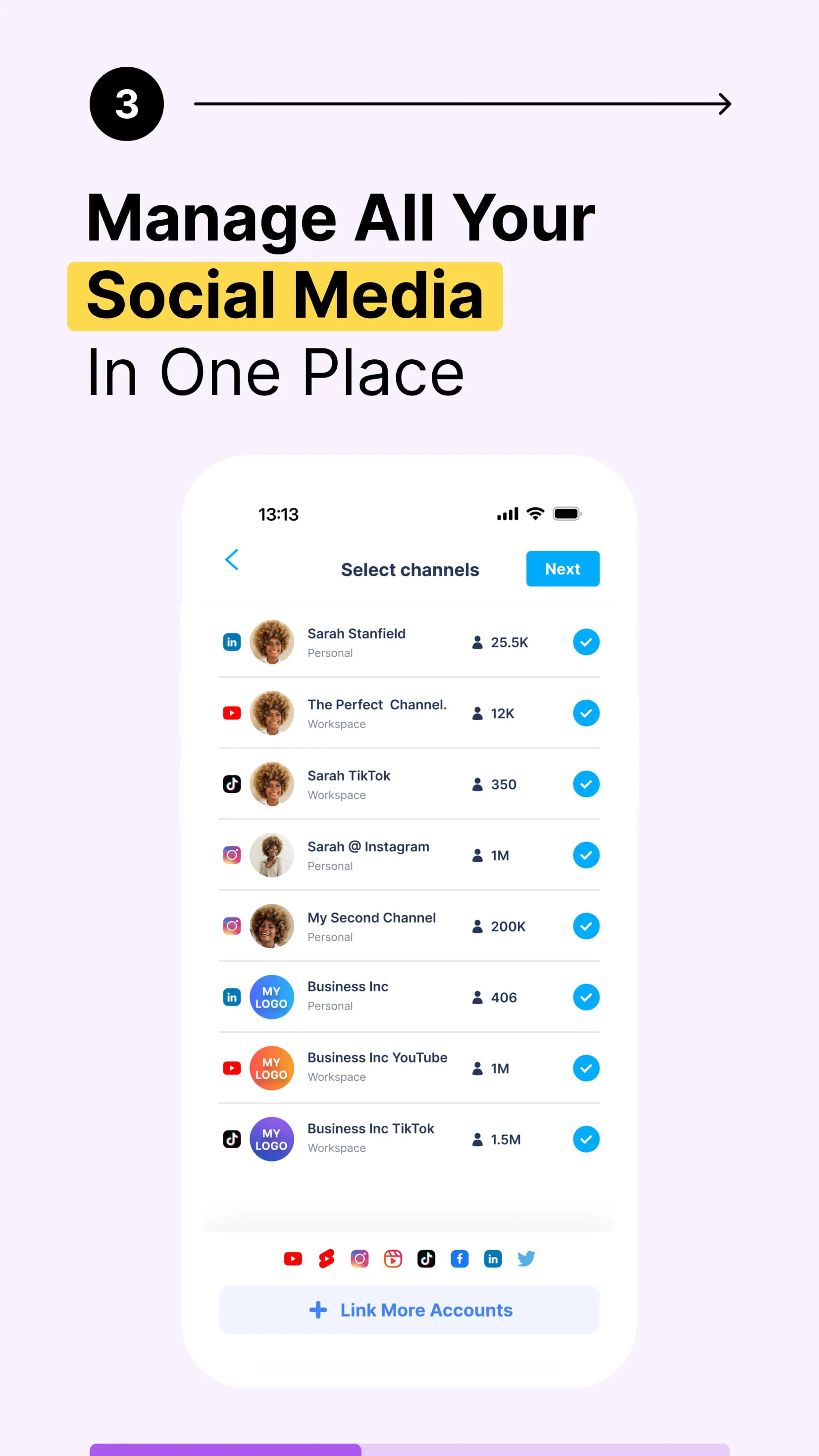
BIGVU (pronounced BIG VIEW) is a top class video teleprompter, automatic subtitling, chroma-key green screen background replacement, advanced video editing capabilities including adding music backgrounds, crop, trimming, branding your video with your logo, and adding a video animation with your business card contact details. It's one click to post on your social video channels or create a video landing page with your video at the center. Teleprompter - With the BIGVU teleprompter, your videos look natural. Maintain eye-contact, keep your eyes on the teleprompter camera while reading the script on the screen. No one will know youre reading. Script - copy and paste from any app your script into the teleprompter. Web & Mobile Teleprompter - With the same user and password, access the BIGVU teleprompter on your mobile device or on your computer. Edit easily your subtitles on any device. Auto-Captions - Add automatic subtitles, and make your videos speak even with the sound off. Have you already tried automated video captioning with BIGVU? One click and your video is automatically transcribed. Then easily edit and highlight keywords on the web or mobile app. Color your presentation subtitles by highlighting keywords and easily editing your subtitles on the web or mobile app. Automatic transcriptions for your teleprompter stories is available in languages. Video Trimmer - Made a mistake using the teleprompter? cut your teleprompter videos by selecting the words where you want to start and end. Video editing could not be simpler. Music background - Add a copyright-free music track to give an emotional touch to your narration. Maximize Audio Levels - Its one tap to remove background noise and maximize audio levels. Vlogs with your brand and style - Brand your blog stories by adding your custom logo and pro-quality-looking titling to your vlogs. Your blog video content needs to stand out, make your vlogs concise by recording your scripts with a teleprompter and video with elegant subtitles. Outro - Record first your video vlog with the teleprompter, then add a business card animation to all your videos for instant recognition. Chromakey Green Screen - If you record with the teleprompter using a green screen background, its one tap to replace the green color with any image or loop using our advanced chroma-key subtraction algorithm. Post to all your social media in one tap - connect your account in Instagram, Facebook, TikTok, Twitter, LinkedIn. Any video recorded with the teleprompter can be published to multiple social channels. A teleprompter for video vlogging - Upload your MP with elegant subtitles to Wistia, Vidyard, Brightcove, Kaltura, Buffer, Hootsuite, Ripl, or Vimeo. So get a more formal look on these platforms with the video teleprompter. Emails - Record your videos in a breeze with the teleprompter, then its one tap to craft elegant email with a clickable thumbnail. Online Video Editor - Spice up your vlogs recorded with your mobile teleprompter on the BIGVU online editor that lets you easily edit your captions from your computer, and mix photos, visuals, motion titling, and tweets.

All Versions

V2.42.8

Updated: 2024-5-21

155.73 MB

V2.41.0

Updated: 2024-4-17

155.39 MB

V2.33.2

Updated: 2024-2-29

277.57 MB

V2.28.0

Updated: 2024-1-4

257.96 MB

V2.18.9

Updated: 2023-7-18

82.28 MB

V2.17.2

Updated: 2023-5-23

75.6 MB

V2.17.1

Updated: 2023-5-19

75.61 MB

V2.16.2

Updated: 2023-5-14

75.46 MB

V2.16.1

Updated: 2023-5-7

75.46 MB

V2.15.1

Updated: 2023-4-27

75.46 MB

Summary Of User Reviews

Kevin Berchelmann
Kevin Berchelmann
April 29, 2025
Edit: Multiple contacts, 11 days, response: "This is an ongoing issue, our team is actively working on resolving it. In the meantime, we recommend trying to record using a different device or through the web on your computer as a temporary workaround." So, if you see this big guy using his laptop computer as a camera, move along--nothing to see. Unbelievable. Will not record with camera. Period. S22ultra. Same error message. Multiple attempts and reinstalls. simply doesn't work.
Forrówelt Germany (Forrówelt)
August 10, 2022
I don't agree with some 1-star reviews. I think this app is awesome. Does exactly what it should do. It makes your video creation process much easier: scripting - teleprompting - adjusting the videos - adding subtitles (beautyful subtitles!) - downloading/publishing videos. Saves you a ton of time and I think it is absolutely just to pay some money for this service! :)
Erica Pierluissi
Erica Pierluissi
July 12, 2023
Terrible app! 1. It significantly lowers the video quality of the front facing camera 2. light for some reason flickers instead of staying steady (and I double checked without using the app, and using several different lighting options to make sure it wasn't an issue on my end or my phone). 3. It significantly lowers the volume of anything you're recording and the audio is not sharp or clear but rather low and fuzzy. 4. Way over priced for what you're getting.