
HomeBitdefender Parental Control
Bitdefender Parental Control

Bitdefender Parental Control

Everyone
Rating
V5.0.186
Version
100k+
Installs
2.20
55 + Reviews
1
62%
2
7%
3
3%
4
3%
5
25%

Review By AppsWm

Bitdefender Parental ControlBitdefender Parental ControlBitdefender Parental ControlBitdefender Parental Control

Clarity Features

This application prioritizes clear communication and data presentation, making it easy for parents to understand their child's digital activities. The dashboard offers a streamlined overview, highlighting key information at a glance.

Intuitive Dashboard

The dashboard presents a concise summary of the child's online activity, including visited websites, app usage, and location. The use of visual aids, such as charts and graphs, enhances clarity and facilitates quick comprehension.

Simplification Tools

The app provides tools designed to simplify parental control, such as predefined content filters and screen time limits. These features reduce the need for manual configuration and offer easy-to-use controls.

Advantages
  • Pre-set content filters for various age groups.
  • Simple screen time scheduling.
  • Easy-to-understand activity reports.
Disadvantages
  • Advanced customization options are limited.
  • May require additional setup on child's device.

Streamlined Processes

The setup process is designed to be straightforward, guiding parents through each step of the configuration. The app's interface offers a logical flow, minimizing confusion and simplifying navigation.

Setup Ease

The app's initial setup is relatively simple, with clear instructions provided for both parent and child devices. However, some users may find the permission requirements slightly complex.

Easy Solutions

The application offers simple solutions for managing screen time, blocking inappropriate content, and monitoring location. These features empower parents to address potential risks effectively.

Screen Time Management

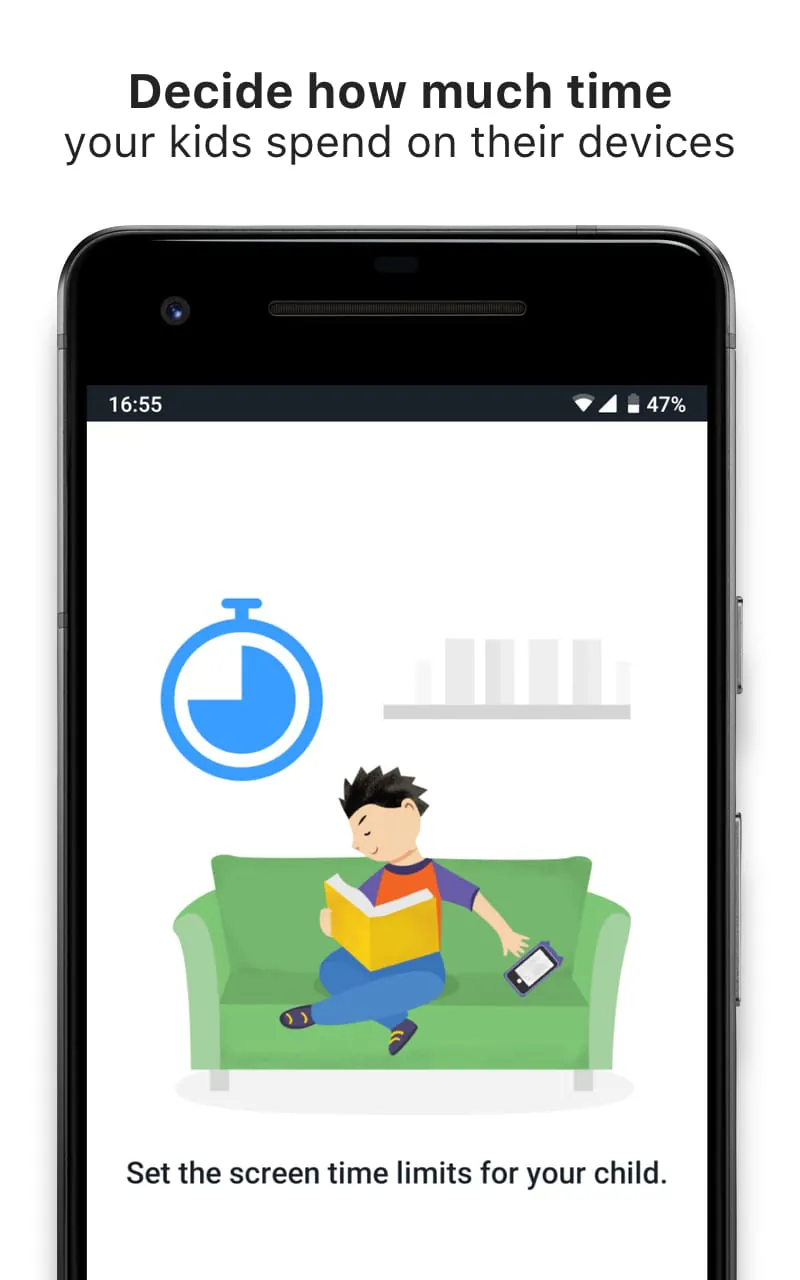
Easily set daily or weekly screen time limits, with options to block specific apps or websites during certain hours.

Content Filtering

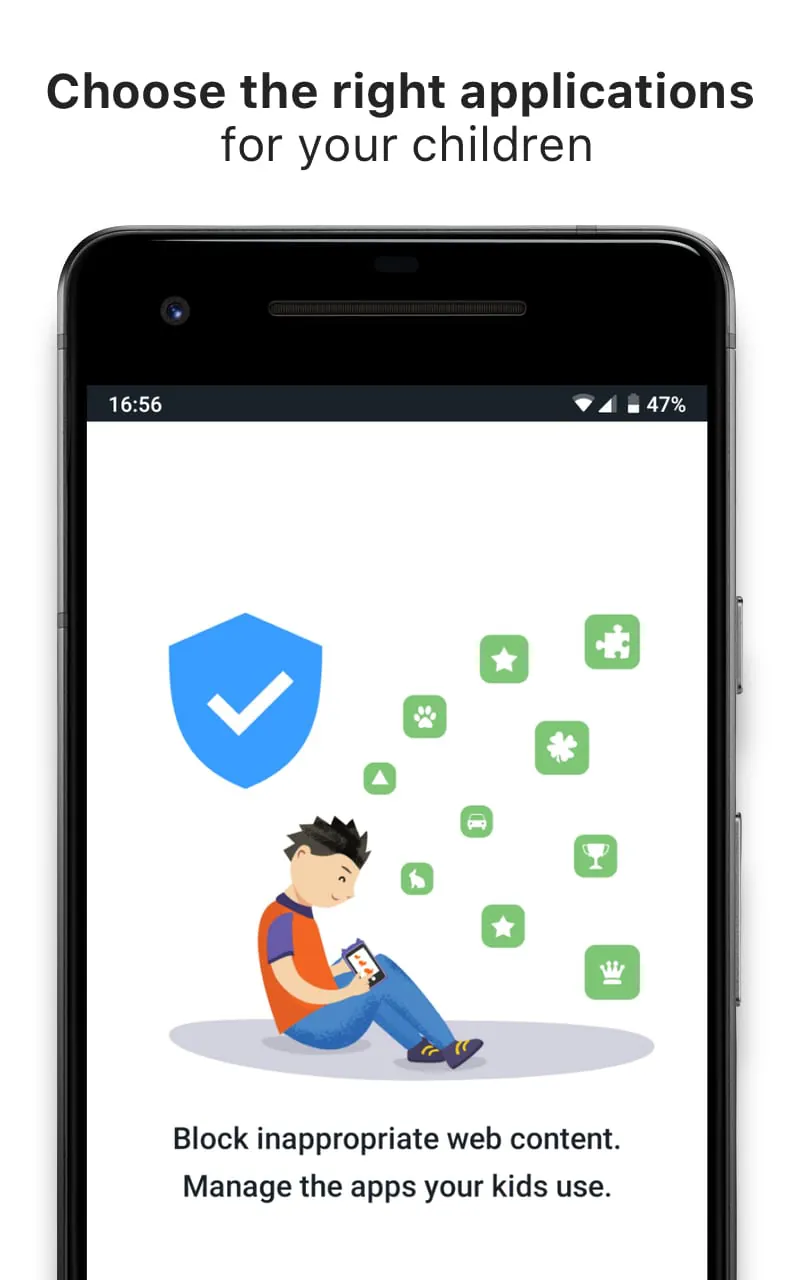
Predefined content filters allow parents to block access to inappropriate websites and apps based on age appropriateness.

Intuitive Design

The app's interface boasts an intuitive design, with clearly labeled buttons and menus. The user-friendly layout contributes to a seamless experience, reducing the learning curve for new users.

Feature Description
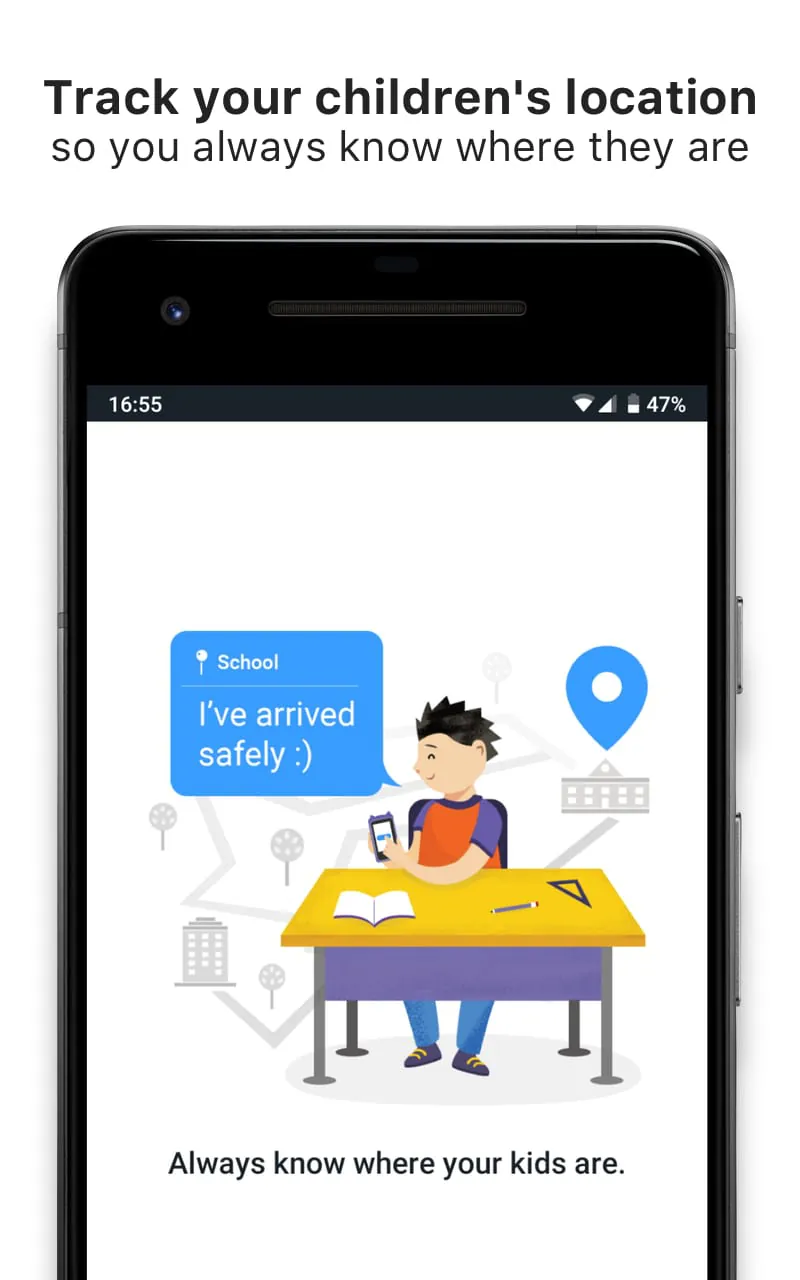
Location Tracking Real-time location tracking with geofencing capabilities.
App Blocking Block specific apps or categories of apps.

Overall Simplicity Value

This parental control app offers a user-friendly experience with a focus on clarity and ease of use. While it may lack some advanced customization options, its streamlined processes and intuitive design make it a valuable tool for parents seeking uncomplicated digital safety solutions.


Description

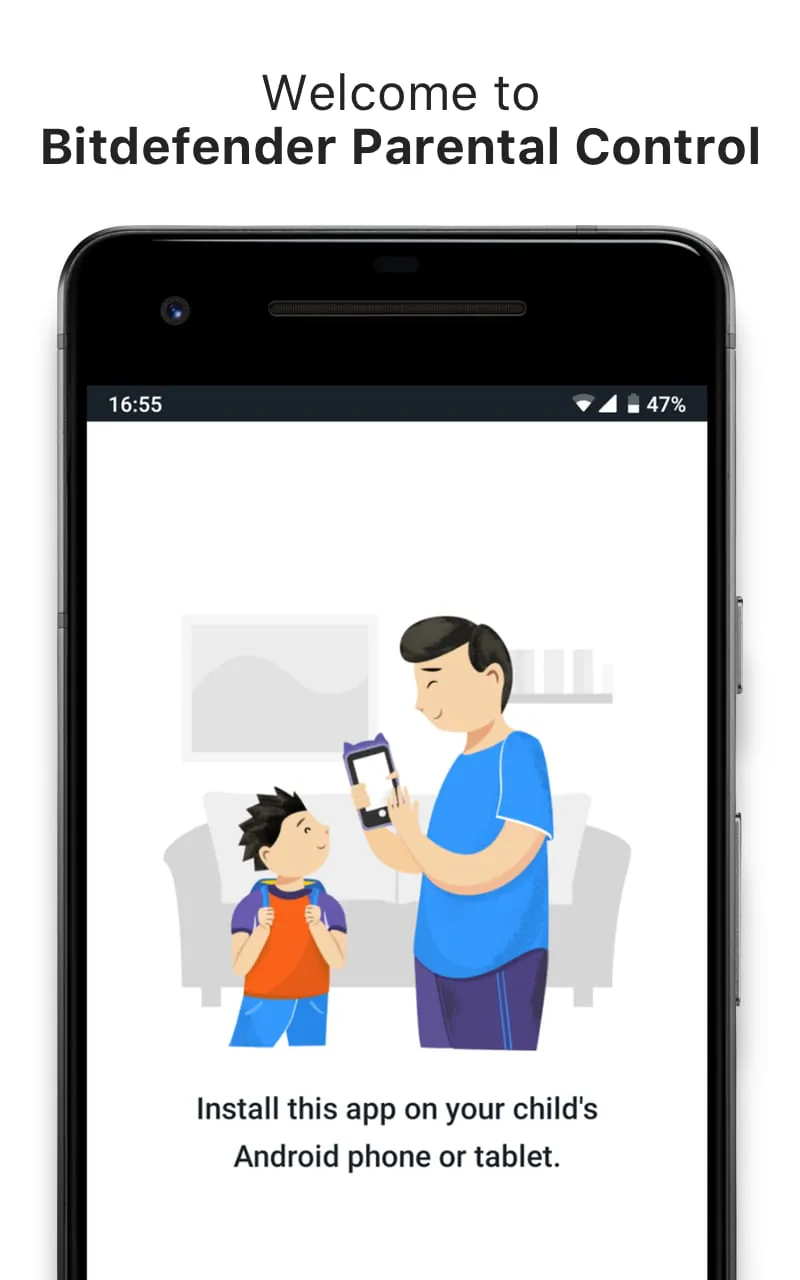
Bitdefender Parental Control is an app that provides parents with digital assistance and extra online safety for their children. To use the app, parents must download and install it on all their children's Android devices. They can then set up healthy, age-appropriate digital habits for their kids and get reports on their digital activity by downloading and installing the Bitdefender Central app or logging in to the Bitdefender Central website on one of their personal devices. The app offers several features to ensure children's online safety, including Safe Browsing, Manage Applications, Location Tracking & Geofencing, Safe Check-In, and Screen Time. With Safe Browsing, parents can select the content categories they want to keep away from their children from a predefined list or manually allow or block specific URLs. Manage Applications allows parents to choose the applications and programs they consider appropriate for their children and view their kids' app usage history. Location Tracking & Geofencing enables parents to track their children's location and get notified when they enter an area marked as Restricted. Safe Check-In allows children to tell their parents they're okay without making an extra phone call. Screen Time lets parents decide how much time their kids spend on a certain device and when, helping them build healthy habits both online and offline. Parents should note that the app uses the Device Administrator permission and Accessibility services. In summary, Bitdefender Parental Control is an app that provides parents with digital assistance and extra online safety for their children. It offers several features, including Safe Browsing, Manage Applications, Location Tracking & Geofencing, Safe Check-In, and Screen Time, to ensure children's online safety. Parents must download and install the app on all their children's Android devices and set up healthy, age-appropriate digital habits for their kids using the Bitdefender Central app or website. The app uses the Device Administrator permission and Accessibility services.

All Versions

V5.0.186

Updated: 2024-6-11

27.63 MB

V5.0.143

Updated: 2024-3-28

34.75 MB

V4.7.577

Updated: 2023-6-13

32.0 MB

V4.7.575

Updated: 2023-5-10

31.96 MB

V1.4.7.564

Updated: 2022-9-9

30.87 MB

Summary Of User Reviews

Simon Neil Scott
Simon Neil Scott
November 30, 2025
Doesn't appear to work on Google Pixel 7 Pro. Continual warning that it needs to be updated in Bitdefender Central, OR my restricted profile appears to vanish on the Central website, to then return soon after, and restricted content is accessible on phone when it shouldn't be. Then the app appears to block content it shouldn't, such as the BBC and other perfectly safe websites and internet traffic for messages. I've ultimately removed it, as it's impeding internet access when it shouldn't.
M
M
June 25, 2022
For iPhone 12 mini an app is not tracking almost anything, only phone contacts of the child. Customer service response time is longer than a week with general information, which doesn't resolve an issue. Response usually would say that an app might not work for all models. If an app is not suitable for iPhone, which is widely used globally than what is the point to offer this kind of service.
A Google user
A Google user
October 8, 2018
Like many others my experience of this app is that it simply DOES NOT WORK. When installed it blocks every application; including the system launcher, regardless of whether or not the application has been allowed or screen time is permitted. I've had to uninsall it completely from all devices just to allow my children to use their devices. Parental control is a highly contentious issue anyway, the behaviour of this app has only served to re-inforce my son's view that his parents should have no right to determine what, when, how and where he may use his devices. This has set my efforts back by at least 3 years. Until I read that a flawless installation can be achieved without the intervention of a support technician, [and I have yet to read a review of a successful assisted installation!] then I shall keep well away and will not be renewing my AV and security subscription next year.










