
HomeComicHub
ComicHub

ComicHub

Everyone
Rating
V1.40.7.18
Version
10k+
Installs
2.80
147 + Reviews
1
37%
2
12%
3
14%
4
14%
5
23%

Review By AppsWm

ComicHubComicHubComicHubComicHub

Essential Elements

The core of a great comic reading app is a clean and intuitive interface, providing access to a vast library of content without overwhelming the user. Essential elements include a functional search, clear categorization, and easy access to reading options.

Clean Design Choices

A minimalist approach to design ensures the focus remains on the comics themselves. This involves reducing visual clutter, using a consistent color palette, and employing simple, recognizable icons. Navigation should be straightforward and unobtrusive.

Focused Functionality

Prioritizing core reading functionalities is crucial. Features like zooming, page turning, and orientation lock should be easily accessible and responsive. Avoiding unnecessary features contributes to a streamlined user experience. Offline reading capabilities enhance this focus by allowing access to downloaded content without an internet connection.

Purposeful Features

Features should serve a clear purpose and enhance the reading experience, not detract from it. Bookmarks allow quick return to a specific page. Reading history provides a convenient way to pick up where you left off. A simple recommendations system can suggest new content based on reading habits.

  • Clear Navigation
  • Functional Search
  • Offline Reading
  • Overcomplicated UI
  • Feature Bloat

Elegant Solutions

Elegant solutions involve simplifying complex tasks. For instance, a well-designed cache system minimizes loading times and reduces bandwidth usage. Multi-device sync allows users to seamlessly switch between devices without losing their progress.

Simplicity Achieved

Ultimately, the success of this application hinges on its ability to provide a distraction-free and enjoyable comic reading experience. By embracing simplicity in design and functionality, it can cater to a broad audience and stand out in a crowded market.

Feature Implementation
Navigation Simple menus, intuitive gestures
Library Management Clean categorization, easy searching

Description

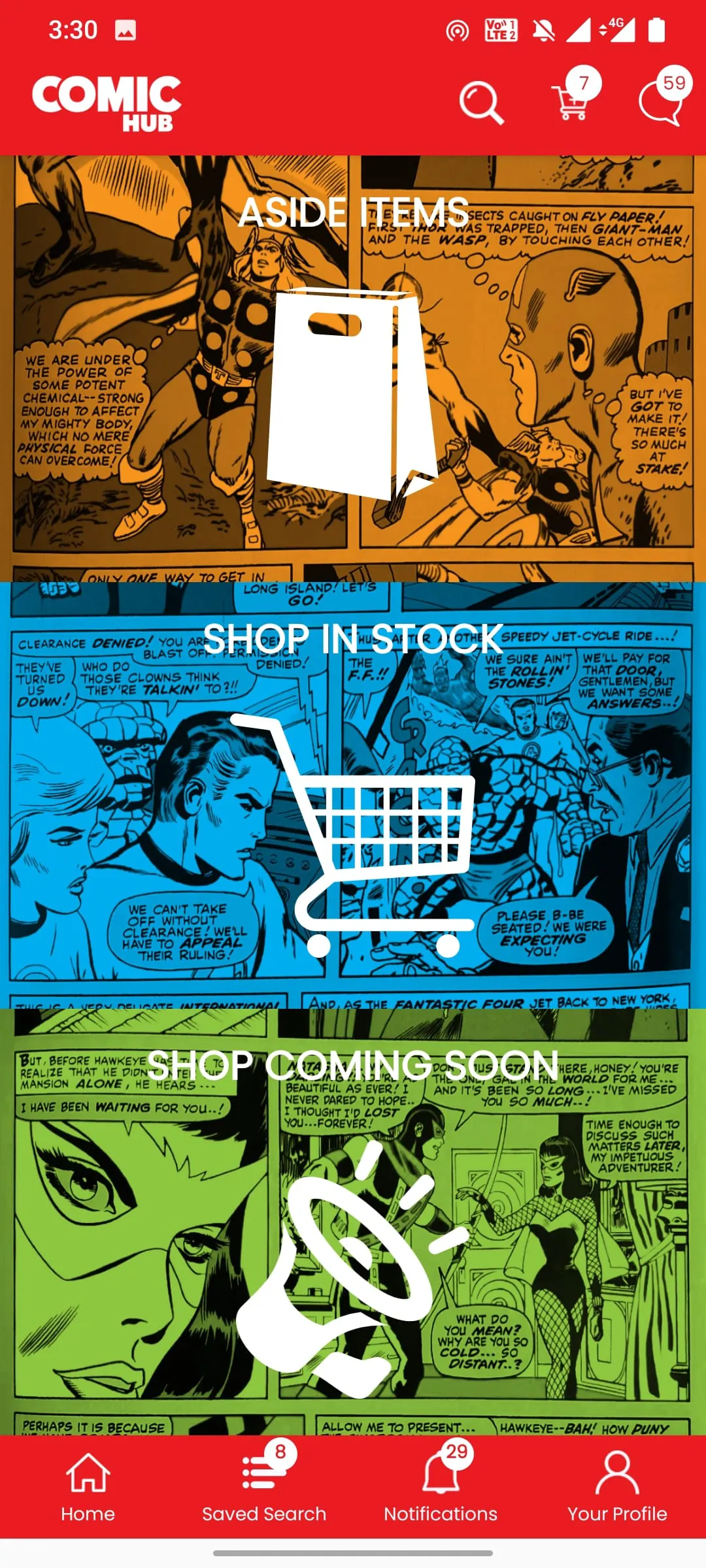
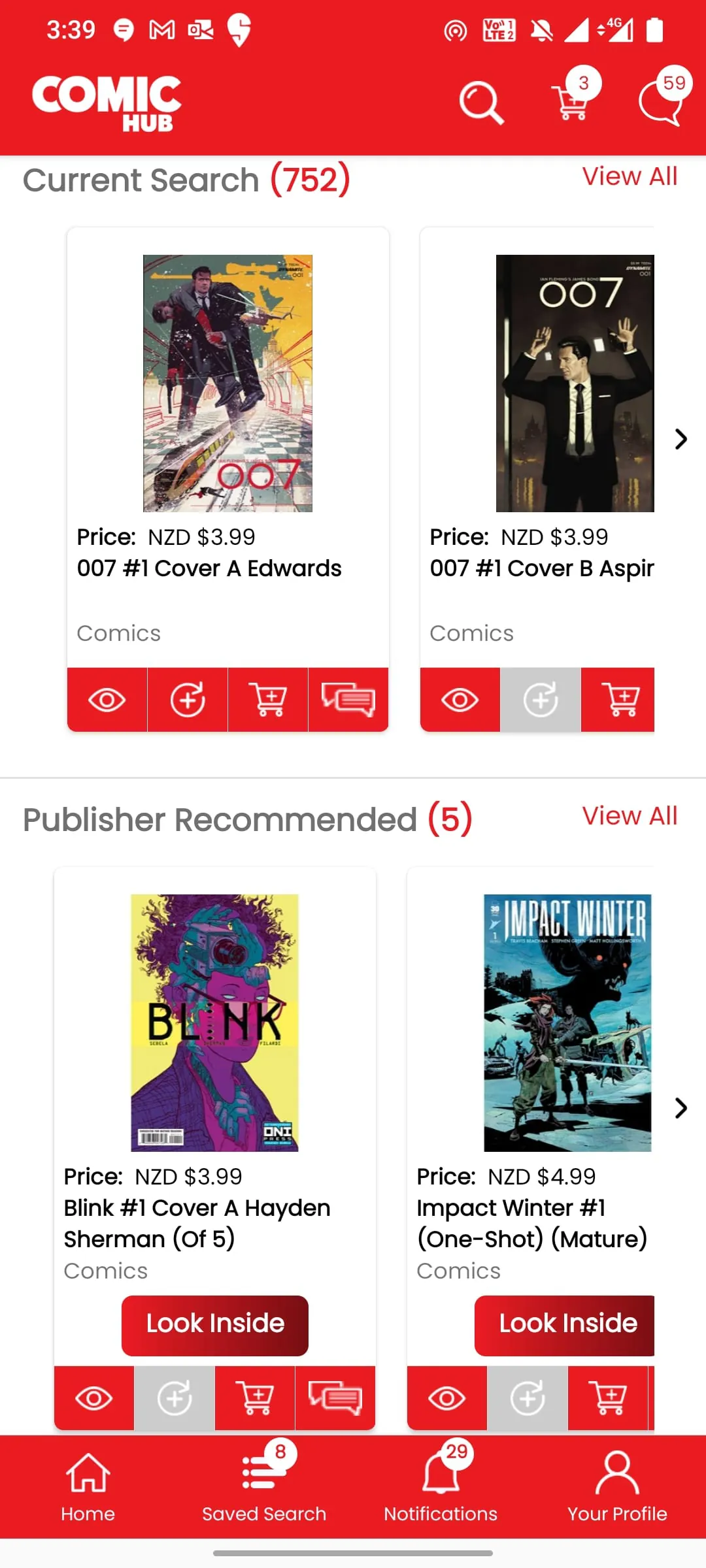
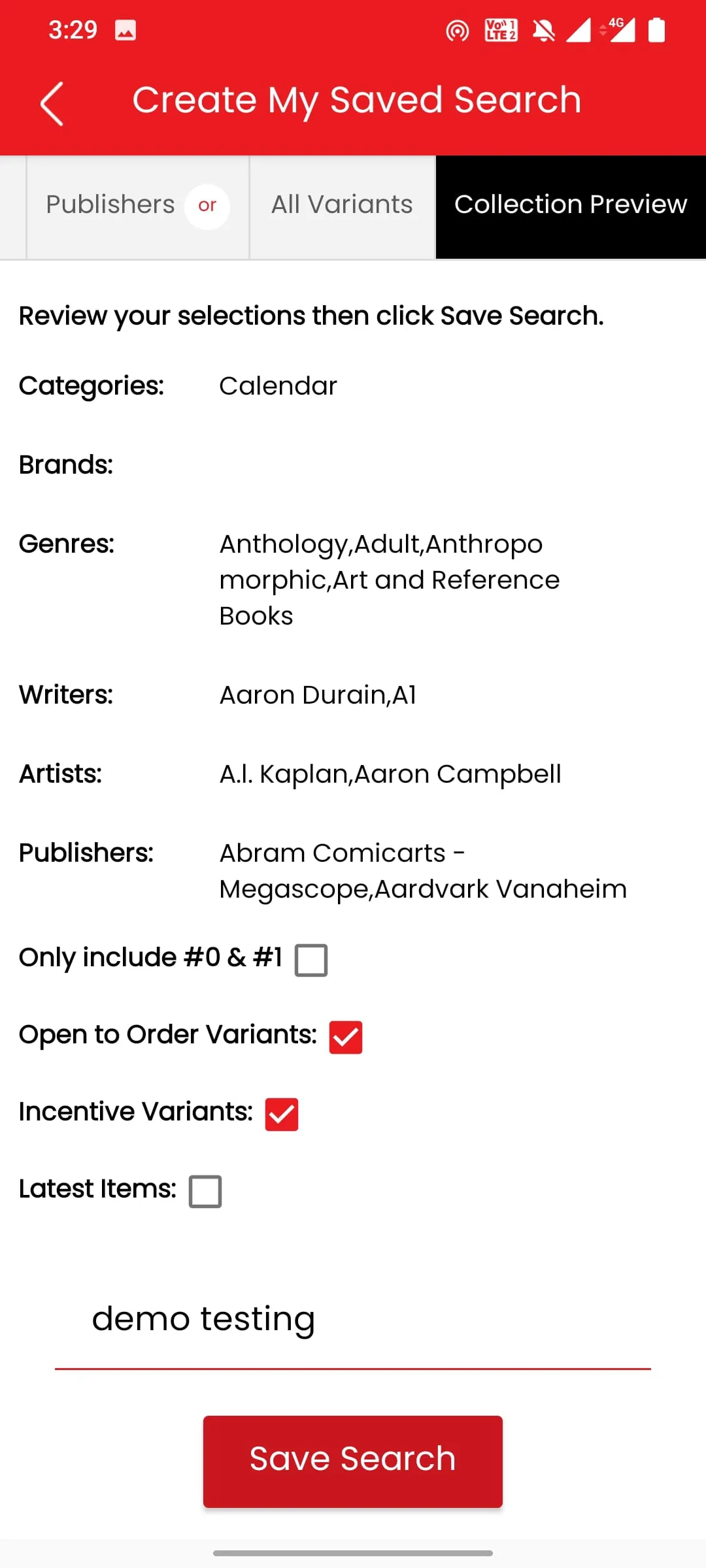
The ComicHub app is designed to synchronize your comic collection with any retailer on the ComicHub network. Publishers can also publish page images of upcoming stories for you preview or you can simply choose the writers, artists, brands, genres or publishers that you want to follow. Your local comic store will alert you when your orders have arrived and then update your app when purchases are made to allow effortless management of your collection. The ComicHub app also lets you track publisher crossover events with ease, letting you know what parts you have on order and what parts you've missed. Once the items in your collection are downloaded from ComicHub, the app will also work offline, allowing you to fill gaps at conventions or any store in the world. Enjoy!

All Versions

V1.40.7.18

Updated: 2024-1-8

55.9 MB

V1.40.7.4

Updated: 2023-8-2

55.8 MB

V1.40.7.3

Updated: 2023-4-13

53.15 MB

V1.40.7.1

Updated: 2022-11-23

36.09 MB

V1.40.2.0

Updated: 2021-11-22

28.7 MB

V1.40.1.9

Updated: 2021-7-8

28.7 MB

V1.38.2.6

Updated: 2021-4-7

28.7 MB

V1.38.2.3

Updated: 2021-2-7

28.7 MB

V1.38.2.1

Updated: 2020-12-14

28.6 MB

Summary Of User Reviews

Rob Martin
Rob Martin
August 26, 2024
This app used to be good. However, problems were introduced that continue to go unsolved. Searching is slow, and large lists of results sometimes won't load. Scrolling is painfully laggy. It'll pause every few comics for several seconds. If you select a comic to preview, and go back to the results list, it will most often reset to the top of the list, forcing you to go through the painful scrolling to get back to where you were. Honestly, what happened?
Raffi Potourian
Raffi Potourian
April 19, 2023
Ups and Downs - Upside, Easy search option and good description of books with quick add as single item or subscription. Downside, when creating a list of books of say, 6 books, the next day the list is down to 1 book. When searching for an item for next week's pull list it will not show the searched item. When it works it's great, when it doesn't it's frustrating.
A Google user
A Google user
April 25, 2020
After a lot of freezing, resetting, and other glitching, it does let you build a subscription list connected to your local store. It just doesn't let you make any adjustments. I added a 4-issue miniseries, but issues 2 and 3 showed as "Cancelled" within a couple days but without any alerts to me. So, I decided to drop issues 1 and 4. But there's no way to do that in the app.