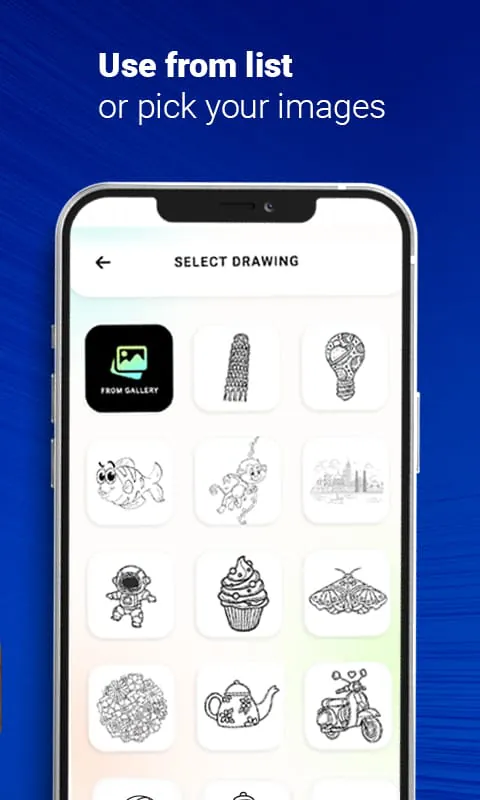
HomeDraw : Trace & Sketch
Draw : Trace & Sketch

Draw : Trace & Sketch

Everyone
Rating
V1.9
Version
1M+
Installs
3.50
109 + Reviews
1
32%
2
2%
3
4%
4
6%
5
57%

Review By AppsWm

Draw : Trace & SketchDraw : Trace & SketchDraw : Trace & SketchDraw : Trace & Sketch

Grace points

The application demonstrates a core set of tracing and sketching functionalities, offering users a digital canvas for creative expression. Its ability to convert photos into traceable outlines is a noteworthy feature, simplifying the art creation process for beginners.

Image Tracing

This feature enables users to import images and create outlines, providing a foundation for drawing and sketching projects.

Refinement features

While the application provides basic drawing tools, the refinement of these tools is essential for advanced users. Enhanced brush settings and layer management would significantly improve the creative workflow.

  • Simple interface
  • Photo tracing functionality
  • Limited advanced features

Sophistication aspects

The sophistication of the application lies in its potential for professional use. Integration with cloud services for project backup and collaboration tools could enhance its appeal to professional artists and designers.

Professional Potential

Cloud integration and collaboration features would enhance professional usability.

Polish paths

Polishing the user interface with customizable options and enhanced gesture support could provide a more intuitive and user-friendly experience. Tool organization is also an area for potential improvement.

  1. Customizable workspace
  2. Improved gesture controls

Elegant moments

Elegant moments are achieved through seamless performance and stability. Enhancements in canvas performance and file handling are crucial for ensuring a smooth and enjoyable user experience. Addressing user complaints regarding stability would also contribute to a more polished app.

Overall Impression

The application provides basic functionality, but improvements are needed to enhance its elegance and sophistication.

Description

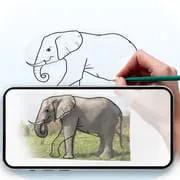
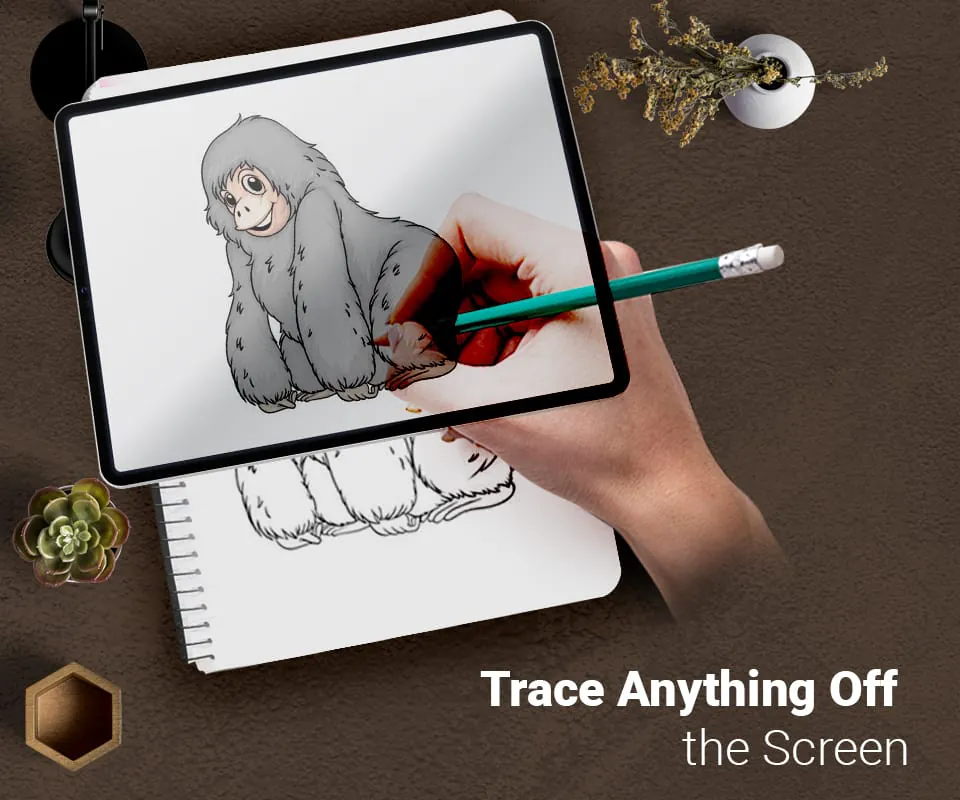
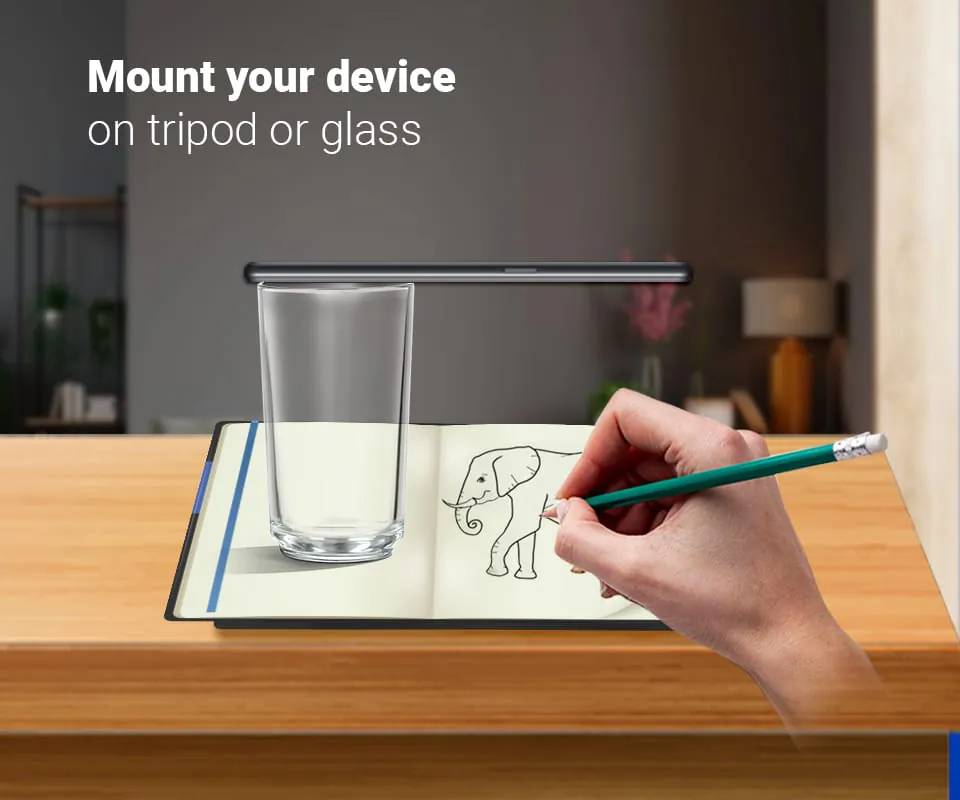
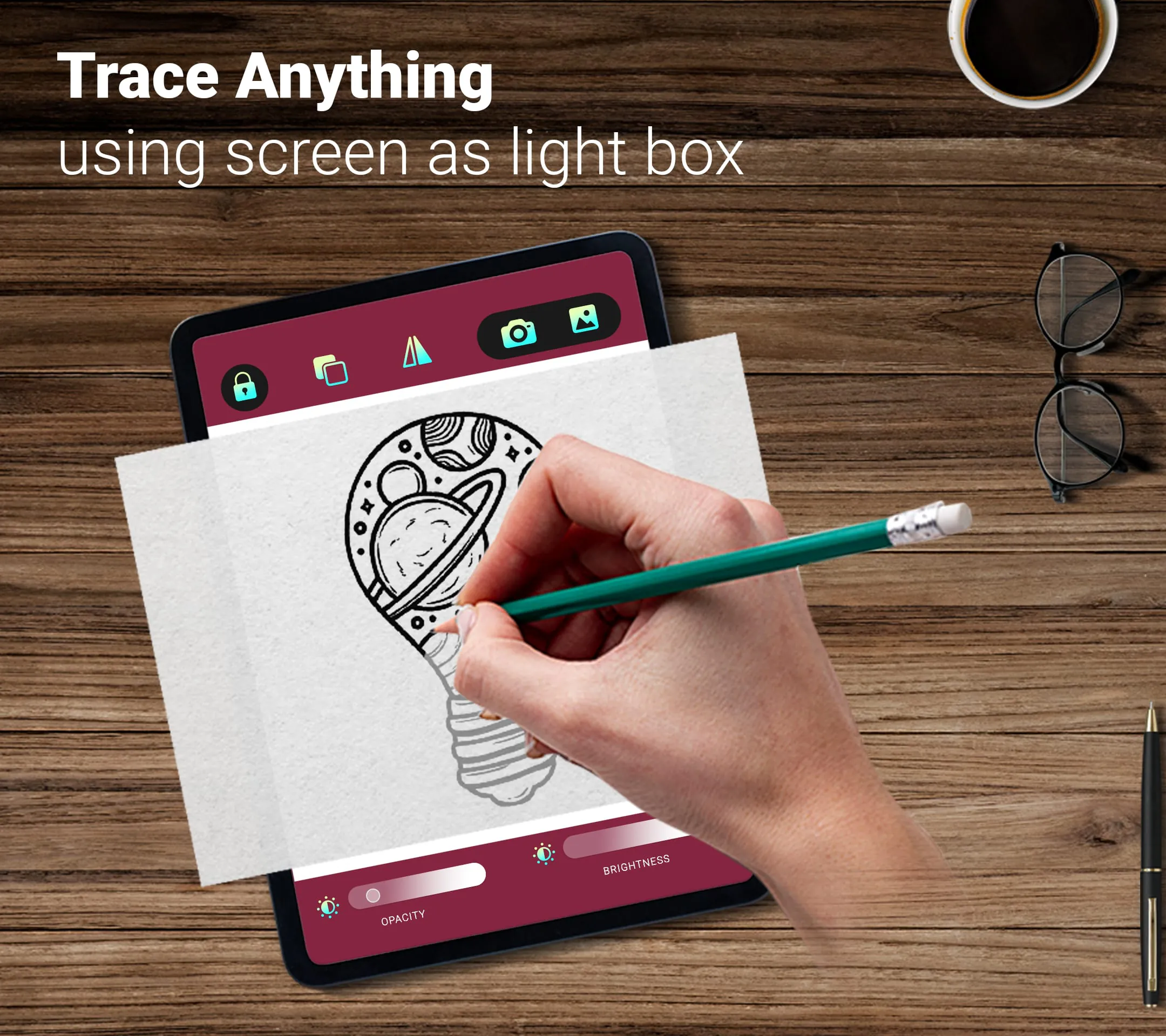
This app is designed to help users learn and practice drawing. With its tracing feature, users can easily trace any image they choose from the app or their gallery. The app applies a filter to the image to make it traceable, and then displays it on the phone's screen with the camera open. Users can then place their phone about a foot above a blank piece of paper and draw while looking at the image on the screen. This feature makes it easy for users to create accurate drawings of any image they choose. One of the main features of this app is its ability to trace any photograph. Users can select any image from the app or their gallery and convert it into a tracing image. The app then displays the image on the phone's screen with the camera open, allowing users to trace the image onto a blank piece of paper. This feature is particularly useful for those who are just starting to learn how to draw or for those who want to practice their drawing skills. Another feature of this app is its ability to make images transparent or create line drawings. Users can choose to make an image transparent, which allows them to see the image behind their drawing. Alternatively, they can choose to create a line drawing, which simplifies the image and makes it easier to trace. This feature gives users more control over their drawings and allows them to create unique pieces of art. Overall, this app is a great tool for anyone who wants to learn how to draw or improve their drawing skills. Its tracing feature makes it easy to create accurate drawings of any image, and its ability to make images transparent or create line drawings gives users more control over their art.

All Versions

V1.21

Updated: 2025-1-23

18.24 MB

V1.9

Updated: 2024-1-12

20.37 MB

V1.7

Updated: 2023-10-12

20.18 MB

V1.0

Updated: 2021-12-28

11.5 MB

Summary Of User Reviews

Kevin Smith
Kevin Smith
December 12, 2022
Not a bad little app! It works much better if you have a tablet that you can use it on, just for the added screen size. Make sure you use a good light source. I found the flash on my phone, but rigged up an LED headlamp on my tablet for added brightness on the work surface. I also suggest you tape down your drawing surface, and use a tripod for your device if you can. It makes using the app so much easier!
Jerome Karnowski
Jerome Karnowski
February 20, 2023
Did a quick test and really liked this app! I had issues getting it to recognize some of my photos, but found if I open them in my photo viewer app, then take a screenshot, the app will accept that. I also used my selfie stick tripod to hold my phone up. Suggest making sure your phone doesn't move and your paper is taped down. I saw someone else said a tablet was better, I'll try that.
Mr. Anonymous
Mr. Anonymous
January 3, 2023
I tried it for something really simple first & it's Very cool app! 😊 I don't usually like to trace but I'm definitely going to try it out on something more difficult like a realistic portrait! I usually draw just freehand and it always takes me a while to get the basic shapes of someone's face just right but I think this will help a great deal and save me a lot of time. Who ever came up with this idea was definitely thinking! And you've made an impression! 😁