
HomeEpson iPrint
Epson iPrint

Epson iPrint

Everyone
Rating
V7.12.2
Version
50M+
Installs
4.60
30.0k + Reviews
1
4%
2
1%
3
3%
4
12%
5
80%

Review By AppsWm

Epson iPrintEpson iPrintEpson iPrintEpson iPrint

Innovation tales

The application has evolved from basic printing to a comprehensive mobile printing solution, driven by user needs and technological advancements.

Progress narratives

Core Functionality
Printing Capabilities
  • Direct printing from mobile devices.
  • Support for various document formats.

Future visions

Advanced Features
Enhancement Overview

The app now includes cloud printing, scanning, and enhanced security measures.

  • Cloud service integration
  • Remote printing capabilities

Development stories

User Reviews

User feedback indicates a positive shift towards convenience and efficiency. Common praises include ease of use and quick printing speeds. However, some users report issues with specific printer models and connectivity.

Evolution paths

Performance Optimization

Recent updates have focused on reducing battery consumption and improving loading speeds. Cache management has been enhanced to ensure memory efficiency.


Description

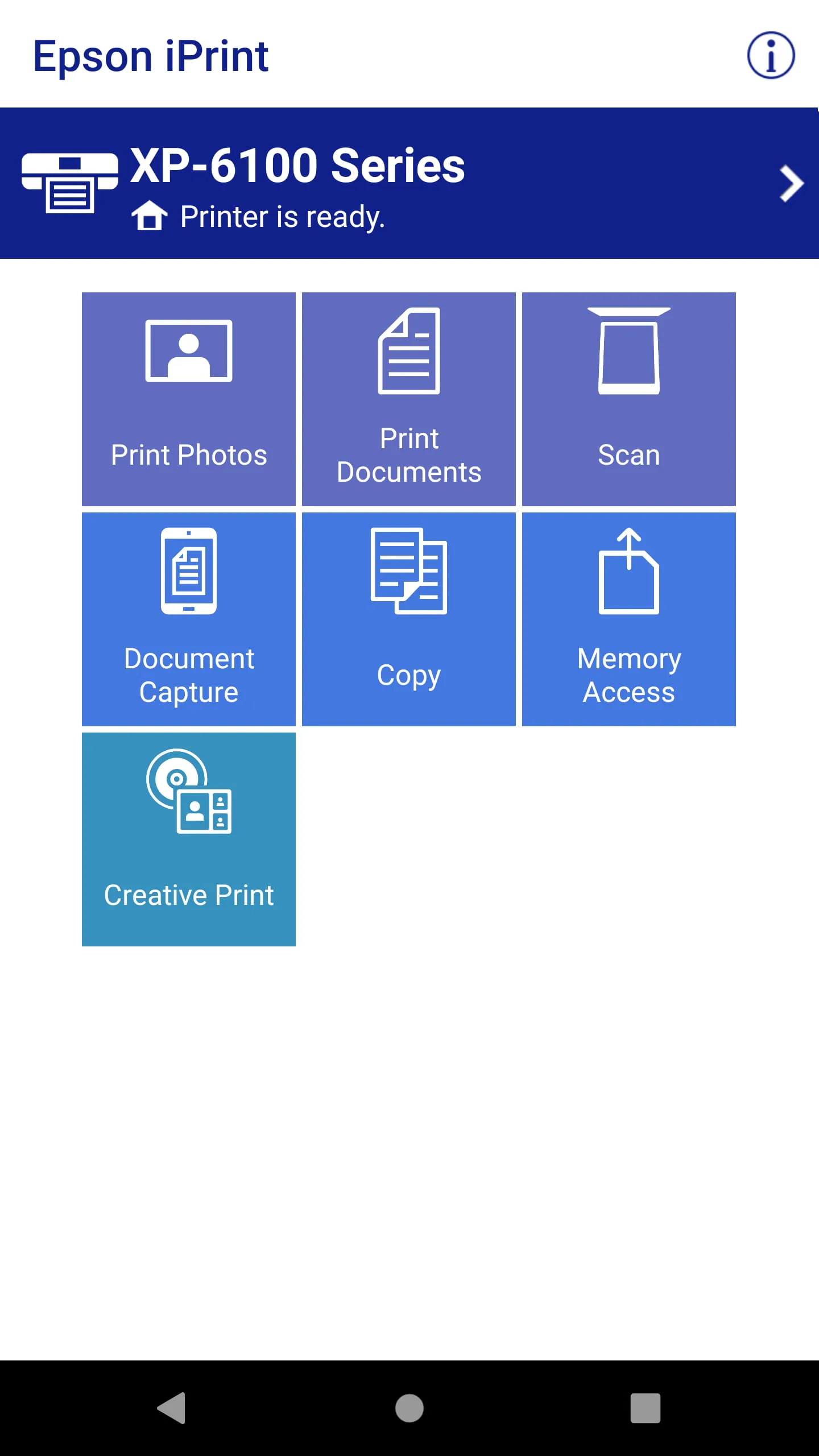
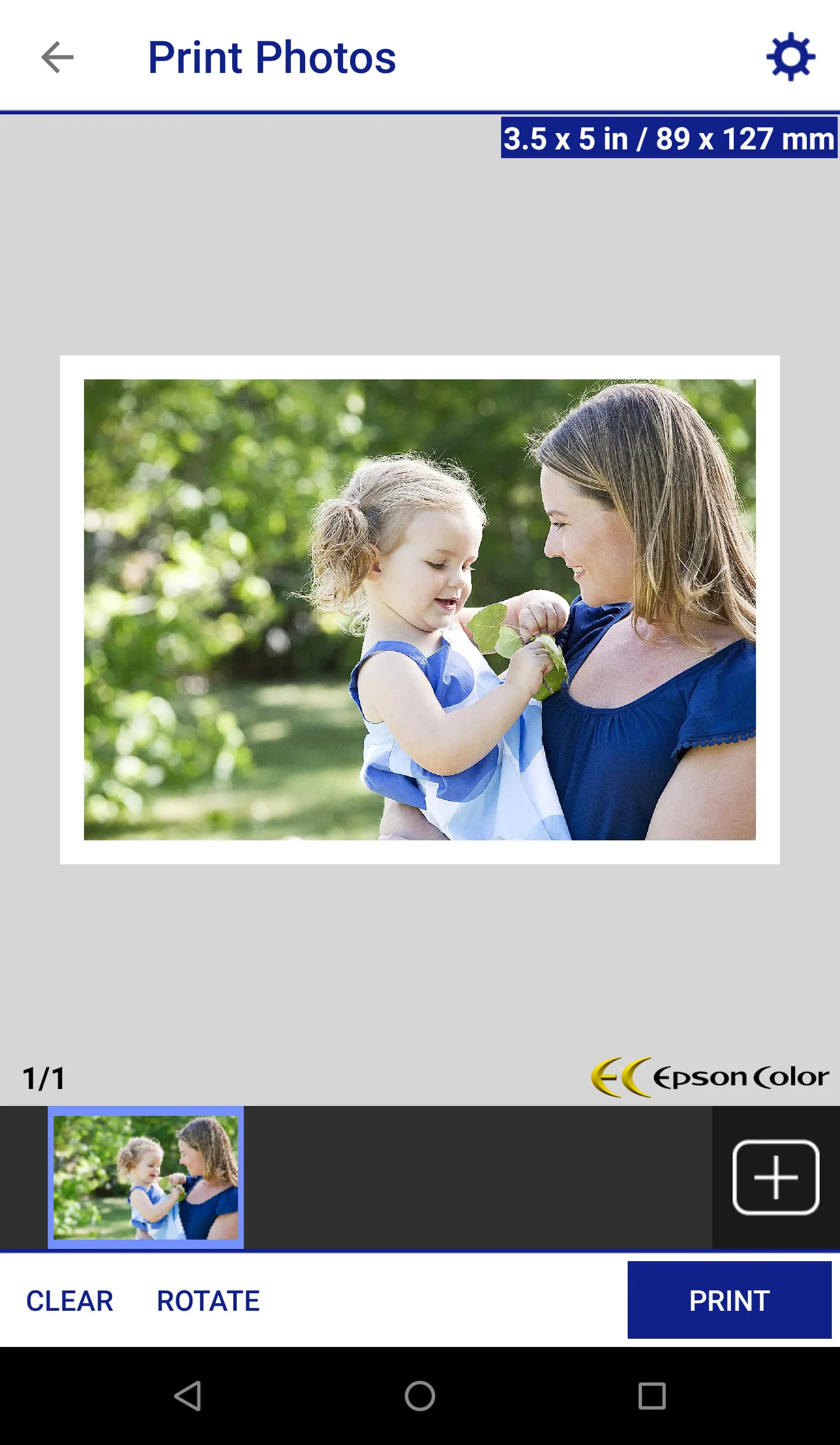
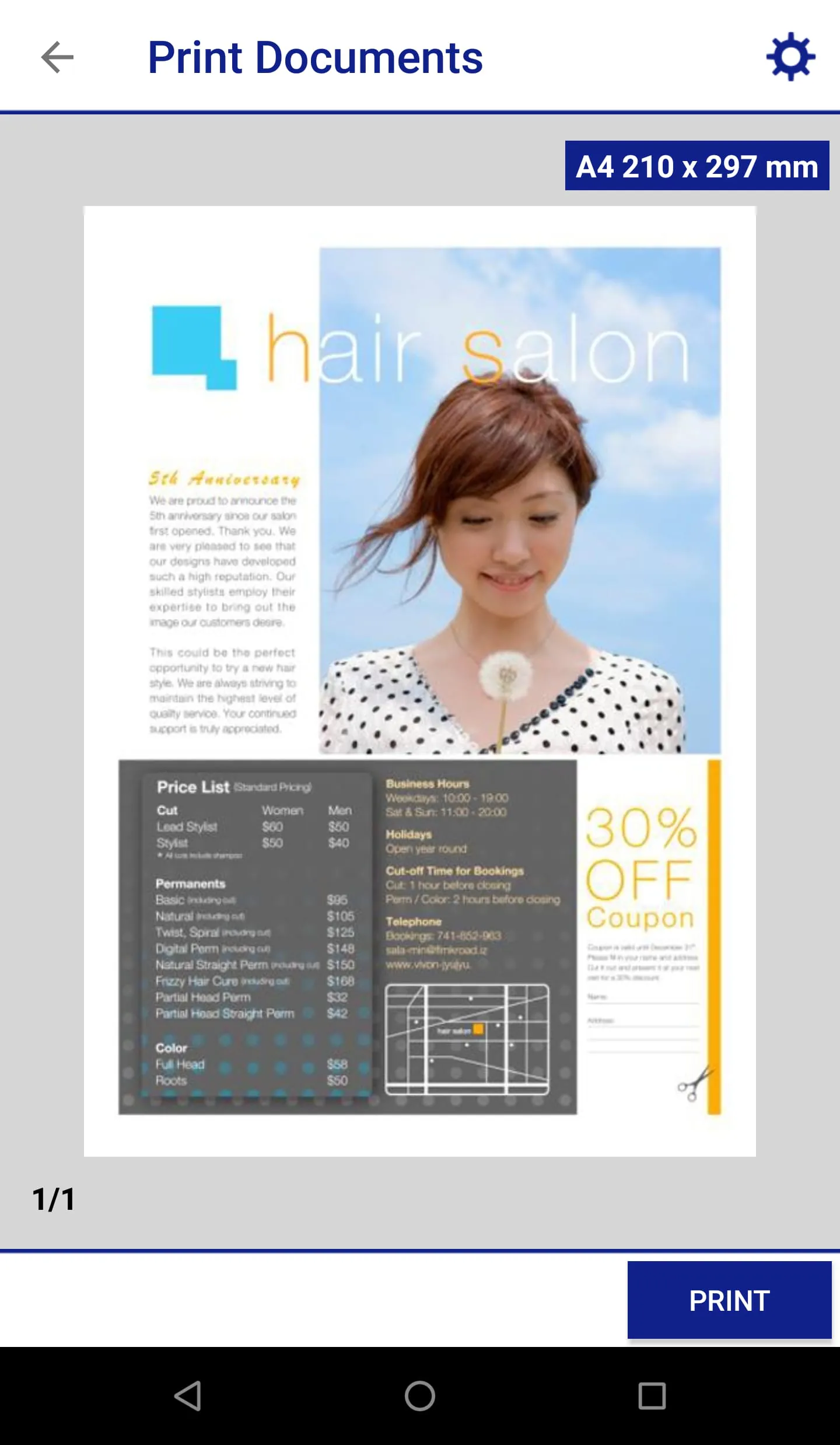
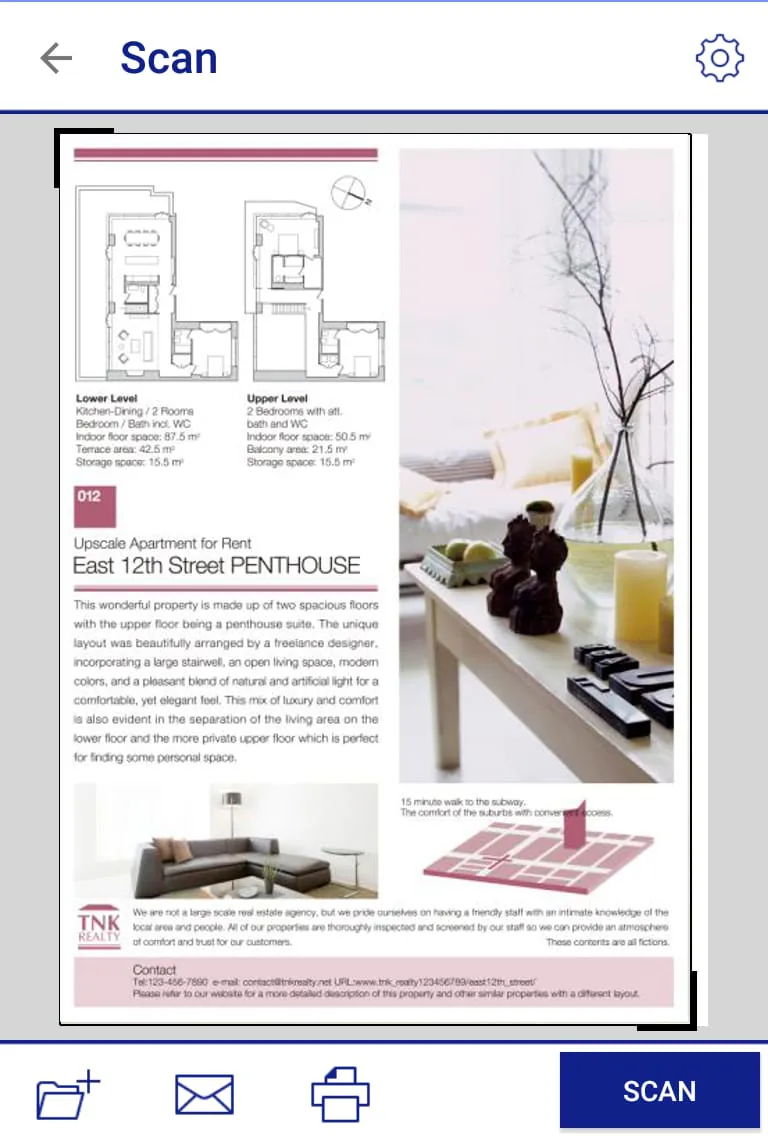
Section 1: Epson iPrint is an app that makes printing easy and convenient from your Android phone or tablet. It allows you to print photos, emails, webpages, Microsoft Word, Excel, PowerPoint, and PDF documents, as well as files from Box, Dropbox, Evernote, Google Drive, and Microsoft OneDrive. You can also scan documents from your Epson all-in-one and share the file. Section 2: Epson iPrint has advanced features such as automatic backlight and color cast correction for high quality photos, multiple photo printing, and configurable print options. You can also buy ink and supplies for your printer, setup and register to Epson Connect, and manage remote printers. Section 3: Epson iPrint is compatible with a variety of printers. To use iPrint with a Wi-Fi Direct connection, you must allow the app to use your device's location services. Bluetooth is a registered trademark of the Bluetooth SIG, Inc. and any use of such marks by Seiko Epson Corporation is under license. Feedback is welcome.

All Versions

V7.13.2

Updated: 2026-2-11

45.25 MB

V7.12.7

Updated: 2025-1-16

77.11 MB

V7.12.2

Updated: 2024-3-6

79.13 MB

V7.12.0

Updated: 2023-9-5

78.51 MB

V7.11.1

Updated: 2023-7-14

79.08 MB

V7.11.0

Updated: 2023-3-31

43.3 MB

V7.9.1

Updated: 2022-9-30

42.92 MB

V7.7.4

Updated: 2022-4-14

40.0 MB

V7.7.3

Updated: 2022-3-28

40.0 MB

V7.7.2

Updated: 2022-3-7

40.0 MB

V7.7.1

Updated: 2021-12-2

40.0 MB

V7.7.0

Updated: 2021-9-13

39.9 MB

Summary Of User Reviews

Russell Carey
Russell Carey
February 26, 2025
The app can be a bit cumbersome to locate and print certain images (especially for older images you have to scroll to find). It is VERY full featured, and I use it often to print photos of my kids (great quality), my work schedules, and various documents. While it is quite slow to print larger PDFs, or high resolution images, it still does it with ease from my phone. I would say that the app is quite good, overall.
Nic V
Nic V
March 20, 2025
I run this app on my older Galaxy S10 (and now currently my Galaxy S23) to my even older Epson XP-310, and I've never had any issues with it. It prints when it's supposed to, whether I print locally or remotely, and does so smoothly, right away. Every once in a while (and it's not often)I'll try to print and will get a notification that memory is full, but I simply go to iPrint settings, clear cache, and printing starts. This app is reliable, ad-free and has run without issue for me for years.
Tiffy B
Tiffy B
December 27, 2025
We love our Epson printer. We've printed so many pages w/o having to refill the ink cartridges. Using the iPrint option works wonderful. It's easy to adjust the various printing options (single/double sided, color/black & white, etc) before printing. We've encouraged many people to look into Epson for their new printer & we'd for sure buy this brand again.