HomeEpson Smart Panel
Epson Smart Panel

Epson Smart Panel

Everyone
Rating
V4.5.0
Version
10M+
Installs
4.60
11.5k + Reviews
1
6%
2
1%
3
2%
4
11%
5
80%

Review By AppsWm

Epson Smart PanelEpson Smart PanelEpson Smart PanelEpson Smart Panel

Understanding Connectivity

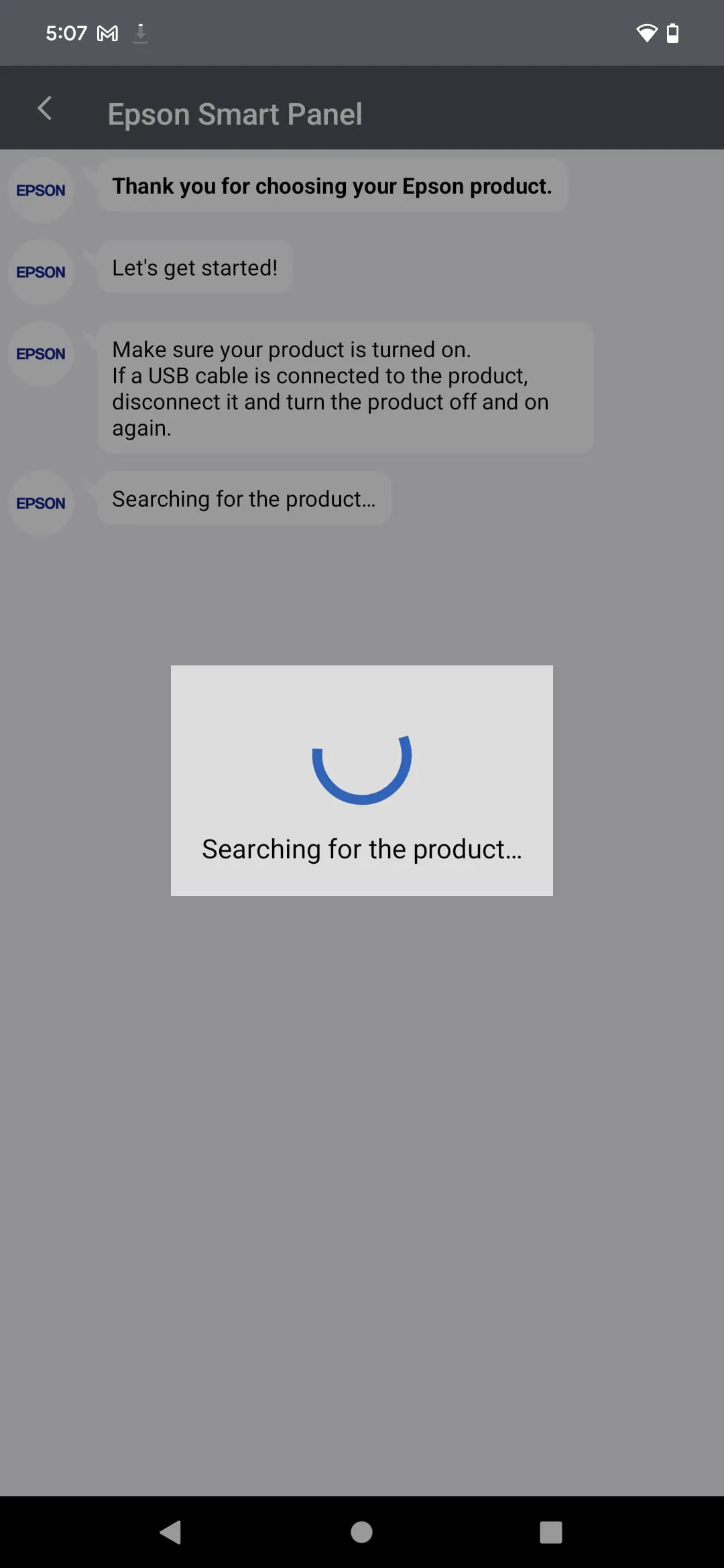
The Epson Smart Panel application provides a centralized interface for managing and interacting with Epson printers and scanners. A key element is its ability to establish and maintain stable connections with devices. Understanding how the app handles different connectivity methods (Wi-Fi, Wi-Fi Direct) is crucial for a seamless user experience.

Knowledge of Device Discovery

The application's device discovery process significantly impacts usability. Efficient and accurate discovery of nearby Epson devices streamlines initial setup and ongoing use. Factors influencing this include network conditions, device compatibility, and the app's scanning algorithms.

  • Wi-Fi Network: Ensuring both the mobile device and printer are connected to the same network.
  • Wi-Fi Direct: Direct connection, bypassing a traditional network, useful where a network is unavailable.

Insight into User Interface

The user interface aims to simplify printer operations, such as printing, scanning, and accessing settings. Navigation logic, icon clarity, and overall responsiveness contribute to user satisfaction. Cluttered or unintuitive designs can hinder effective use.

Advantages
  • Centralized control of printer functions
  • Easy access to printer status and ink levels
  • Simplified scanning and printing workflows

Disadvantages
  • Potential connectivity issues
  • Occasional lag or unresponsiveness
  • Feature limitations compared to desktop software

Learning About Feature Set

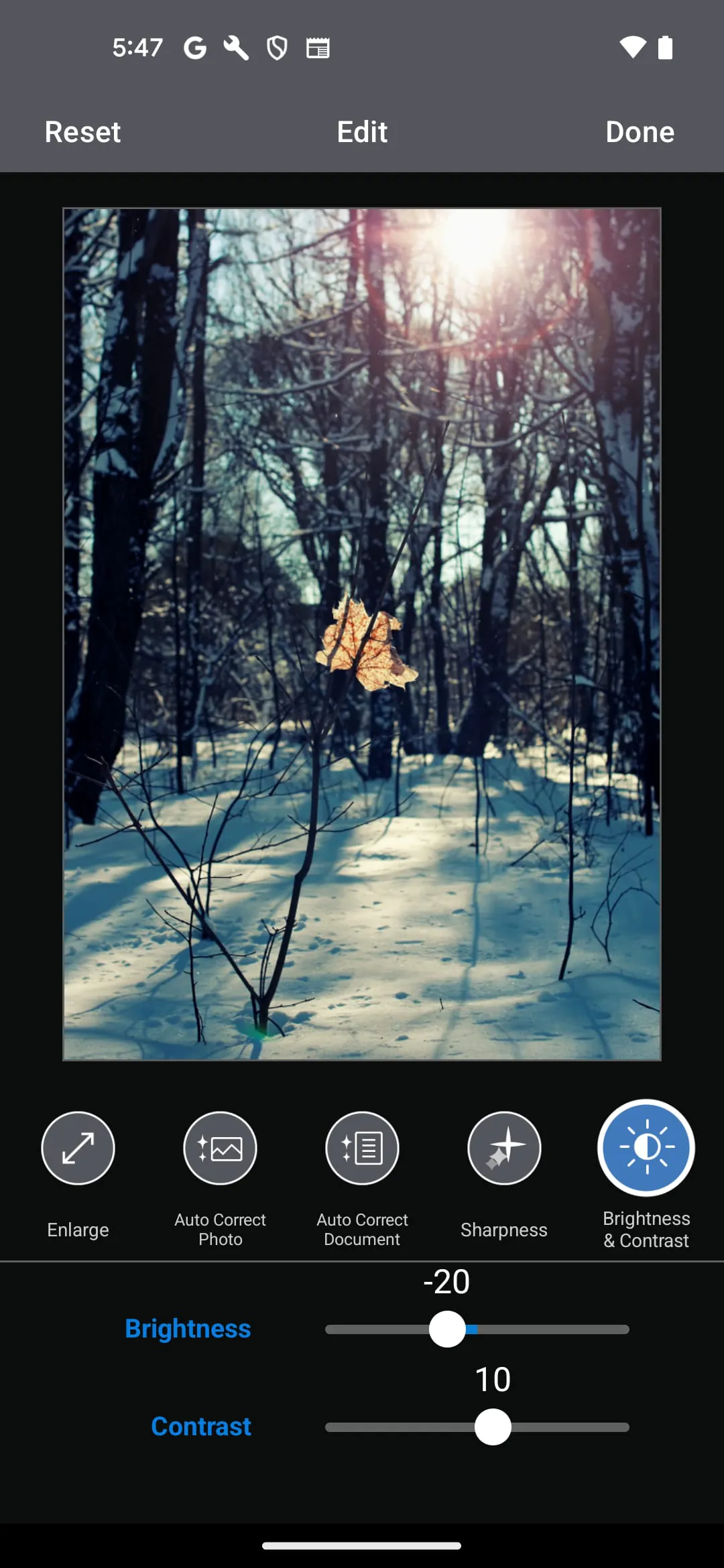
The app’s feature set dictates its utility. Beyond basic printing and scanning, advanced features such as cloud integration, document editing, and custom settings enhance its value. Analyzing the depth and breadth of these features is key to assessing overall effectiveness.

Feature Description
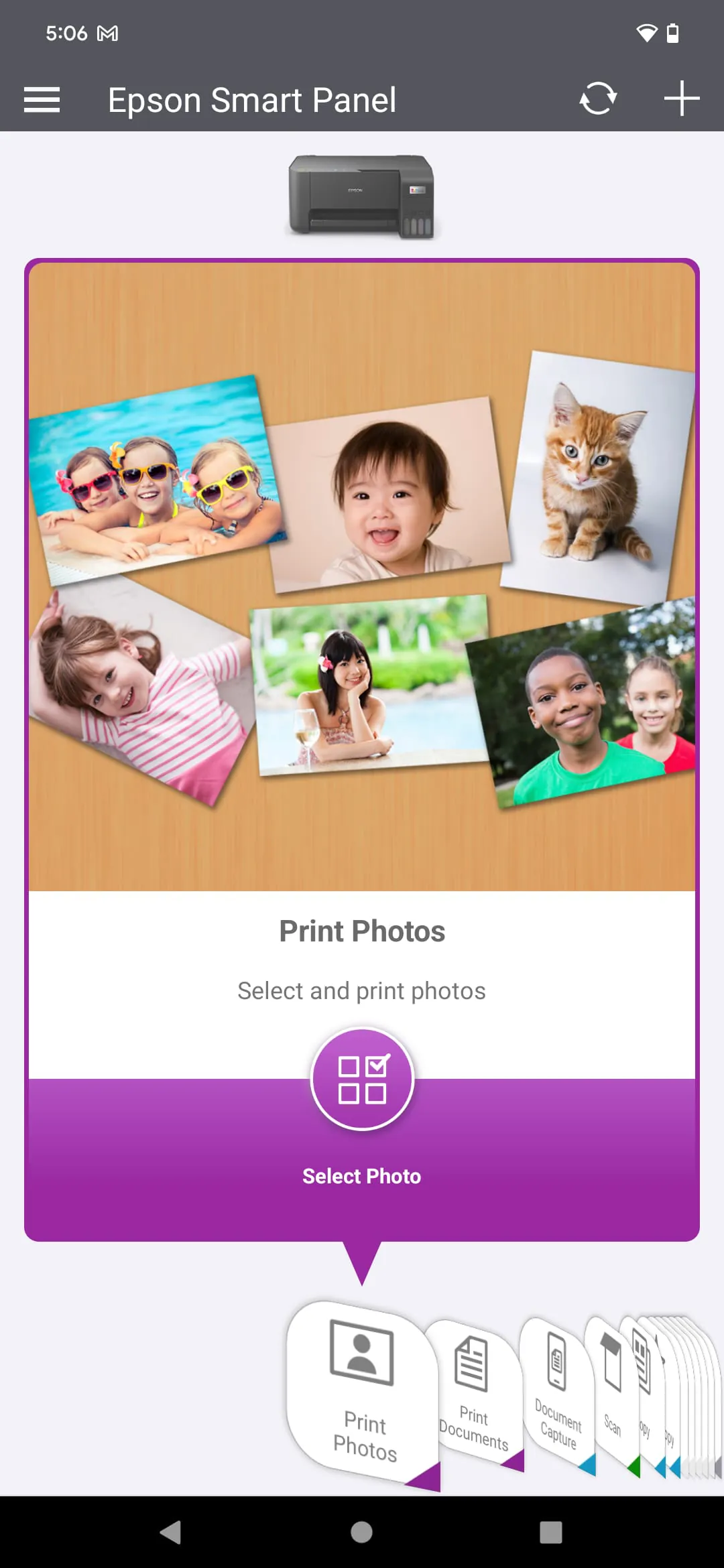
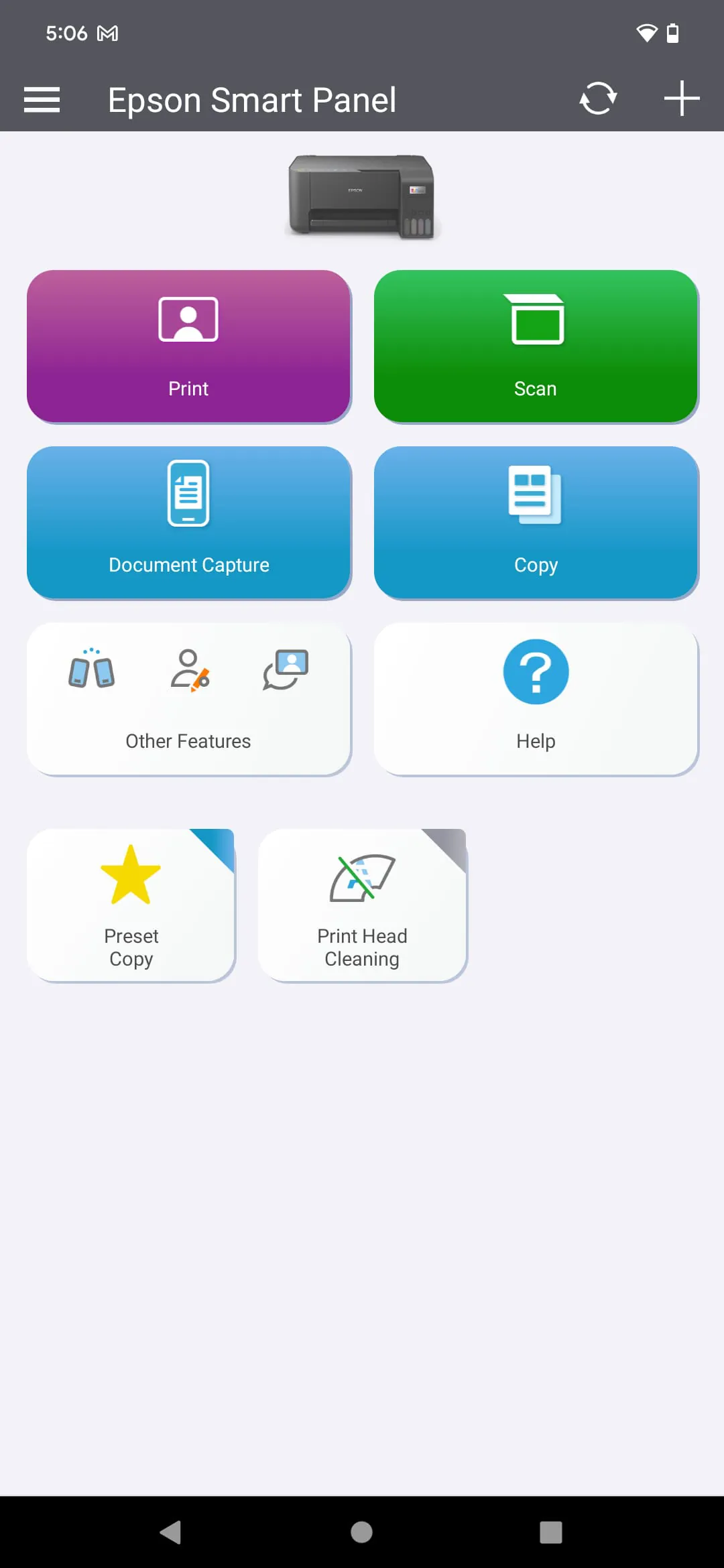
Print Printing documents and photos from a mobile device.
Scan Scanning documents and photos directly to a mobile device or cloud storage.
Maintenance Accessing printer maintenance functions like nozzle check and print head cleaning.

Wisdom in Error Handling

Effective error handling is crucial for a positive user experience. Clear and informative error messages, coupled with helpful troubleshooting suggestions, empower users to resolve issues independently. Poor error handling can lead to frustration and abandonment of the app.

Error Message Clarity

The clarity of error messages directly impacts the user's ability to diagnose and resolve problems. Error messages should be specific and provide actionable guidance.

Application Optimization

Analyzing the performance impact of the application, including battery consumption and startup time, is critical for mobile usability. Optimized resource usage contributes to a seamless user experience.

Overall Impression

The Epson Smart Panel app offers a convenient way to manage Epson printers and scanners. However, its value is contingent upon stable connectivity, intuitive UI, and a comprehensive feature set. Optimization and error handling contribute greatly to the overall user experience.


Description

The Epson Smart Panel is a mobile command center that allows users to set up, monitor, and operate their Epson wireless printers or scanners from their mobile devices. The app is easy to use and features innovative action tiles that make it simple and quick to use. The app also offers auto configuration and customization, which tailors the experience to the user's needs. Users can register, get supplies, or find help all in one convenient place. The app requires a download and a compatible smart device, and data usage fees may apply. It is important to note that the app only supports products that are listed on the website. If a printer or scanner is not listed, users should use Epson iPrint for printers or Document Scan for scanners instead. The app will not be able to find or connect to products that are not on the website's list of supported products. Overall, the Epson Smart Panel is a powerful tool that offers a convenient and efficient way to manage Epson wireless printers and scanners from a mobile device. Users can easily set up their devices on Wi-Fi, receive support, and access all the functions they need in one interface.

All Versions

V5.2.0

Updated: 2026-2-11

81.49 MB

V5.0.1

Updated: 2024-12-15

83.05 MB

V4.5.1

Updated: 2023-5-21

149.85 MB

V4.5.0

Updated: 2023-3-31

142.91 MB

Summary Of User Reviews

Nikomii Butler
Nikomii Butler
February 27, 2026
Overall, it works fantastic! It connects quickly to my printer and the printer prints quickly! Much faster than my other printer (not the same brand). The reason I gave it 4 stars instead of 5, is because our internet line got cut while someone was working in the yard. after reconnection, the printer would not reconnect! It was a brand new printer. It was working beautifully before this. It would not connect and sometimes not find our internet connection. We finally fixed it. It was not easy.
crispin McClendon
crispin McClendon
February 28, 2026
I hate the app! I want to print straight from my phone not go to an app and set up print each time. Plus all the data it is collecting. If you try to opt out you are denied access to use the printer you bought. The printer is right beside my router but it wants a precise location of my phone! All are blue tooth compatible why do you need to know where my phone is located? Too much data collecting and selling for me. won't purchase again.
DR Edwards
DR Edwards
February 28, 2026
The app is terrible. I have a new android phone and 1 gig internet but the printer almost never links to my Internet without multiple tries. Is this issue the app or printer, who knows. Also I assume the printer has zero memory because if you accidentally move off the print screen after selecting print, the printer stops. I never had any problems with previous brands. The printer is also frustrating because the digital screen may be 1.5 inch square and it's impossible to see.