
Connectivity Features
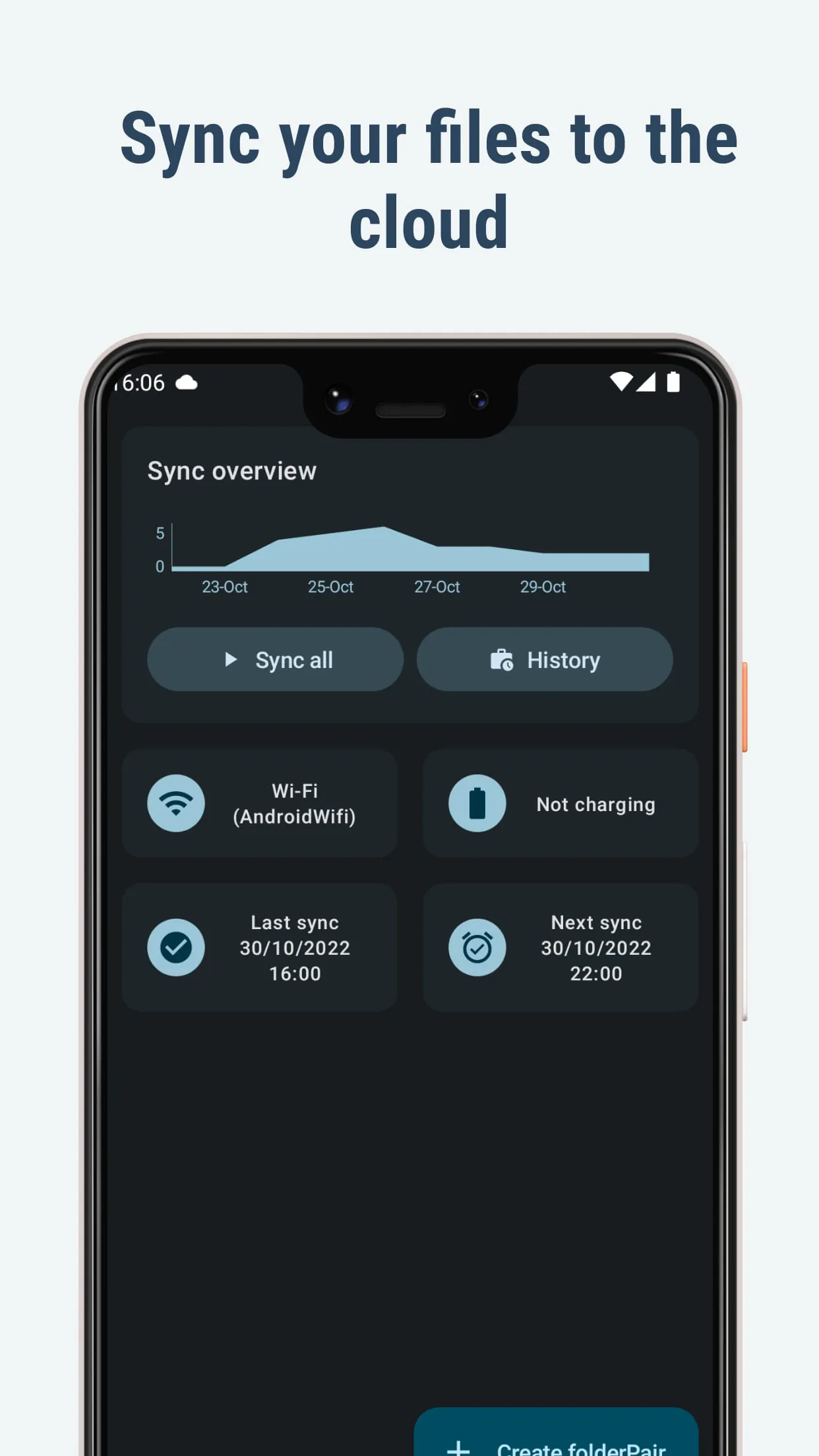
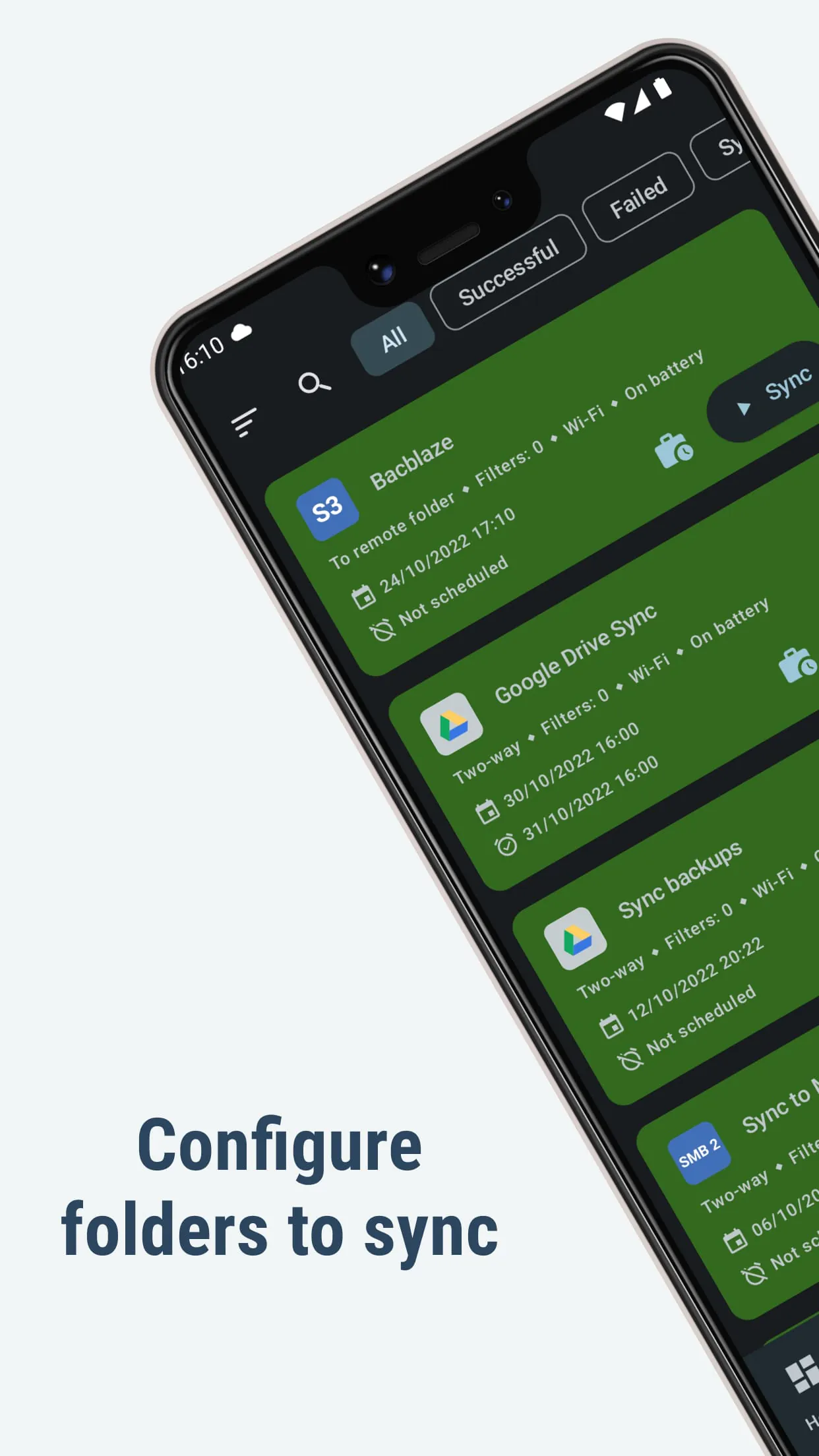
This application excels at connecting devices and cloud storage services, facilitating seamless file synchronization. It supports a wide range of protocols, including FTP, SFTP, WebDAV, and various cloud storage providers like Google Drive, Dropbox, OneDrive, and more. The depth of integration varies by service, but generally includes two-way synchronization, allowing users to keep files consistent across multiple locations.
- Supports numerous cloud services and protocols.
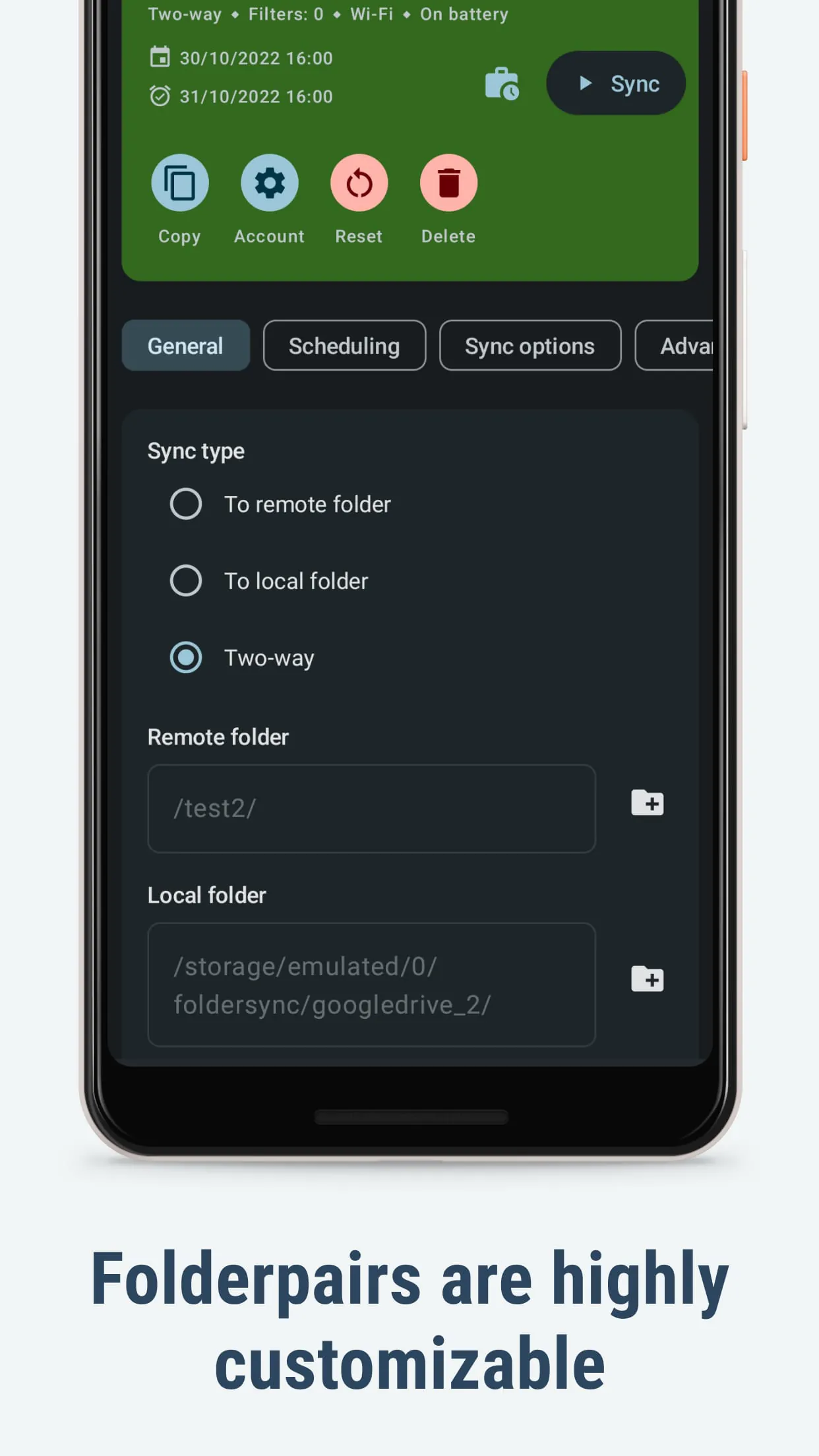
- Offers both one-way and two-way synchronization.
- Provides options for scheduled or manual sync.
Integration Capabilities
The application's strength lies in its integration capabilities. It integrates deeply with the operating system, allowing for background synchronization and automatic file transfer. Advanced features include tasker integration, enabling users to create custom synchronization rules based on various triggers. This level of integration allows users to automate complex file management workflows.
Tasker Integration
Enables advanced automation through custom triggers and actions, extending the app's capabilities beyond simple synchronization.
Ecosystem Benefits
The application significantly enhances data accessibility and redundancy within a user's digital ecosystem. By keeping files synchronized across devices and cloud services, it minimizes the risk of data loss and ensures that the latest versions are always available, regardless of the device being used. This promotes a more cohesive and efficient workflow. The ecosystem value is considerable, especially for users heavily invested in cloud storage.
- Data Redundancy
- Minimizes risk of data loss through multiple backups.
- Accessibility
- Provides access to files from any synchronized device.
Cross-Platform Support
While primarily an Android application, its compatibility with a wide array of cloud services effectively provides cross-platform support. Files synchronized through these services become accessible on any platform that supports the respective cloud service. However, direct synchronization with iOS or desktop operating systems is not available.
- Extensive cloud service support.
- Indirect cross-platform access via cloud.
- No direct iOS or desktop sync.
Synergy Potential
The synergy potential is maximized when combined with other automation tools and cloud storage services. By integrating with Tasker, users can create automated workflows that involve file synchronization as part of a larger process. For example, automatically backing up photos to a cloud service whenever new images are taken. This combined functionality provides a powerful solution for data management and workflow automation. The overall integration value is high, particularly for users seeking to streamline their digital lives.
| Synergy Component | Benefit |
|---|---|
| Tasker | Automated workflows and custom triggers. |
| Cloud Storage | Cross-platform accessibility and data redundancy. |