Essential Elements
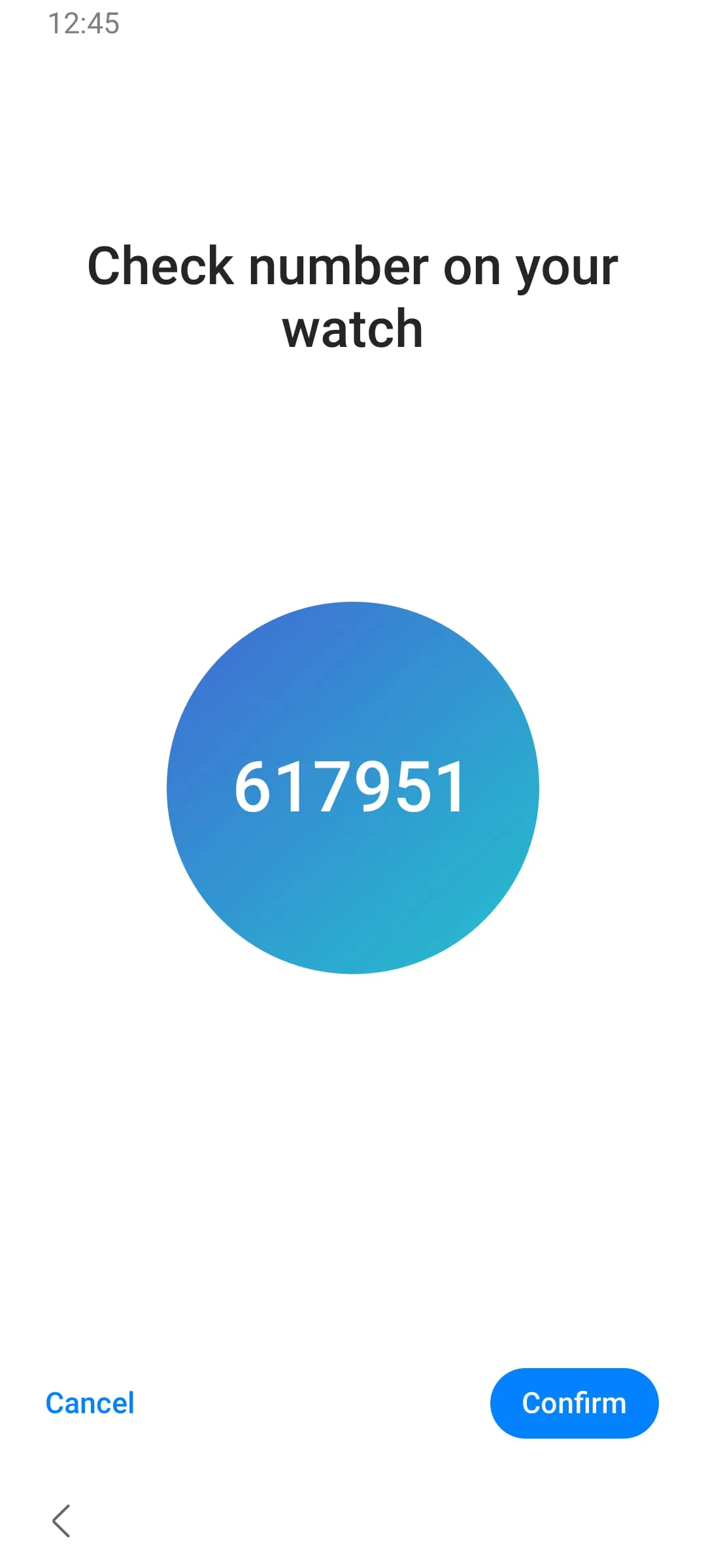
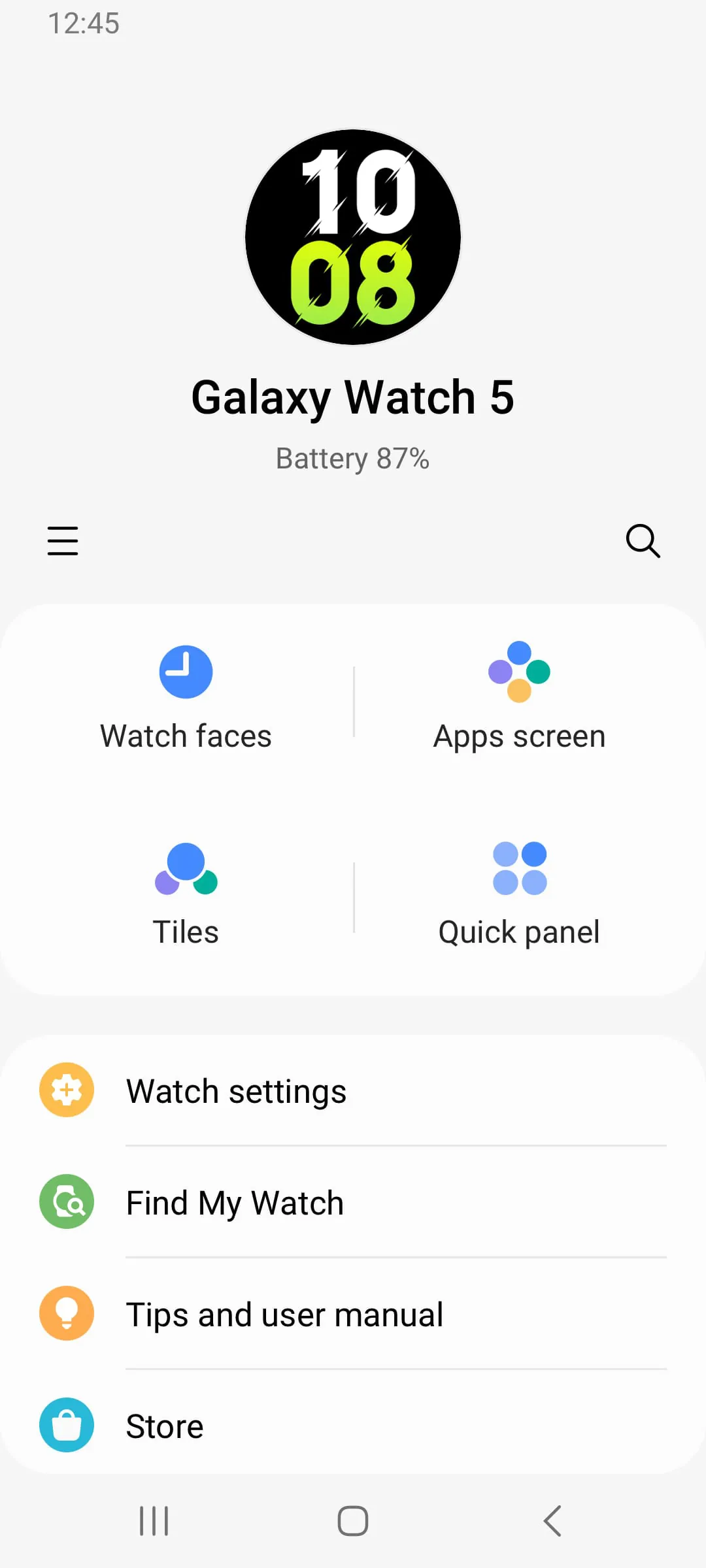
The core function of this application is to connect and manage Galaxy Watch devices. Its essence lies in facilitating seamless communication between the watch and the smartphone. This means streamlined device pairing, settings synchronization, and data transfer.
-
Efficient connection management
-
Simple data synchronization
-
Potential bloat due to supporting numerous watch models
Clean Design Choices
The application embraces a design language consistent with the Samsung ecosystem. The interface prioritizes clarity, presenting information in a structured and easily digestible format. The focus remains on functionality, minimizing unnecessary visual clutter.
"Simplicity is the ultimate sophistication." - Leonardo da Vinci (adapted)
Focused Functionality
The app's functionality revolves around a central purpose: enabling the user to fully utilize their Galaxy Watch's features. It achieves this by offering intuitive settings controls and data management options.
Device Connection
Streamlines the initial setup and connection process for Galaxy Watches.
Purposeful Features
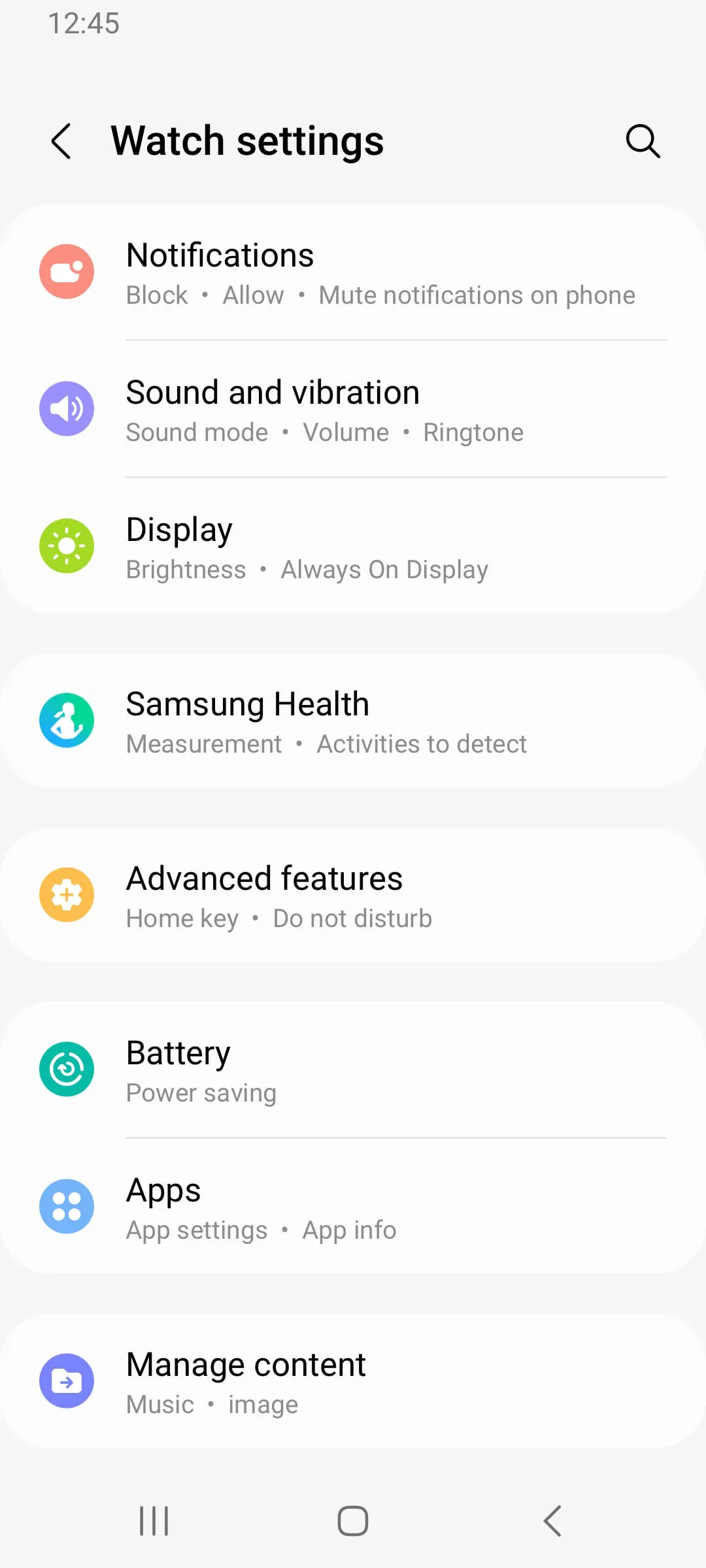
Every feature included in the app serves a distinct purpose, whether it's managing notifications, updating firmware, or customizing watch faces. There appears to be minimal feature overlap, contributing to a streamlined user experience.
-
Notification management
-
Firmware updates
-
Watch face customization
Elegant Solutions
The application uses a straightforward approach to connecting and managing Galaxy Watches. While a simple app, it provides core utility in the Galaxy device ecosystem.
Overall Simplicity Assessment
This application embodies simplicity by delivering essential connectivity features with a no-frills approach. It is efficient, easy to use, and has a very specific objective.
Final Verdict
An essential tool for Samsung Galaxy Watch users, achieving elegance through focused functionality and a clean design. It is simplicity, and the bare essentials of watch management.
The Galaxy Watch5 is a smartwatch that requires the Galaxy Wearable application to function properly. This application is designed to sync the watch with your smartphone, allowing you to access various features and settings. However, it is important to note that the Galaxy Wearable application does not operate on its own and must be installed first before it can be used.
To use the Galaxy Wearable application, certain access permissions are required. These include location, storage, phone, contacts, calendar, call logs, and SMS. These permissions are necessary to provide you with the full range of services offered by the application. However, it is possible to use the basic features of the service even if you do not grant optional access permissions.
One of the key features of the Galaxy Wearable application is its ability to sync with your smartphone's calendar and call logs. This allows you to stay up-to-date with your schedule and keep track of your calls without having to constantly check your phone. Additionally, the application can sync with your SMS messages, making it easy to read and respond to messages directly from your watch. Overall, the Galaxy Wearable application is an essential tool for anyone who owns a Galaxy Watch5.
---
When using the Galaxy Wearable application, it is important to be aware of the access permissions required to provide you with the full range of services. The application requires access to your location, storage, phone, contacts, calendar, call logs, and SMS. These permissions are necessary to ensure that the application can function properly and provide you with the services you need.
In addition to the required access permissions, there are also optional access permissions that you can grant. For example, if you have a Galaxy Watch5 with eSIM support, you can grant the application access to your camera to scan QR codes when activating the watch. However, it is important to note that you can still use the basic features of the service even if you do not grant optional access permissions.
Overall, the Galaxy Wearable application is an essential tool for anyone who owns a Galaxy Watch5. It allows you to sync your watch with your smartphone, access various features and settings, and stay up-to-date with your schedule and calls. By granting the necessary access permissions, you can ensure that the application functions properly and provides you with the services you need.
---
In summary, the Galaxy Watch5 is a smartwatch that requires the Galaxy Wearable application to function properly. The application must be installed first before it can be used, and certain access permissions are required to provide you with the full range of services. These include location, storage, phone, contacts, calendar, call logs, and SMS. Optional access permissions, such as camera access for QR code scanning, can also be granted. Overall, the Galaxy Wearable application is an essential tool for anyone who owns a Galaxy Watch5, allowing you to access various features and settings and stay up-to-date with your schedule and calls.