Exploring the connectivity, compatibility, and seamless integration of Gmail
within the broader digital ecosystem.
Connectivity Features
Gmail boasts robust connectivity features, primarily centered around its
integration with other Google services and third-party applications via IMAP
and POP protocols. This facilitates seamless mail access from various email
clients and devices.
IMAP/POP support for universal access
Google Workspace integration (Calendar, Drive, Meet)
Third-party app integration via APIs (e.g., CRM, project management tools)
Integration Capabilities
Deep integration with the Google ecosystem is a major strength. Calendar
invites are automatically detected, Drive files can be easily attached, and
Meet video calls can be initiated directly from within email threads.
Google Workspace Synergy
Seamless interaction with other Google applications like Docs, Sheets, and
Slides.
Ecosystem Benefits
Users benefit from a unified experience across Google services. For example,
travel reservations received in Gmail are automatically added to Google
Calendar, providing convenient reminders and organization.
Pros:
Centralized access to multiple services
Automated information flow
Increased productivity
Cons:
Vendor lock-in (reliance on Google ecosystem)
Potential privacy concerns related to data sharing
Cross-Platform Support
Gmail provides excellent cross-platform support, with dedicated apps for
Android and iOS, as well as a responsive web interface accessible on any
desktop or mobile browser.
Platform
Integration Level
Web
Full Feature Parity
Android
Full Feature Parity
iOS
Full Feature Parity
Synergy Potential
The potential for synergy is high, particularly for users heavily invested
in the Google ecosystem. Combining Gmail with Google Tasks, Keep, and other
productivity tools can streamline workflows and improve overall efficiency.
Overall Integration Value
Strong integration within the Google ecosystem and acceptable integration
with third-party services.
Advertisement
Description
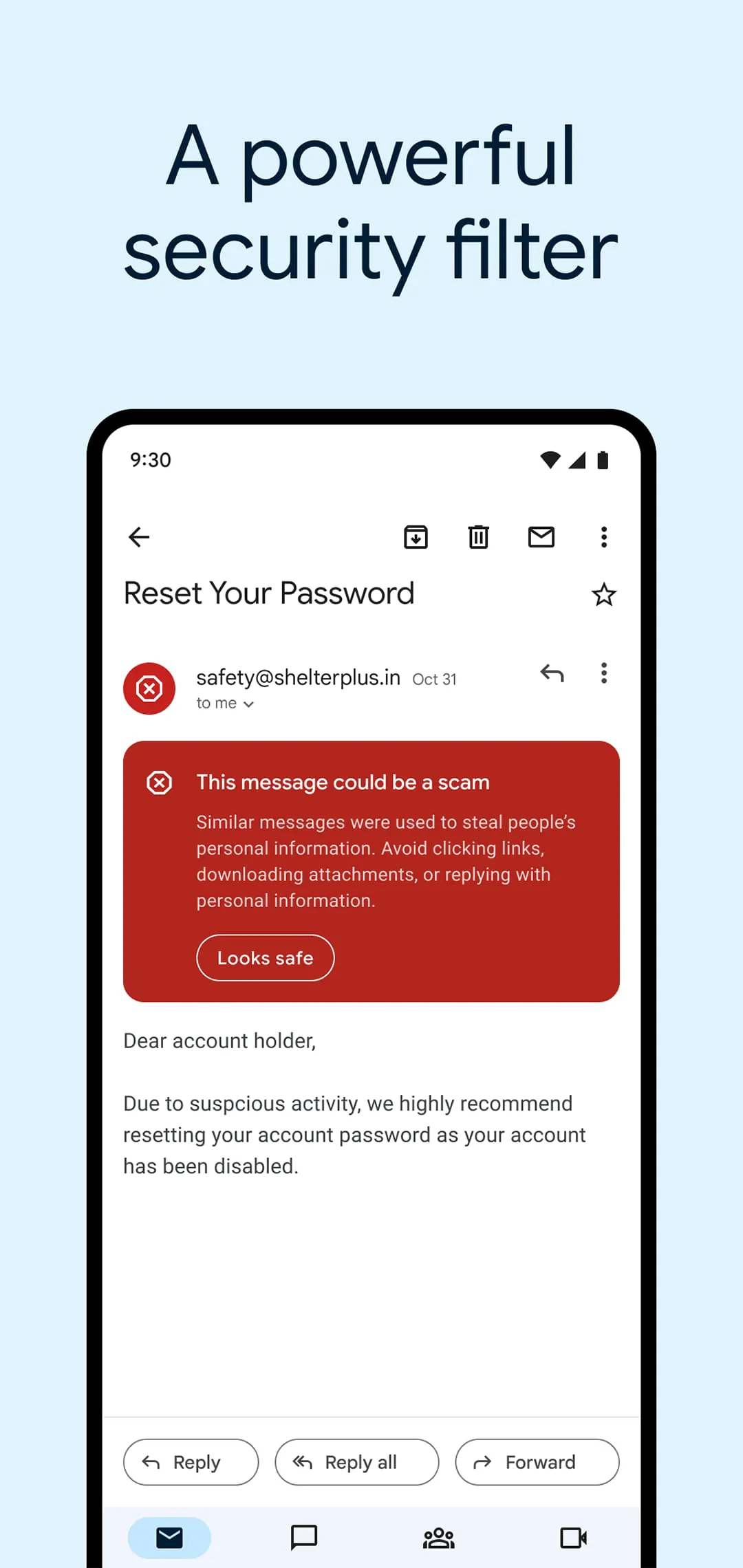
The official Gmail app is designed to enhance the email experience on Android devices, providing users with a comprehensive suite of features that prioritize security, efficiency, and connectivity. One of the standout features of the app is its robust security measures, which utilize advanced machine learning algorithms to automatically block over 99.9% of spam, phishing attempts, malware, and other dangerous links. This level of protection ensures that users can manage their emails with peace of mind, knowing that their inbox is safeguarded against potential threats. Additionally, the app offers real-time notifications, allowing users to stay updated on new messages without delay. The ability to manage multiple accounts seamlessly is another significant advantage, making it easy for users to switch between personal and professional emails without hassle. Furthermore, the Gmail app is compatible with Wear OS, enabling users to check and respond to emails directly from their smartwatches, thus enhancing productivity on the go.
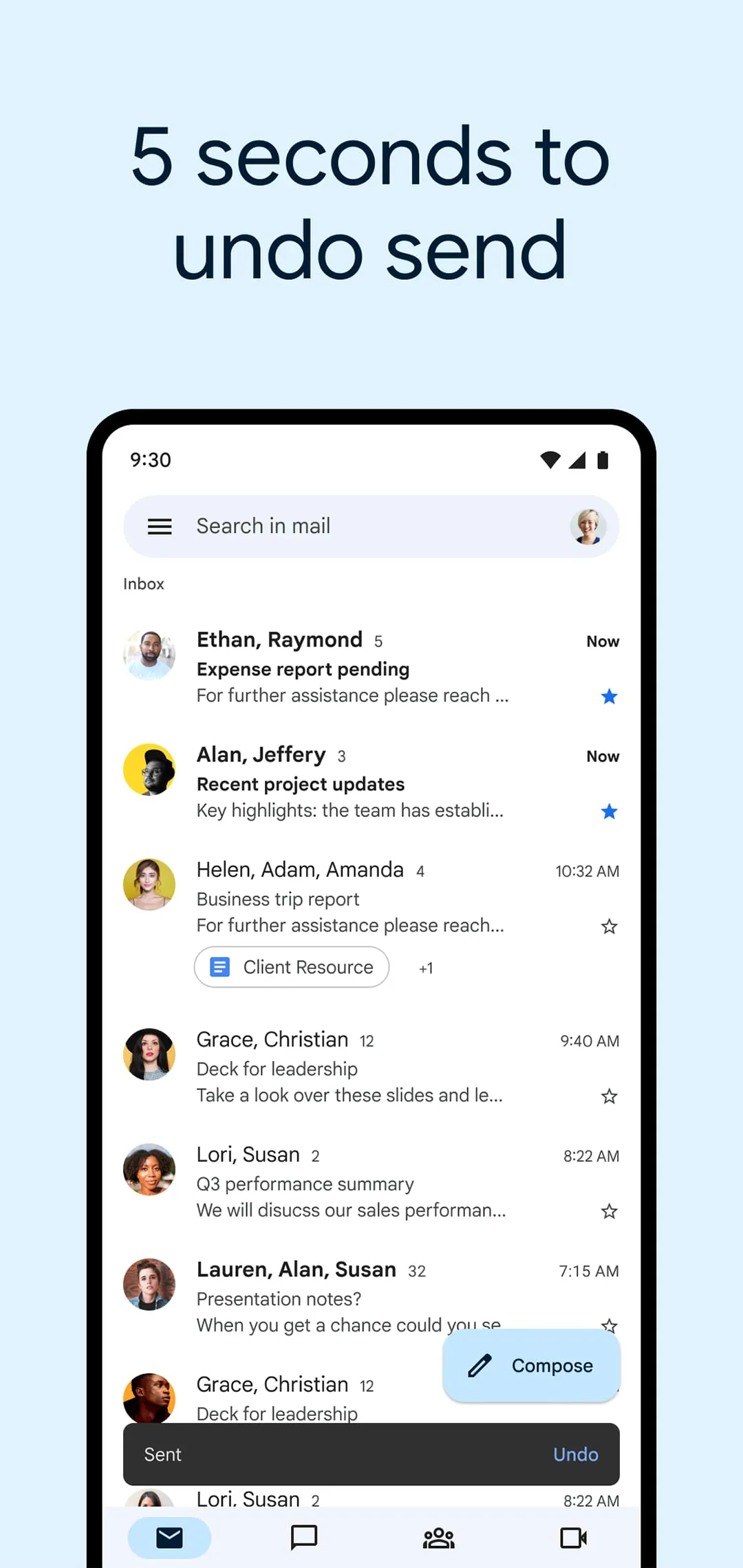
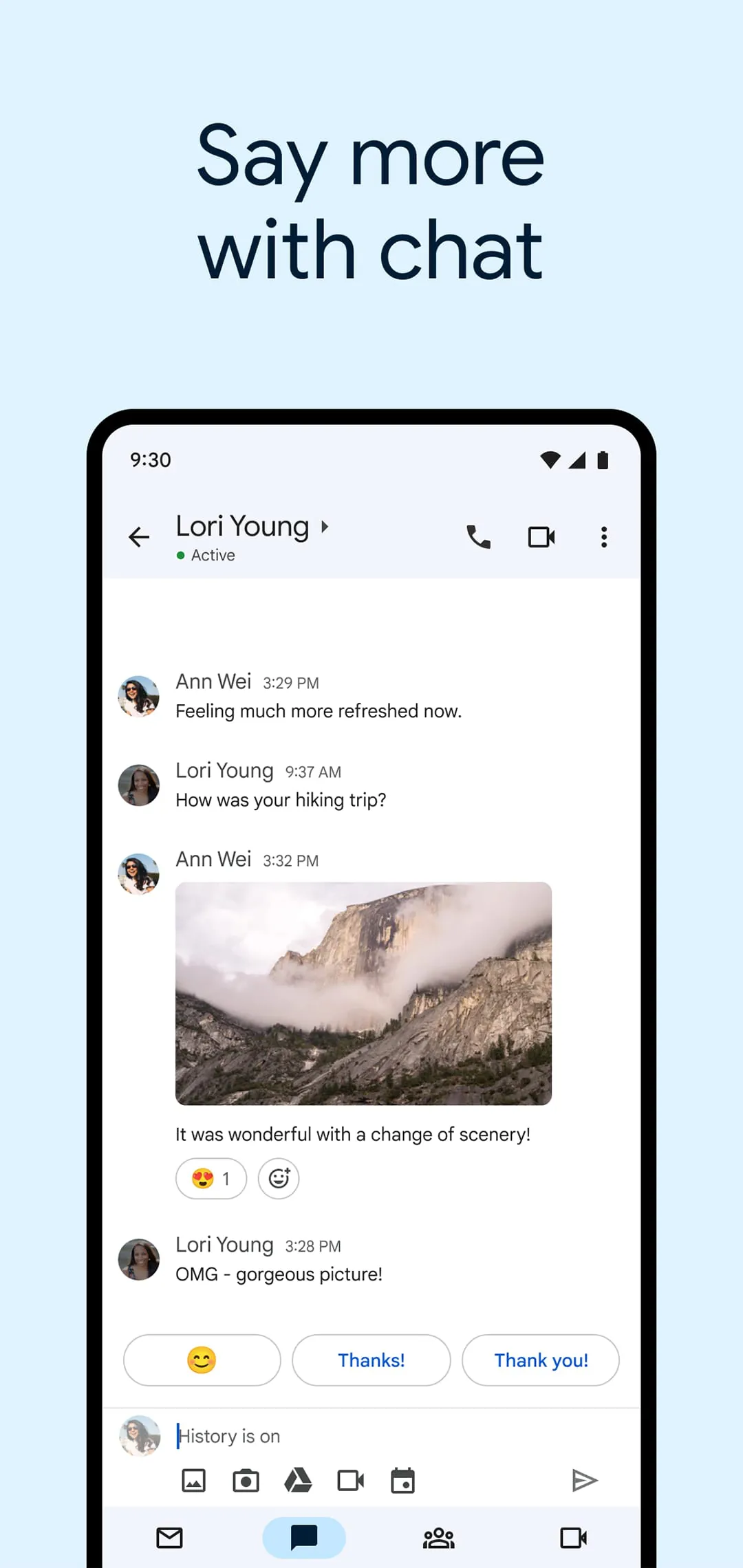
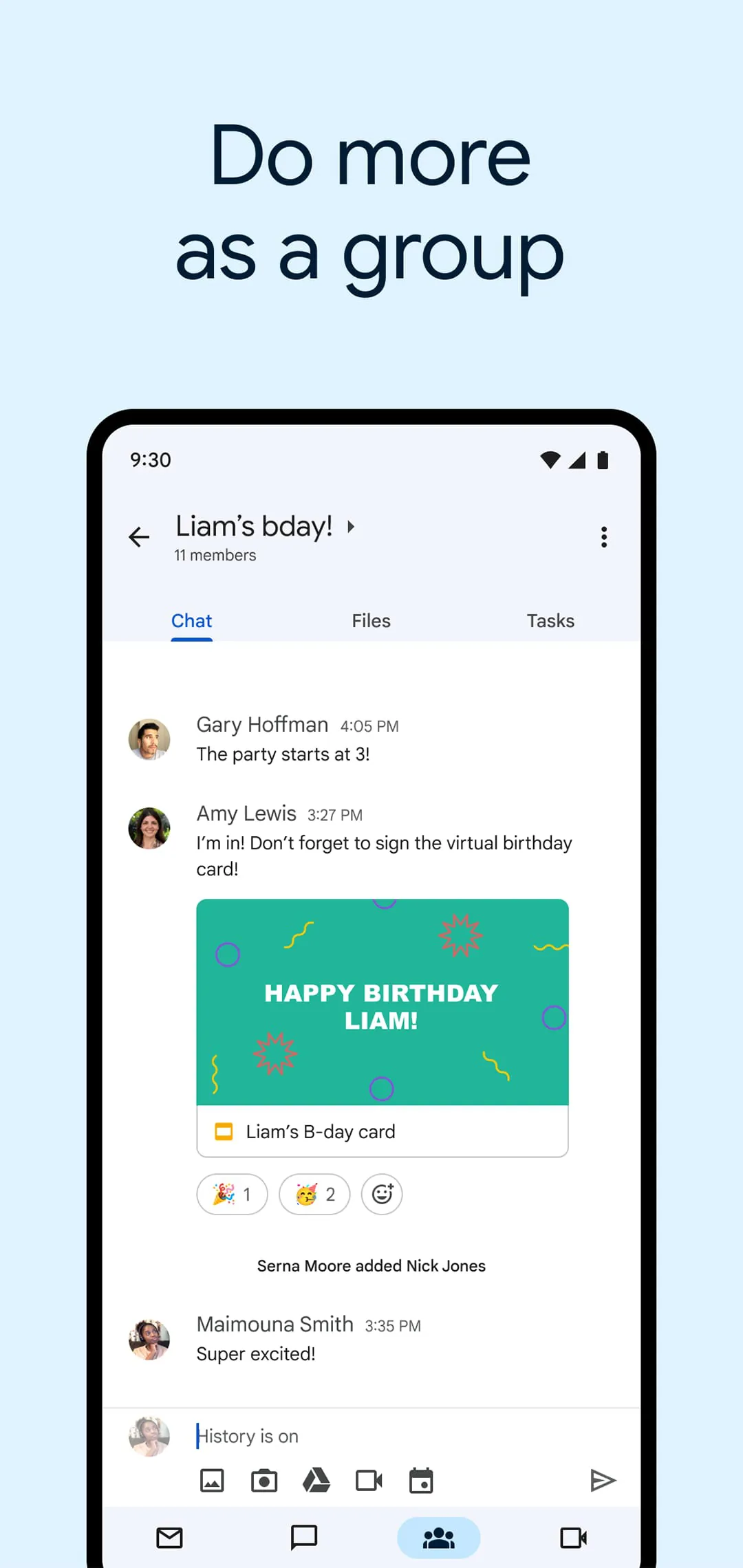
In terms of functionality, the Gmail app is packed with features that facilitate communication and collaboration. Users can take advantage of the ""Undo Send"" feature, which allows them to retract emails shortly after sending them, preventing potential embarrassment from hasty messages. The integration of Google Chat within the app enables users to connect with colleagues and friends, fostering collaboration through instant messaging. For group projects, the ""Spaces"" feature provides a dedicated environment for organizing discussions, topics, and tasks, making it easier to manage collaborative efforts. Additionally, the app supports high-quality video calls through Google Meet, allowing users to conduct virtual meetings without leaving the email interface. Smart Reply suggestions help users respond to emails quickly, while the ability to attach and share files simplifies the process of sending documents. The app also offers various notification options, ensuring that users are promptly alerted to new emails, which can be customized to suit individual preferences.
Gmail's integration with Google Workspace further enhances its utility for teams and organizations. Users can connect with coworkers through Google Meet or Google Chat, schedule meetings via Google Calendar, and manage tasks efficiently, all from within the Gmail app. The inclusion of suggested actions, such as Smart Reply and Smart Compose, streamlines the email composition process, allowing users to craft messages more efficiently. Grammar suggestions and nudges help maintain professionalism in communication, while the app's organizational features, such as labeling and starring emails, assist users in managing their inbox effectively. The ability to swipe to archive or delete messages provides a quick way to maintain a clutter-free inbox. Overall, the Gmail app is a powerful tool that not only enhances individual productivity but also fosters collaboration and communication within teams, making it an essential application for anyone looking to manage their emails effectively.
Google Workspace is a comprehensive suite of productivity tools designed to enhance collaboration and communication within organizations. It includes applications such as Gmail, Google Drive, Google Docs, Google Sheets, and Google Meet, among others. These tools are integrated to provide a seamless experience for users, allowing them to work together in real-time, share files, and manage projects efficiently. The platform is particularly beneficial for remote teams, as it enables users to connect and collaborate from anywhere, fostering a more flexible work environment. With features like shared calendars, video conferencing, and cloud storage, Google Workspace supports a modern approach to teamwork, making it easier for businesses to adapt to the evolving landscape of work.
One of the key aspects of Google Workspace is its focus on security and user protection. The platform employs advanced security measures to safeguard users from threats such as phishing, malware, and other cyberattacks. Google utilizes machine learning algorithms to detect and block suspicious activities, ensuring that users can communicate and collaborate without the fear of compromising sensitive information. Additionally, Google Workspace offers features like two-factor authentication and data loss prevention, which further enhance the security of user accounts and data. By prioritizing security, Google Workspace not only protects individual users but also helps organizations maintain compliance with various regulations and standards, thereby building trust with their clients and stakeholders.
In addition to its robust security features, Google Workspace is designed to be user-friendly and accessible. The interface is intuitive, making it easy for users of all skill levels to navigate and utilize the various tools available. Google also provides extensive support and resources, including tutorials and documentation, to help users maximize their experience with the platform. Furthermore, Google Workspace is continuously evolving, with regular updates and new features being introduced to meet the changing needs of users. This commitment to innovation ensures that organizations can rely on Google Workspace as a long-term solution for their productivity and collaboration needs, ultimately driving efficiency and success in their operations.
Download
Advertisement
Advertisement
4.20
412.8k + Reviews
1
13%
2
4%
3
6%
4
10%
5
67%
Summary Of User Reviews
Charles Lister
★★★★★
February 20, 2026
I don't know why but the app will delete conversations and threads out of nowhere. I went to go respond to an email that was sent to me 2 days ago and it was gone. Went to search my sent box, couldn't locate the previous emails. I'd check the deleted, nothing. I went to go check every other folder including spam, nothing. I even typed in the email again to the best of my memory and nothing popped up. this has happened several times causing me to lose valuable information.
Dan Flores
★★★★★
October 21, 2025
I wish there was a way to turn off "contact suggestions" entirely. The "hide suggestion" option is annoying because if you're actually trying to send an email to that person, you first have to unhide them to get their email address to populate, then you have to hide them again so they don't automatically show up every time you compose a message. I just want to type the first few characters and have the name show up like before, not be inundated with contacts Google thinks I want to email.
Tom Gill
★★★★★
February 25, 2026
crashes immediately on Google Pixel 7 today. cleared cache and storage. Updated from 2 to 4 stars after developer quickly responded with a link. And though I tried things and it didn't seem to work. when I uninstalled and reinstalled it seemed that maybe I didn't have the upgrade even though app info said that I had. started working again, really not sure why, and it looks a little different so something changed. still frustrated that I have no idea what really fixed it so I can't help others.