
HomeGPS Status & Toolbox
GPS Status & Toolbox

GPS Status & Toolbox

Everyone
Rating
V11.0.307
Version
10M+
Installs
4.00
7.4k + Reviews
1
15%
2
4%
3
6%
4
10%
5
64%

Review By AppsWm

GPS Status & ToolboxGPS Status & ToolboxGPS Status & ToolboxGPS Status & Toolbox

Precision and Utility: A Symbiotic Relationship

This application presents a compelling blend of GPS data provision and practical tools, aiming for a seamless user experience. Its core strength lies in the detailed GPS information it offers, complemented by a suite of features designed to enhance its utility. The app strives to create a balanced offering, appealing to both casual users and those with more demanding needs.

Data Integration for Enhanced Awareness

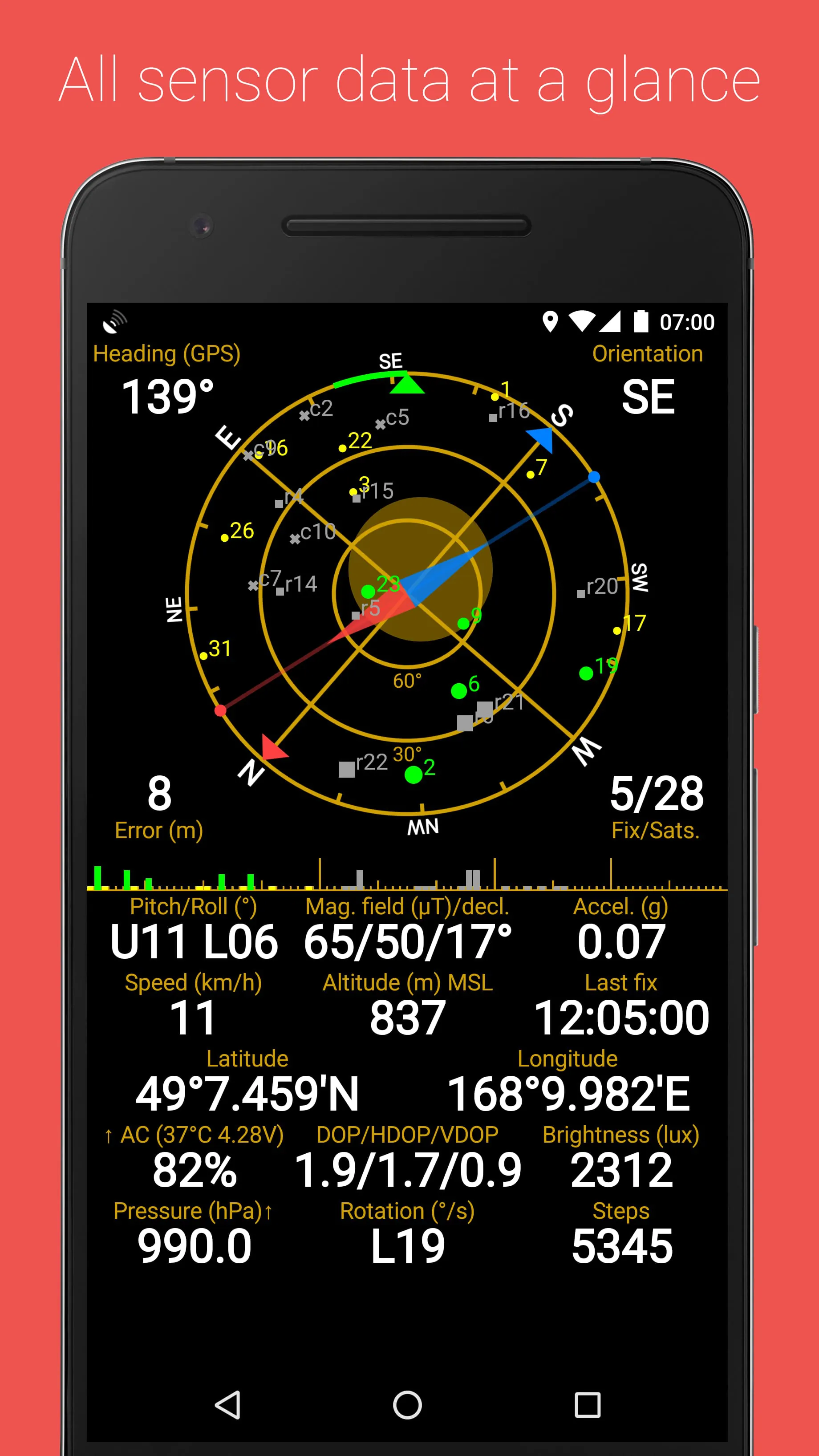
The application's integration of raw GPS data with user-friendly displays contributes significantly to its value. It provides essential information such as location accuracy, satellite signal strength, and altitude, allowing users to gain a comprehensive understanding of their positioning environment.

Satellite Tracking

Provides a visual representation of satellites in view, aiding in understanding GPS signal quality. 🌟

Harmony in Functionality and Interface

The user interface is designed to present complex GPS data in an accessible manner. Graphs, charts, and textual readouts are employed to convey information effectively, enhancing the overall usability. However, the density of information may present a slight learning curve for new users.

  • Clear data visualization
  • User-friendly layout
  • Comprehensive set of tools

Unity Through Practical Tools

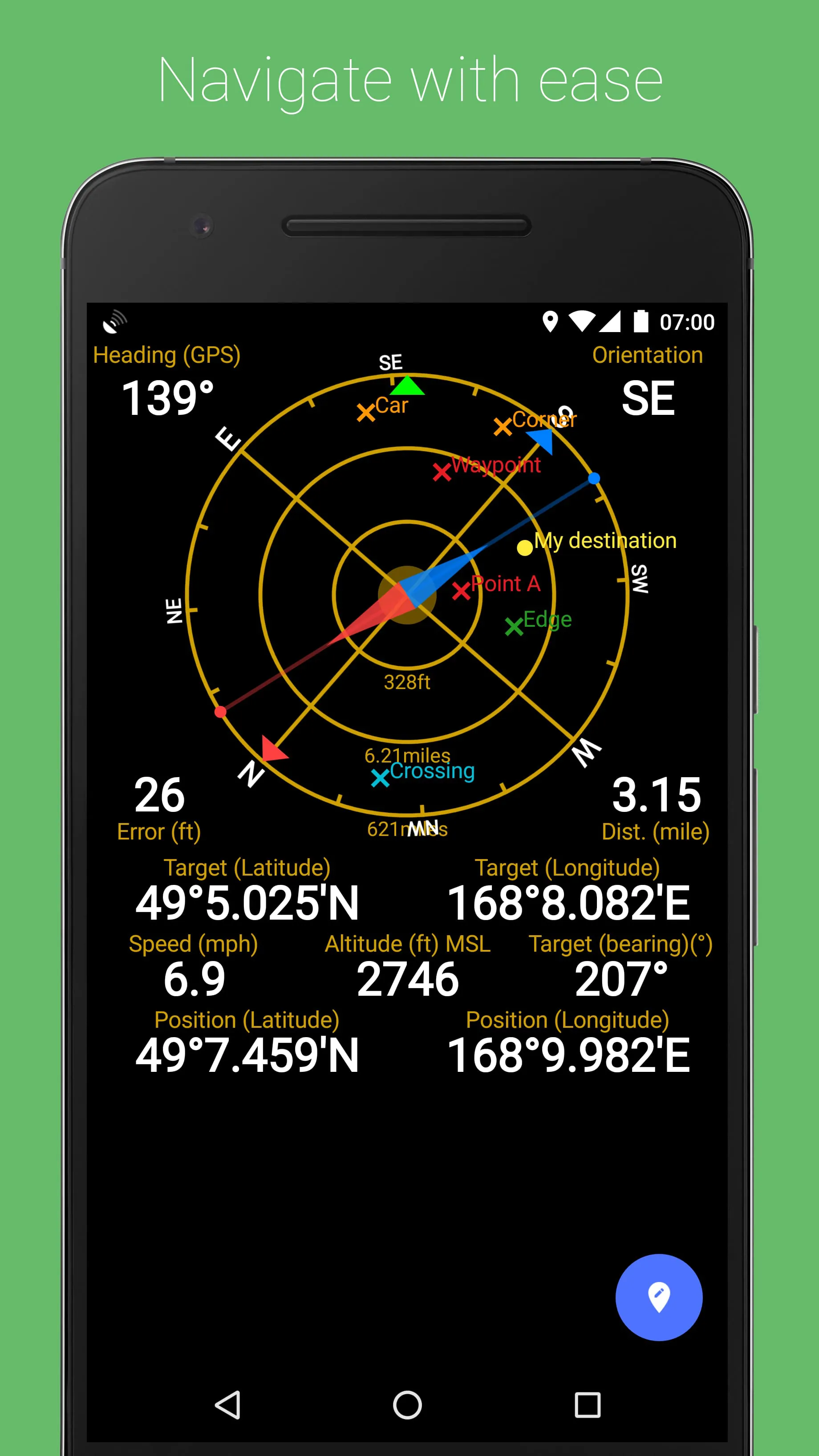
Beyond its core GPS data capabilities, the application incorporates a range of tools such as a compass, level, and marker functionalities. These features extend its utility beyond mere GPS status monitoring, providing users with a versatile set of instruments for various tasks.

  • Variety of tools integrated
  • Extends functionality beyond GPS status
  • Potential for feature bloat
  • May not be relevant for all users

Synergy in Customization and Control

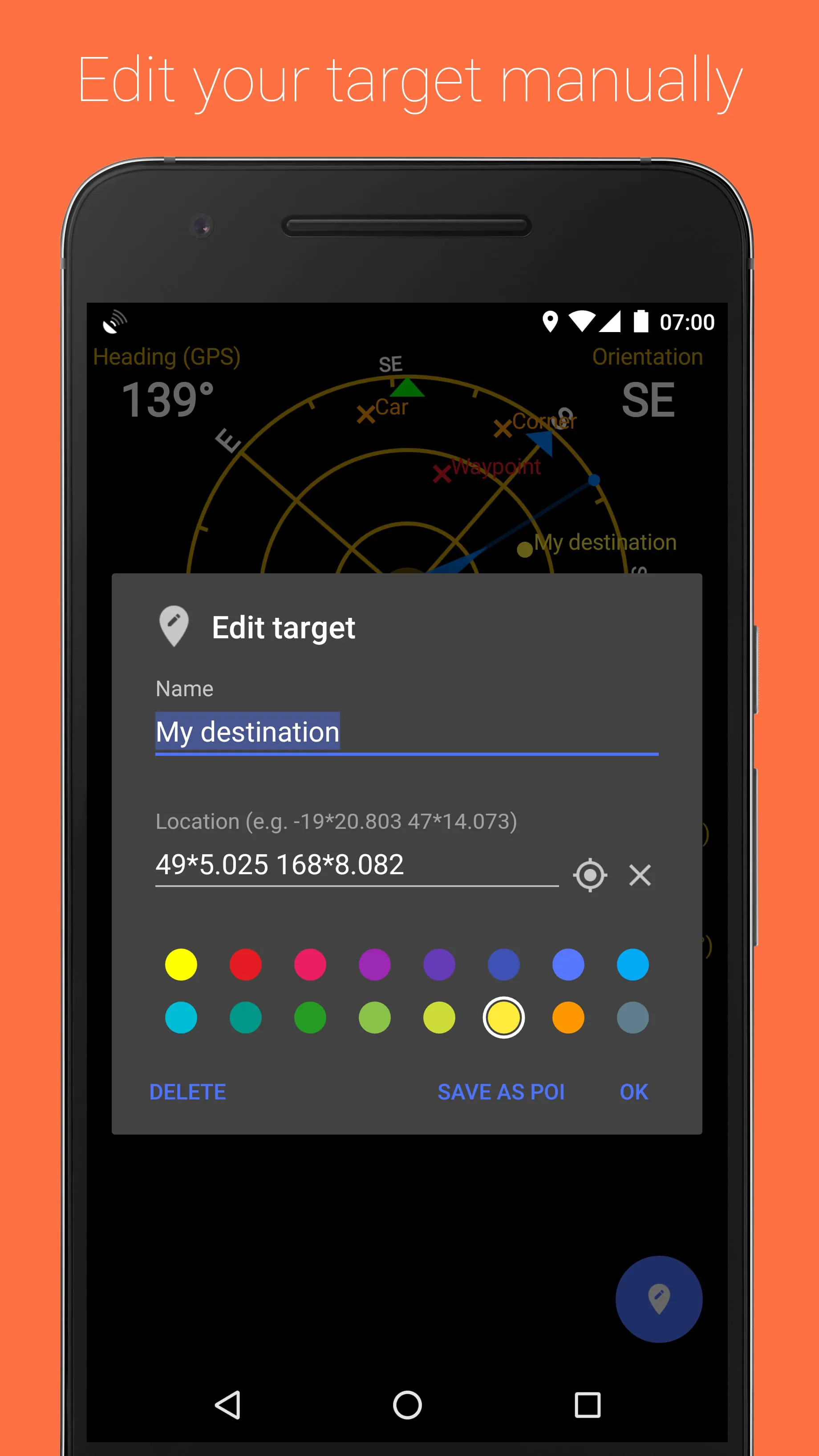
Users have the ability to customize various aspects of the application, from display settings to data logging parameters. This level of control allows users to tailor the app to their specific needs, enhancing the overall experience.

Customization Options

Offers a range of customization options to suit individual user preferences. 🌟

Navigation Balance: Offline and Online Capabilities

While some navigation features rely on online maps, the application strives to provide certain offline capabilities for use in areas with limited or no internet connectivity. This blend of online and offline functionality ensures accessibility in various environments.

Overall Assessment

This application offers a balanced blend of GPS data provision and practical tools, striving for a seamless user experience. Its ability to integrate various features and customization options enhances its value proposition, making it a strong contender in its category.


Description

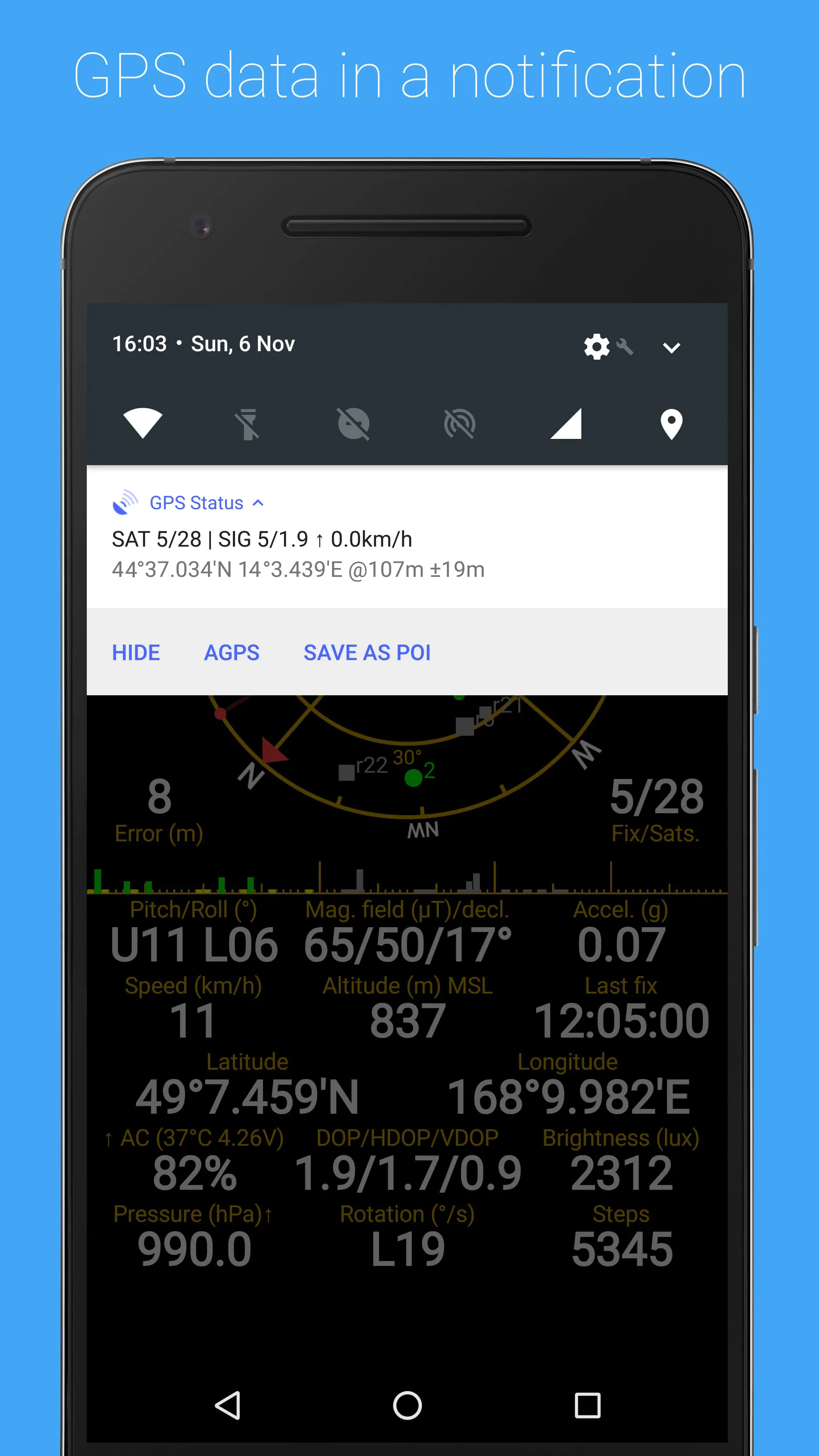
GPS Status & Toolbox is a comprehensive app that provides users with all the information they need about their GPS and sensor data. It displays various details such as the position and signal strength of satellites, accuracy, speed, acceleration, altitude, bearing, pitch, roll, and battery state. The app also offers useful tools like a compass with magnetic and true north, a leveling tool, and the ability to mark and share waypoints for navigation purposes. Additionally, users can speed up their GPS location finding by regularly clearing or updating assistance data. The PRO version of GPS Status & Toolbox offers additional features such as the ability to show, store, edit, export, and use unlimited waypoints for navigation. It also provides information on pressure, rotation, temperature, and humidity values (if supported by the device) on the status screen. Other features include picture-in-picture mode, background AGPS downloading, widgets, and an ad-free experience. For more information on how to use the app, users can refer to the User Guide. Additionally, the app's FAQ section provides answers to commonly asked questions.

All Versions

V11.0.307

Updated: 2021-4-2

5.4 MB

Summary Of User Reviews

Jay Baker
Jay Baker
April 28, 2021
It's mostly just a toy for me, but I also like that it can be used for navigation when no Internet data services are available either with a paper map, or if you set a waypoint at a known location before starting out, you can find your way back.certainly no survivalist should be without. I have also used it in air flight (shh) to keep track of altitude and speed as well as guestimating how far into the flight I am when there is no on screen flight map
Marko Belić
Marko Belić
March 10, 2024
Used it for almost 15 years now. It is an excellent tool to find out your location and track phone's attempts to lock on and gives much additional information. Pretty useful even in flight mode when you are in plane and want to track your location (just keep it close to window). Only thing I would like to know is a bit deeper explanation of the icons and colors - what they represent. An instruction or legend would be great.
Yancarlo Ramsey
Yancarlo Ramsey
September 6, 2021
Provides an incredible amount of detailed information in an easy to read format, with a lot of extra utility beyond just knowing exactly where you are: It's also a great way to make sure your compass is calibrated right and your device's motion sensors and GPS receiver are functioning correctly. The night mode display theme uses red, which is great for preserving your low light vision. And the ad-free version (with extra features that I haven't even tried yet) is super cheap. Very worthwhile!