
HomeHP Smart
HP Smart

HP Smart

Everyone
Rating
V9.0.1.3
Version
100M+
Installs
4.20
31.2k + Reviews
1
14%
2
2%
3
3%
4
8%
5
73%

Review By AppsWm

HP SmartHP SmartHP SmartHP Smart

Innovation Breakthroughs

The application streamlines the printing process by enabling users to manage their printers and documents directly from their mobile devices. The core innovation lies in its ability to bridge the gap between physical printing and digital workflows. Further breakthroughs involve integrating advanced scanning functionalities and cloud connectivity.

Mobile Printing

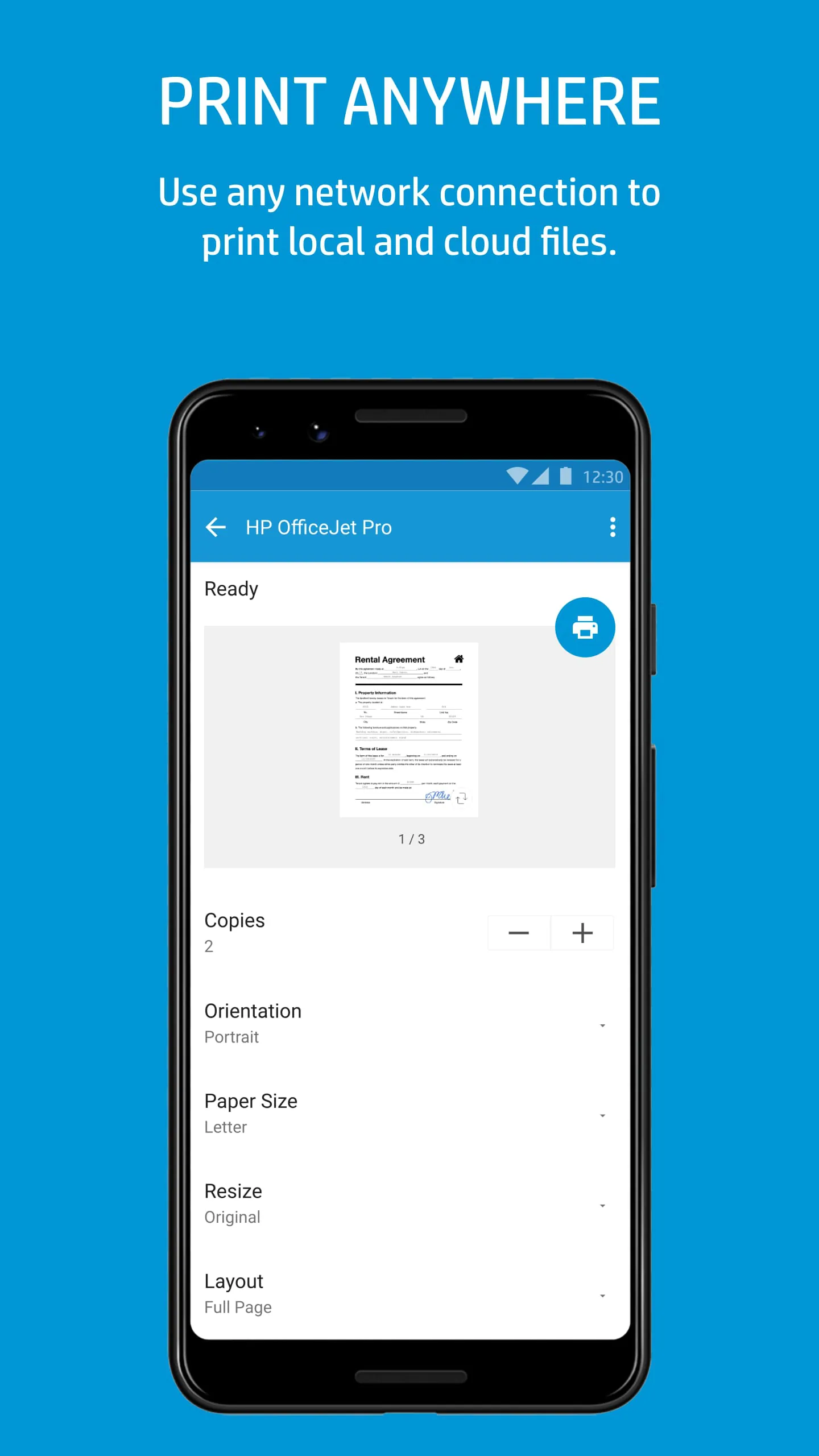
Allows users to print documents and photos directly from their smartphones or tablets, eliminating the need for a computer.

Technical Advancements

Technically, the application leverages wireless communication protocols (like Wi-Fi Direct) and cloud services integration to offer a seamless printing experience. Recent advancements include enhanced optical character recognition (OCR) for scanned documents and improved security protocols for data transmission.

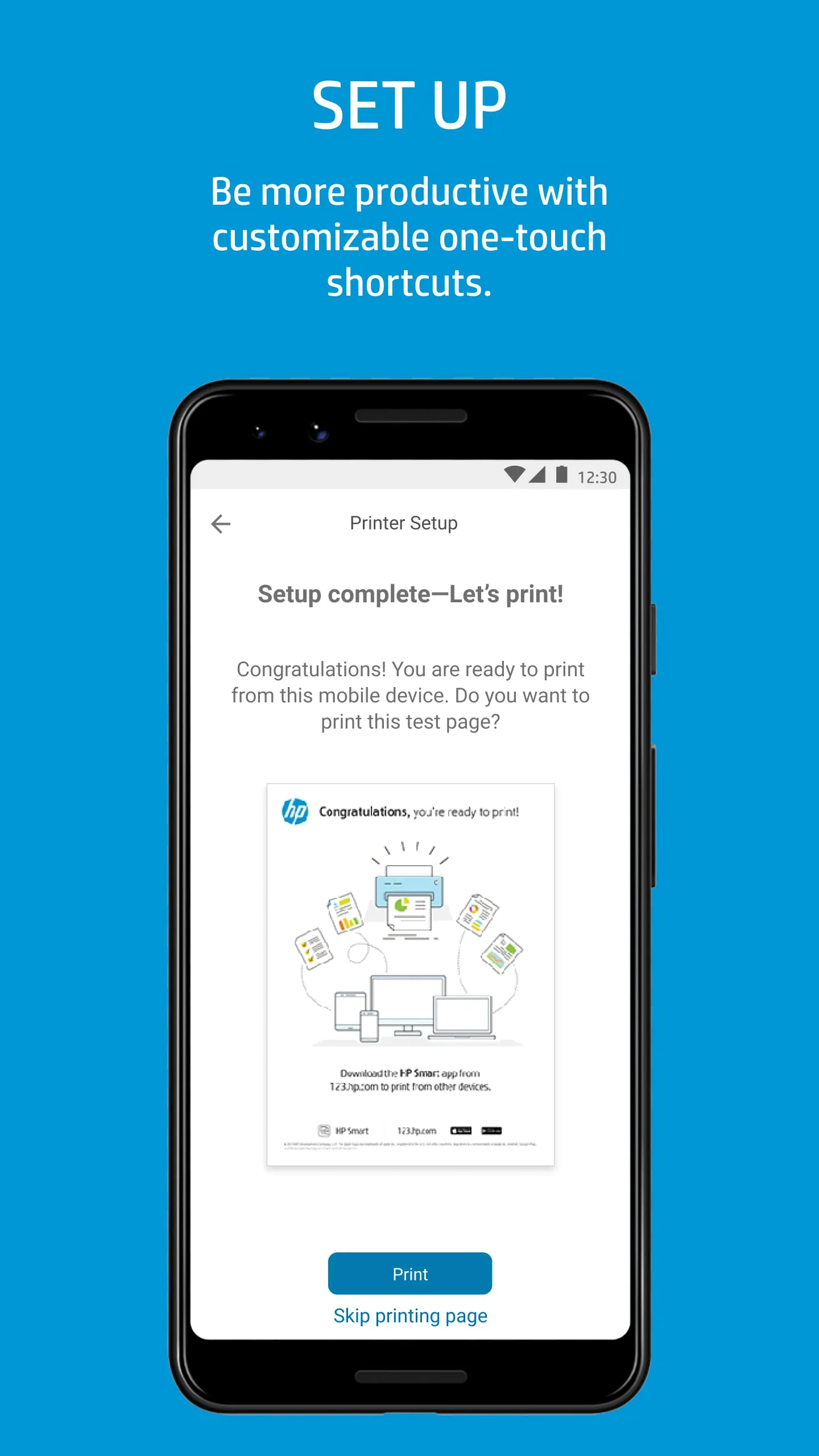
  • Easy setup and printer discovery.
  • Cloud printing support.
  • Potential security vulnerabilities.
  • Dependence on stable network connectivity.

Development Milestones

Development milestones include the initial release that focused on basic printing and scanning functionalities. Subsequent updates have introduced features like mobile faxing, advanced document editing, and integration with various cloud storage services.

Progress Assessment

Significant strides have been made in simplifying document management, but further refinements in user experience and feature integration are needed.

Future Implications

The future implications of such applications involve a shift towards fully mobile document workflows. This includes the potential for tighter integration with other productivity apps, enhanced AI-driven features like automatic document categorization and optical character recognition (OCR), and predictive printing capabilities.

Feature Current Implementation Potential Future Improvement
Mobile Printing Basic document printing Predictive printing based on user habits
Cloud Integration Integration with popular cloud services AI-driven document categorization and storage

Industry Impact

The application's industry influence is considerable, driving other printer manufacturers to enhance their mobile printing solutions. It also encourages the development of more secure and user-friendly mobile document management platforms.

Overall Innovation Value

While offering practical utility and paving the way for future advancements in mobile printing, the true innovation potential remains to be fully realized. The continued evolution in integration and AI capabilities is an area of particular interest.


Description

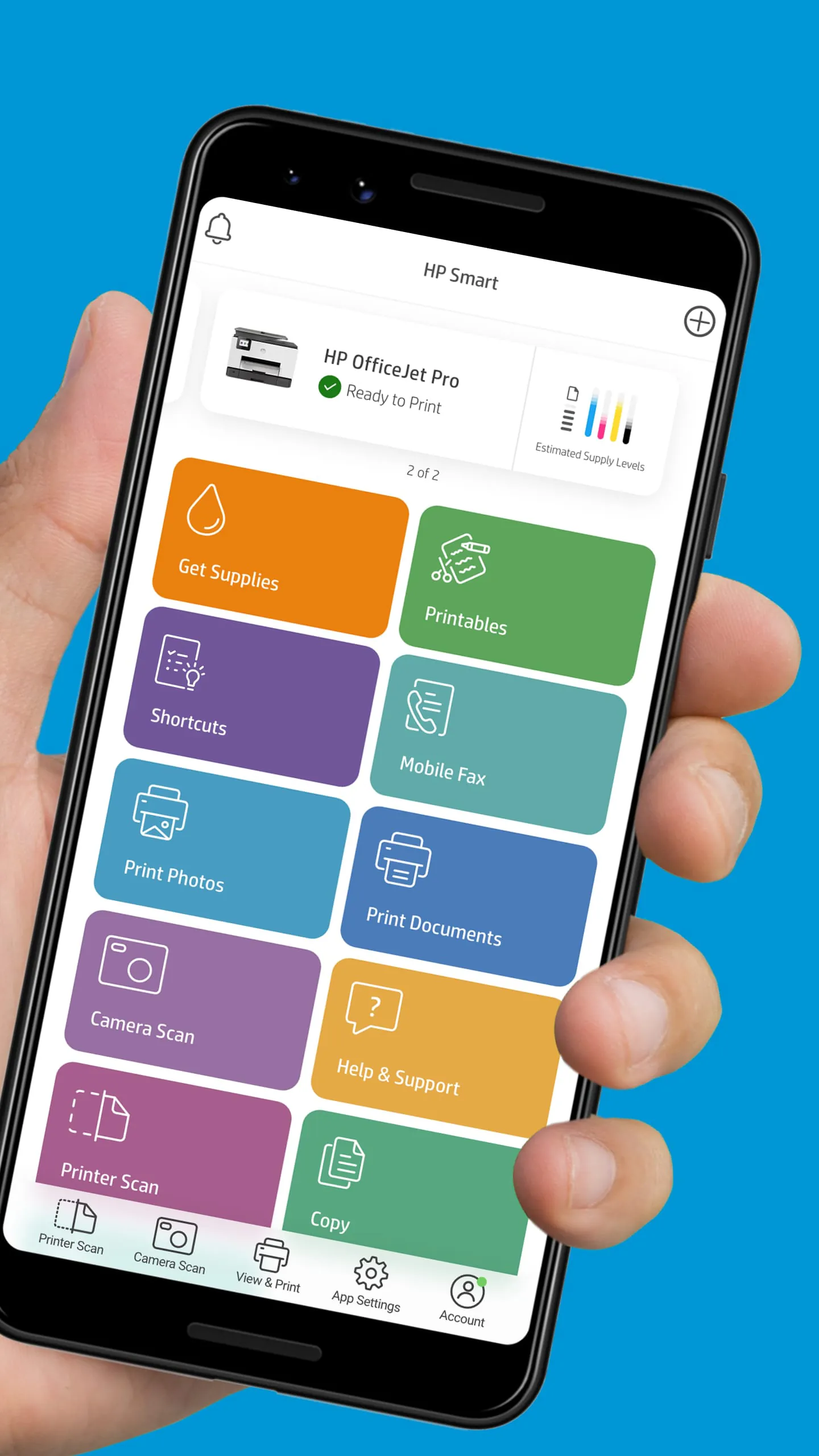
HP Smart is a convenient app that allows users to easily set up and operate their HP Printer from a mobile device. With features like Print Anywhere and Mobile Fax, users can print, scan, copy, and share files with friends, co-workers, or linked cloud accounts. The app enables users to manage their printer using any network connection, order supplies, get support, and manage their HP account directly from the app. Additionally, users can create high-quality scans, edit photos, and send secure faxes with ease. Users can utilize HP Smart to create high-quality scans using their mobile device's camera or import existing files. They can then preview, edit, and save the scans as PDFs or JPEGs, or send them to their preferred cloud storage account. The app also offers photo editing tools such as filters, text addition, cropping, and adjustments to saturation, contrast, or brightness. With features like Smart Tasks for customizable shortcuts and access to printable crafts, cards, and learning activities, users can enhance productivity and creativity. While some HP Smart features require a network connection and an HP account for full functionality, the app offers a range of useful tools and capabilities for managing and operating HP Printers. Users can access support, order supplies, and manage their HP account directly from the app. Additionally, they can enjoy features like Mobile Fax for secure faxing, Smart Tasks for productivity, and access to printable crafts and activities for family engagement.

All Versions

V17.35.0.5115

Updated: 2024-12-5

109.23 MB

V16.10.0.4315

Updated: 2023-10-18

227.7 MB

V16.0.3.4239

Updated: 2023-9-5

176.5 MB

V16.0.0.4184

Updated: 2023-8-2

176.47 MB

V15.0.2.4173

Updated: 2023-7-26

175.28 MB

V15.0.1.4143

Updated: 2023-7-7

178.13 MB

V14.0.0.4073

Updated: 2023-5-26

122.33 MB

V9.4.1.3

Updated: 2022-8-24

114.31 MB

V9.1.1.5

Updated: 2022-4-12

99.3 MB

V9.1.1.2

Updated: 2022-3-31

99.3 MB

V9.1.1.1

Updated: 2022-3-30

99.3 MB

V9.1.0.51

Updated: 2022-3-18

99.3 MB

V9.0.1.3

Updated: 2022-2-9

98.5 MB

Summary Of User Reviews

Stephanie Weis
Stephanie Weis
February 1, 2026
worst printer ever. I typically print from both my Samsung phone and my HP laptop, and I have the worst time printing from my phone. The printer takes up to 1 hour to print anything from my phone. I have gone through all the troubleshooting steps, uninstalled and reinstalled, cleared the cache, and nothing works. I have every plug-in app as well, without resolution. Tech support doesn't help because they can't chat with you while also using the app. Tell me how that makes sense. Going in 🗑️.
Michael A Berry
Michael A Berry
December 17, 2025
Enshitification enters overdrive as this app moves from "mildly annoying but functional" to "a dumpster fire". It cannot connect to any printers despite being on the same network. The printer itself is no better as it frequently loses connection in the middle of scanning to the app or network. Nothing else on the network experiences issues and the printer has line-of-sight to the wireless access point. I'm done with HP and done with their printers. Never again.
Luisa Galindo
Luisa Galindo
January 30, 2026
BAD APP, it won't even open and I've uninstalled it 3 times already. NOTHING. I AM NOT HAPPY WITH HPs printers anymore, they used to be so much better ten years ago. They are getting worse to setup and connect and keep connected & reconnect to the internet. And the ink runs out too fast, then it starts streaking and stops printing even though the you've replaced the darn ink. But yes, this new app won't even open, at least the hp smart app would open up, geez! And this is happening when I need!