HomeHP Sprocket
HP Sprocket

HP Sprocket

Everyone
Rating
V2.84.641.11.1
Version
1M+
Installs
4.40
3.1k + Reviews
1
9%
2
4%
3
4%
4
11%
5
73%

Review By AppsWm

HP SprocketHP SprocketHP SprocketHP Sprocket

Moments of Insight

The HP Sprocket app serves as a bridge between the digital world and the tangible joy of printed photos, instantly connecting memories to physical keepsakes. It shines in its ability to foster spontaneous creativity and sharing, although some users may find its features basic compared to more advanced photo editing suites.

Balanced Perspectives

Pros
  • Simple and intuitive interface
  • Seamless integration with HP Sprocket printers
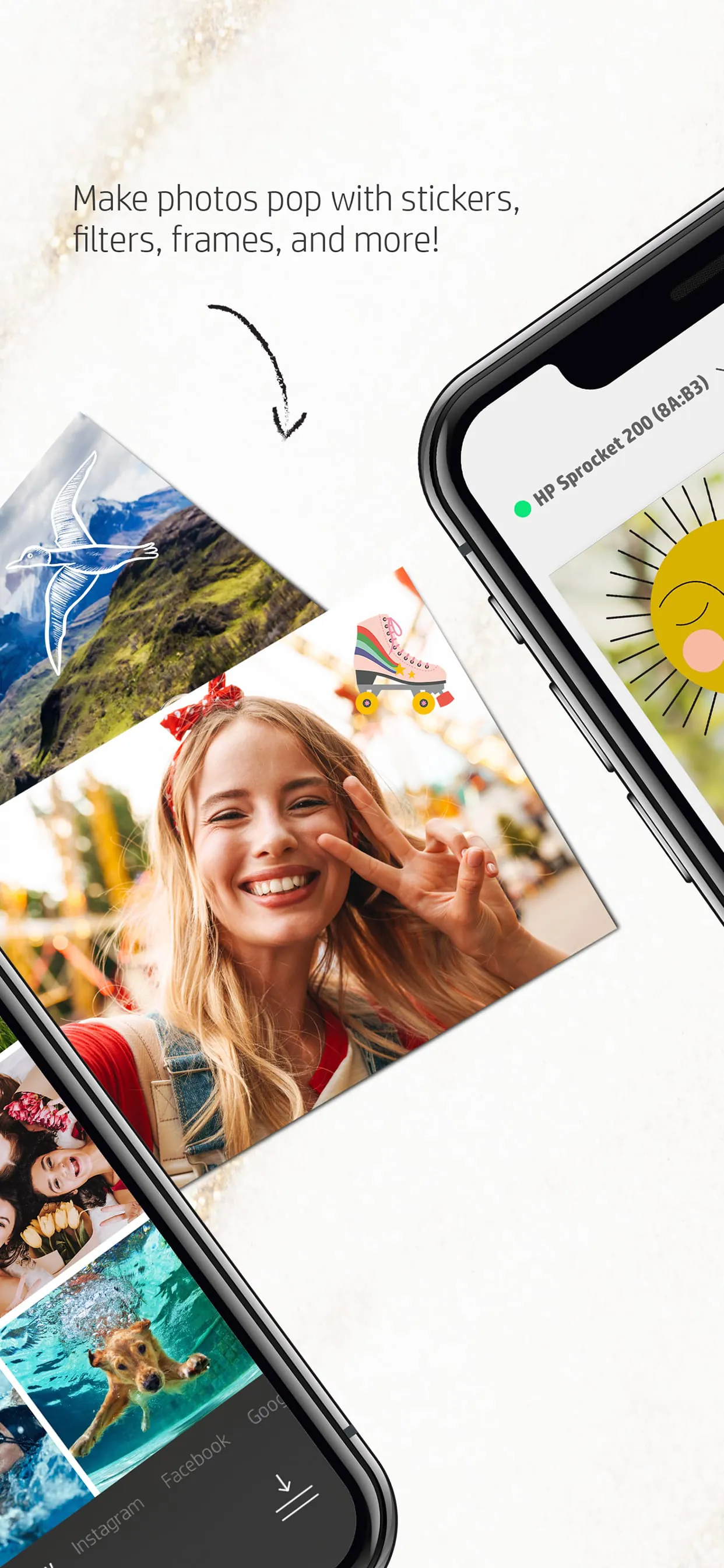
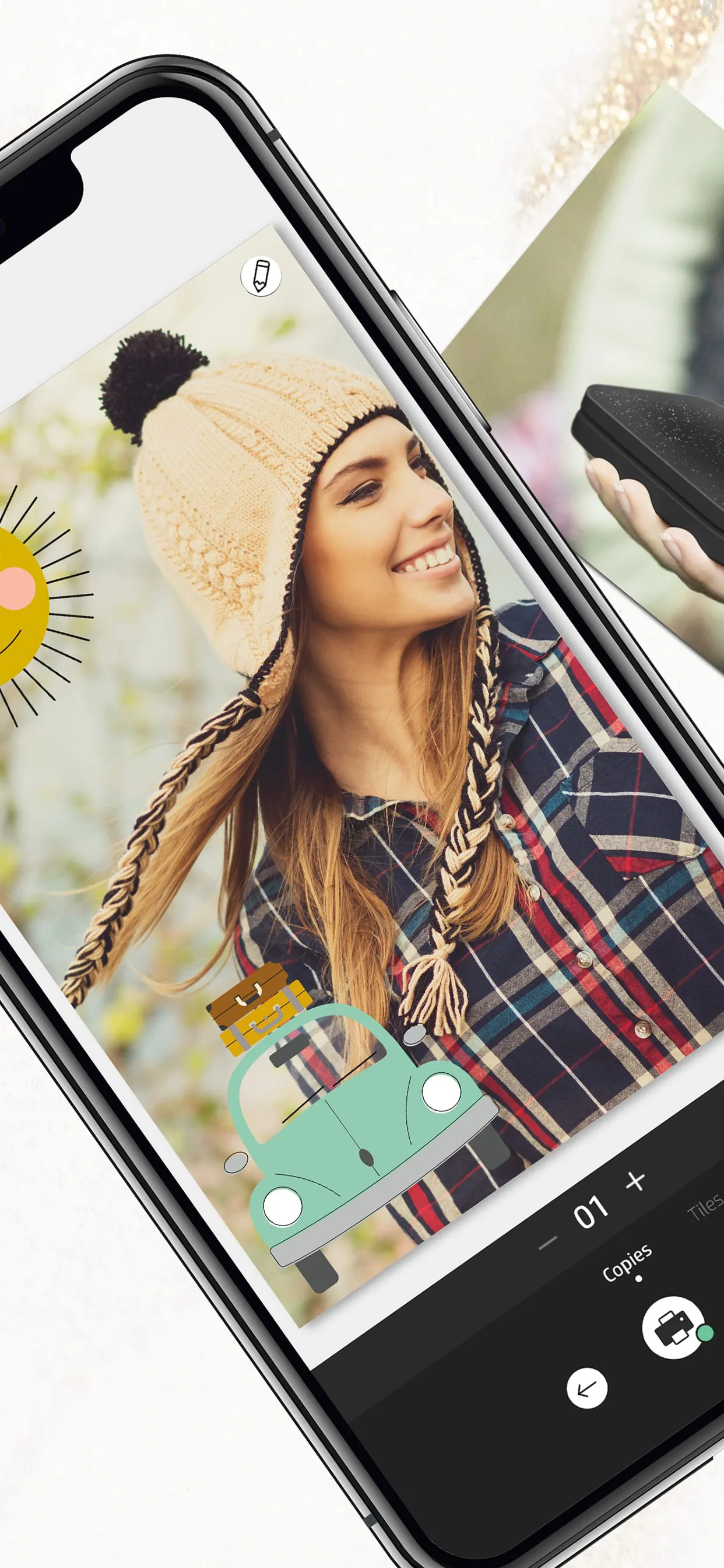
  • Fun, creative tools for personalization
  • Easy social media sharing

Cons
  • Limited advanced editing capabilities
  • Potential connectivity issues
  • Print quality dependent on printer and paper

Mindful Observations

The app's design prioritizes ease of use, making photo printing accessible to a wide audience. However, users seeking professional-level editing tools may find its offerings insufficient. Consider it a companion app meant to enhance the experience of the HP Sprocket printer, not a standalone photo editing powerhouse.

Thoughtful Reflections
Usability

The app excels in user-friendliness. Its interface is clean and uncluttered, guiding users through the printing process effortlessly. Connecting to the printer is typically straightforward, minimizing frustration and allowing for quick, on-the-go printing.

Creative Templates

Offers various templates for creating personalized photo prints, enhancing the fun and creative possibilities.

Harmonious Integrations

The true strength of the app lies in its seamless integration with the HP Sprocket printer. It allows users to instantly print photos directly from their smartphones, fostering a sense of immediacy and connection to their memories. Features like augmented reality add a playful dimension to the printing experience.

Final Verdict

The HP Sprocket app is a well-designed companion for the HP Sprocket printer, perfect for casual users who want to quickly and easily print photos from their smartphones. While it lacks the depth of advanced photo editing apps, its simplicity and seamless integration make it a valuable tool for creating tangible memories.

Feature Description
Printing Easily print photos from your phone
Editing Offers basic editing features

Description

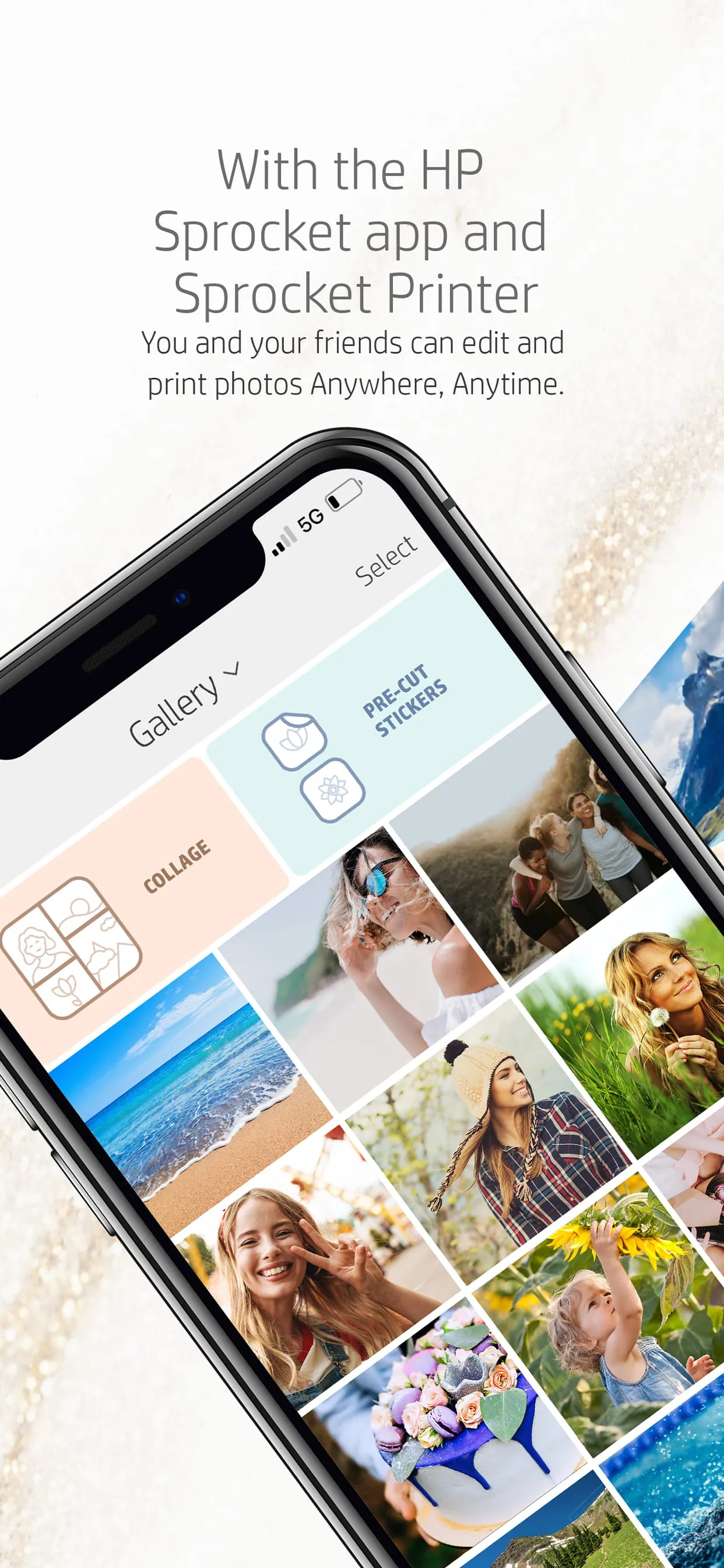
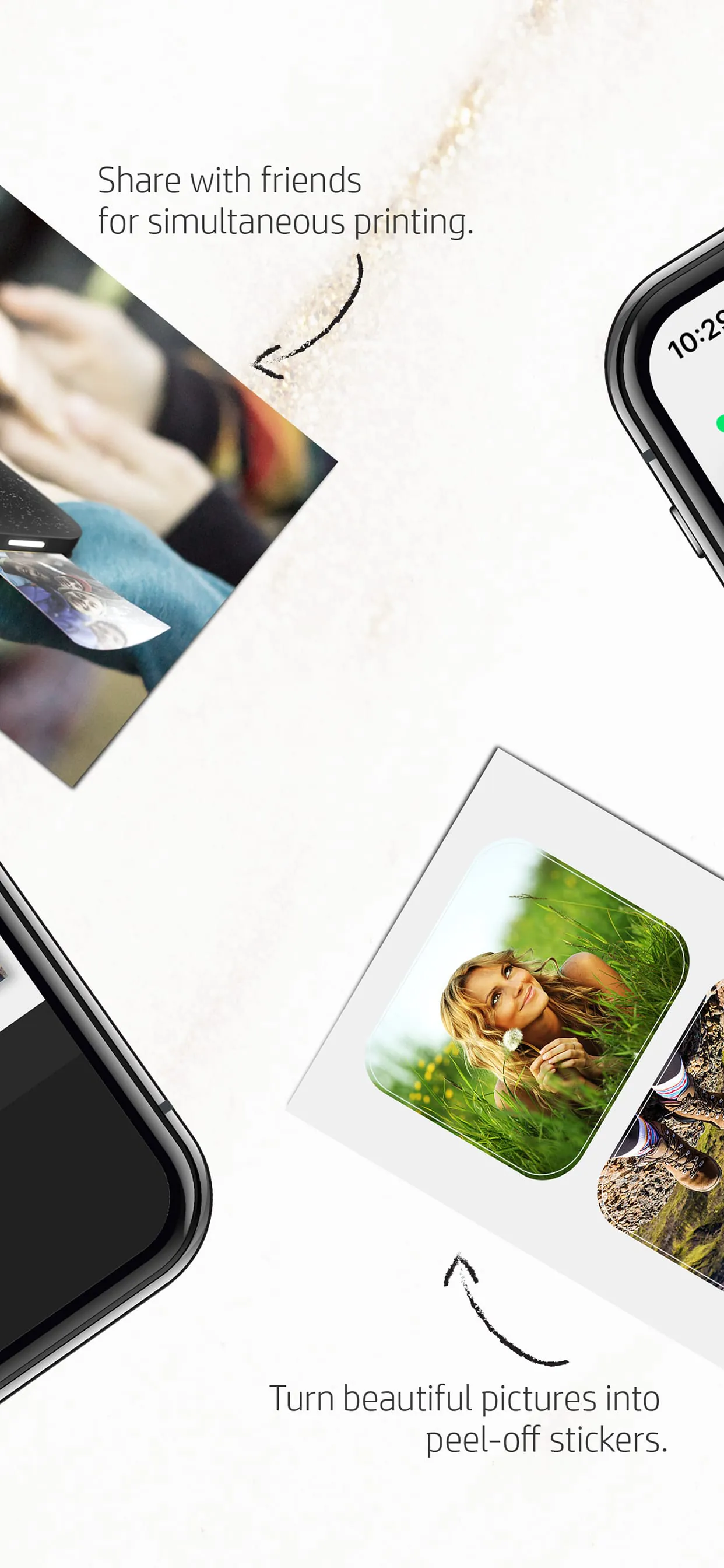
HP offers a convenient photo-editing hub for all HP Sprocket printers, allowing users to print their favorite memories on various sizes of photo paper. By simply selecting photos from their smartphones or social media accounts and sending them to the app, users can create vibrant prints to cherish. The app provides customization options such as adding text, borders, and emojis to enhance the photos before printing. With the compact and lightweight design of HP Sprocket printers, users can easily carry them anywhere and print beautiful images on the go. The HP Sprocket printers, in partnership with C&A Marketing Inc. under license from HP Inc., enable users to transform their digital memories into tangible prints. Whether it's hanging up classic photo paper prints or decorating belongings with fun stickers using HP Sprocket sticker photo paper, users can bring their unforgettable images to life. The seamless pairing of HP Sprocket printers with the app allows for quick and easy printing, making it convenient for users to enjoy their printed memories wherever they are. HP and Sprocket, as registered trademarks of HP Inc., showcase the commitment to quality and innovation in the realm of printing technology. The collaboration between HP and C&A Marketing Inc. brings forth a range of HP Sprocket printers that cater to users looking to preserve and share their special moments through printed photographs. With the user-friendly app and versatile printing options, HP Sprocket printers offer a creative and portable solution for turning digital images into tangible keepsakes.

All Versions

V2.84.641.11.1

Updated: 2024-5-29

76.26 MB

V2.84.631.1

Updated: 2024-4-1

76.25 MB

V2.84.61.1

Updated: 2023-8-2

76.49 MB

V2.84.51.1

Updated: 2023-4-3

72.96 MB

V2.81.81.1

Updated: 2022-1-26

70.0 MB

V2.81.51.1

Updated: 2021-8-11

68.5 MB

V2.81.31.1

Updated: 2021-7-17

68.4 MB

V2.80.71.1

Updated: 2021-2-1

60.1 MB

Summary Of User Reviews

Shelli B
Shelli B
September 23, 2025
I love this little printer, but the app could use some work. The paper is reasonably priced, and I can take pictures at work and hang them up right away. I like that it has borders. I just wish that I could edit them. The New Year boarders still have 2024, and it is almost 2026. Most of the borders are really cute, but I don't want the words. I wish I could edit the boarders.
Michael Usalis
Michael Usalis
February 24, 2026
The app wants a ridiculous amount of permissions. Its completely unusable unless you grant it full access to your entire photo library, precise location, and full Bluetooth scanning. HP doesn't need to know where I am at all times just to print a small photo! That's if you can even get the app to work. The app requiring full access to your photo library means it wants to load every photo before it allows you to select any to be printed. It can't load all my photos without crashing. Its unusable
SE McCollum
SE McCollum
February 8, 2026
When it works, it is great, though colors come out less vibrant. But all too often it seems to have a system error and the connection is lost. I have to leave it for a long time (multiple days) before using again. Edit: followed all steps suggested by customer service and repeated the actions over the past few days. I am able to connect the printer to my phone and app, but it continues to report a system error occurred and pauses every attempt to print, even with the blue sheet.