Exceptional Streaming Capabilities
This application truly shines in its ability to transform your mobile device into a versatile network camera. The curated element here is the wide range of options available for streaming video, offering flexibility and control to the user.
Versatile Streaming Options
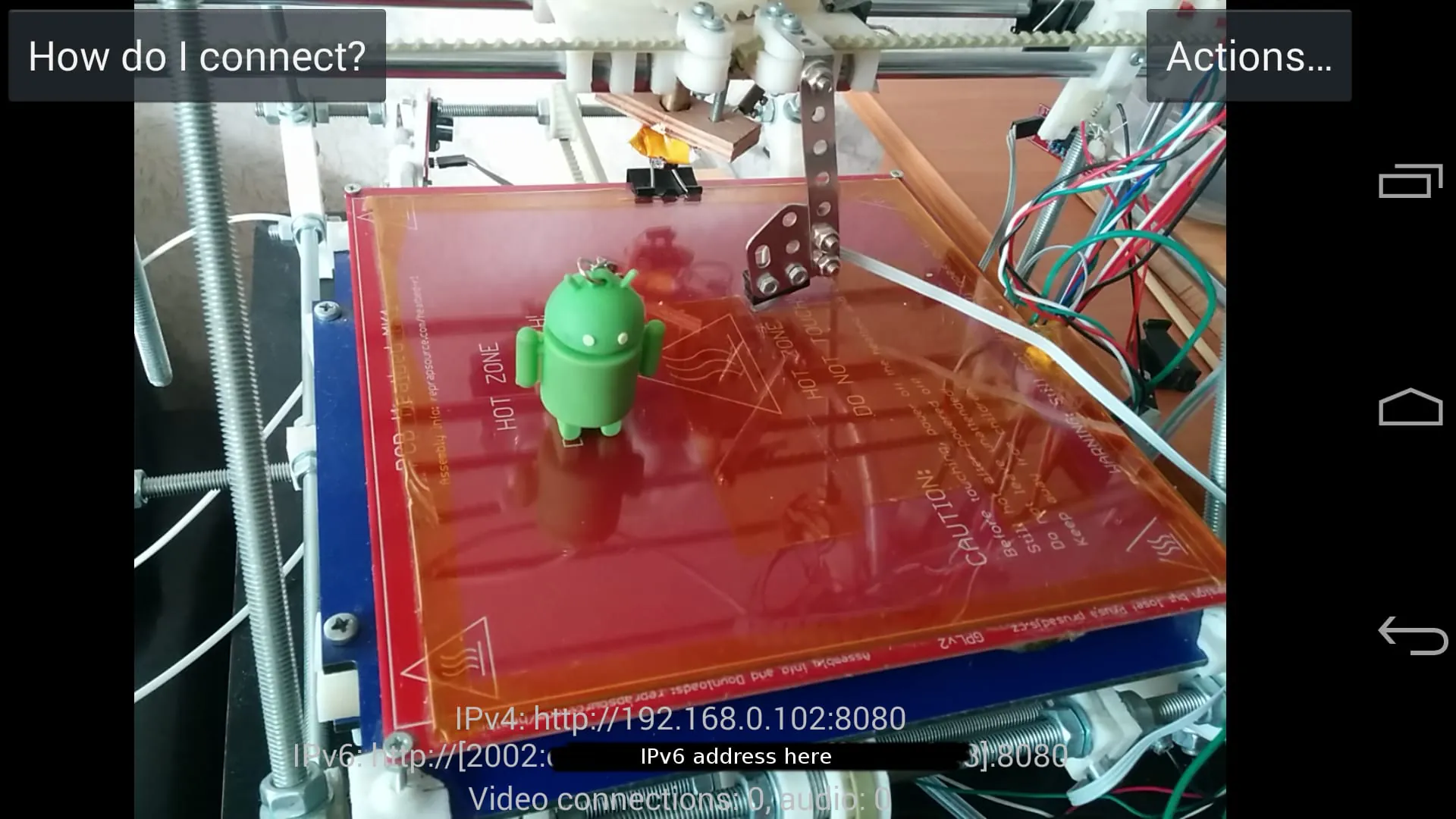
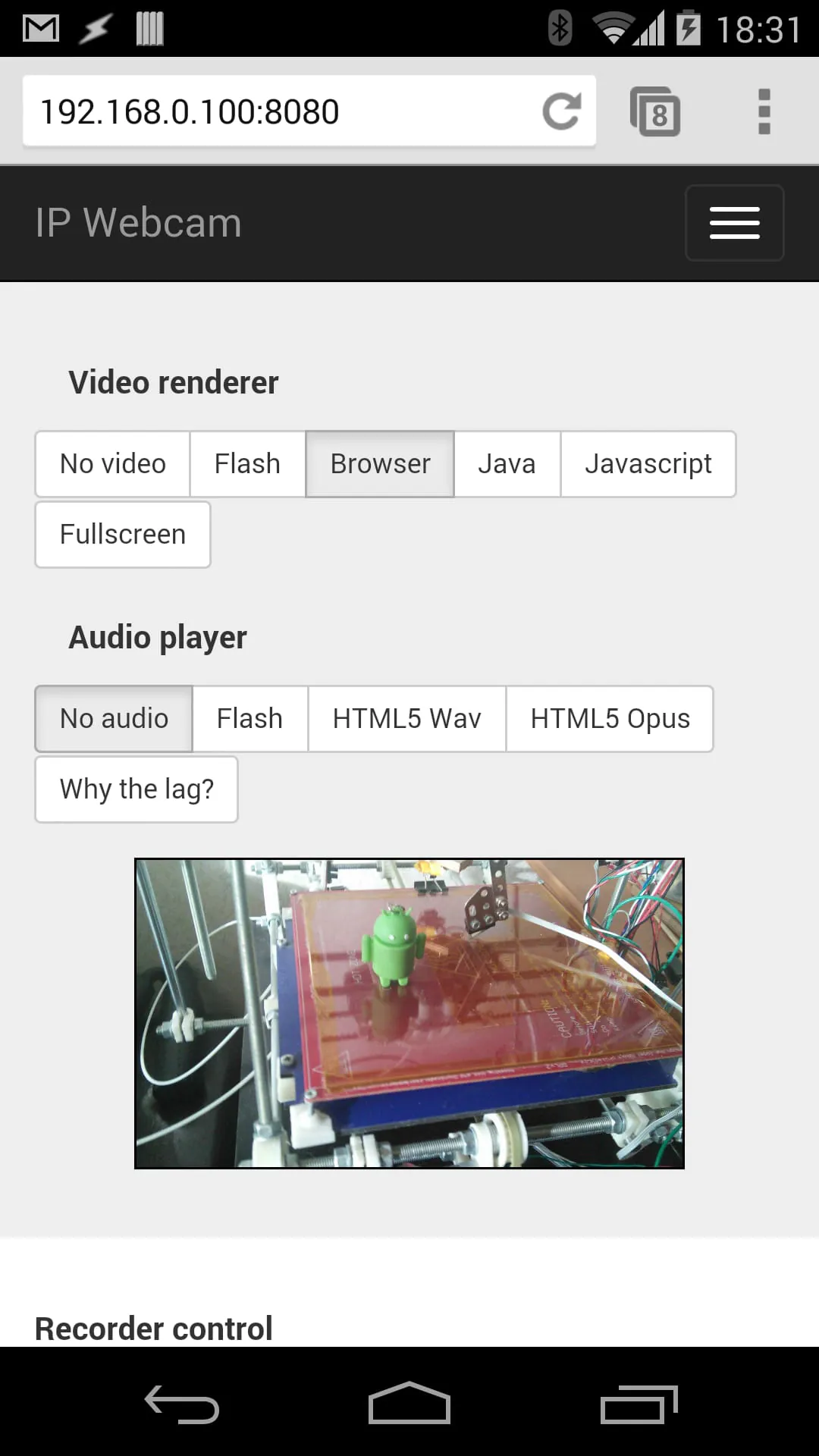
Users can select various methods for accessing the video feed, including through a web browser or other compatible applications, enhancing its utility across different platforms.
Premium Security Features
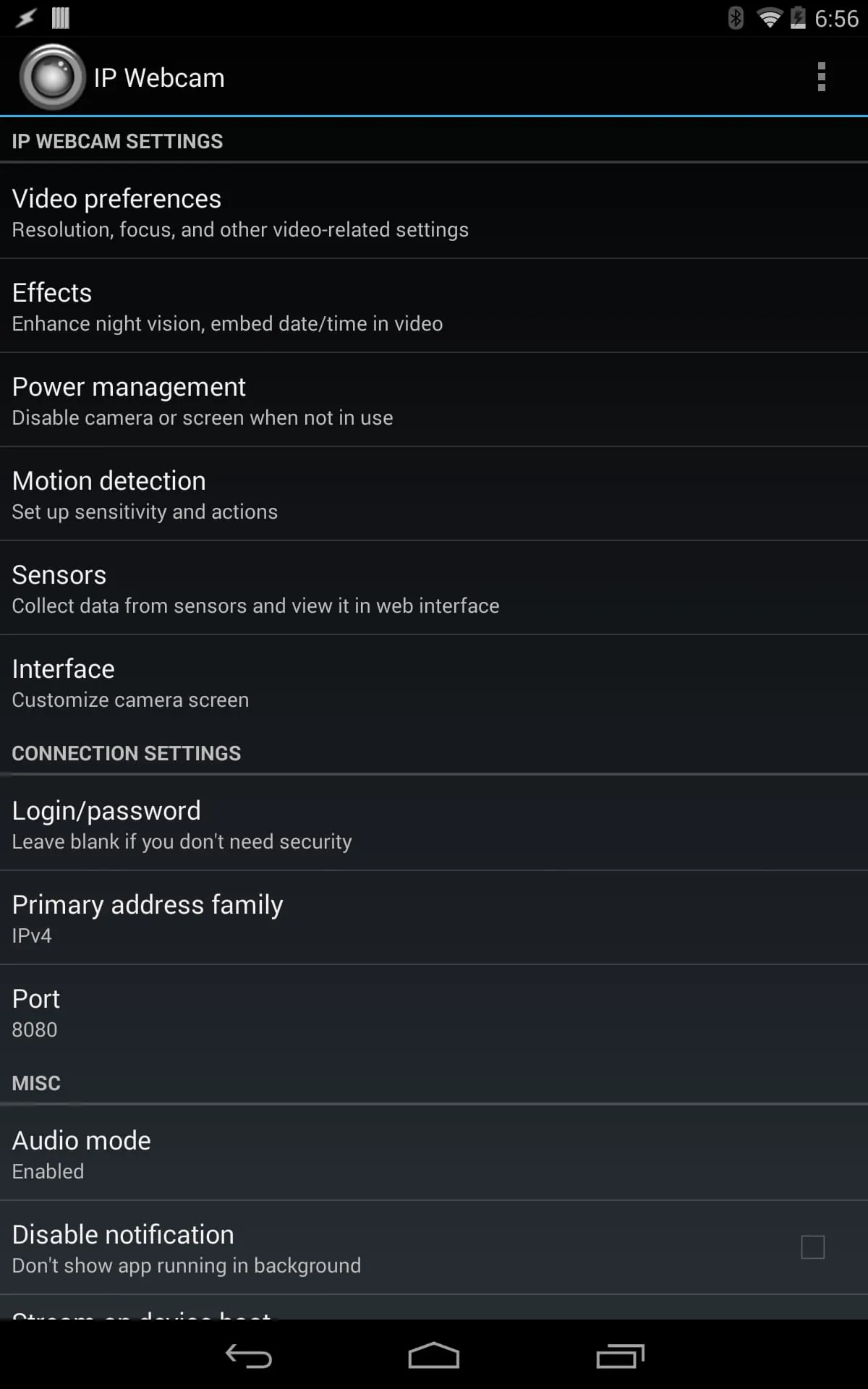
Security is paramount, and the app delivers with choice selections in authentication and encryption, assuring user that the video stream is protected from unauthorized access.
-
Username/Password Authentication
-
Encryption options
Notable Highlights: Customization
Customization options are a strong suite. The level of control users have over video resolution, frame rate, and audio settings means that it can be tailored to various network conditions and use cases.
|
Setting
|
Available Options
|
|
Resolution
|
Multiple choices from low to high definition
|
|
Frame Rate
|
Adjustable to optimize for bandwidth
|
Choice Selections: Remote Control
The ability to remotely control camera functions, such as zoom and focus (if supported by the device), is a significant advantage, providing a degree of interactivity not commonly found in similar applications.
Remote Management
This aspect elevates user experience by offering convenient control options.
Selected Features: Background Service
The app's ability to run as a background service ensures continuous operation, even when the device is not actively in use. This is a crucial feature for surveillance or monitoring applications.
-
Continuous operation
-
Uninterrupted streaming
-
Increased battery consumption
Overall curation value
Overall, this app delivers a robust and feature-rich experience, making it a strong choice for users looking to repurpose their mobile devices as network cameras. Its blend of versatility, security, and customization options set it apart in its category.
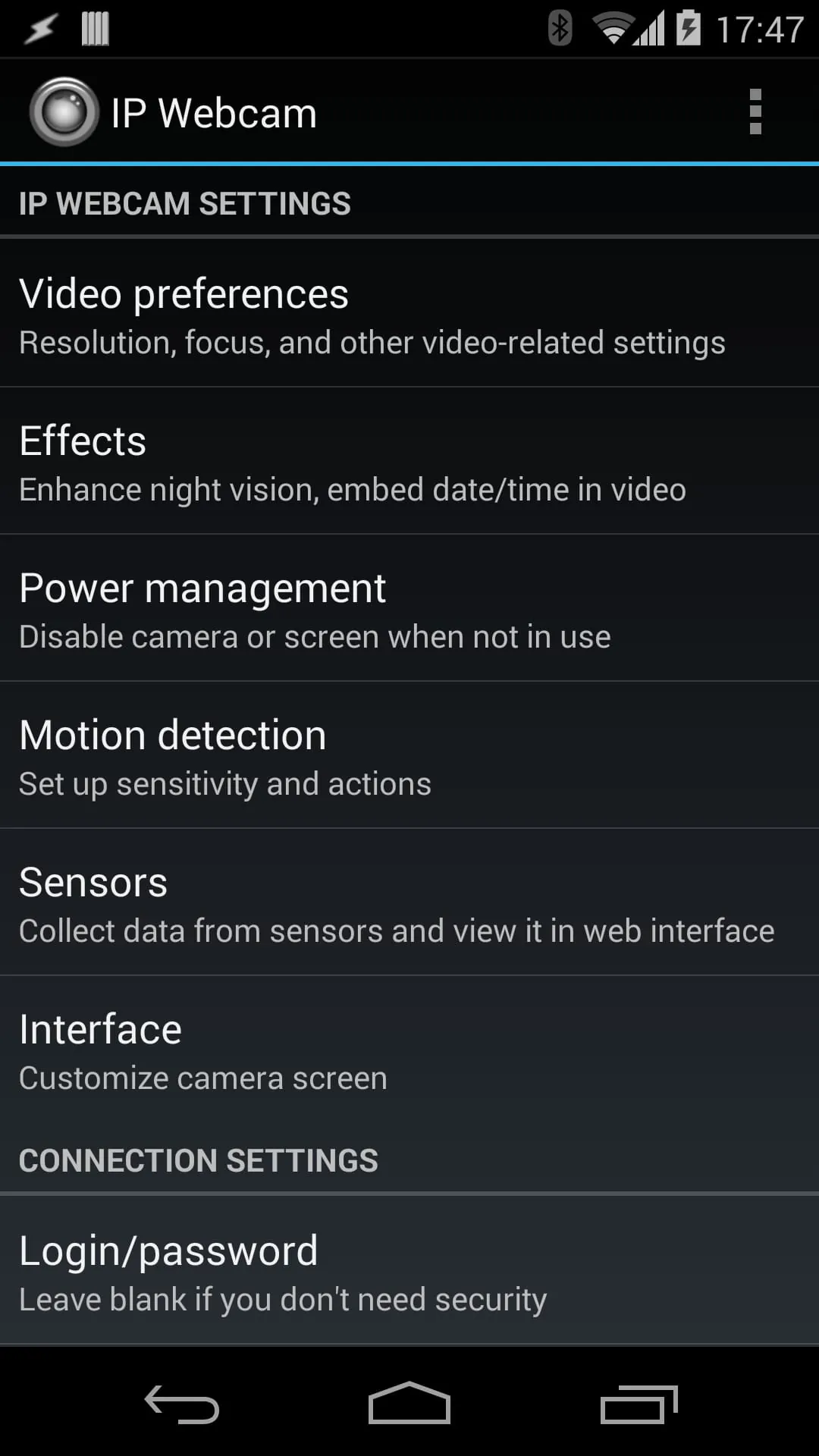
IP Webcam is a mobile application that transforms your phone into a network camera with multiple viewing options. You can view your camera on any platform with VLC player or web browser, and stream video inside a WiFi network without internet access. The app also supports optional Ivideon cloud broadcasting for instant global access. Two-way audio is supported in tinyCam Monitor on another android device. You can use IP Webcam with third-party MJPG software, including video surveillance software, security monitors, and most audio players.
The app offers several features, including video upload to Dropbox, SFTP, FTP, and Email using Filoader plugin. You can choose from several web renderers, including Flash, Javascript, or built-in. Video recording is available in WebM, MOV, MKV, or MPEG4 (on Android 4.1+), and audio streaming is available in wav, opus, and AAC (AAC requires Android 4.1+). Other features include motion detection with sound trigger, Tasker integration, date, time, and battery level video overlay, sensor data acquisition with online web graphing, video chat support, cloud push notifications on motion and sound, cloud recording for motion-triggered records, and online video broadcasting powered by Ivideon. The app also offers extensive baby and pet monitor features, including night vision, motion detection, and sound detection.
The lite version of the app is supported with unobtrusive ads. It is fully functional but lacks Tasker integration, customizable user interface (only editor is present), and has a watermark over recorded videos. If you have any questions after reading the FAQ, you can email the developer for assistance.
Overall, IP Webcam is a versatile app that offers a range of features for turning your phone into a network camera. With support for multiple viewing options and third-party software, it is a useful tool for video surveillance, security monitoring, and more. The app's extensive features, including cloud broadcasting and baby and pet monitor options, make it a great choice for those looking for a comprehensive camera solution.