Unlocking Potential Through Seamless Access ✨
This application redefines productivity by offering a centralized hub for file storage and sharing. It transcends the limitations of physical storage, fostering a dynamic and accessible digital workspace.
Motivation Points: Your Digital Command Center 🚀
The ability to access and manage files from any device is inherently motivating. This app eliminates the frustration of being tethered to a specific location or device, empowering users to work and collaborate on their terms.
Imagine the freedom of accessing your vital documents during a commute or presenting a project proposal from anywhere in the world.
Inspiration Features: Collaboration Without Boundaries 🎨
Real-time co-authoring and streamlined sharing options are key inspirational components. The app facilitates seamless collaboration on projects, fostering creativity and efficiency.
The ability to provide instant feedback and work together on documents in real-time promotes a collaborative environment.
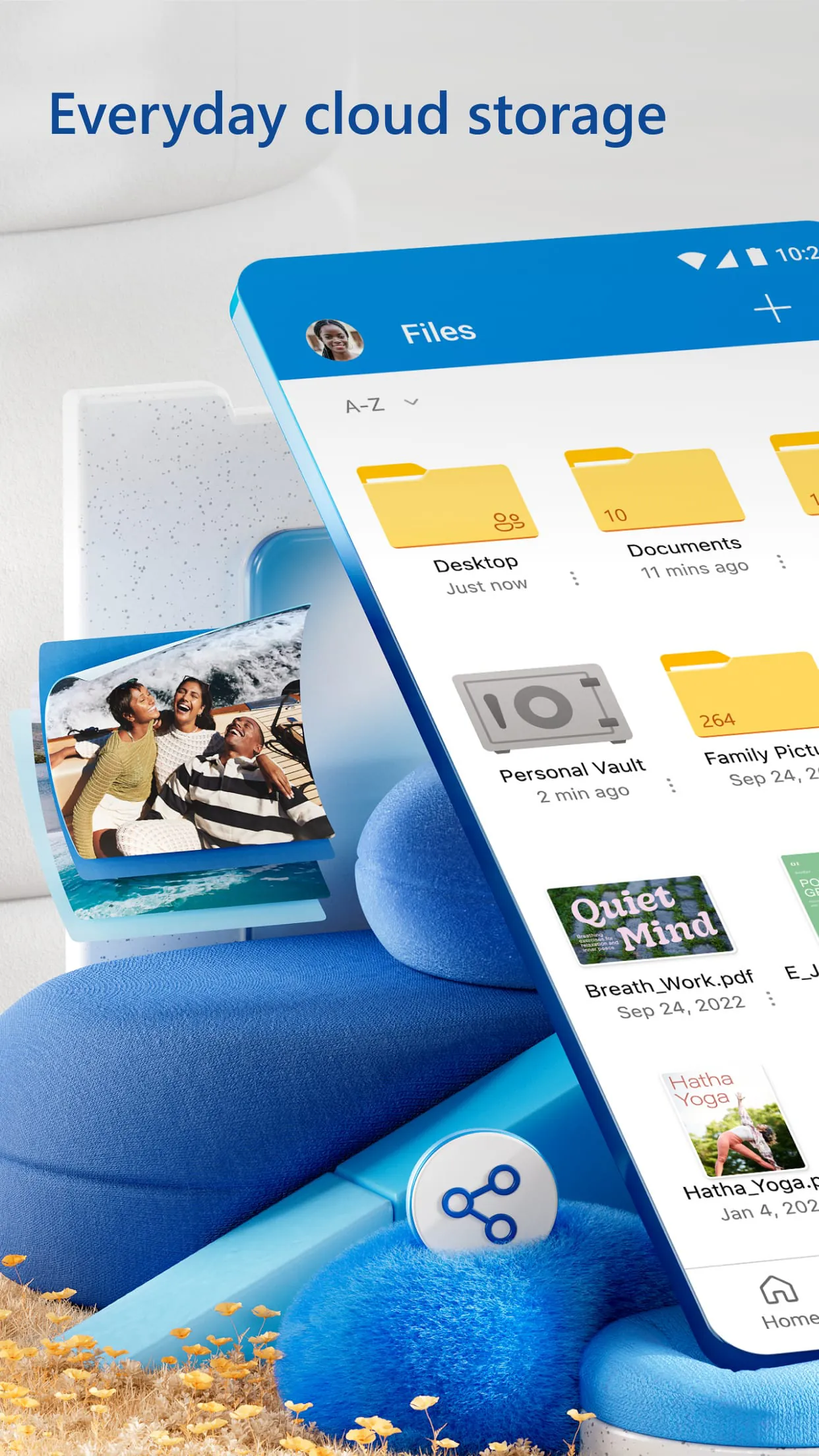
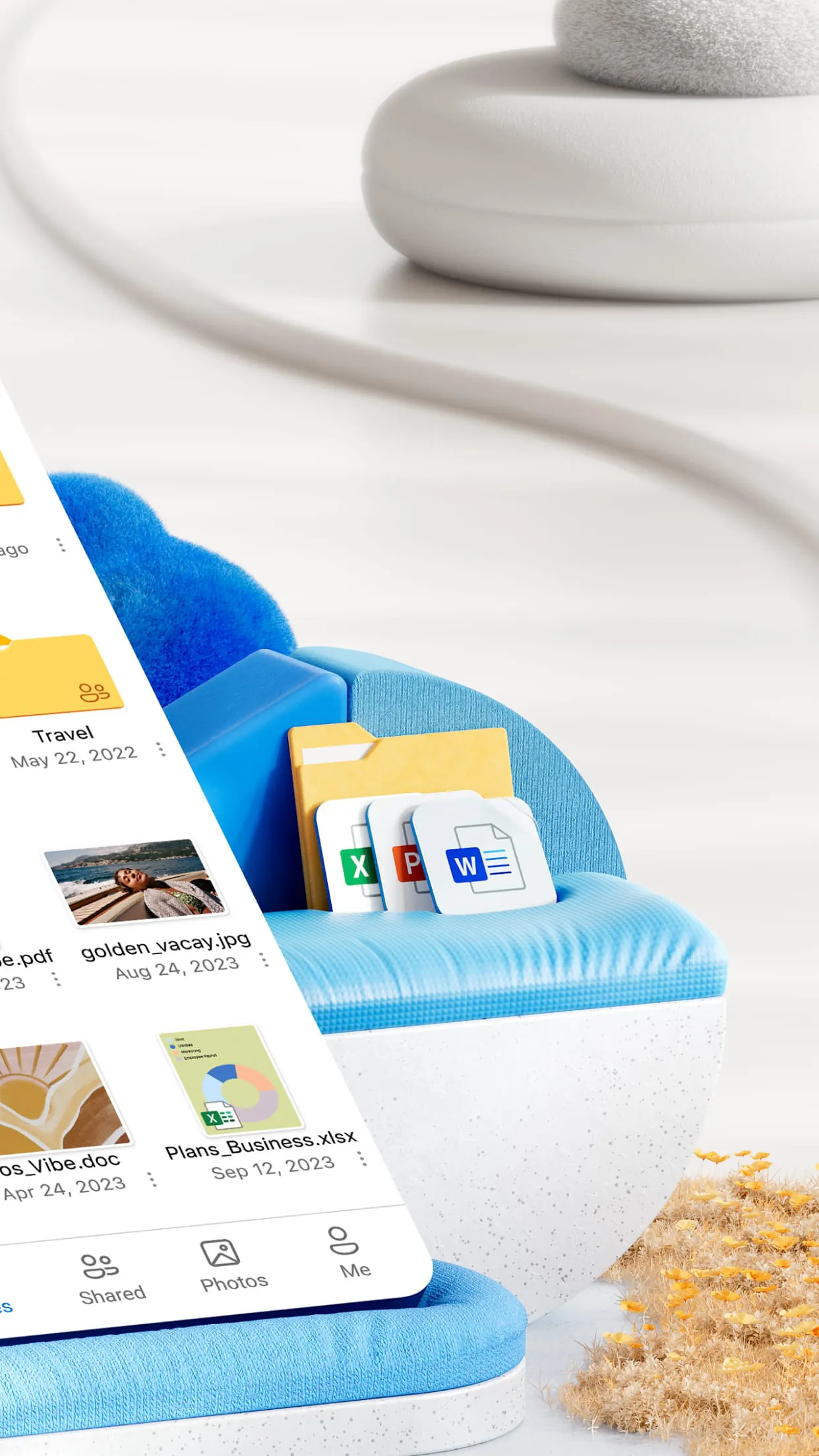
Microsoft OneDrive is a cloud storage service that offers users more storage space for their photos and files. With OneDrive, users can securely store and protect their files, sync them across all their devices, and access them from anywhere. The app also allows users to view and share photos, files, and videos with friends and family for free. Users can start with 5 GB of free storage space or upgrade to a Microsoft 365 subscription to get up to 1 TB or 100 GB of cloud storage.
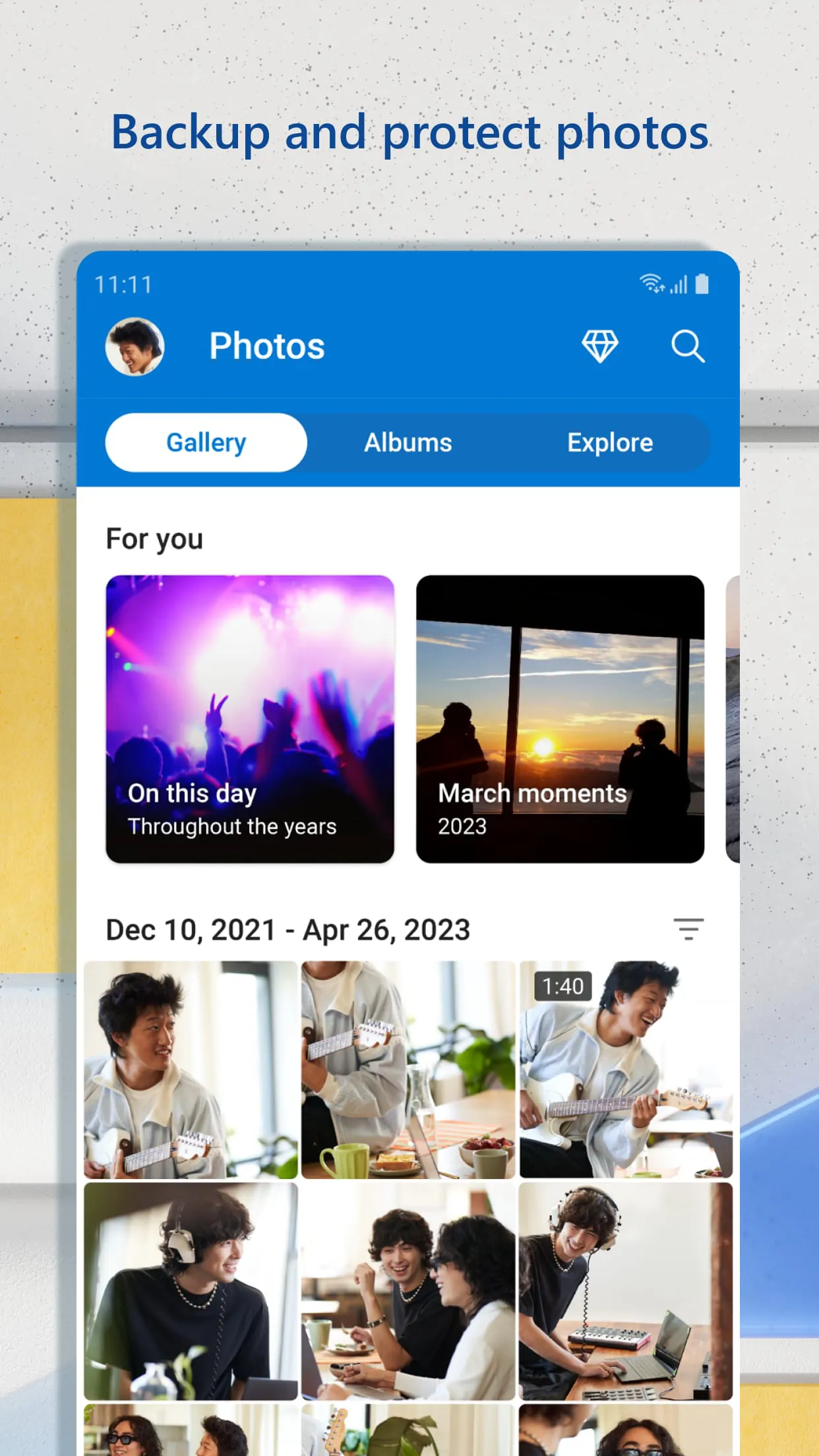
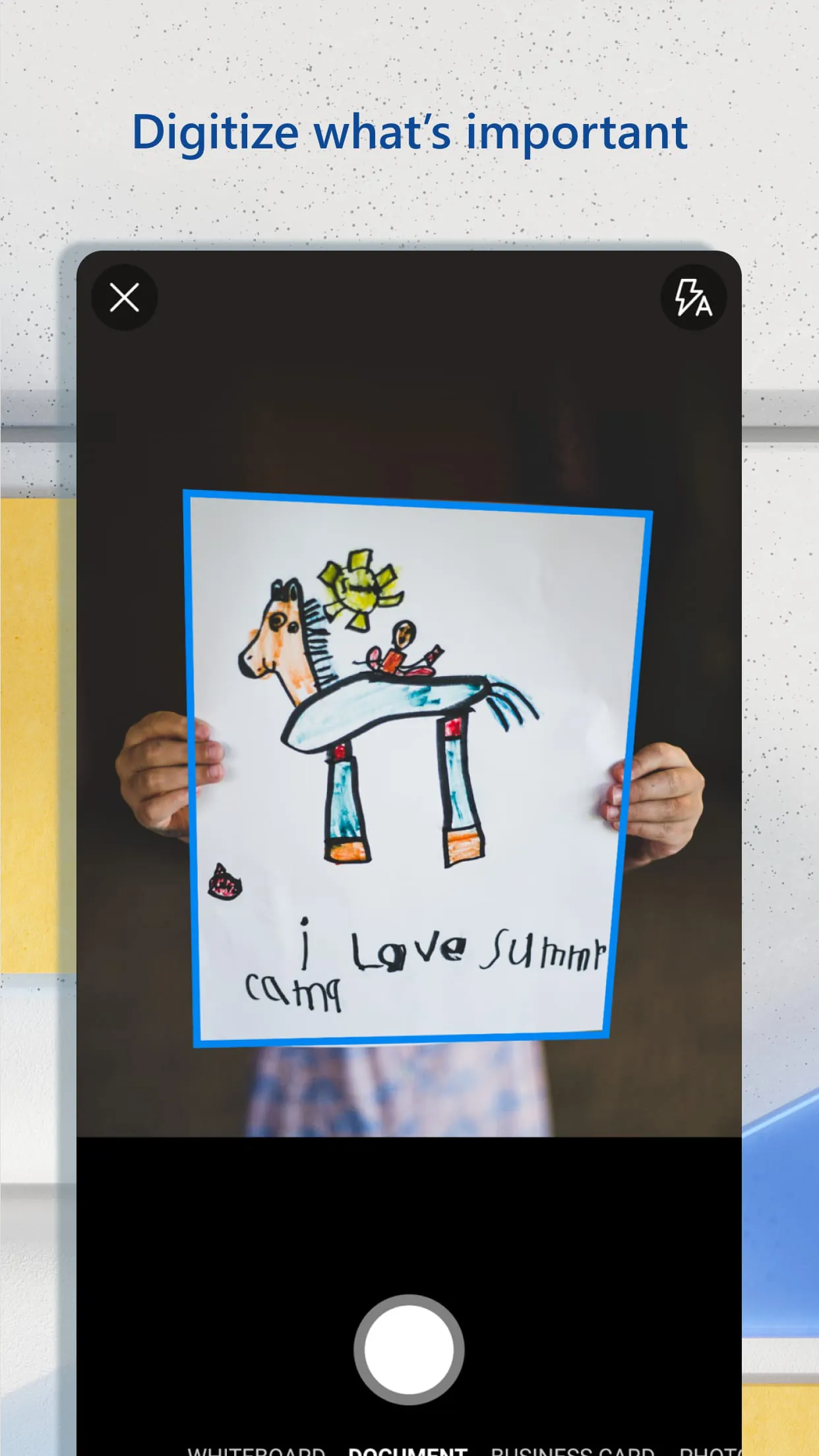
OneDrive offers a range of features, including automatic photo backup, secure photo storage, and easy file sharing and access. Users can also use the app to scan, sign, markup, and send documents, and search for photos and documents by name or content. OneDrive files are encrypted at rest and in transit, and users can protect important files with identity verification in secure folder storage.
For users who need more storage and premium features, Microsoft offers a Microsoft 365 Personal or Family subscription. Subscriptions start at $6.99 a month in the US and offer 1 TB of storage per person for up to 6 people, as well as added security features like password-protected sharing links and ransomware detection and recovery. Subscriptions can be managed through the Google Play store account settings.
To use OneDrive for work or school, users need a qualifying OneDrive, SharePoint Online, or Microsoft 365 business subscription plan.