
Moments of Insight: Connecting People and Information
The application serves as a central hub for accessing and sharing information within an organization. It aims to bridge the gap between individuals and the knowledge they need, fostering collaboration and productivity. Its potential lies in streamlining workflows and creating a more connected work environment.
Intranet in Your Pocket
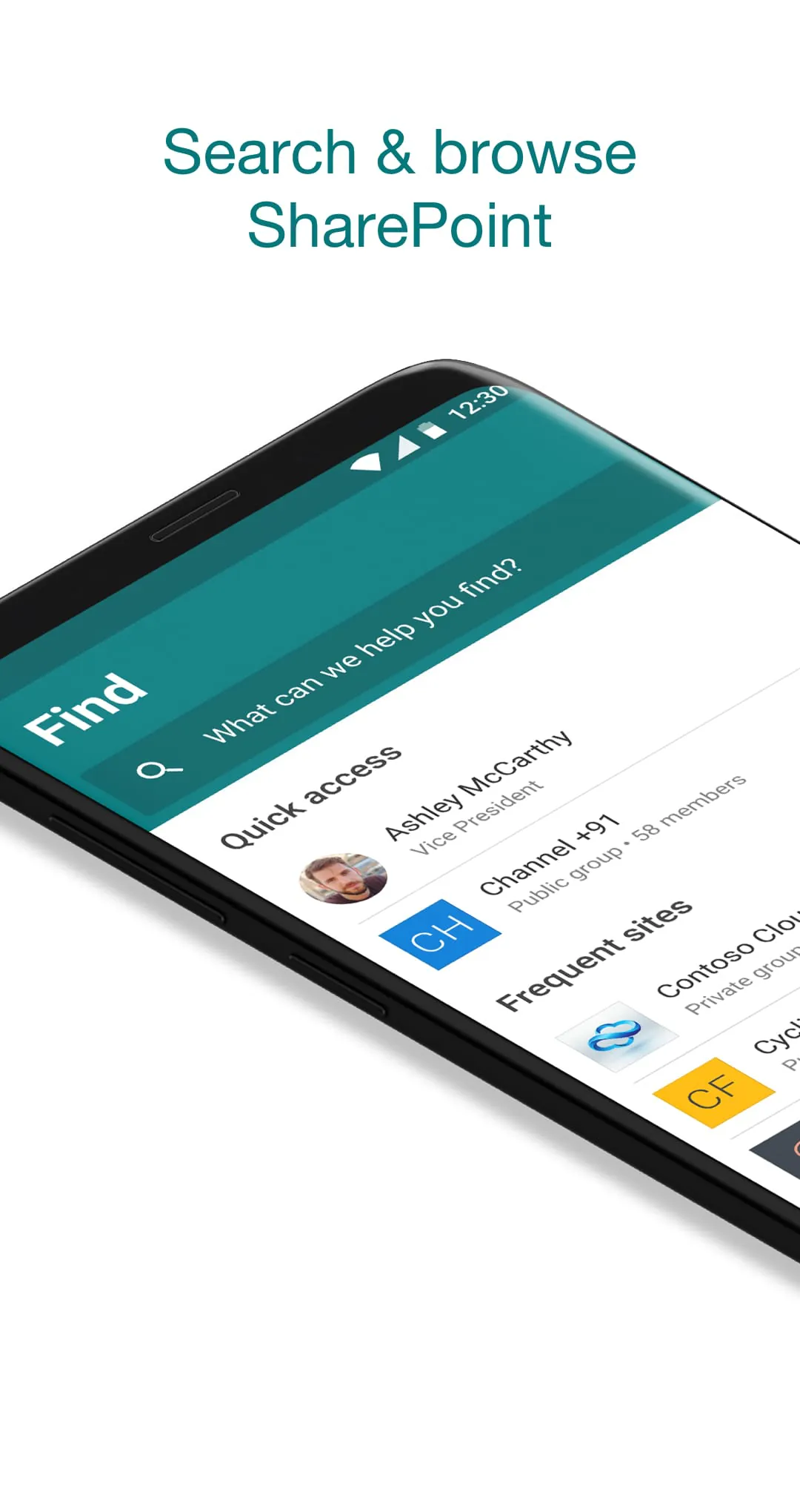
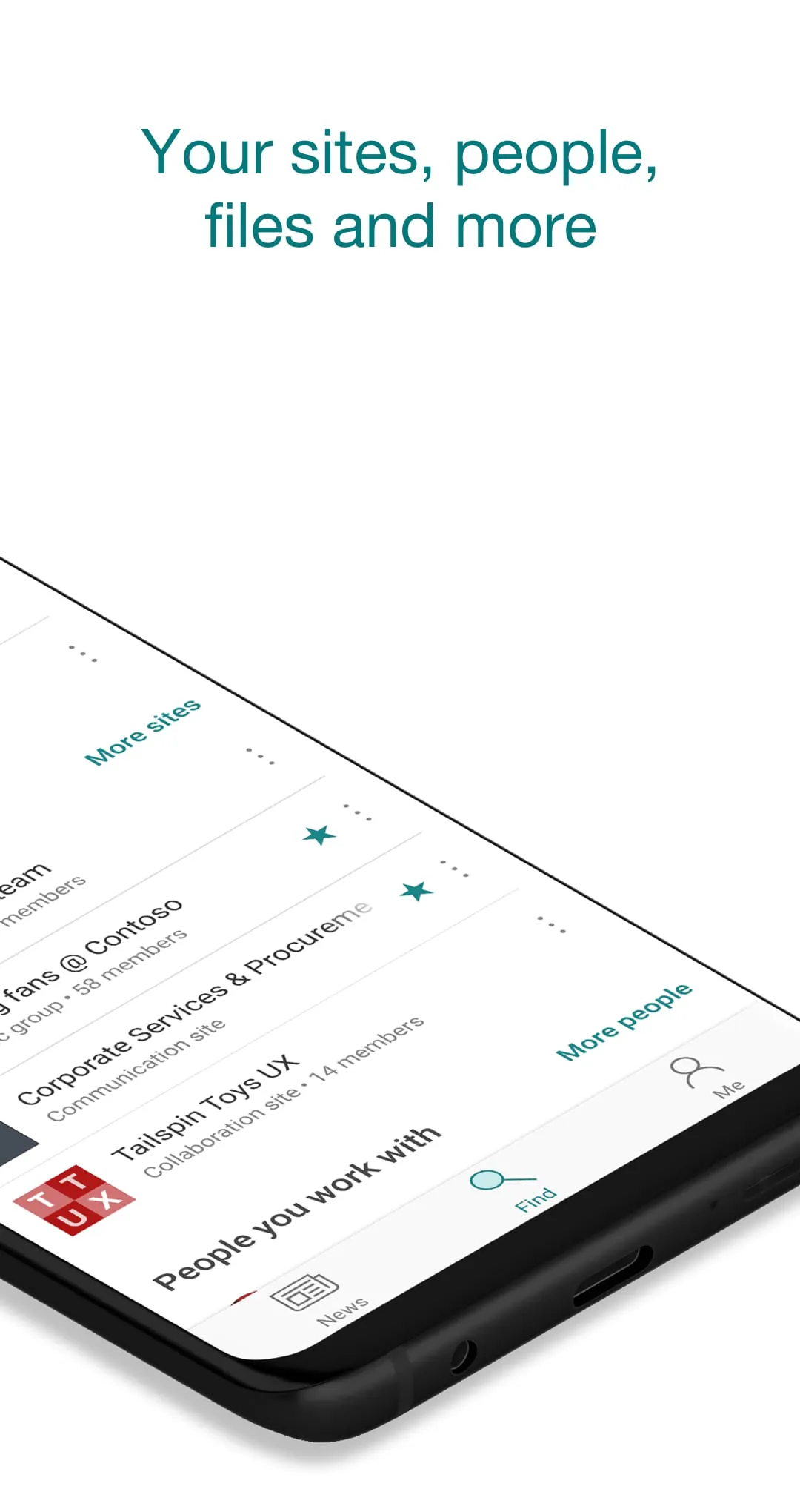
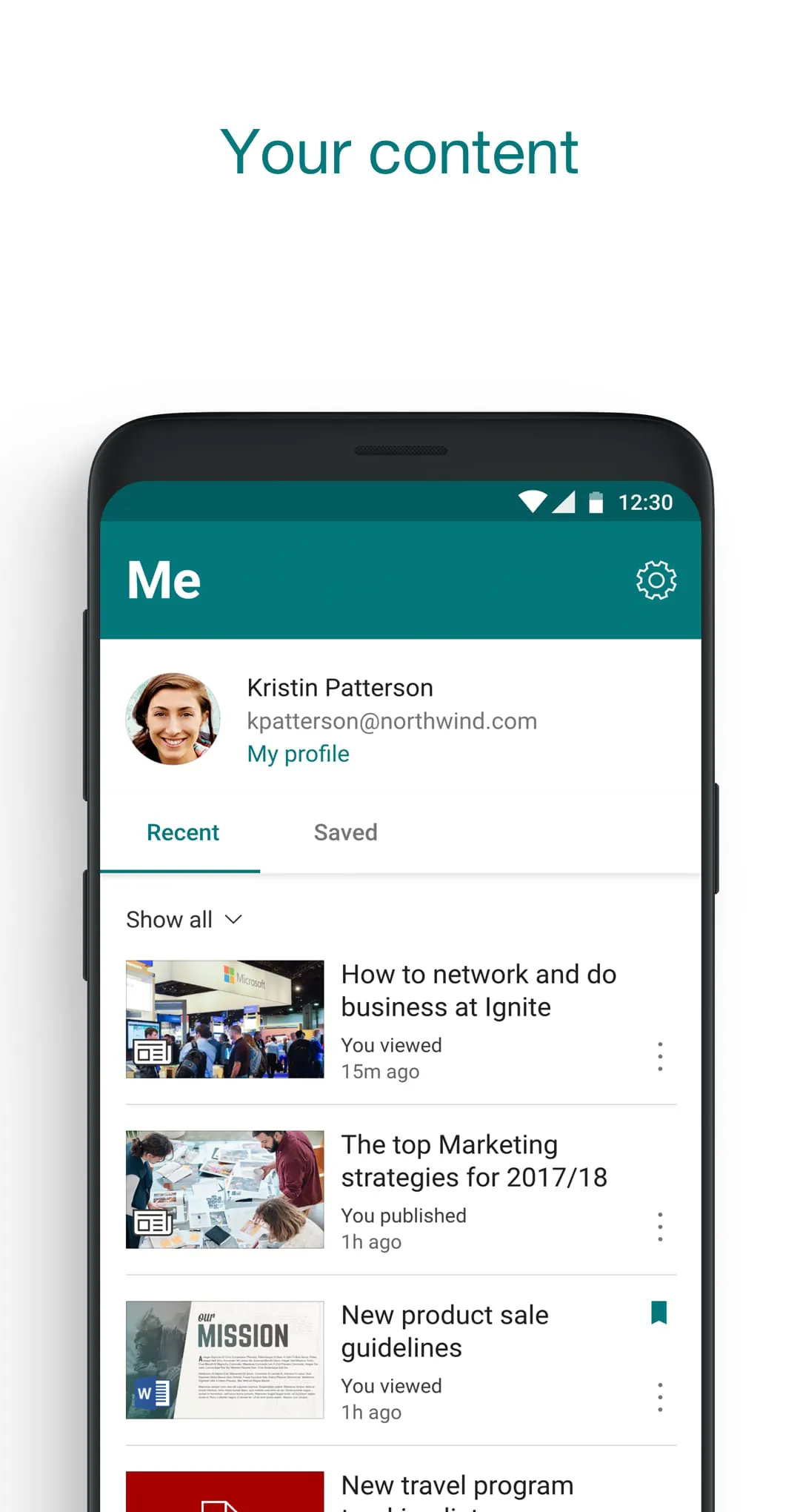
Provides access to company news, resources, and team sites on the go, enabling users to stay informed and connected regardless of location.
Balanced Perspectives: Strengths and Areas for Improvement
While the app offers robust features for document management and team collaboration, users have reported challenges with the user interface and navigation. Addressing these usability issues could significantly enhance the overall user experience and promote wider adoption. Performance improvements, particularly regarding loading speed and offline capabilities, would also be beneficial.
Advantages
- Centralized access to organizational information
- Enhanced team collaboration and communication
- Document management and version control
- Mobile accessibility for on-the-go productivity
Disadvantages
- User interface can be complex and confusing
- Loading speeds may be slow, particularly with large files
- Offline capabilities may be limited
- Potential for notification overload
Mindful Observations: Enhancing Daily Routines
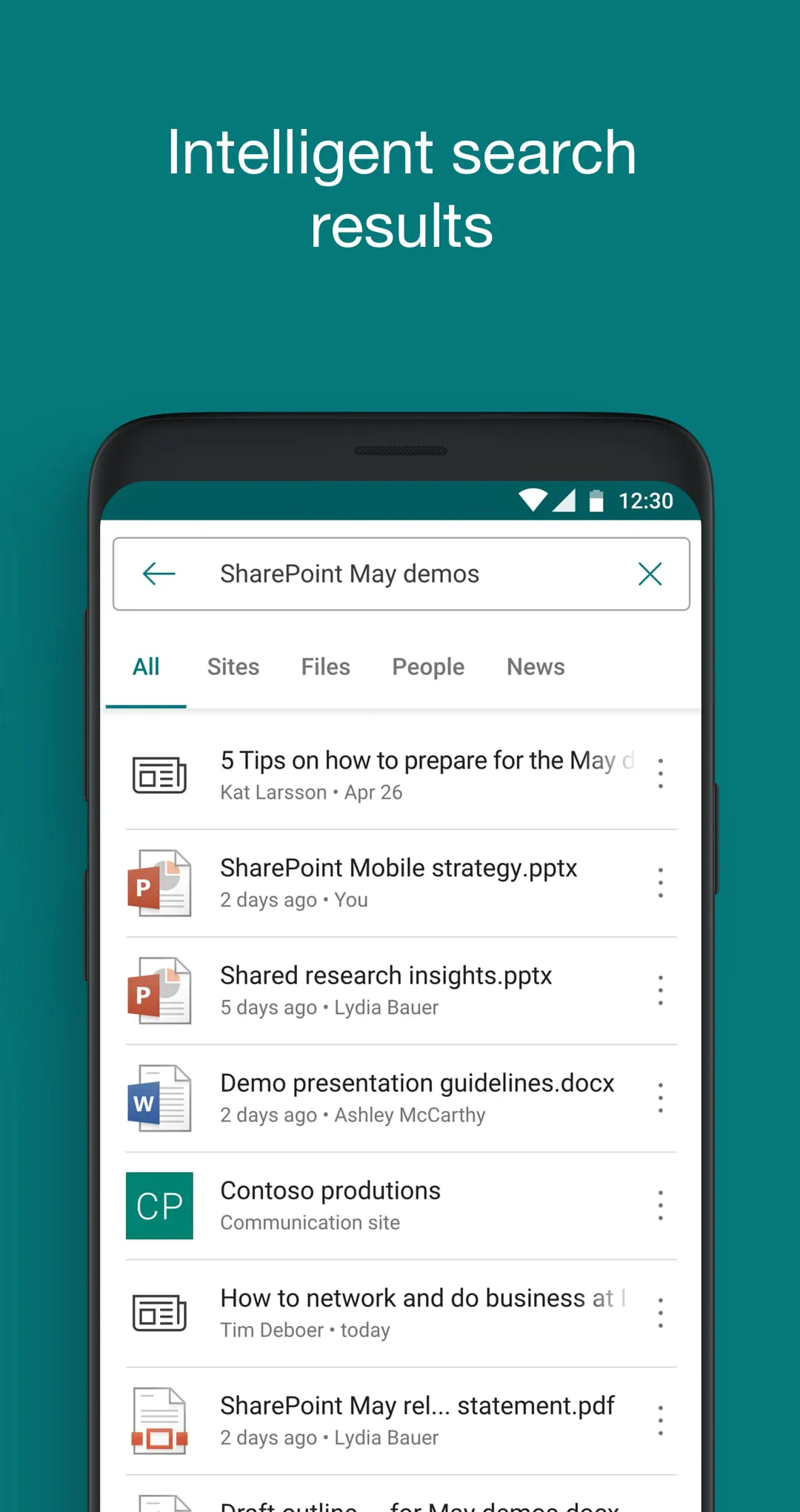
When used effectively, it can simplify daily routines by providing quick access to essential documents, team updates, and project information. Integrating task management features and improving search functionality could further streamline workflows and save users valuable time. Mindful implementation and training are key to maximizing the app's potential to enhance daily routines.
Thoughtful Reflections: Digital Wellness Considerations
The application has the potential to both contribute to and detract from digital well-being. On one hand, it can facilitate efficient communication and collaboration, reducing stress and promoting a sense of connection. On the other hand, excessive notifications and a cluttered interface can lead to information overload and digital fatigue. Encouraging mindful usage habits and providing customization options are crucial for promoting digital wellness.
Data Privacy and Security
Understanding the data collection practices and security measures is crucial for maintaining digital well-being. Users should familiarize themselves with the app's privacy policy and be aware of the permission requirements. Transparency and user control over data are essential for fostering trust and promoting a sense of security.
Harmonious Integrations: Connecting Workflows
Seamless integration with other productivity tools and cloud services is essential for creating a harmonious workflow. The ability to connect with email, calendar, and other third-party apps can significantly enhance the app's value and promote overall productivity. API access and automation tools can further streamline processes and reduce manual effort.
Potential for Enhanced Productivity
The application has the potential to be a valuable tool for enhancing productivity and fostering collaboration within organizations. By addressing usability concerns, improving performance, and promoting mindful usage, the application can contribute to a more connected, efficient, and digitally well work environment.