Creative Possibilities ✨
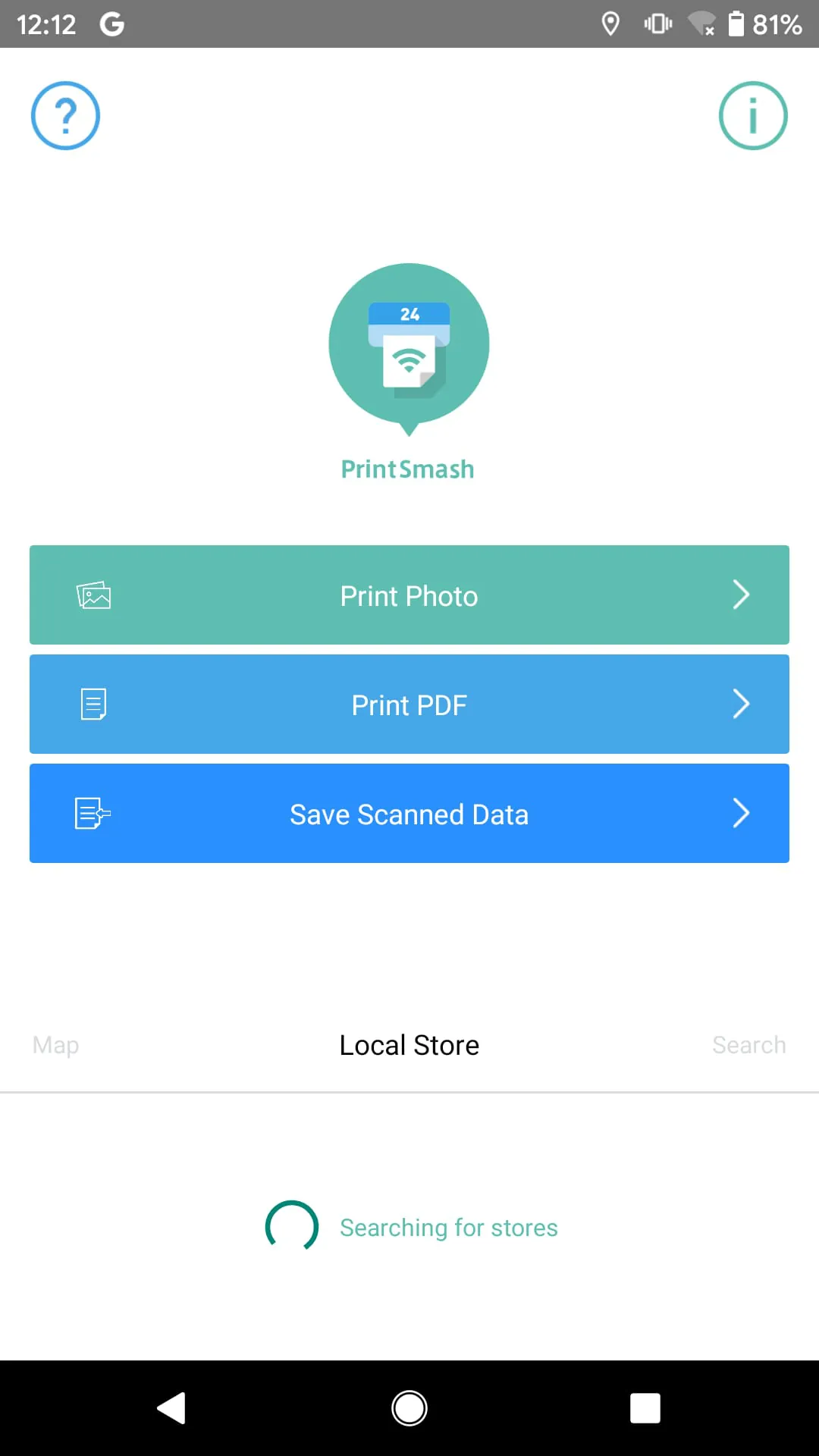
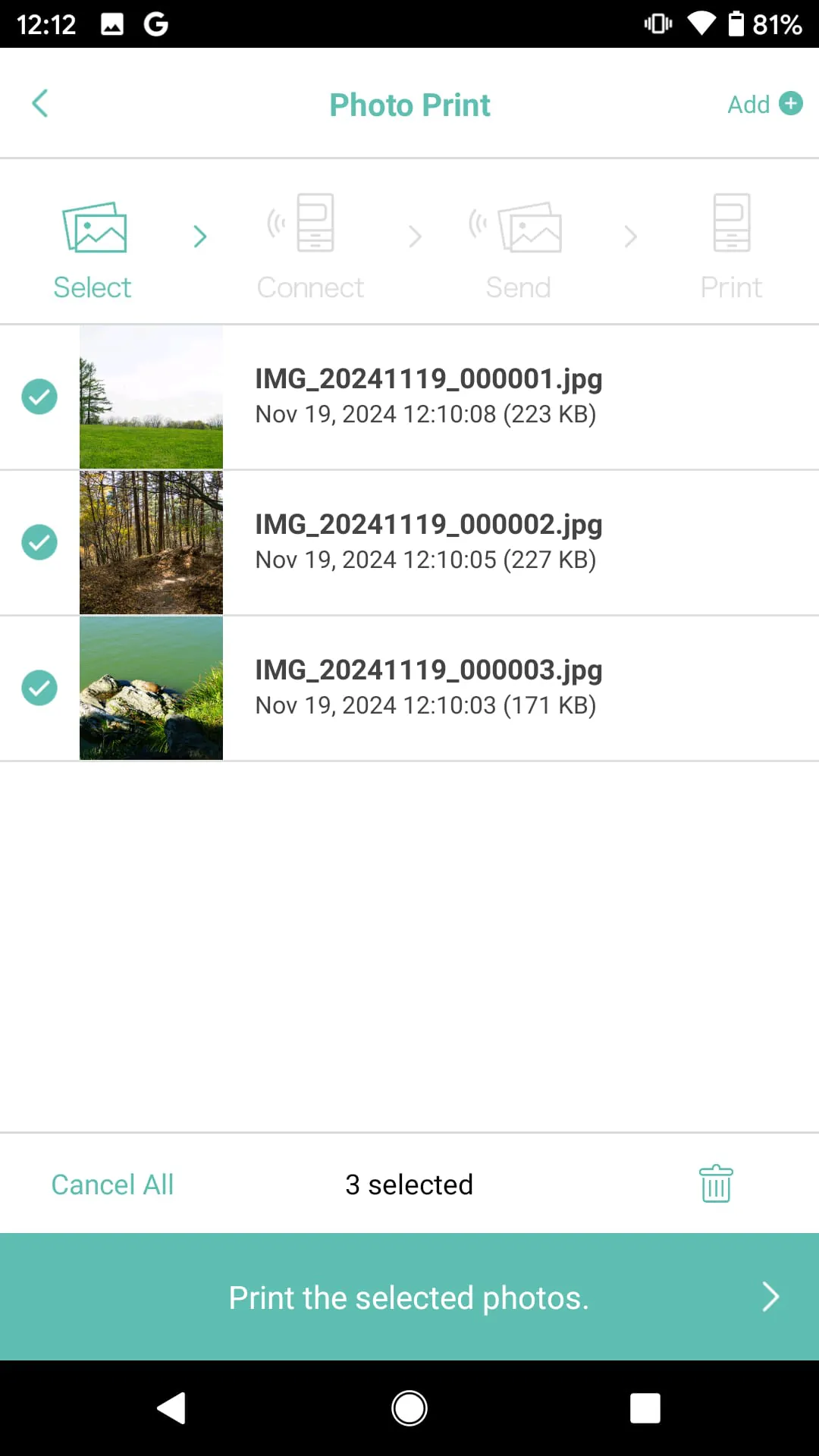
The PrintSmash application presents a diverse range of creative possibilities, primarily centered around image customization and printing.
- Photo Collages: Users can create unique collages by combining multiple images into a single print.
- Custom Layouts: Offers flexibility in arranging images and adding text to prints.
- Template Variety: A selection of pre-designed templates for various occasions.
Expression Tools 🖌️
This app equips users with a suite of expression tools to personalize their prints.
Text Overlay
Add personalized messages, captions, or dates directly onto your photos. Allows for the selection of different fonts and colors.
Style Options 🖼️
A range of style options are available to enhance the aesthetic appeal of prints.
- Filters: Apply various filters to modify the look and feel of images.
- Borders: Choose from a selection of borders to frame your photos.
- Adjustments: Tools to fine-tune brightness, contrast, and saturation.
Personalization Features 👤
The application allows users to deeply personalize their printing experience.
Pros
- Intuitive user interface
- Wide range of editing options
Cons
- Limited advanced editing capabilities
- Template selection could be more extensive
Artistic Potential 🎨
The app unlocks significant artistic potential by providing users with the tools to transform ordinary photos into personalized artworks.
Overall Artistic Value
PrintSmash provides enough tools to create personalized prints, but it doesn't offer any advanced artistic features.