HomePro Metronome
Pro Metronome

Pro Metronome

Everyone
Rating
V0.14.2
Version
5M+
Installs
4.10
1.1k + Reviews
1
11%
2
7%
3
8%
4
12%
5
62%

Review By AppsWm

Pro MetronomePro MetronomePro MetronomePro Metronome

Interaction Patterns

The application employs a direct manipulation interaction pattern, allowing users to adjust the tempo by tapping or using a slider. This provides immediate feedback and control. Visual feedback, like the pendulum swing, reinforces the tempo changes. There are also settings for time signatures and subdivisions.

  • Intuitive tempo adjustment
  • Clear visual feedback
  • Customizable time signatures
  • Too many customizations could overwhelm novice users

Experience Flows

The primary experience flow involves setting the tempo, time signature, and subdivisions, then starting and stopping the metronome. More advanced flows might include setting up practice sessions or creating setlists with tempo changes. User experience is crucial for musicians to use during practice.

Experience Quality

The experience is largely positive, provided the user understands the basic concepts of tempo and time signatures. The app could benefit from guided tutorials for beginners. The ability to save and load settings enhances the experience for repeated practice sessions.

Design Thoughtfulness

The visual design is clean and functional. The pendulum animation provides a classic metronome feel, while the numerical display offers precision. The settings are logically organized, although some options might require prior knowledge. The use of color to highlight the beat can be a subtle but effective design choice.

Visual Metronome

The app's visual metronome is a key feature, using both a pendulum animation and on-screen flashing to reinforce the beat, appealing to different learning styles.

User Engagement

Engagement is primarily driven by the app's usefulness as a practice tool. Features like tempo tracking and setlist creation encourage repeated use. Integration with other music apps or platforms could further enhance engagement. A log tracking progress could also further engagement by tracking user progress.

  1. Tempo Adjustment
  2. Time Signature Selection
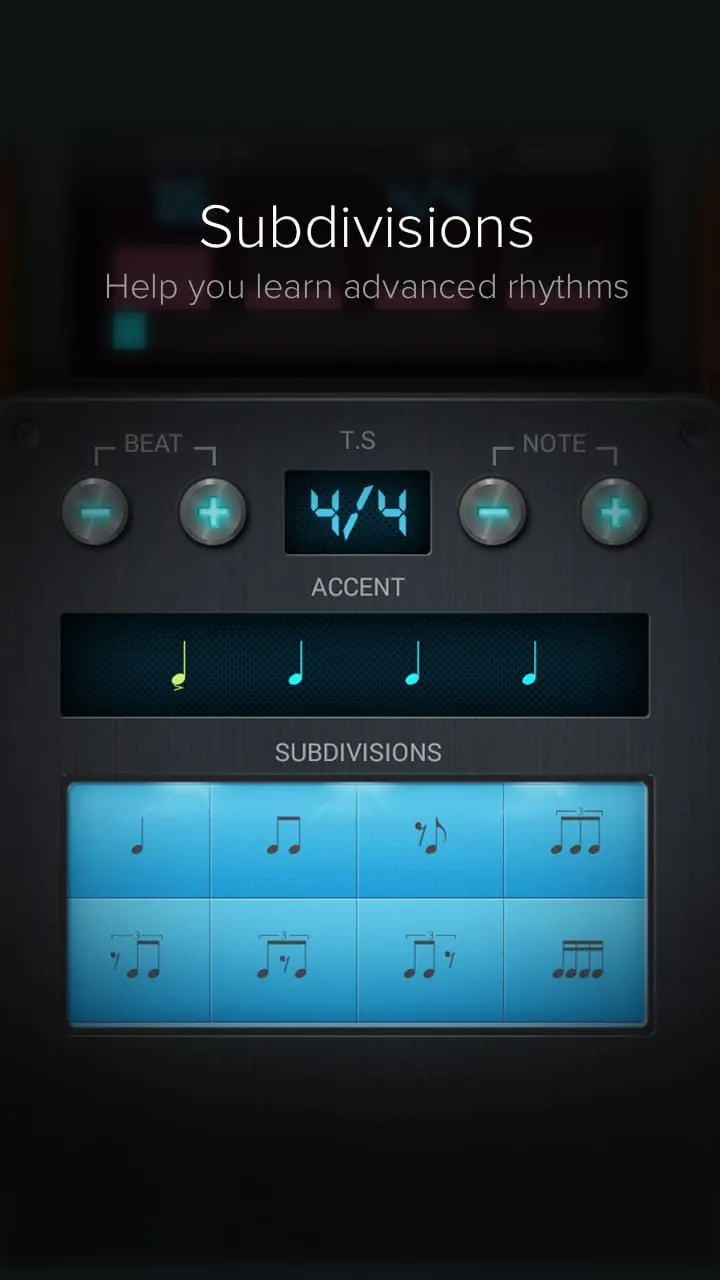
  3. Subdivision Customization

Interface Elegance

The interface strives for simplicity, prioritizing functionality over visual flair. The controls are clearly labeled and easily accessible. The use of contrasting colors improves readability, especially in low-light environments. Overall, the design reflects a focus on usability and practicality.

Feature Description
Tempo Slider Allows for quick tempo adjustments
Time Signature Defines the rhythmic structure

Overall, the application excels as a functional metronome with an emphasis on user accessibility through its design.

Description

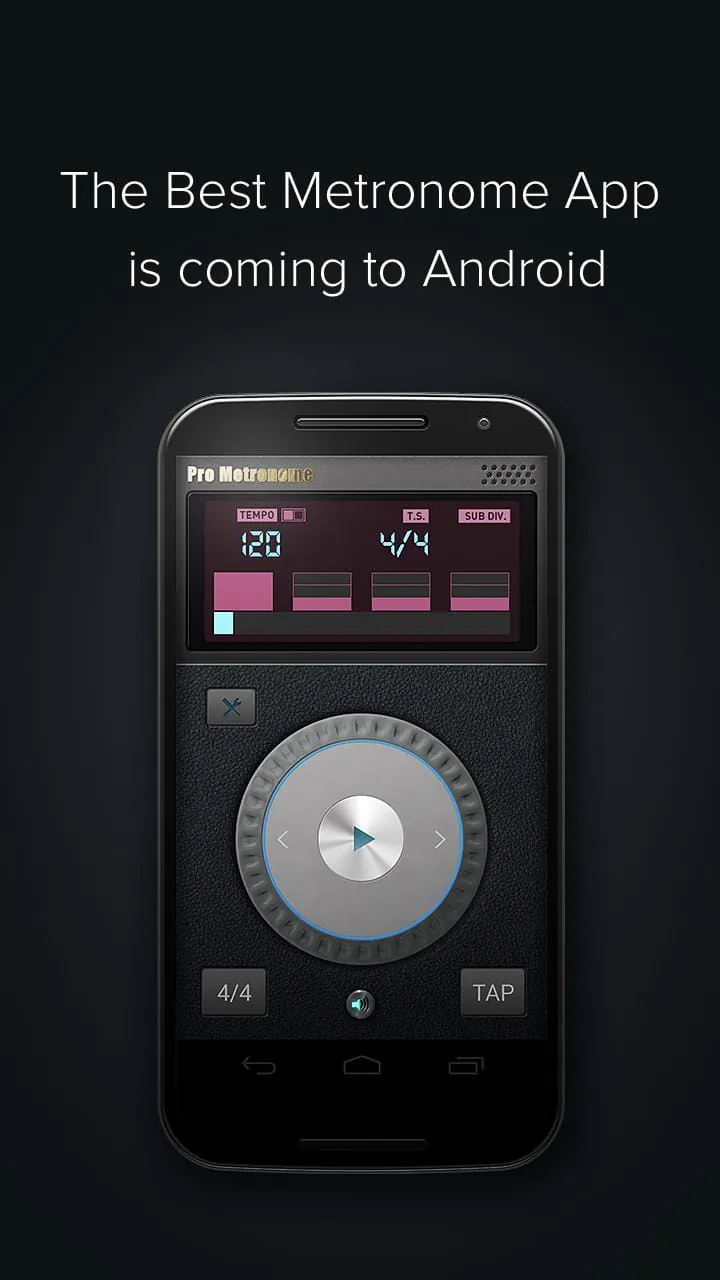
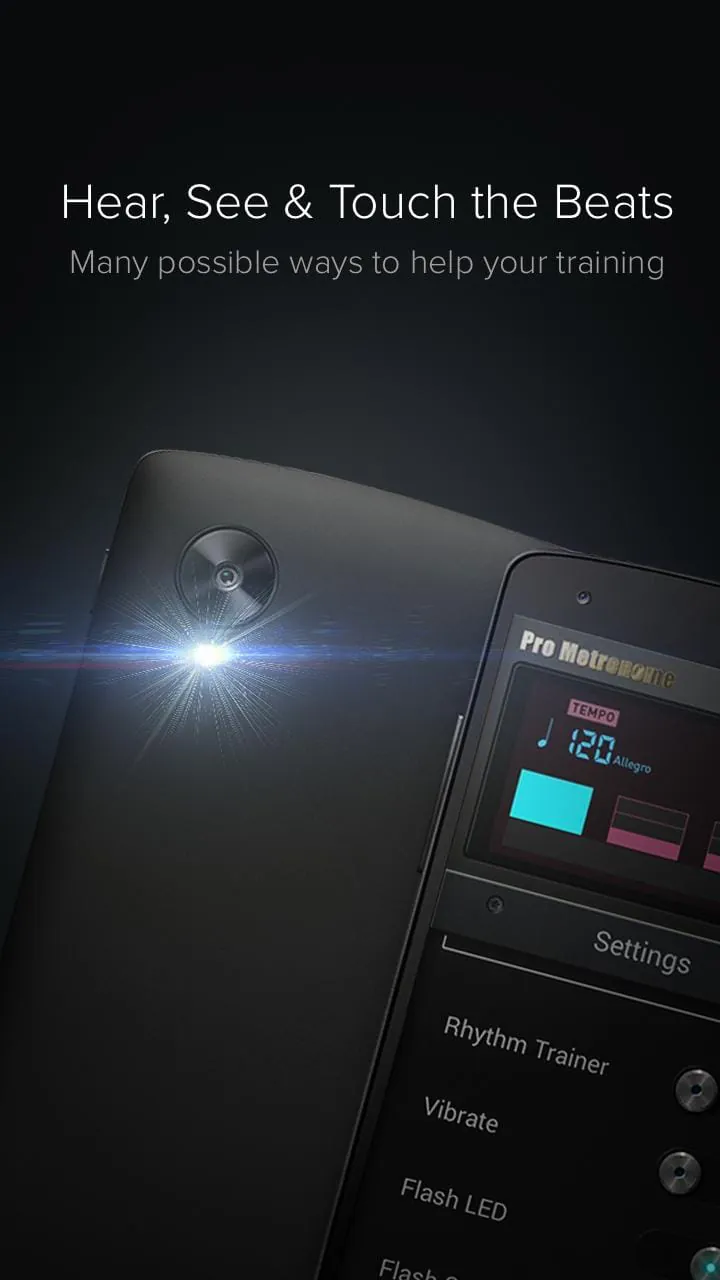
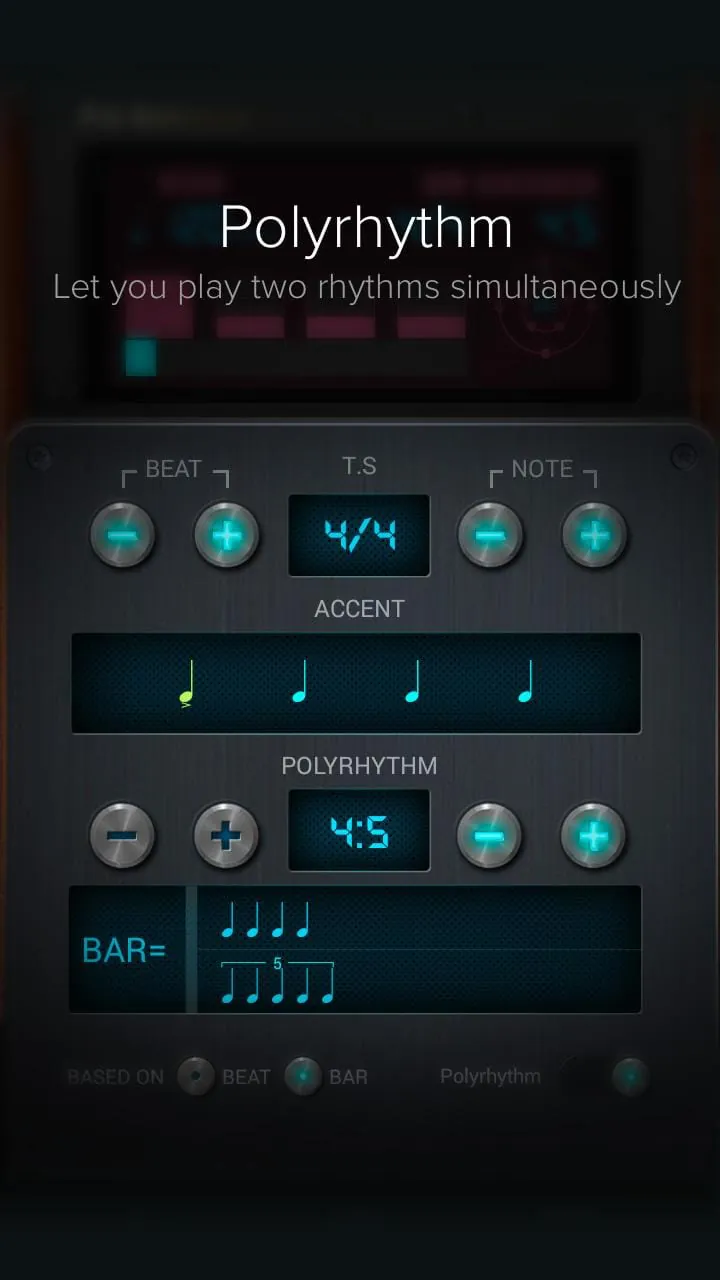
Pro Metronome is a powerful tool that helps musicians master both daily practice and stage performance. The app has redefined how more than 3 million people sync to a beat on iOS, and now, it is coming to Android. The free version is packed with features like the newly designed time signature interface, 13 time-keeping styles, and RTP (Real-Time Playback) technology, which is more precise than a traditional mechanical metronome. Pro Metronome is all about customization, allowing users to change beat sounds, accents, and even choose from 4 different beat volume levels. The Pro Version offers even more features, such as subdivisions, polyrhythm settings, and the Rhythm Trainer, which helps musicians keep a steadier beat. Pro Metronome supports several ways to experience beats, including sound, visual, flash, and vibrate modes. Flash Mode uses the device's camera flash to help the whole band sync up easily. The app also supports polyrhythm mode to help drummers hear and visualize complex, interlocking beat patterns, background play mode, in-app volume adjust, and even saving playlists that can be shared with friends, no matter which system they are using. It's a powerful, elegant app that is easy for anyone to get started with and useful for any musician. The free version of Pro Metronome is extremely easy to use and AD FREE. It includes dynamic time signature settings, 13 different time-keeping styles, dynamic accent settings, and the ability to calculate BPM by tapping in real time. The Pro Version enables LED/Screen Flash Mode, Vibrate Mode, Subdivisions, Polyrhythms, Favorite Mode, Rhythm Trainer, and Practice Mode. The app is supported on phones and tablets, and it has a landscape mode and a stage mode, which is the indispensable companion for performing musicians. EUMLab, the creator of Pro Metronome, helps unleash musical talent with pioneering technology. The company creates sleek, beautiful products for both the professional and novice musician alike. Users can find out more about EUMLab on their website, follow them on Twitter/Facebook, and contact them with any questions or feedback.

All Versions

V0.14.2

Updated: 2023-12-13

19.53 MB

V0.13.0

Updated: 2016-11-22

14.77 MB

Summary Of User Reviews

Robert Belas
Robert Belas
February 17, 2026
The app is "okay", but a couple of issues prevent a greater rating. First, beat tones are of poor quality. Second, there isn't any instructions and believe me you will want them. Third, Practice Mode - Warm Up simply doesn't work as expected. The app doesn't follow or advance through the sections and it doesn't even use the assigned target tempo. All that said, it is my main metronome, for now.
Jean Chang
Jean Chang
March 25, 2023
It functions fine for practicing, and there are lots of settings, but unfortunately there is no manual that tells you how to use the app. If I click on the info or support button, neither of them take me to the site. It just gives an error message. I paid for the pro version, but the info and support buttons still do not take me to the website. I also tried the website on my PC, but also just get an error message that the site does not exist. Disappointing.
Paul Revelli
Paul Revelli
March 31, 2021
Not too bad. Nice and convenient when I'm practicing or learning music. Love the ability to set a timer. Also setting up a practice workout that will increase the tempo incrementally has been a help. The only two things I don't dig are the tap function (which I have found to be less than accurate). The other thing is I find it difficult exiting some of the preference and setting modes in order to get back to the metronome. A "back" arrow or a "home" tab would be a nice feature.