
HomeRAR
RAR

RAR

Everyone
Rating
V6.10.build100
Version
100M+
Installs
4.20
9.7k + Reviews
1
13%
2
3%
3
6%
4
10%
5
68%

Review By AppsWm

RARRARRARRAR

Happiness Points

Exploring the cheerful side of file compression and extraction might seem unusual, but the app offers some unexpectedly pleasing moments. The clear and straightforward interface is a definite plus, making it easy for even novice users to manage their archives.

Happiness Value

The ability to quickly compress large files for easier sharing or storage provides a sense of accomplishment and efficiency. Successfully extracting a needed file from an archive can also bring a small but satisfying victory.

Joy Features

One joyful feature is the app's wide support for different archive formats. Knowing that you can handle almost any archive you encounter brings peace of mind. Batch processing, where multiple files can be compressed or extracted at once, also adds a touch of delight.

  • Support for multiple archive formats (RAR, ZIP, TAR, GZ, BZ2, XZ, 7z, ISO, ARJ).
  • File Encryption via Password
  • RAR5 support

Batch Processing

The batch processing function, which allows users to efficiently compress or extract multiple files simultaneously, is a true time-saver and delight.

Delight Aspects

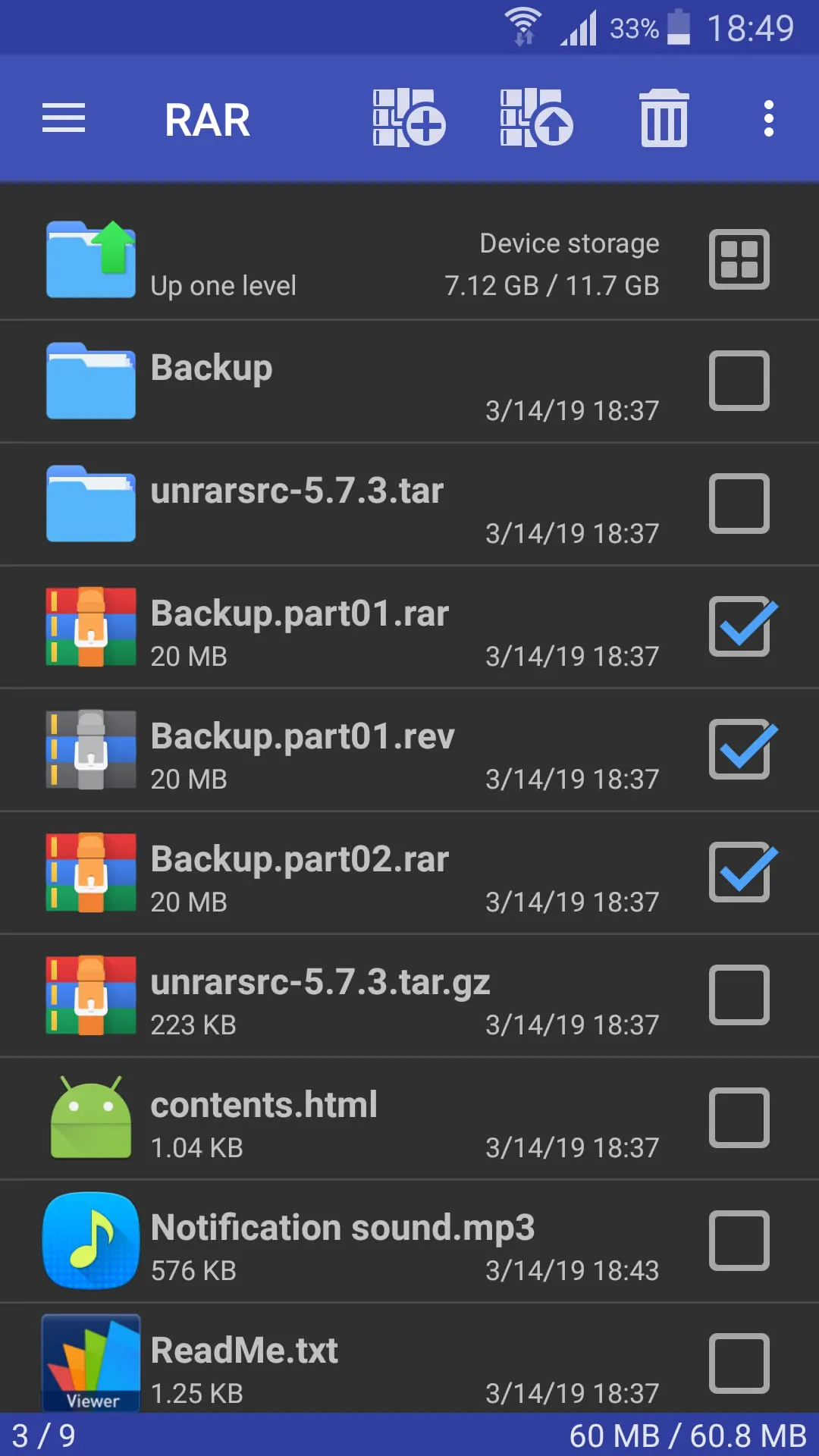
The app's file browsing capabilities within the archive are a subtle source of delight. Previewing files without having to fully extract the archive saves time and storage space, a definite win-win. Also, the app's relative speed with compression and decompression is pretty great.

  1. File Preview
  2. Speedy Extraction
Pros
  • User-friendly
  • Supports large files
  • RAR5 support
Cons
  • Can drain battery
  • Interface is plain

Fun Elements

While not overtly "fun," the app's ability to repair corrupted archives can be strangely satisfying. Successfully recovering lost data feels like a small act of digital heroism. This function is actually quite fun!

The archive repair feature gives you a small feeling of triumph. It's the digital equivalent of finding a lost treasure!

Pleasure Paths

The streamlined workflow, from selecting files to choosing compression settings, is a subtle pleasure. The lack of unnecessary steps and clutter allows users to focus on the task at hand, leading to a more efficient and enjoyable experience.

Feature Joy Factor
Efficient Compression Time Saved
Reliable Extraction Data Accessibility

Overall Joyful Value

While file archiving might not be inherently joyful, this application manages to inject a surprising amount of satisfaction into the process. Its ease of use, reliable performance, and thoughtful features make it a surprisingly pleasant tool to have on your mobile device.


Description

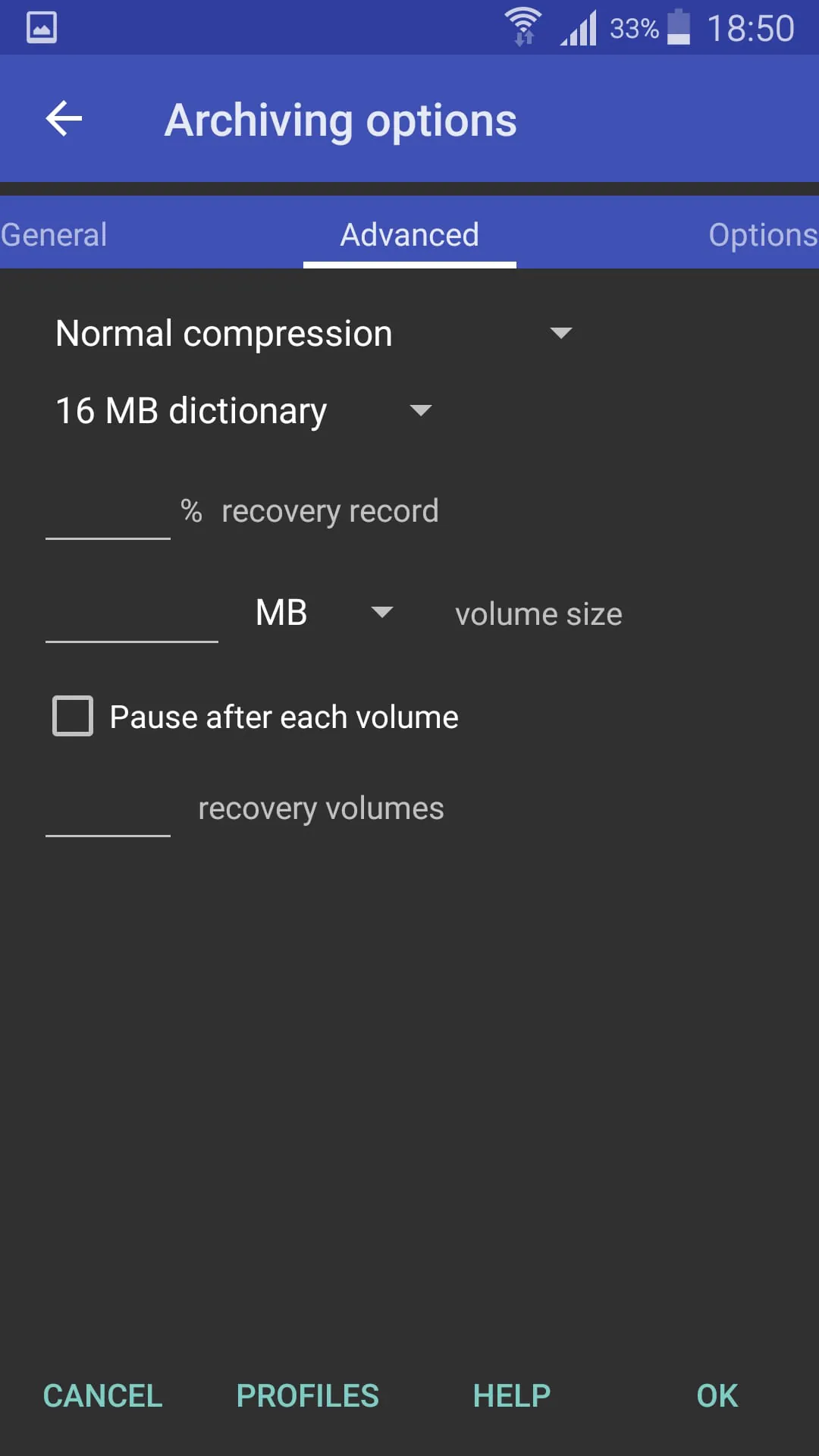
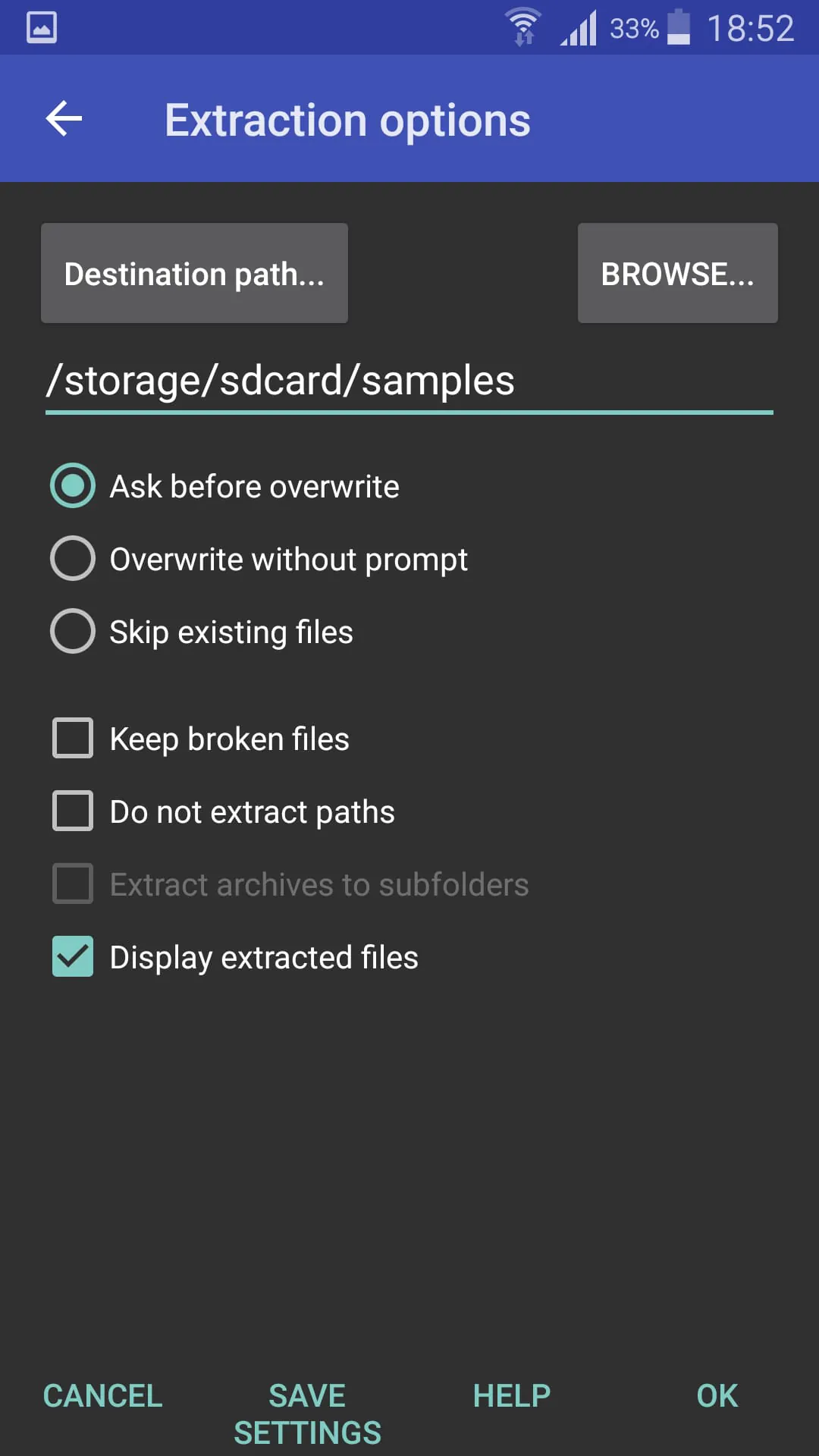
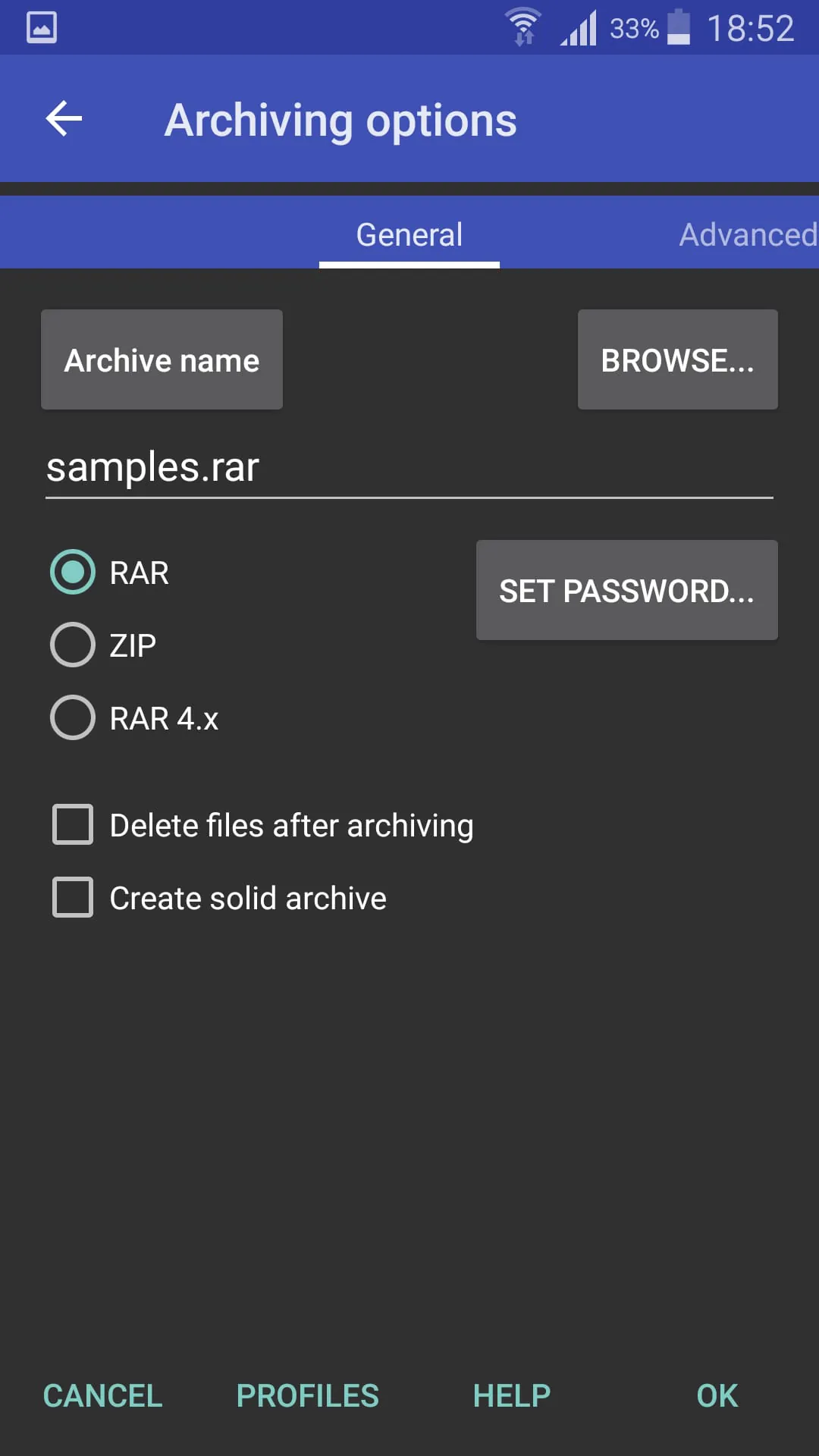
RARLAB's RAR is an all-in-one, original, free, simple, easy and quick compression program, archiver, backup tool, extractor and even a basic file manager. RAR can create RAR and ZIP and unpack RAR, ZIP, TAR, GZ, BZ, XZ, z, ISO, ARJ archives. List of functions include repair command for damaged ZIP and RAR files, benchmark function compatible with RARLAB's WinRAR benchmark, recovery record, usual and recovery volumes, encryption, solid archives, utilizing multiple CPU cores to compress data. Additionally to standard ZIP files, unzip function supports ZIP and ZIPX with BZIP, LZMA, PPMd and XZ compression also as password protected ZIP. Unrar command is available for all versions of RAR archives including the latest RAR, password protected and multipart files. File management functions include copying, deleting, moving and renaming files and folders, creating new folders and installing applications from APK packages. If you wish to help us translating RAR to your language, please download RAR for Android language files in "RAR extras" section of www.rarlab.com and follow instructions in readme.txt. Thank you.

All Versions

V7.20.build129

Updated: 2026-1-7

3.04 MB

V7.01.build123

Updated: 2024-5-5

3.02 MB

V6.20.build112

Updated: 2022-11-6

3.5 MB

V6.10.build104

Updated: 2022-8-24

3.42 MB

V6.10.build103

Updated: 2022-1-23

3.3 MB

V6.10.build100

Updated: 2021-10-9

5.6 MB

Summary Of User Reviews

Vitomir Starcevic
Vitomir Starcevic
October 5, 2024
The app is great! I love how I can look at pictures without having to extract them. I don't know if it's possible, but I'd love it if I could scroll through pictures instead of opening each one individually. I also like the "send" option where I can move things to other zip/rar files. However, it looks like I can't send folders to other zip/rar files. Would be great if I could do that and also create folders myself within the zip/rar files, since I like having things be organized.
Jayden Robinson
Jayden Robinson
February 5, 2026
might be somewhat user error on my part however. when selecting an archive and clicking test archived files, when the test completes it does not deselect the archive. deselecting an object after an operation is expected behavior. ive been using it to zip pictures and videos and ive now lost 2 archives of pictures I considered important because i zipped them, tested the archive separately and deleted the original folder. I will be finding another app with more desirable behavior.
Richard Sessi
Richard Sessi
February 7, 2026
At a single click I stared at phone not knowing what else to do again. Went back to check my memory and that file was already extracted. Great up. 5 star for doing exactly what you say you do.