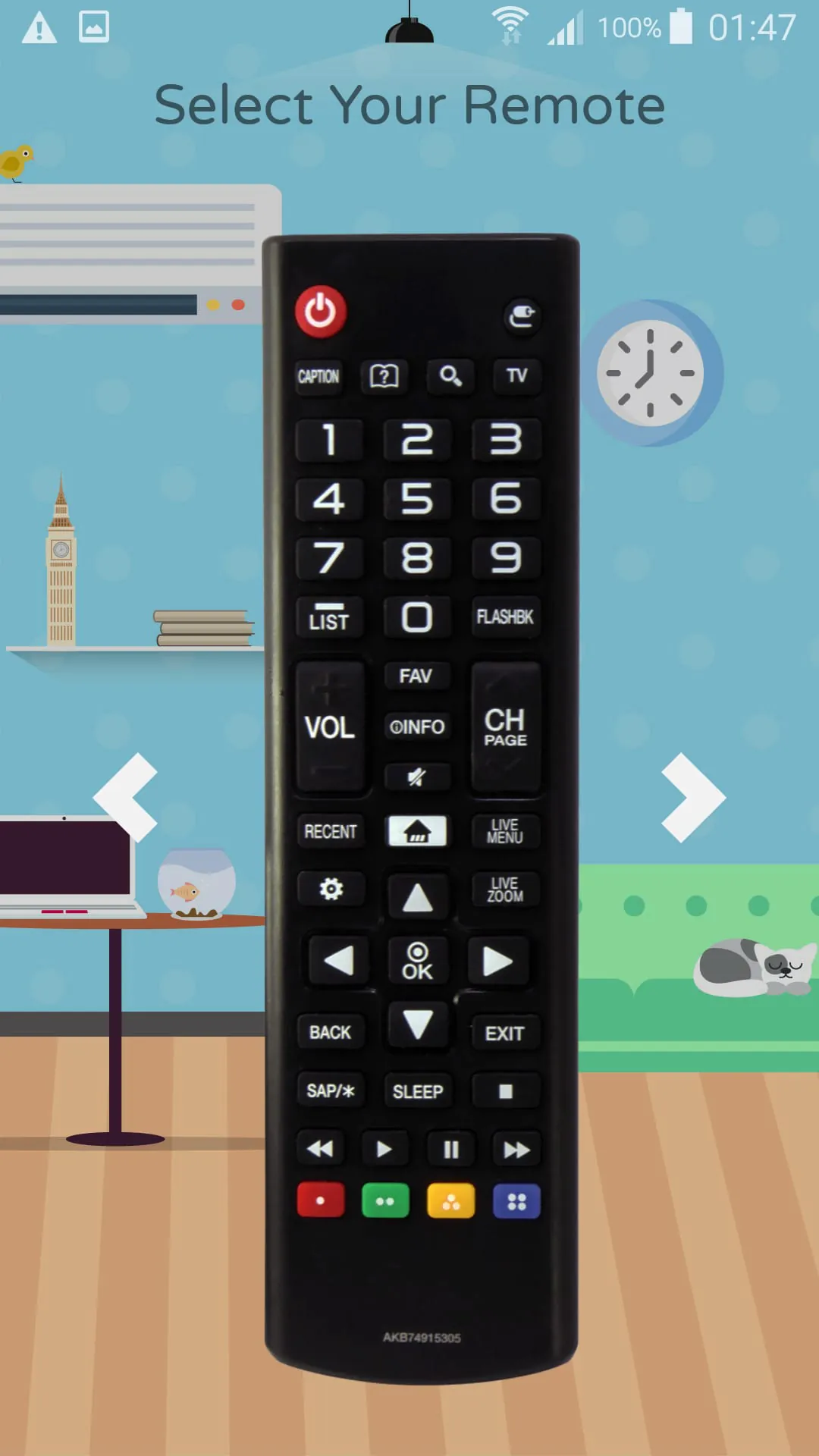
Understanding Universal Remote Apps: Bridging the Communication Gap
Universal remote apps aim to consolidate control of your electronic devices into a single interface, typically your smartphone. This simplifies device management and reduces the need for multiple physical remotes. These apps often use either infrared (IR) blasters built into some phones, or Wi-Fi to connect to compatible devices. Understanding how these technologies work is key to appreciating the capabilities and limitations of these apps.
IR vs. Wi-Fi: Two Paths to Control
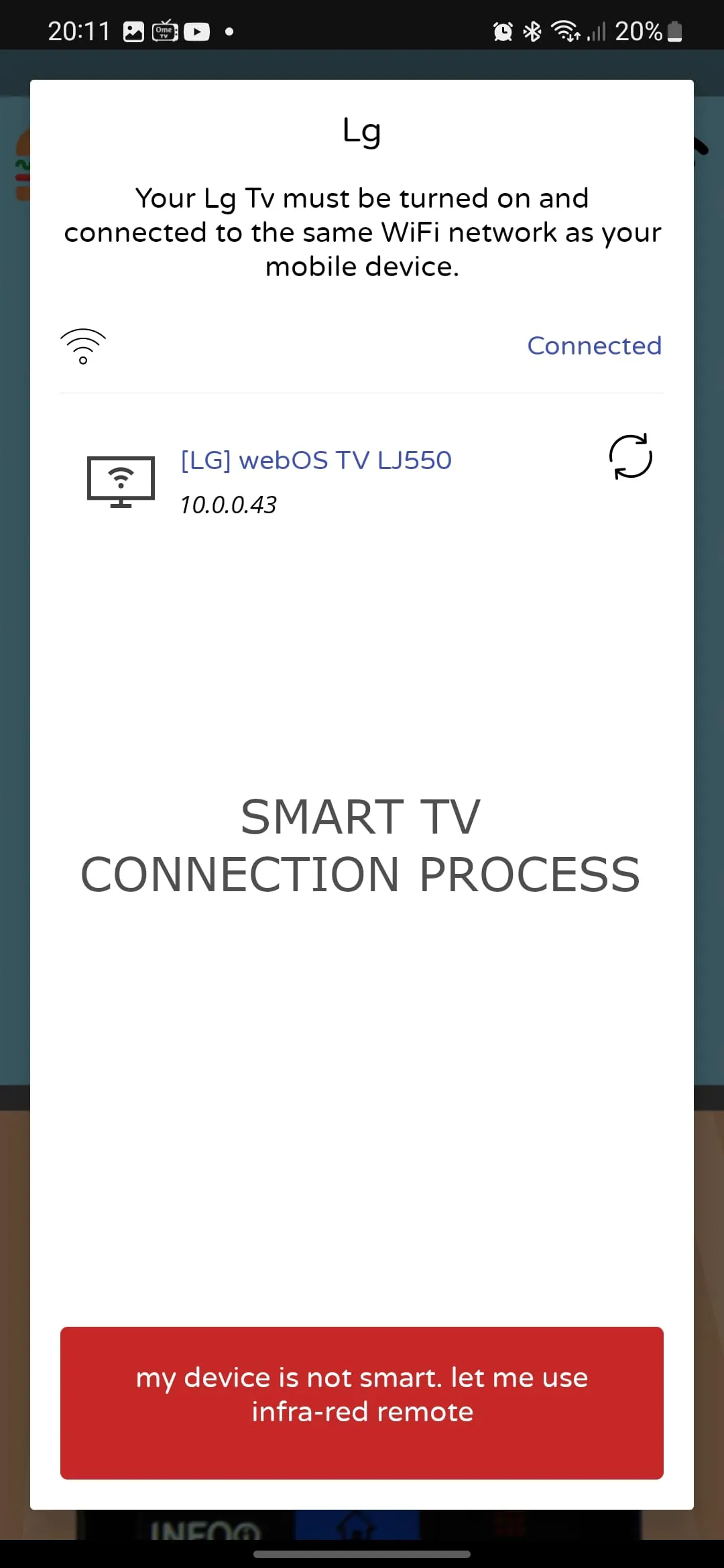
Think of IR as a direct line of sight communication, like using a flashlight to signal someone. Wi-Fi, on the other hand, is like sending a message over the internet – it can travel through walls and doesn't require direct visibility. IR remotes require your phone to have an IR blaster and need to be pointed directly at the device. Wi-Fi remotes, conversely, rely on both the phone and the device being on the same network.
- IR (Infrared): Requires a phone with an IR blaster. Line-of-sight is necessary. Good for older devices without network connectivity.
- Wi-Fi: Requires both the phone and the device to be on the same Wi-Fi network. Offers greater range and the ability to control devices through walls. Ideal for modern smart TVs and streaming devices.
Core Tool Functionality: What to Expect
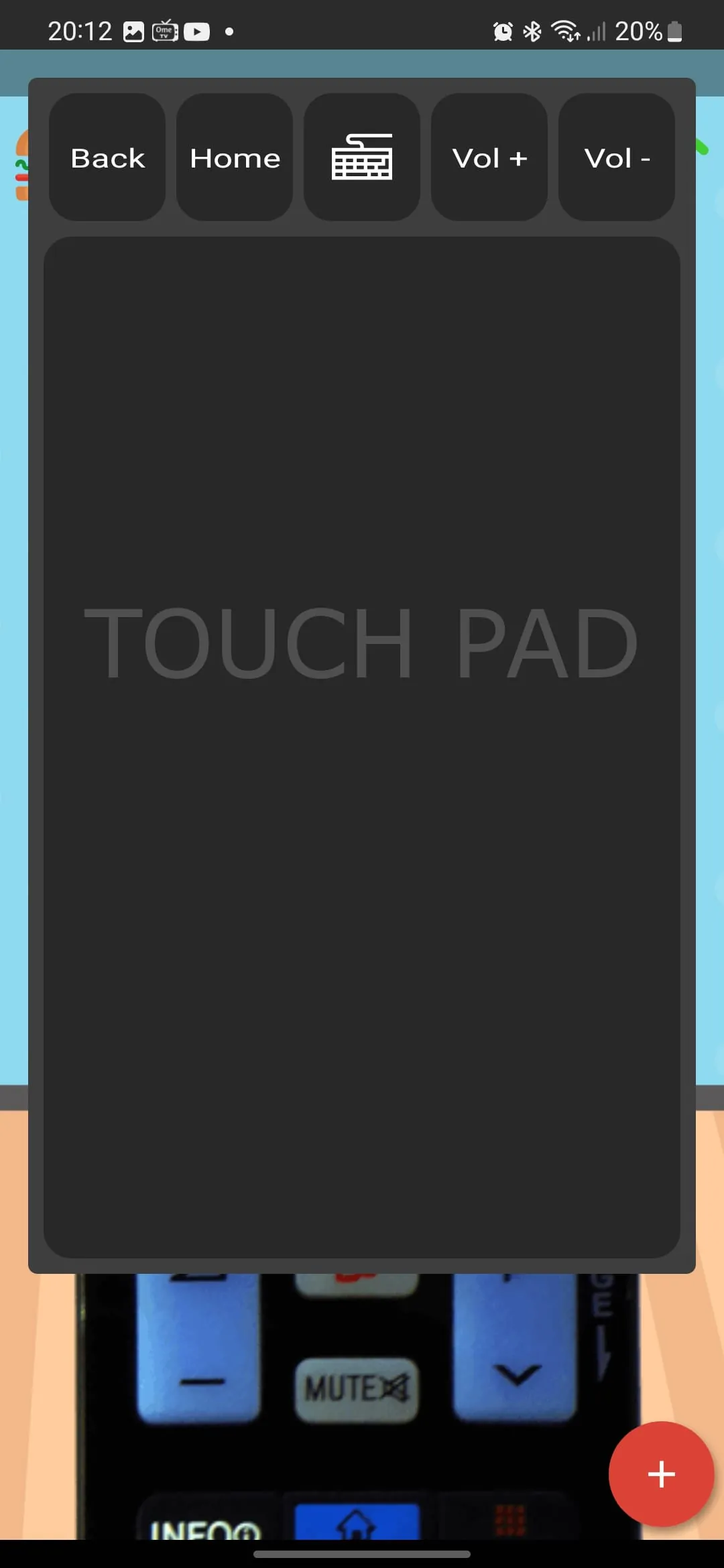
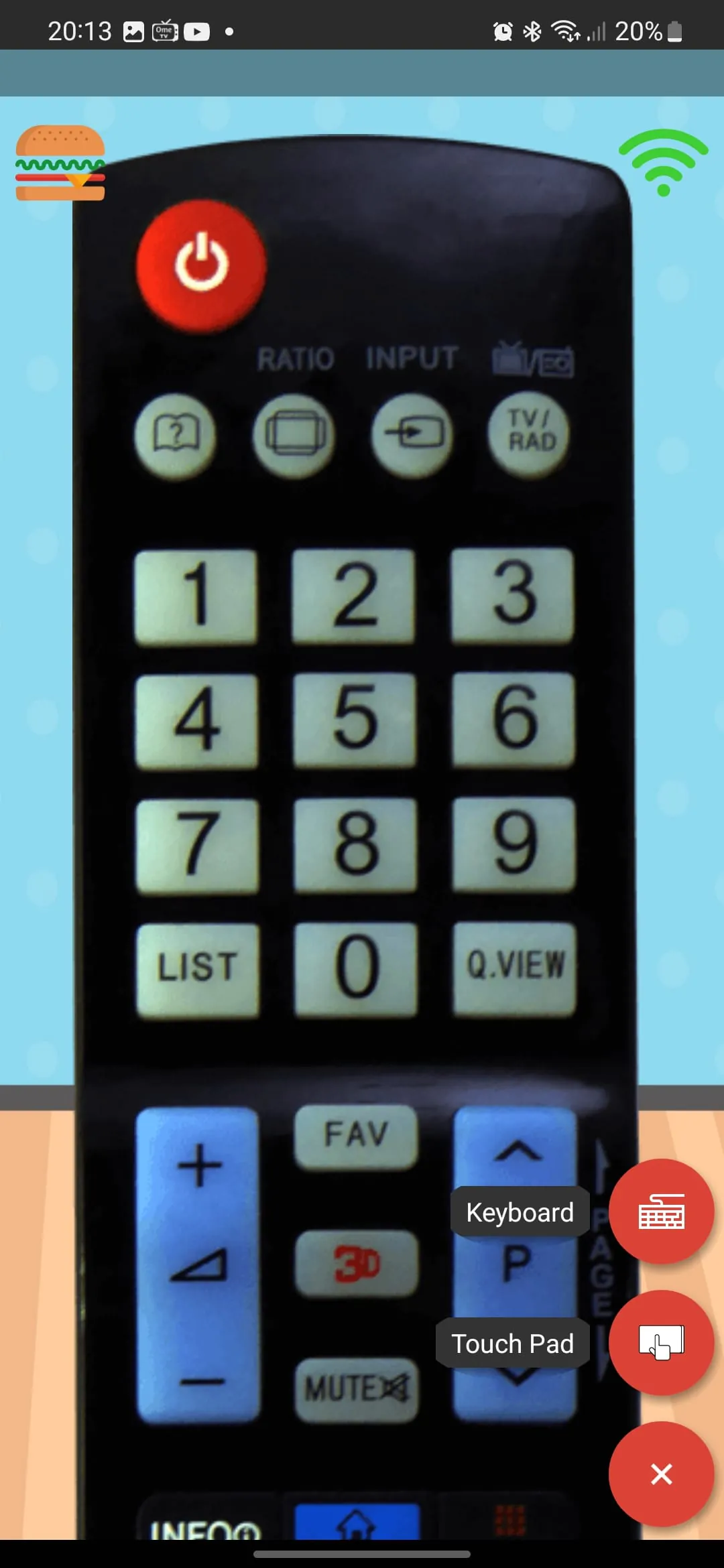
A remote app's core functionality should include basic controls like power, volume, channel changing, and menu navigation. More advanced apps might offer features like keyboard input, voice control, and screen mirroring. Consider what functions are most important to you when choosing a remote app.
Essential Controls
Power, volume, channel, menu, and input selection are fundamental controls that any remote app should provide.
User Interface (UI) and Experience: Navigating the Digital Living Room
A well-designed UI is crucial for a positive user experience. Look for an app with a clear layout, intuitive navigation, and customizable buttons. The ability to create macros (sequences of commands) can also significantly enhance usability. Imagine setting up a "movie night" macro that automatically turns on your TV, sets the input to your streaming device, and dims your smart lights.
Data Management & Privacy: Protecting Your Information
Pay attention to the permissions the app requests. A remote app shouldn't need access to your contacts or location data. Review the app's privacy policy to understand how your data is collected and used. Understanding data collection practices is crucial for maintaining your digital privacy.
Privacy Considerations
Always check the app's permission requests and privacy policy to ensure your data is protected.
Monetization: Balancing Cost and Features
Many remote apps offer a free version with basic functionality and a paid version with advanced features and no ads. Evaluate whether the paid features justify the cost. Consider whether a one-time purchase or a subscription model is more suitable for your needs. Free versions often include ads, which can be distracting.
Updates and Maintenance: Ensuring Long-Term Compatibility
Regular updates are essential to ensure compatibility with new devices and to fix bugs. Check the app's update history to see how frequently the developer releases updates and addresses user feedback. A responsive developer indicates a commitment to maintaining and improving the app.
Market Position & Alternatives: Exploring the Landscape
Research other remote apps in the market to compare features, pricing, and user reviews. Some apps may be specifically designed for certain TV brands, while others offer broader compatibility. Look for apps that offer a free trial or a money-back guarantee to test their functionality before committing to a purchase.